

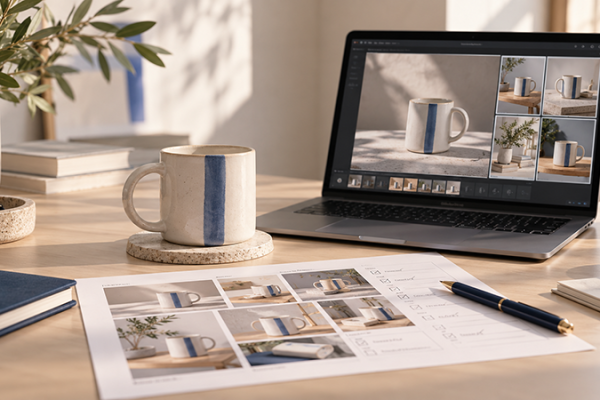








The best AI tools for graphic design are no longer just experimental image generators. In 2026, they have become part of real creative workflows: brand identity, social media graphics, product mockups, posters, web visuals, logo concepts, typography exploration, image enhancement, campaign assets, and fast design iteration.
For graphic designers, this is both exciting and uncomfortable. AI can help you move faster, explore more ideas, and reduce repetitive production work. But it can also create generic visuals, weak layouts, inconsistent branding, and designs that look impressive at first glance but do not solve a real communication problem.
That is why choosing the right AI graphic design tools matters. A good tool should not replace your eye, taste, strategy, or creative judgment. It should support them. The strongest AI tools help designers brainstorm faster, generate visual directions, build brand assets, clean up images, create editable layouts, test color palettes, and prepare visuals for real marketing use.
This guide looks at the most useful AI tools for graphic design in 2026, including tools for AI image generation, logo design, brand kits, UI design, color palettes, image upscaling, template-based design, and creative production. Instead of treating AI as a magic button, this article focuses on how each tool can fit into a practical design workflow.
Explore More DesignRise Resources:
- 7 Findings That Prove the Importance of Great UX
- Why Predictability Is Important for UX Design?
- How to Stop Design Clients Making Too Many UX Decisions
- Best AI Art Generators and Tools for Designers in 2026
How AI Is Changing Graphic Design in 2026
AI has changed graphic design because it reduces the distance between idea and first draft. A designer can now type a prompt and generate a visual direction in seconds. A marketer can create social post variations without opening Photoshop. A small business owner can generate logo ideas before hiring a designer. A design team can create mood boards, mockups, and campaign concepts much faster than before.
But speed is not the same as quality. Good graphic design still depends on visual hierarchy, brand consistency, composition, typography, color strategy, audience awareness, and clear communication. AI can support those decisions, but it does not automatically understand your brand, your market, your customer, or your business goals.
The most successful designers use AI as a creative assistant, not as a replacement for design thinking. They let AI help with exploration, ideation, variations, image editing, background generation, and production tasks. Then they use human judgment to refine, select, edit, align, and polish the final result.
Where AI Helps Most in Graphic Design
- Idea generation: creating multiple visual directions quickly.
- Image generation: producing illustrations, backgrounds, campaign visuals, or concept art.
- Brand exploration: testing logo directions, color palettes, typography moods, and mockups.
- Social media design: turning campaign ideas into fast visual variations.
- Image cleanup: removing objects, extending backgrounds, improving resolution, or enhancing image quality.
- Layout inspiration: generating starting points for posters, landing pages, ads, presentations, and UI screens.
- Production speed: adapting one idea into different formats, sizes, and channels.
How to Choose the Right AI Graphic Design Tool
There is no single best AI design tool for every designer. The right choice depends on what you create most often. A brand designer needs different tools than a UI designer. A social media designer needs different features than a print designer. A freelancer working with small businesses may need fast brand kits and mockups, while an agency may care more about creative control and commercial safety.
Before choosing a tool, ask what part of your workflow feels slow, repetitive, or creatively blocked. Do you need better images? Faster mockups? Stronger logo concepts? More social media variations? Better color palettes? Higher-resolution visuals for print? The answer will help you choose tools that actually improve your work instead of adding another subscription you barely use.
Key Things to Look For
- Output quality: Are the visuals sharp, usable, and professional enough?
- Editability: Can you adjust layers, text, colors, layout, and style after generation?
- Typography quality: Can the tool handle readable text inside images?
- Brand control: Can you keep a consistent visual identity across assets?
- Commercial use: Are the licensing terms clear enough for client work?
- Workflow fit: Does it connect with tools you already use?
- Speed: Does it save time, or does it create more cleanup work?
- Cost: Does the pricing make sense for how often you will use it?
Quick Comparison: Best AI Tools for Graphic Design
Here is a practical overview of the tools covered in this guide and where each one fits best.
Best AI Tools for Graphic Design in 2026
The following tools are useful for different parts of the graphic design process. Some are better for professional designers, while others are better for marketers, founders, small businesses, and content creators who need strong visuals quickly.
1. Adobe Firefly
Best for: designers already using Photoshop, Illustrator, Express, or the Adobe Creative Cloud ecosystem.
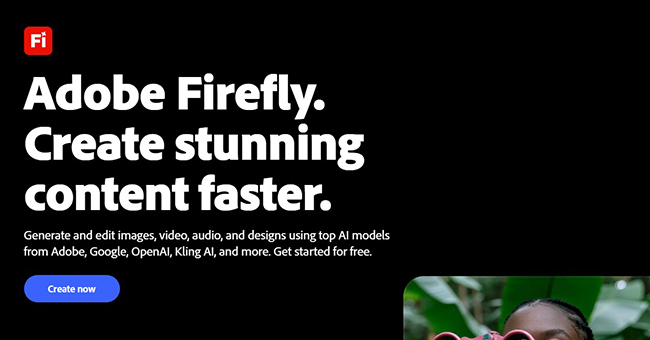
Adobe Firefly is one of the most important AI tools for professional graphic designers because it fits into the broader Adobe workflow. For designers who already use Photoshop, Illustrator, or Adobe Express, Firefly can feel less like a separate experiment and more like an extension of existing creative work.
Firefly is useful for generating images, extending backgrounds, creating text effects, experimenting with visual directions, and speeding up edits that used to take much longer manually. It is especially helpful when a designer needs to create several directions quickly before refining one idea in Photoshop or Illustrator.
One of Firefly’s biggest strengths is its connection to production tools. Many AI image generators create impressive results, but they are not always easy to edit. Adobe’s advantage is that designers can move from generation to refinement inside tools they already know.
Where Adobe Firefly Works Best
- Generating campaign visuals and image concepts.
- Extending backgrounds for banners and social formats.
- Creating text effects and stylistic explorations.
- Testing visual directions before final design production.
- Speeding up Photoshop-based editing workflows.
What to Watch Out For
Firefly is powerful, but it does not remove the need for design judgment. AI-generated imagery still needs review for composition, brand fit, visual accuracy, and commercial suitability. Designers should also keep an eye on credit usage and licensing details before using generated assets in client projects.
Pricing note: Adobe Firefly uses free and paid plans with generative credits. Pricing and credit limits can change, so check the official Adobe Firefly plans before buying.
2. Canva AI
Best for: social media graphics, presentations, marketing assets, templates, brand kits, and fast content production.
Canva has become one of the most accessible design platforms in the world, and its AI features make it even more useful for non-designers, marketers, content creators, and small business teams.
Canva AI is helpful because it combines AI generation with templates, drag-and-drop editing, brand kits, stock assets, presentations, documents, and social media formats. Instead of creating an isolated AI image, users can turn ideas into editable layouts that can be refined for real marketing use.
For professional designers, Canva may not replace advanced tools like Photoshop, Illustrator, or Figma. But it can be useful for fast marketing production, client handoff, social templates, branded content systems, and teams that need to produce consistent graphics without involving a designer for every small asset.
Where Canva AI Works Best
- Social media posts and carousel designs.
- Presentation decks and marketing documents.
- Simple brand kits for small businesses.
- Fast template-based design production.
- Turning text prompts into editable design ideas.
What to Watch Out For
Because Canva is template-based and widely used, designs can start to look similar if you do not customize them enough. The best results come when you use Canva as a production assistant but still adjust typography, spacing, hierarchy, imagery, and brand details.
3. Midjourney
Best for: mood boards, campaign concepts, editorial imagery, cinematic visual directions, and creative exploration.
Midjourney remains one of the strongest tools for generating visually striking images. It is popular among designers, art directors, illustrators, marketers, and creators who want atmospheric, cinematic, or highly stylized visuals.
Midjourney is especially useful during the early creative phase. If you are exploring visual worlds for a campaign, brand direction, poster concept, album cover, editorial mood, or advertising idea, it can help generate many directions quickly.
Its biggest strength is visual quality. It can create images with strong lighting, style, texture, and mood. For graphic design, this makes it useful for mood boards, background visuals, concept development, and creative inspiration.
Where Midjourney Works Best
- High-impact visual concepts.
- Editorial and advertising imagery.
- Mood boards and art direction studies.
- Creative campaign exploration.
- Background images and visual references.
What to Watch Out For
Midjourney can produce beautiful visuals, but designers still need to check details carefully. Text accuracy, brand consistency, exact layout control, and editability can be limitations depending on the project. It is often better for direction and visual exploration than for final editable design systems.
Pricing note: Midjourney uses subscription plans. Check current plan details before building a workflow around it.
4. Ideogram
Best for: AI visuals that need readable text, posters, promotional graphics, logo concepts, and typography-heavy images.
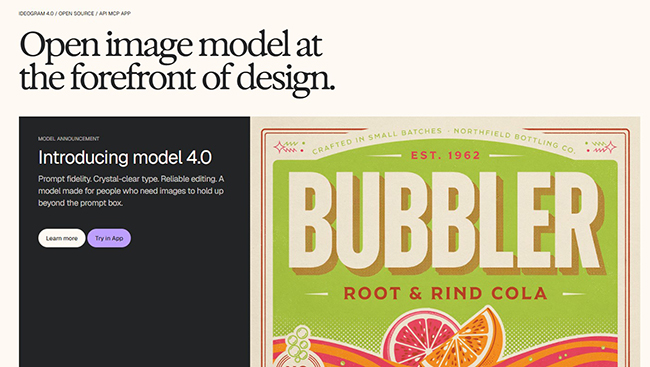
Ideogram is especially interesting for graphic designers because text rendering has historically been one of the weakest areas in AI image generation. Many AI tools can create attractive images, but they struggle when you ask for readable words inside the composition.
Ideogram focuses heavily on visual intelligence for design, including stronger prompt alignment, layout control, and clearer typography inside generated images. That makes it useful for posters, quote graphics, campaign concepts, merchandise ideas, logo explorations, and social visuals where text is part of the image itself.
Where Ideogram Works Best
- Poster concepts with integrated text.
- Logo and badge explorations.
- Social media graphics with words in the image.
- Merchandise concepts and sticker-style designs.
- Typography-focused AI visuals.
What to Watch Out For
Even when a tool is strong at text rendering, designers should still proofread every generated image. AI can make spelling, spacing, or letterform mistakes. For final brand work, you may still need to recreate typography manually in Illustrator, Photoshop, Figma, or another editable tool.
5. Leonardo AI
Best for: image generation, style exploration, brand visuals, concept art, product visuals, and creative workflows.
Leonardo AI is a strong generative AI platform for designers who want a wide range of visual styles and image models. It is useful for generating high-quality visuals from prompts, experimenting with different aesthetics, and scaling ideas across multiple creative directions.
Graphic designers can use Leonardo AI for campaign images, product visuals, social content, concept art, background imagery, and branded illustration styles. It is particularly useful when you need to explore multiple visual styles quickly and compare which direction best supports the project.
Where Leonardo AI Works Best
- Concept art and creative exploration.
- Social media campaign visuals.
- Brand mood boards and style directions.
- Product or lifestyle image concepts.
- Generating variations around a specific aesthetic.
What to Watch Out For
As with most AI image platforms, the generated output may need cleanup, retouching, cropping, upscaling, or brand refinement. For professional client work, use Leonardo AI as part of a workflow rather than the final step.
6. Kittl
Best for: branding, merch design, product mockups, posters, social graphics, and print-on-demand visuals.
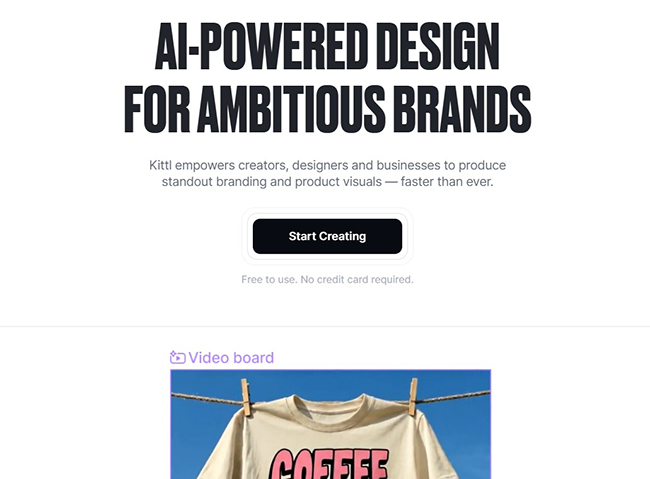
Kittl has become a powerful AI-first design platform for creators, businesses, and designers who need polished brand and product visuals. It combines AI generation with templates, mockups, editing tools, fonts, and design-ready assets.
For graphic designers, Kittl is especially useful when the final output needs to look like a finished design, not just an AI-generated image. It is strong for posters, merchandise, packaging concepts, labels, social graphics, logos, and product mockups.
Where Kittl Works Best
- T-shirt and merchandise concepts.
- Poster and label design.
- Mockups for products and branding.
- Typography-driven graphics.
- Fast brand and marketing visuals.
What to Watch Out For
Kittl is useful because it gives designers more control than a pure image generator. Still, you should customize outputs carefully so they do not feel template-driven. Check spacing, hierarchy, type choices, and brand consistency before using final assets.
7. Figma AI
Best for: UI design, product design, landing page layouts, design exploration, collaboration, and product workflows.
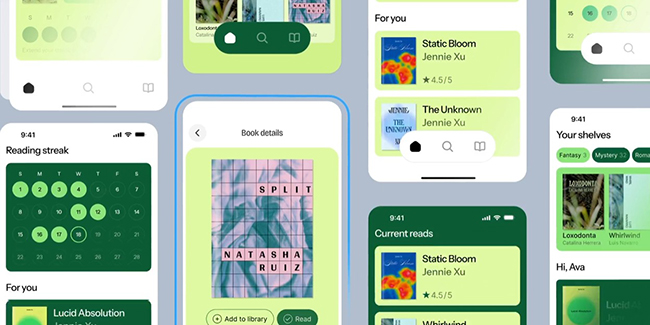
Figma AI is not only for traditional graphic design, but it is highly relevant for designers who work across UI, web design, product visuals, landing pages, and collaborative design systems.
Figma AI can help designers get started faster, search files, explore design directions, edit images, generate diagrams, and stay inside the collaborative Figma workflow. For graphic designers who also work on web visuals, product screens, or marketing landing pages, this can be a major productivity boost.
Where Figma AI Works Best
- Landing page layouts and web design exploration.
- UI screens and product design concepts.
- Design file search and workflow assistance.
- Diagramming and early structure generation.
- Collaborative refinement with teams.
What to Watch Out For
Figma AI is strongest when used with design judgment and team context. It can speed up exploration, but it should not replace thoughtful UX decisions, responsive design checks, accessibility review, or brand system consistency.
8. Uizard
Best for: UI mockups, wireframes, app concepts, website prototypes, and quick product idea visualization.
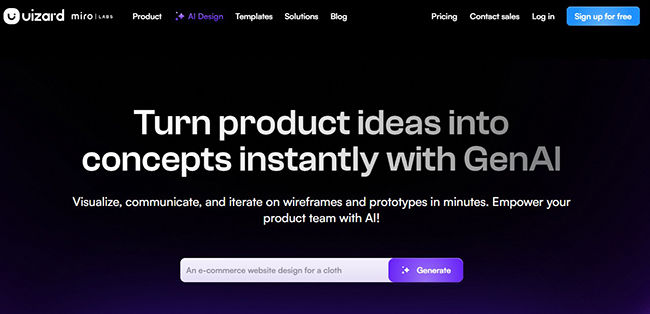
Uizard is an AI-powered UI design tool that helps users turn ideas into editable prototypes. It is especially useful for designers, founders, product managers, and teams that need to visualize app or website ideas quickly.
Uizard can help generate multi-screen prototypes from prompts, transform sketches into mockups, and speed up early design exploration. For graphic designers moving into UI or digital product work, Uizard can be a helpful bridge between visual thinking and interface structure.
Where Uizard Works Best
- Early app and website concepts.
- Turning rough sketches into digital mockups.
- Rapid wireframing and prototyping.
- Communicating product ideas to stakeholders.
- Creating first drafts before refinement in more advanced tools.
What to Watch Out For
Uizard is best for early-stage visualization. For complex product design, design systems, advanced interaction details, or production-ready UI work, designers may still need tools like Figma, Sketch, or Adobe XD alternatives.
9. Magnific AI
Best for: fast asset generation, image editing, stock-style visuals, upscaling, and creative production.
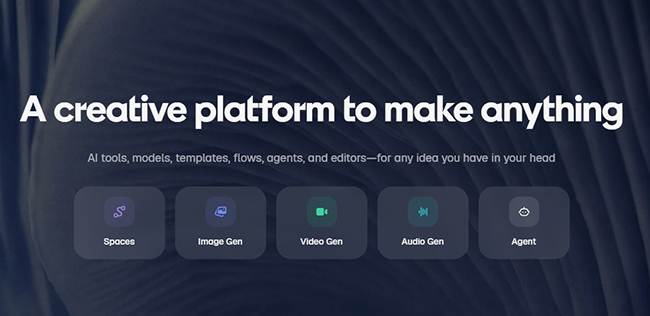
Freepik AI Suite is useful for designers who already rely on stock assets, vector resources, templates, and quick creative production. Its AI tools support image generation, editing, organization, and workflow management inside a creative asset ecosystem.
For graphic design, Freepik AI is practical because many designers do not need one perfect AI image generator. They need a place to find, create, edit, upscale, and organize visual assets quickly.
Where Freepik AI Works Best
- Creating marketing visuals and social assets.
- Generating stock-style images and illustrations.
- Editing and enhancing existing visuals.
- Organizing generated assets into projects.
- Supporting fast creative production for campaigns.
What to Watch Out For
Because Freepik is built around asset production, designers should be careful not to rely too heavily on generic visuals. Strong brand work still needs custom direction, consistent styling, and thoughtful art direction.
10. Khroma
Best for: color palette generation, brand color exploration, UI color inspiration, and visual style development.
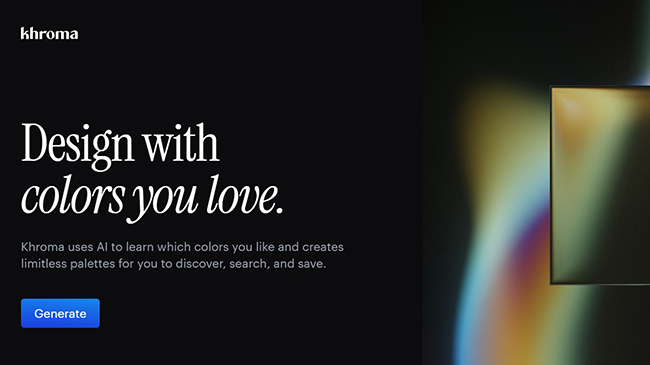
Khroma is a simple but useful AI tool for generating color combinations based on your preferences. Color is one of the most important parts of graphic design, but choosing the right palette can be difficult, especially when you need something fresh but still usable.
Khroma learns from colors you select and then produces palette combinations you can use in branding, web design, posters, social content, packaging, and UI work. It is especially helpful when you feel stuck using the same familiar palettes over and over.
Where Khroma Works Best
- Exploring brand color palettes.
- Finding fresh combinations for campaigns.
- Testing gradients and contrast directions.
- Creating visual mood boards.
- Speeding up early color exploration.
What to Watch Out For
AI-generated color palettes still need accessibility and contrast checks. A palette may look beautiful but fail readability standards. Always test important text and UI elements before using a palette in real products or websites.
11. Looka
Best for: logo concepts, small business branding, brand kits, and fast identity exploration.
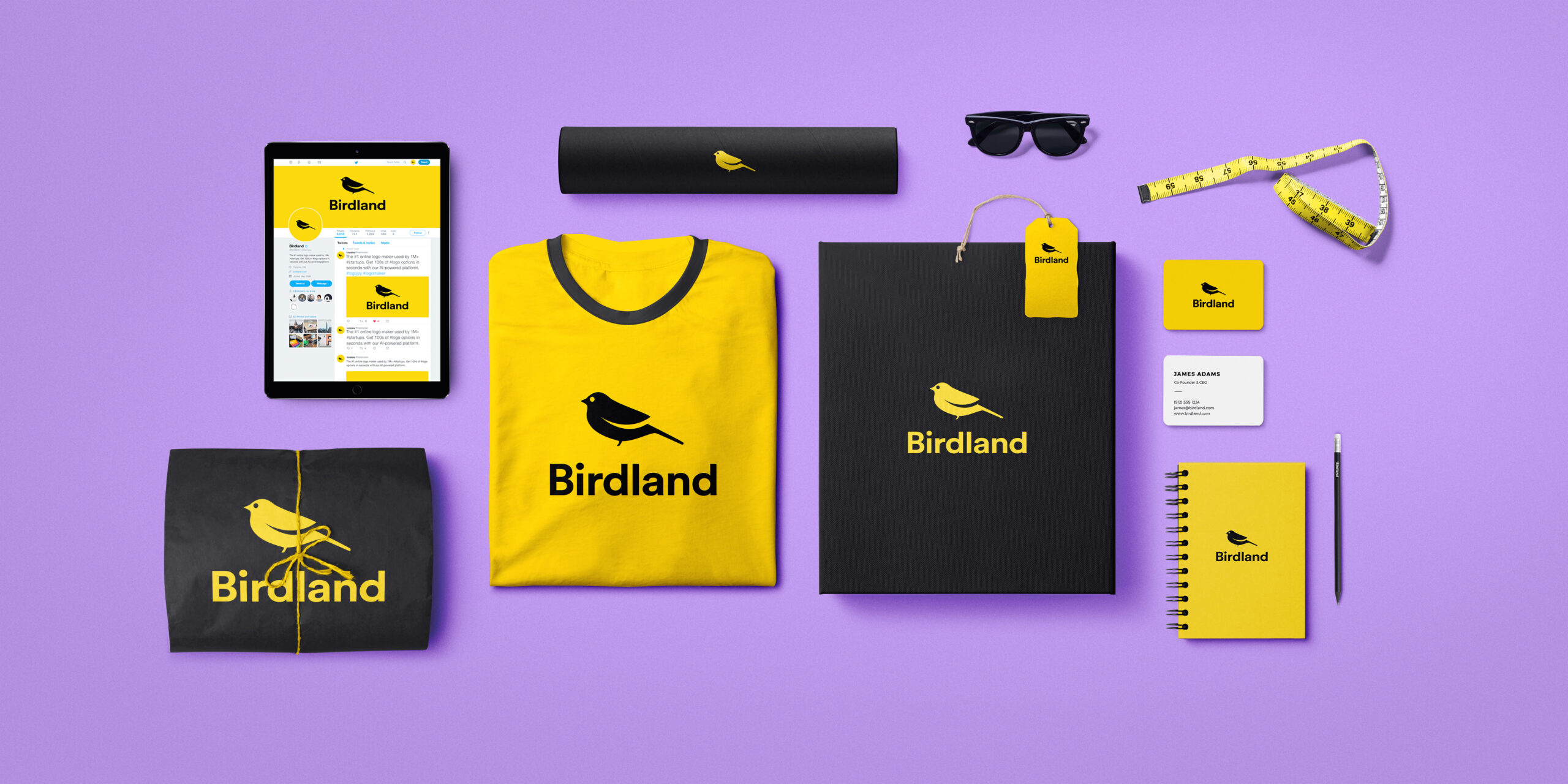
Looka is an AI logo maker and brand identity tool aimed at entrepreneurs, small businesses, and creators who need a quick starting point for branding.
Looka combines user preferences with AI to generate logo options, then supports brand kits, templates, colors, fonts, and marketing materials. For professional designers, it may not replace a full brand identity process. But it can be useful for quick concept exploration, early direction testing, and small businesses that need a simple visual identity fast.
Where Looka Works Best
- Logo idea generation.
- Small business brand kits.
- Simple visual identity starting points.
- Testing logo styles before deeper design work.
- Creating basic branded marketing materials.
What to Watch Out For
AI logo makers can produce useful starting points, but brand identity is more than a logo. If you are building a serious brand, you still need strategy, positioning, typography rules, color logic, visual consistency, and originality checks.
12. AutoDraw
Best for: quick icons, rough sketches, simple illustrations, and fast visual elements.
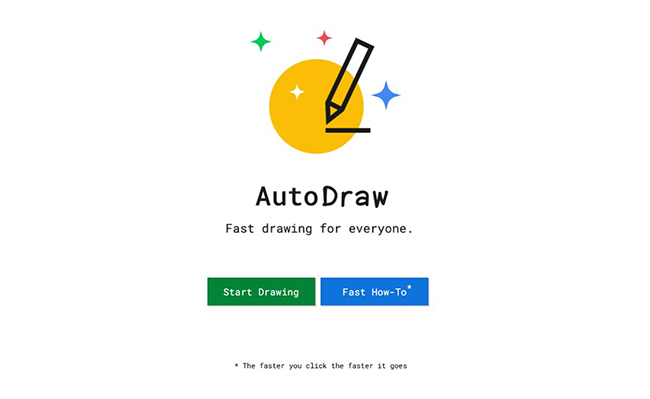
AutoDraw is one of the older AI-assisted design tools, but it remains useful because it solves a simple problem: turning rough drawings into cleaner visual elements.
You sketch a shape or object, and AutoDraw suggests cleaner icons or drawings that match what you may be trying to create. It is not a complete graphic design platform, but it can be handy when you need a quick simple icon or visual idea.
Where AutoDraw Works Best
- Simple icons and quick visual symbols.
- Fast sketch-to-icon workflows.
- Educational graphics and presentations.
- Brainstorming simple visual elements.
- Designers who need basic drawings without illustration skills.
What to Watch Out For
AutoDraw is limited compared with modern AI image generators, but its simplicity is the point. Use it for quick, simple graphics rather than complex brand visuals or polished illustrations.
13. Let’s Enhance
Best for: image upscaling, print preparation, sharpening, old image improvement, and AI image cleanup.
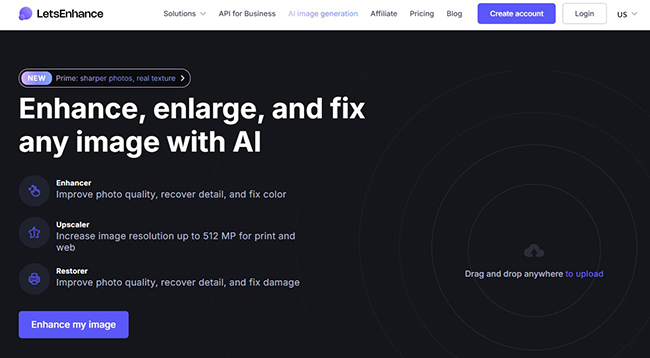
Let’s Enhance is an AI-powered image enhancer and upscaler. It is useful for designers who need to improve image quality, increase resolution, sharpen details, fix exposure, or prepare images for larger formats.
This is especially valuable in graphic design because clients often send low-quality images. A logo may be too small. A product photo may be compressed. A social media image may need to become a poster. An AI-generated image may look good but lack enough resolution for print.
Where Let’s Enhance Works Best
- Upscaling low-resolution images.
- Preparing visuals for print.
- Improving product photos.
- Enhancing AI-generated images.
- Recovering details from old or compressed assets.
What to Watch Out For
Upscaling can improve image quality, but it cannot always fix a poor original asset perfectly. Designers should still check faces, text, logos, patterns, and small details after enhancement.
14. Designs.ai
Best for: quick marketing assets, logos, videos, social graphics, and multi-format creative production.
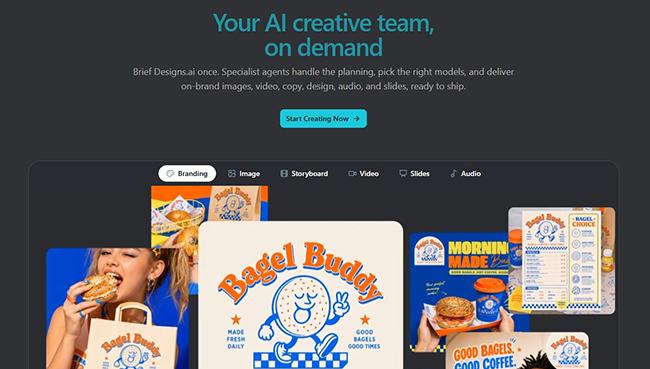
Designs.ai is a broader creative platform that combines different tools for generating logos, videos, graphics, and marketing materials. It is useful for small teams, marketers, and creators who need several types of assets from one place.
For graphic designers, Designs.ai can be helpful when speed matters more than deep custom control. It can support quick campaign production, brand material exploration, and simple marketing visuals.
Where Designs.ai Works Best
- Fast social media graphics.
- Logo and brand material ideas.
- Video and marketing asset production.
- Small business creative workflows.
- Teams that need multiple content formats.
What to Watch Out For
Designs.ai is convenient, but designers should customize outputs carefully. Like many all-in-one design tools, it can produce results that feel generic if you accept the first version without refinement.
15. DreamStudio by Stability AI
Best for: Stable Diffusion-based image generation, creative experimentation, prompt control, and AI visual exploration.
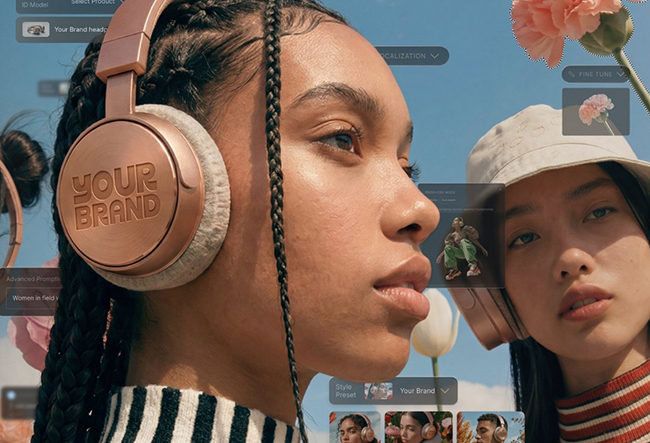
DreamStudio is an AI image generation tool connected to Stability AI’s image models. It is useful for designers who want to experiment with text-to-image generation, style exploration, image variations, and prompt-based visual creation.
DreamStudio is especially useful for designers who want more control over generation settings and are interested in Stable Diffusion-based workflows. It can be helpful for campaign visuals, concept art, abstract backgrounds, illustration styles, and early creative exploration.
Where DreamStudio Works Best
- Text-to-image generation.
- Visual concept exploration.
- Creative image variations.
- Backgrounds and abstract visuals.
- Designers who want more control over generation settings.
What to Watch Out For
DreamStudio can be powerful, but designers should understand how credits, settings, resolution, and prompt structure affect results. It is best used by people who are comfortable experimenting rather than expecting perfect output from one prompt.
How Designers Should Use AI Without Losing Their Creative Voice
The biggest mistake designers can make with AI is letting the tool make all the creative decisions. AI can generate hundreds of options, but more options do not automatically mean better design. A strong designer knows what to keep, what to reject, what to refine, and what does not fit the brief.
Think of AI as a fast assistant. It can bring you raw material, but you still need to direct the work. You are responsible for brand fit, visual hierarchy, audience relevance, originality, accessibility, and final polish.
A Practical AI Graphic Design Workflow
- Define the goal. What should the design communicate?
- Collect references. Build a mood direction before prompting.
- Generate rough options. Use AI to explore, not to finish.
- Select the strongest direction. Choose based on strategy, not only appearance.
- Edit manually. Refine layout, typography, spacing, color, and details.
- Check brand consistency. Make sure the design fits the identity.
- Review accessibility. Check contrast, readability, and clarity.
- Prepare final files. Export correctly for web, print, social, or client delivery.
Common Mistakes to Avoid With AI Graphic Design Tools
1. Using AI Output Without Editing
Most AI-generated designs need refinement. The first result may look impressive, but small issues with composition, anatomy, typography, spacing, or brand fit can make it unusable professionally.
2. Ignoring Typography
Typography is still one of the hardest areas for AI. Always check spelling, letter spacing, hierarchy, font choice, and readability before using generated visuals.
3. Creating Generic Brand Assets
AI tools often create polished but familiar visuals. A strong brand needs distinction. Do not accept assets that could belong to any company in the same industry.
4. Forgetting Licensing and Commercial Use
Before using AI-generated assets for client work, advertising, products, or print-on-demand, review the tool’s licensing terms. Rules can differ between free plans, paid plans, and enterprise accounts.
5. Replacing Strategy With Speed
AI can help you move faster, but it cannot define your audience, positioning, message, or creative strategy for you. Fast visuals without strategy often become forgettable visuals.
Which AI Graphic Design Tool Should You Start With?
If you are overwhelmed, start with the type of work you create most often.
Final Thoughts
The best AI tools for graphic design in 2026 are not about replacing designers. They are about helping designers move through the creative process with more speed, flexibility, and range.
Adobe Firefly is strong for professional creative workflows. Canva AI is excellent for fast marketing production. Midjourney and Leonardo AI are powerful for visual exploration. Ideogram is useful for typography-heavy AI visuals. Figma AI supports product and UI design workflows. Kittl, Looka, Freepik AI, and Designs.ai help with branding and content production. Khroma, AutoDraw, Let’s Enhance, and DreamStudio each solve specific creative problems.
The real value comes from knowing when to use each tool. AI can generate ideas, but designers still need to shape meaning. AI can create options, but designers still need to choose with purpose. AI can speed up production, but designers still need to protect clarity, originality, accessibility, and brand consistency.
Great graphic design is not created by prompts alone. It is created when strong creative judgment meets the right tools.
For more practical guides on creative tools, AI design workflows, branding, UX, and digital design resources, continue exploring DesignRise.
Discover more from DesignRise
Subscribe to get the latest posts sent to your email.


