










Free Procreate brushes are one of the easiest ways to refresh your digital art workflow without spending money on premium packs right away. A good brush can help you sketch faster, add texture, build atmosphere, create pattern effects, paint with watercolor, shade with grain, design botanical elements, or finish artwork with more personality.
For many artists, the problem is not finding brushes. The problem is knowing which free brushes are actually useful. Some brush packs look exciting in previews but feel awkward in real artwork. Others are simple but become everyday tools because they solve a specific creative need.
This guide brings together a curated selection of free Procreate brushes ready to download, including halftone brushes, watercolor brushes, sketch pencils, grunge effects, grain brushes, shader brushes, botanical stamps, ink tools, stencil kits, texture toolkits, and creative sample packs. Instead of treating this as a random download list, think of it as a practical brush library builder.
The goal is simple: help you choose brushes that can actually improve your process. Whether you create digital illustrations, concept art, lettering, comics, social media graphics, packaging visuals, posters, stickers, or personal sketchbook studies, these free brush resources can help you test new styles and build a stronger Procreate toolkit.
Before using any brush in paid client work, commercial illustration, print-on-demand products, digital products, or marketplace assets, always check the license on the original download page. Free brushes are often generous, but usage rights can vary from creator to creator.
Explore More DesignRise Resources:
- 17 Free Spooky Halloween Fonts for Designers
- Procreate vs. Photoshop: Should You Make the Switch?
- Magical New Year Textures for Your Design
- New Procreate Brush Collections Every Digital Artist Must Try
Why Free Procreate Brushes Are Worth Downloading
Procreate already includes a strong default brush library, but custom brushes can open new creative directions. They can imitate traditional tools, speed up repetitive details, create instant textures, or help you test a style before investing in a premium set.
A free Procreate brush is especially useful when you want to experiment. You may discover that you love halftone shading, rough comic textures, botanical stamps, dry ink, watercolor washes, or grain overlays. Once you know what fits your style, you can decide whether to keep using free tools or upgrade to more advanced brush packs later.
Free Brushes Can Help You
- Test new styles: try watercolor, grunge, halftone, stencil, grain, ink, or botanical effects.
- Save time: create textures, patterns, stamps, and shading faster than drawing everything manually.
- Build a starter toolkit: create a useful brush library without paying upfront.
- Improve surface quality: add texture and handmade character to flat digital artwork.
- Support different projects: use different brushes for comics, portraits, posters, lettering, and illustration.
- Learn what you like: understand which brush behavior feels natural for your hand and style.
How to Choose the Right Free Procreate Brush
Downloading every brush you see may feel exciting, but it can quickly clutter your Procreate Brush Library. A better approach is to download brushes with a purpose. Ask yourself what your current artwork is missing. Do you need better sketching tools? More texture? Faster backgrounds? Decorative stamps? Better shading? A stronger ink brush?
The best brush for you is not always the most popular one. It is the one you will actually use in your creative process.
Use This Brush Selection Checklist
How to Install Free Procreate Brushes
Most Procreate brushes are delivered as .brush or .brushset files. A single brush usually comes as a .brush file, while a full set usually comes as a .brushset file.
Basic Installation Steps
- Download the brush file to your iPad, iCloud Drive, Downloads folder, or Files app.
- Tap the .brush or .brushset file.
- Procreate should open automatically and import the brush.
- Open the Brush Library in Procreate.
- Look for the new brush set near the top of your Brush Library.
- Create a test canvas before using the brush in a finished project.
Testing Tip
Before you add a brush to your main workflow, test it with light pressure, heavy pressure, different brush sizes, opacity changes, and multiple layers. This will show you whether the brush works best for sketching, texture, background effects, shading, or final details.
Quick Guide: Which Free Procreate Brush Should You Download First?
Not every brush in this collection serves the same purpose. Use this quick guide to choose based on your creative goal.
Free Procreate Brushes Ready to Download
Below is the cleaned and expanded collection of free Procreate brushes from the original article. Some links download files directly, while others open Google Drive, DesignCuts, or resource pages. Always review each page before downloading and check current license terms before commercial use.
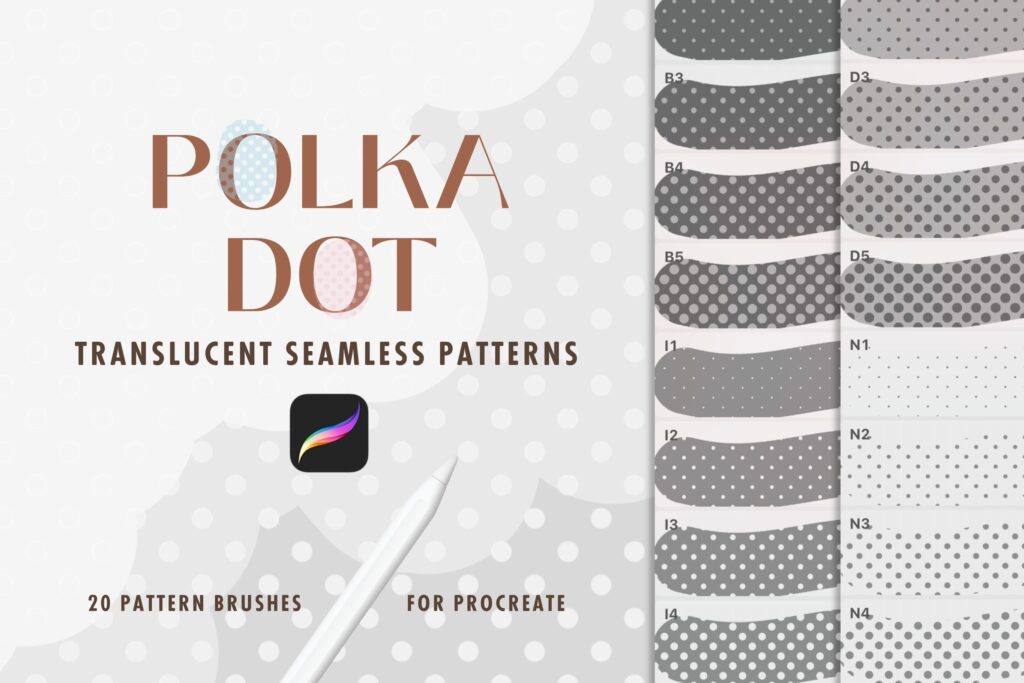
1. Polka Dot Halftone Procreate Brushes
Best for: retro effects, comic shading, dotted patterns, poster backgrounds, and graphic textures.
Polka Dot Halftone Procreate Brushes are useful when you want to add a graphic dotted surface to your artwork. Halftone effects can make digital illustrations feel more printed, retro, comic-inspired, or editorial. They work well for backgrounds, shadows, decorative areas, and bold design compositions.
This brush set is especially helpful if you create posters, social media graphics, sticker designs, pop-art illustrations, or comic-style layouts. Use it on a separate layer so you can adjust opacity, scale, color, and masking without damaging the rest of your artwork.
Why Try It?
- Creates quick dotted pattern effects.
- Useful for comic, retro, and pop-art styles.
- Works well for backgrounds and shading.
- Easy to edit when used on a separate layer.
Download Polka Dot Halftone Brushes
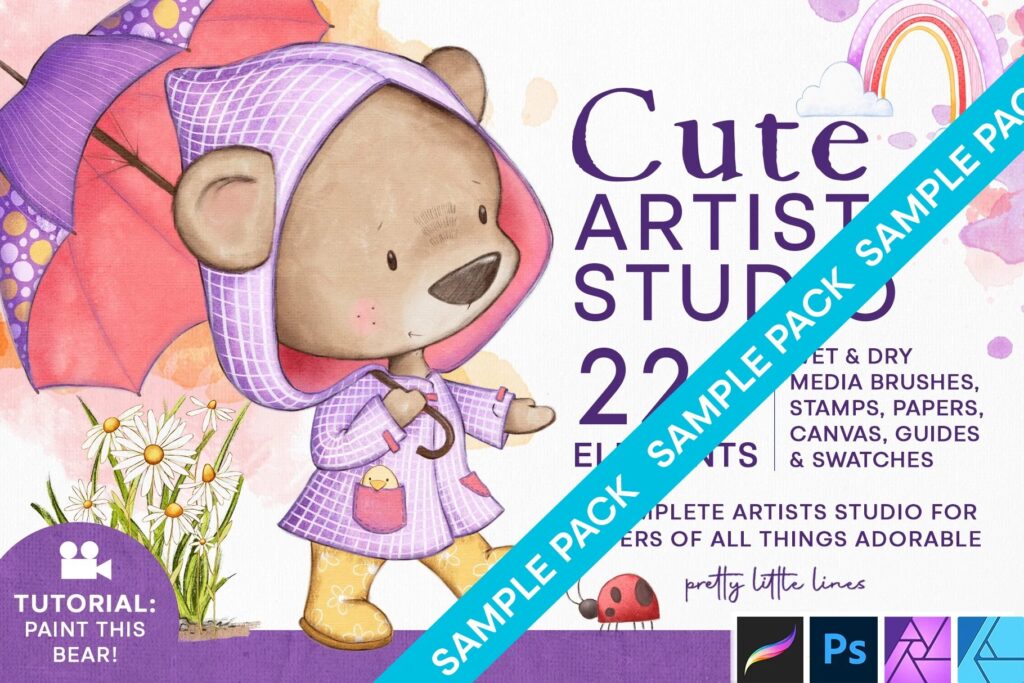
2. Cute Artist Studio — Brushes, Stamps & Texture Toolbox Sample Pack
Best for: cozy illustrations, artist-themed designs, creative stickers, decorative stamps, and playful textures.
Cute Artist Studio is a sample pack that combines brushes, stamps, and texture tools. This type of collection is useful because it gives you more than one kind of creative asset. You can use brushes for mark-making, stamps for quick objects or decorative elements, and textures to make the final artwork feel richer.
It is a good match for artists who create cute digital illustrations, journaling pages, sticker designs, social media graphics, art-themed compositions, and playful branding details.
Best Uses
- Sticker-style artwork.
- Creative studio illustrations.
- Decorative Procreate stamps.
- Soft texture overlays.
- Playful social media visuals.
Download Cute Artist Studio Sample Pack
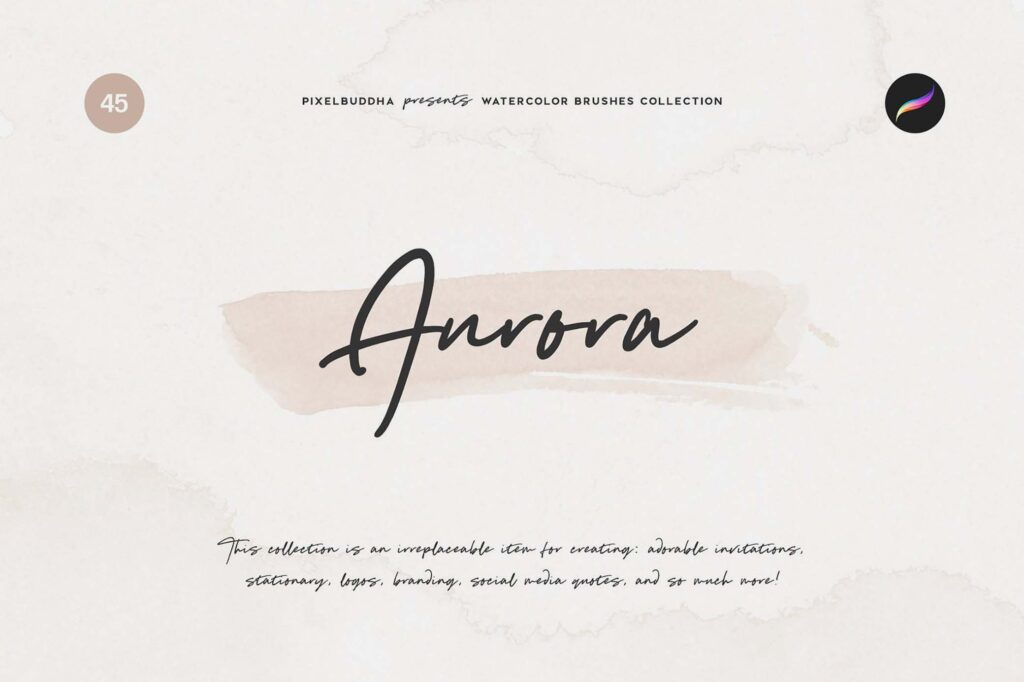
3. Aurora Watercolor Procreate Brushes
Best for: watercolor effects, soft washes, gentle shading, expressive backgrounds, and painterly digital illustration.
Aurora Watercolor Procreate Brushes are a good option if you want to bring a softer, more organic painting style into your Procreate workflow. Watercolor brushes can help create transparent layers, soft edges, textured washes, and delicate color transitions.
Use this brush set for botanical illustration, portraits, greeting cards, background washes, dreamy scenes, subtle gradients, and handmade-style artwork. For the best result, build color gradually instead of painting everything at full opacity immediately.
Why It Is Useful
- Adds soft watercolor texture.
- Works well for delicate illustrations.
- Useful for backgrounds and color washes.
- Helps digital art feel more handmade.
Download Aurora Watercolor Brushes
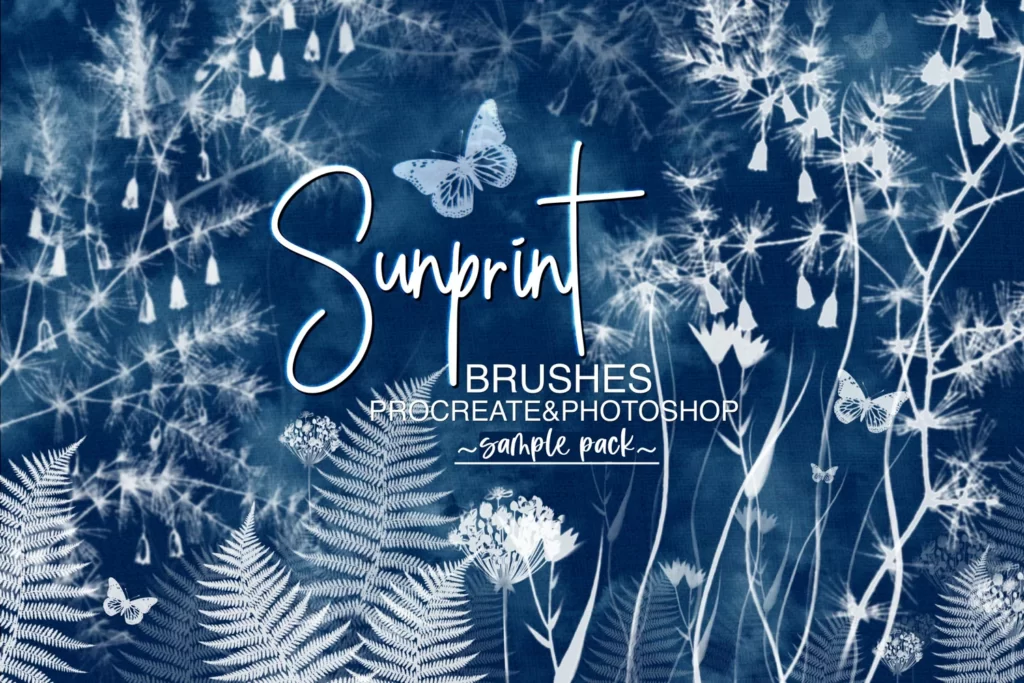
4. Sunprint Brushes for Procreate and Photoshop Sample Pack
Best for: cyanotype-inspired florals, botanical artwork, texture experiments, and cross-app workflows.
Sunprint Brushes for Procreate and Photoshop are useful if you want a botanical, cyanotype, or print-inspired visual effect. These kinds of brushes can create elegant floral textures, nature-based marks, and experimental blue-print style compositions.
The advantage of a Procreate and Photoshop sample pack is flexibility. You can sketch or build the artwork on iPad, then continue refining it on desktop if your workflow includes Photoshop.
Best Uses
- Botanical compositions.
- Cyanotype-style artwork.
- Elegant floral textures.
- Mixed Procreate and Photoshop workflows.
Download Sunprint Brushes Sample Pack
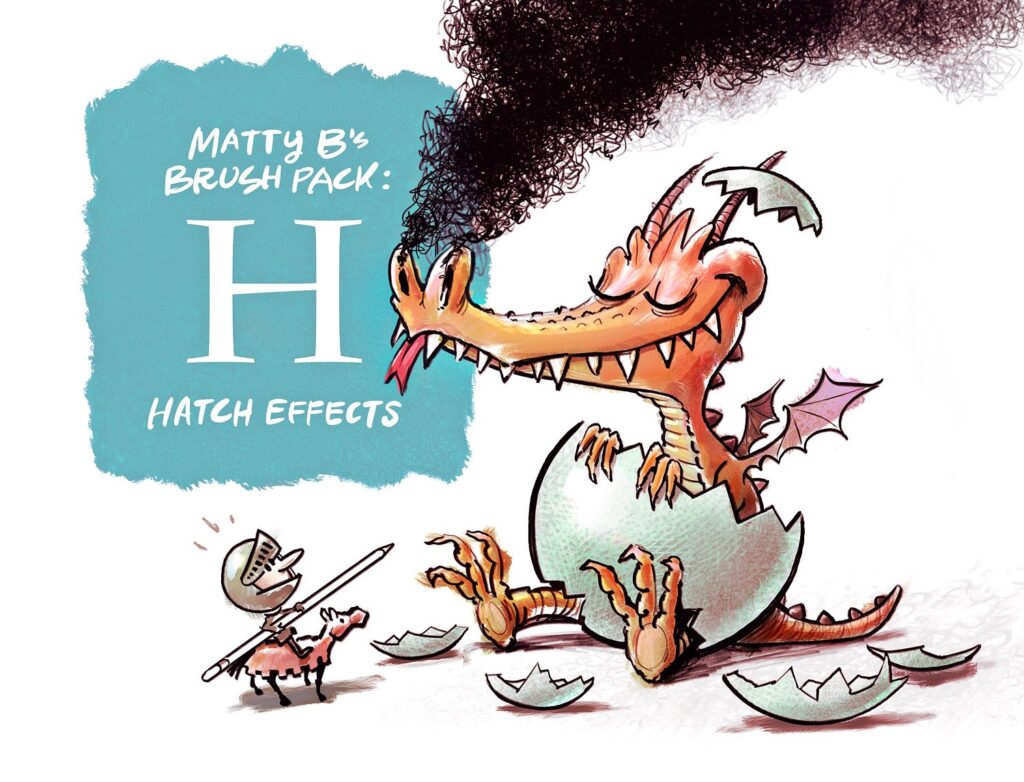
5. MattyB’s Brush Pack for Procreate: Hatch Effects
Best for: hatching, comic shading, ink texture, sketchbook effects, and hand-drawn depth.
Hatch effects are one of the most useful ways to add value and texture without soft digital blending. MattyB’s Brush Pack for Procreate gives artists a faster way to create hatching-style marks and textured shading.
This brush pack is especially helpful for artists who like ink drawing, comics, editorial illustration, tattoo flash, sketchbook studies, and graphic black-and-white artwork. Hatching brushes can also work well on top of colored artwork when you want a more traditional drawing finish.
How to Use Hatch Brushes Well
- Follow the direction of the form.
- Use lighter hatching for mid-tones and denser marks for shadows.
- Keep important focal areas more controlled.
- Use a separate layer so you can adjust intensity.
Download MattyB’s Hatch Effects Brush Pack
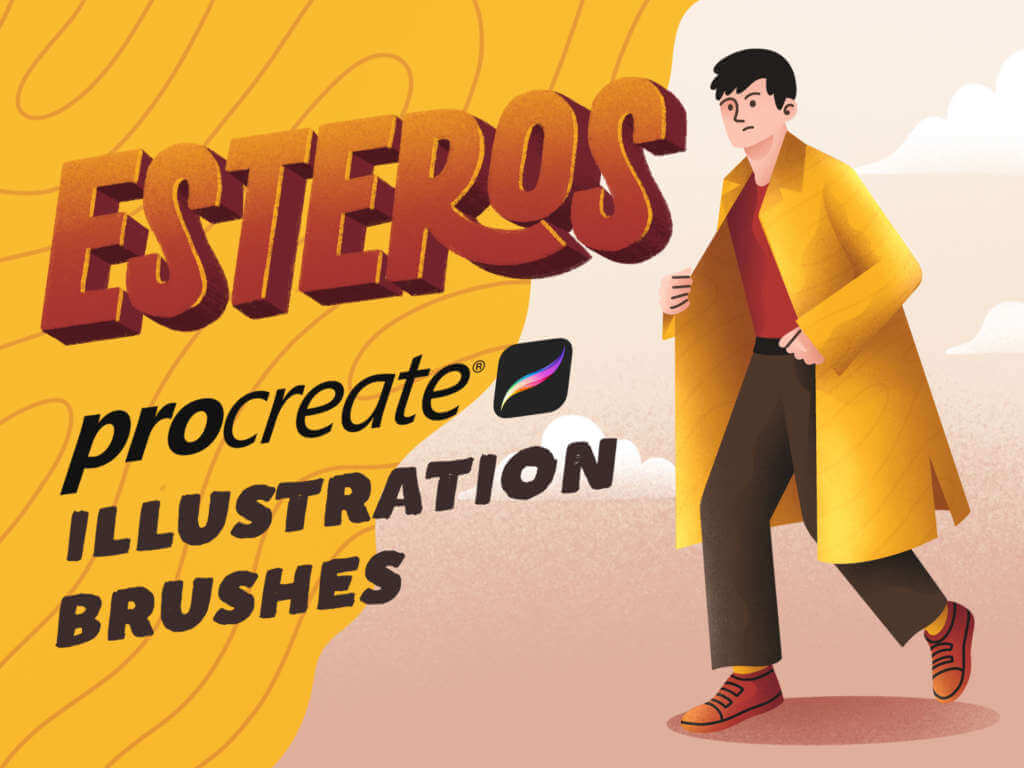
6. Esteros Procreate Brushes
Best for: expressive illustration, painterly effects, textured drawing, and creative experimentation.
Esteros Procreate Brushes are useful for artists who want a brush set with more personality than a standard smooth brush. A textured brush can push your artwork toward a more organic, handmade, or painterly look.
This pack can be used for illustration studies, textured portraits, expressive color blocks, background details, and experimental digital painting. Try combining it with paper texture or grain brushes for a more layered finish.
Why Try It?
- Good for expressive brushwork.
- Adds texture and variation.
- Works for illustration and painting experiments.
- Useful when default brushes feel too clean.
Download Esteros Procreate Brushes
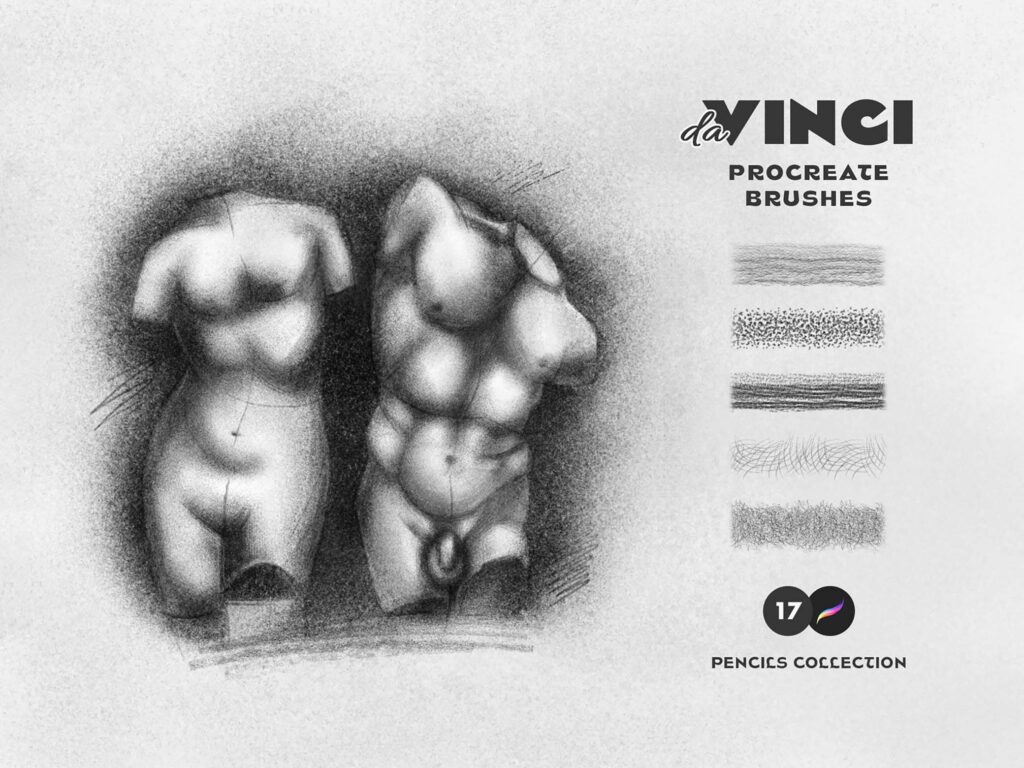
7. Sketch Pencil Procreate Brushes
Best for: sketching, thumbnails, character concepts, portrait construction, and rough illustration planning.
Sketch Pencil Procreate Brushes are one of the most practical tools in this collection. Every strong illustration usually starts with structure, and a natural pencil brush makes that first stage feel more comfortable.
Use pencil brushes for loose ideas, anatomy studies, quick layouts, character poses, composition planning, and portrait sketches. A good sketch pencil should allow light construction lines as well as darker final marks.
Best Uses
- Daily sketching.
- Concept art thumbnails.
- Portrait and figure studies.
- Planning before painting.
- Hand-drawn line texture.
Download Sketch Pencil Procreate Brushes
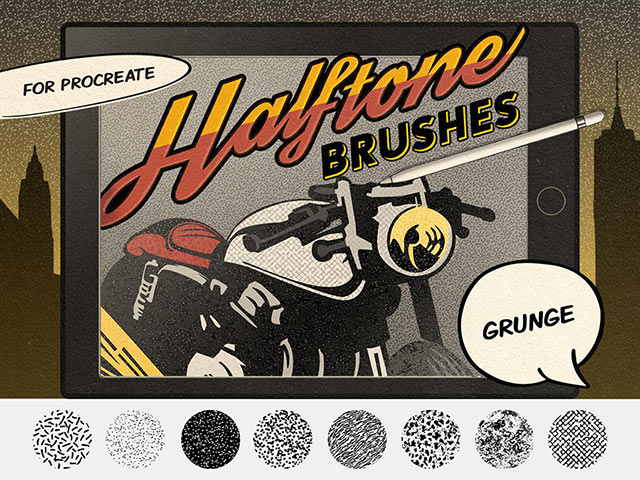
8. Comics Grunge Procreate Brushes
Best for: comic textures, distressed effects, bold illustration, poster design, and gritty visual style.
Comics Grunge Procreate Brushes are useful when your artwork needs roughness, energy, or a worn printed feeling. Clean digital art can sometimes feel too polished. Grunge brushes help break that surface with texture, distress, scratches, and comic-style atmosphere.
Use this set for comic panels, dark posters, action illustrations, street-style graphics, zines, tattoo flash, and high-contrast artwork. Apply grunge effects carefully so they support the composition rather than covering it.
Workflow Tip
Place grunge texture on a separate layer and use masks to remove texture from faces, key details, or areas that need clarity.
Download Comics Grunge Procreate Brushes
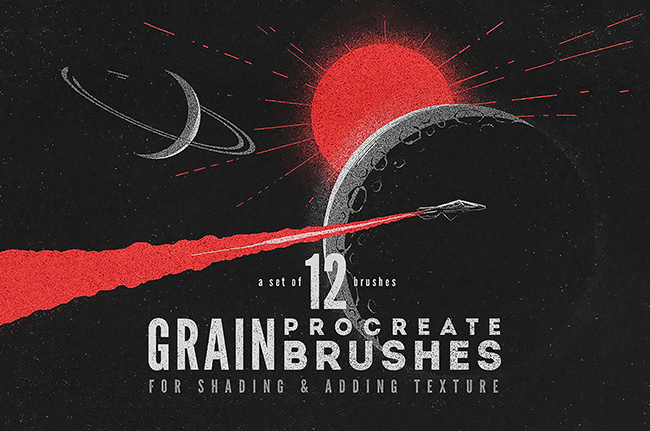
9. Grain Procreate Brushes
Best for: grain overlays, soft shading, retro illustration, editorial artwork, and texture-rich digital designs.
Grain Procreate Brushes are some of the most versatile brushes you can keep in your library. A subtle grain layer can make digital artwork feel warmer, less flat, and more finished. It works across many styles: editorial, retro, modern minimal, character art, posters, and packaging visuals.
Use grain brushes to shade objects, add surface texture, soften gradients, or create a printed feel. Keep the effect subtle for professional results.
Why Grain Brushes Are Useful
- They make flat colors feel more tactile.
- They help soften digital gradients.
- They work well in both modern and retro artwork.
- They can unify a full composition.
Download Grain Procreate Brushes
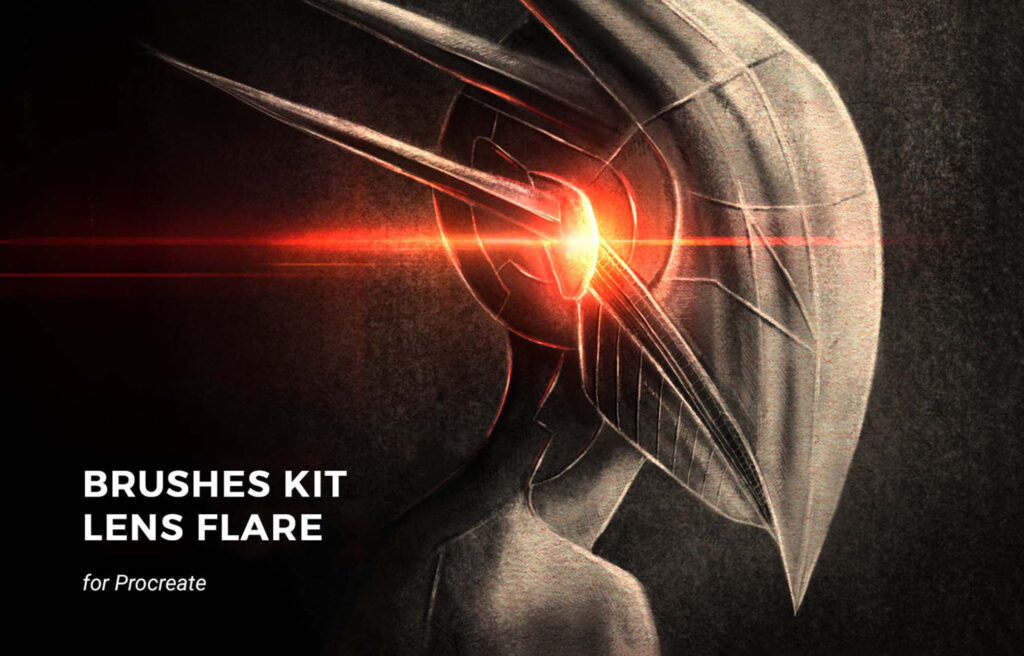
10. Galactic Lens Procreate Brushes
Best for: light effects, sci-fi artwork, fantasy scenes, glow accents, and cinematic digital illustration.
Galactic Lens Procreate Brushes are designed for dramatic light accents. They can help you create lens flares, glowing highlights, cosmic effects, magical light, reflective surfaces, and cinematic atmosphere.
These brushes are most effective when used sparingly. Add them near a light source, magical object, reflection, or focal point. Too many flares can make the artwork look artificial, but one well-placed effect can make a composition feel more dynamic.
Best Uses
- Fantasy lighting.
- Sci-fi scenes.
- Poster highlights.
- Magical effects.
- Cinematic glow details.
Download Galactic Lens Procreate Brushes
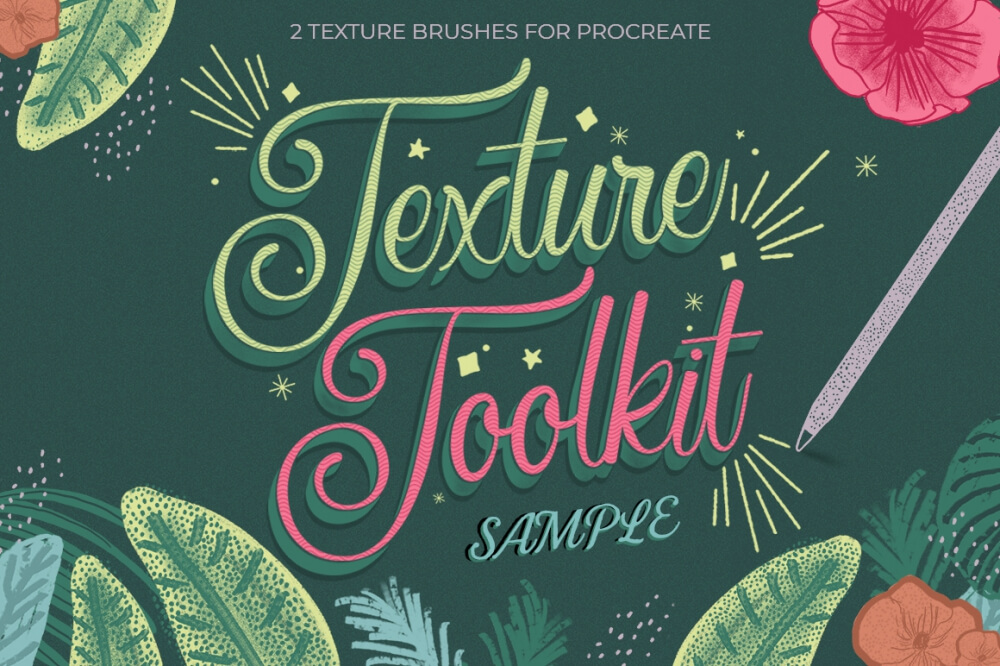
11. Texture Toolkit Brushes for Procreate Sample
Best for: professional texture building, handmade surfaces, layered illustration, and polished digital artwork.
A Texture Toolkit sample is useful because texture is one of the easiest ways to make digital work feel more professional. It can help you create paper surfaces, rough edges, subtle grit, soft overlays, and more tactile finishes.
This type of brush pack is especially useful for illustrators who create editorial graphics, book art, posters, packaging concepts, and digital products. Use texture brushes near the end of a project to unify the artwork and add a more finished surface.
Why Try It?
- Great for adding professional surface texture.
- Useful for posters, illustrations, and product graphics.
- Helps digital artwork feel less flat.
- Can be combined with grain or paper textures.
Download Texture Toolkit Brushes Sample
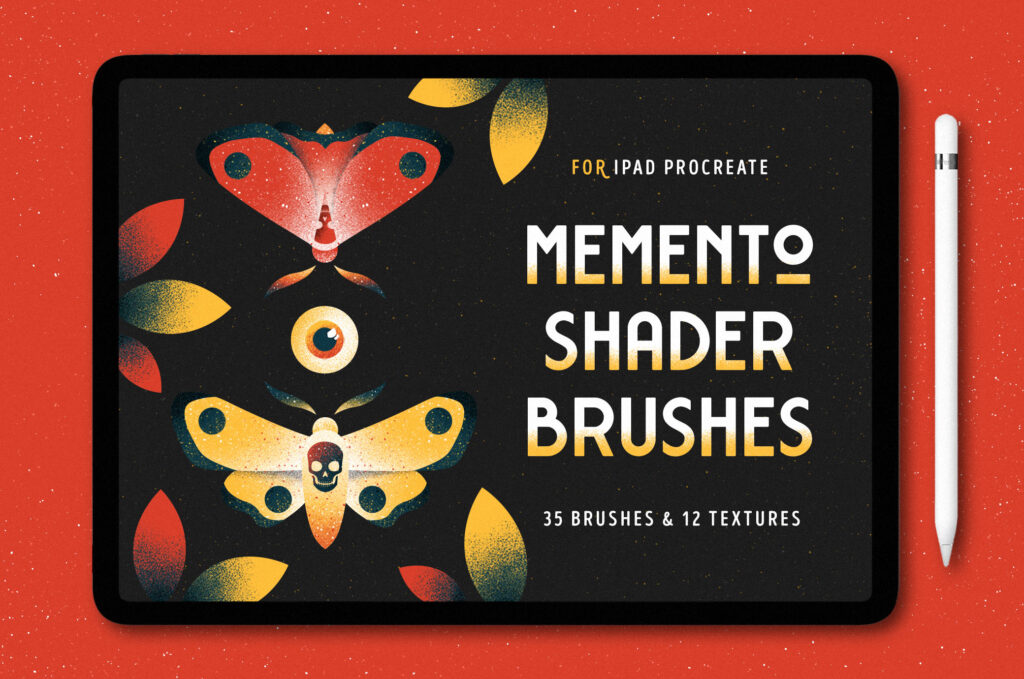
12. Shader Procreate Brushes
Best for: shading, dramatic values, moody illustration, textured shadows, and depth effects.
Shader Procreate Brushes help artists create stronger shadow and value transitions. They are useful when simple soft airbrushing feels too smooth or artificial. A textured shader brush can add depth while keeping the artwork visually interesting.
Use shader brushes for portraits, fantasy scenes, comic art, character design, atmospheric backgrounds, and dark illustrations. For more control, place shading on a separate layer and adjust opacity or blend mode after painting.
Best Uses
- Shadow building.
- Moody portrait work.
- Fantasy and comic scenes.
- Textured gradients.
- Atmospheric depth.
Download Shader Procreate Brushes
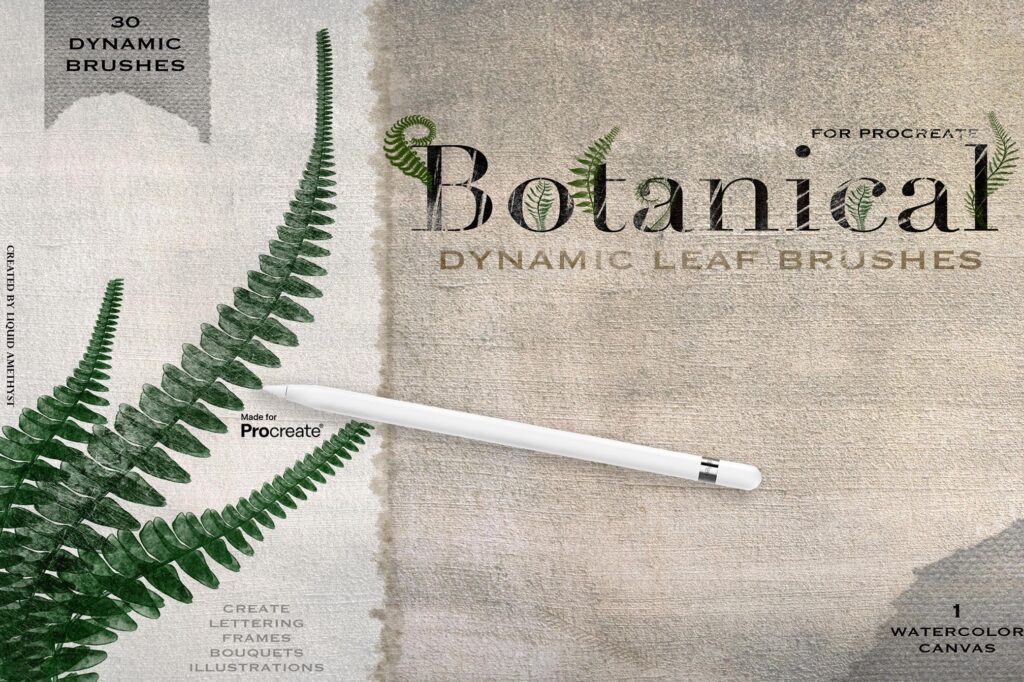
13. Botanical Greenery Box for Procreate
Best for: foliage, botanical illustration, nature-themed designs, backgrounds, and decorative greenery.
Botanical brushes and stamps can save a lot of time when creating plants, leaves, greenery, and natural decorative details. They are useful for artists who create invitations, packaging, stationery, surface patterns, fantasy scenes, garden illustrations, or nature-inspired artwork.
The best way to use botanical brushes is to treat them as a base, not the final artwork. Add color variation, shadows, and small manual details so the plants feel integrated into your composition.
Creative Uses
- Floral compositions.
- Greenery borders.
- Botanical pattern design.
- Nature-themed social graphics.
- Landscape and garden illustration.
Download Botanical Greenery Box
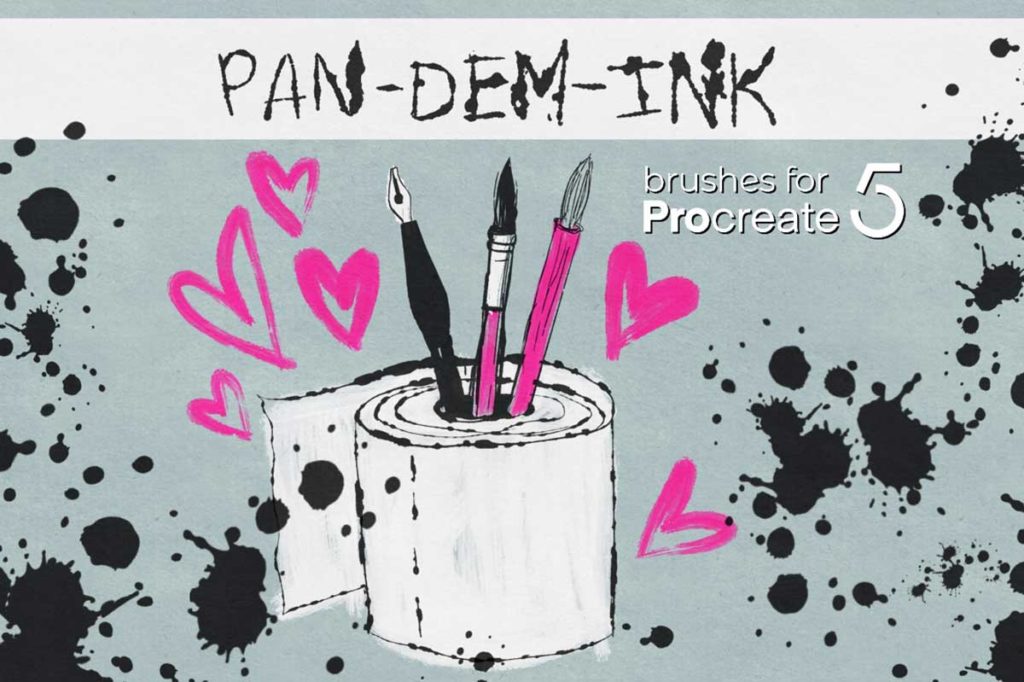
14. PAN-DEM-INK for Procreate
Best for: expressive ink drawing, comic artwork, rough linework, editorial illustration, and hand-drawn effects.
PAN-DEM-INK for Procreate is useful if you want a stronger ink-based drawing style. Ink brushes can bring confidence, edge, and personality into digital artwork. They work especially well when you want visible line quality instead of soft painterly blending.
Use this brush set for comics, zines, poster art, sketchbook-style illustration, dark linework, expressive characters, and high-contrast designs.
Why It Is Useful
- Creates expressive ink marks.
- Works well for comics and illustration.
- Adds hand-drawn energy.
- Useful for bold linework and texture.
Download PAN-DEM-INK for Procreate
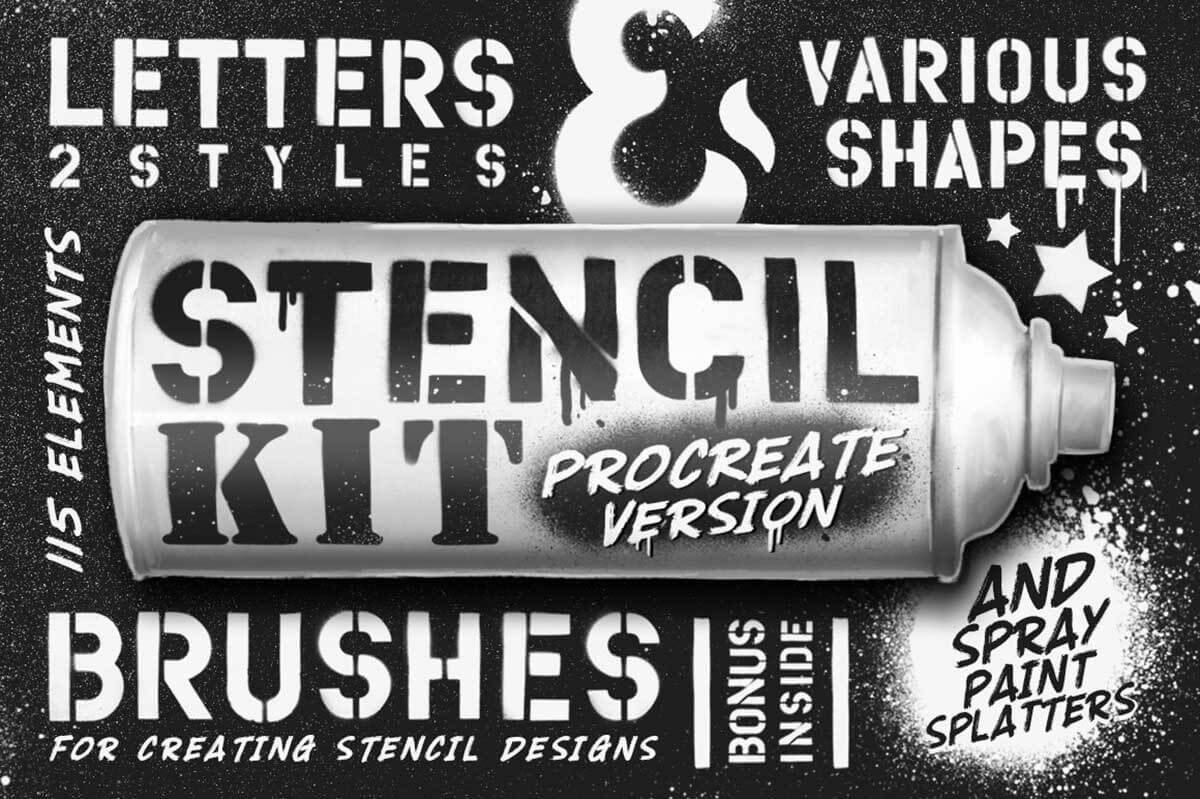
15. Stencil Kit Procreate Brushes
Best for: stencil effects, poster graphics, texture overlays, street-style artwork, and bold design elements.
Stencil Kit Procreate Brushes are useful when you want strong shapes, graphic texture, and layered visual effects. Stencil-style brushes can create a rough handmade or screen-printed feeling that works well in posters, street-style designs, editorial graphics, and experimental compositions.
Use stencil brushes on separate layers so you can recolor, mask, rotate, distort, or blend them into the artwork. This gives you more freedom than applying effects directly to the main drawing layer.
Best Uses
- Poster and flyer design.
- Stencil-style texture.
- Streetwear graphics.
- Layered experimental artwork.
- Bold background effects.
Download Stencil Kit Procreate Brushes
How to Build a Useful Free Procreate Brush Library
A strong brush library should help you work faster, not slow you down. If you download many free brushes, organize them right away. Otherwise, your Brush Library can become a place where good tools disappear inside clutter.
Recommended Brush Categories
- Sketch: pencil, graphite, rough drawing, thumbnails.
- Paint: watercolor, ink, painterly brushes, soft color.
- Texture: grain, paper, grunge, stencil, halftone.
- Stamps: botanical elements, decorative objects, patterns.
- Effects: lens flares, shaders, special details.
- Favorites: the brushes you use most often.
Keep a Test Canvas
Create one Procreate canvas called “Brush Tests.” Every time you download a new brush, test it there. Write the brush name beside the test marks. Over time, this becomes your visual brush index and helps you remember which tools are worth keeping.
Common Mistakes When Downloading Free Procreate Brushes
1. Downloading Too Many Brushes at Once
When you import too many sets at the same time, it becomes difficult to learn any of them properly. Download a few, test them, then decide what to keep.
2. Expecting Brushes to Do All the Work
Brushes can help with texture and effects, but strong artwork still depends on composition, values, color, drawing skills, and creative direction.
3. Ignoring Brush Settings
Many brushes become more useful when you adjust size, opacity, pressure, stabilization, or blending. Test settings before deciding a brush is not useful.
4. Forgetting to Use Layers
Texture, grain, stencil, grunge, and light effects should usually go on separate layers. This makes them easier to edit and control.
5. Not Checking the License
Some free downloads may be personal-use only. Always check the original page before using any brush for paid or commercial projects.
Final Thoughts
Free Procreate brushes ready to download can help digital artists build a more flexible, creative, and efficient workflow. The right free brush can become a favorite sketching tool, a signature texture, a fast background builder, or a finishing effect that gives your artwork more character.
Start with brushes that solve a real need. Try Sketch Pencil Brushes if your drawing stage feels too digital. Try Aurora Watercolor for soft painterly effects. Try Grain Brushes or Texture Toolkit samples if your artwork feels flat. Try Comics Grunge or Stencil Kit brushes if you want a rougher graphic style. Try Botanical Greenery Box if you create nature-based designs.
The best free brushes are not always the biggest packs. They are the ones that fit naturally into your process and help you create with less friction.
A smart Procreate brush library is not about collecting everything. It is about keeping the tools that make your artwork feel more personal, expressive, and finished.
For more Procreate brush downloads, digital art tools, texture resources, and creative assets for illustrators, explore more guides on DesignRise.
Discover more from DesignRise
Subscribe to get the latest posts sent to your email.


