









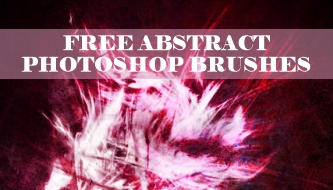
Free abstract Photoshop brushes are useful when a design needs movement, tension, atmosphere, or texture that would take too long to construct manually. They can turn an empty poster into an energetic composition, add depth to a music cover, create a sense of speed in a sports campaign, or help a digital collage feel less rigid and predictable.
Abstract brushes are also extremely easy to misuse. The problem is rarely a lack of interesting marks. The problem is that every mark looks interesting on its own. Once lightning, smoke, fractals, scribbles, fire, water, and galaxy textures are placed into the same composition, the design can lose its hierarchy and begin to feel like an effects demonstration rather than intentional visual communication.
The strongest abstract work usually begins with a simple decision: what should the viewer feel? A sharp chaotic brush may communicate pressure or speed. A soft smoke shape can create uncertainty. A fractal may suggest technology, science, or complexity. Water-like forms can feel fluid and calm, while lightning and fire introduce energy, danger, or transformation.
This collection brings together 15 free abstract brush sets for Photoshop, including lightning, chaotic swirls, water, fire, fractals, galaxies, nebulae, smoke, scribbles, and experimental forms. Each set can support posters, album artwork, editorial layouts, website hero images, social graphics, branding concepts, digital illustration, and surreal compositions.
The guide also explains how to select brushes by visual function, combine them with typography and photography, use blending modes without losing control, build depth with masks, and avoid the common effects that make abstract Photoshop work look generic.
Some of these resources were published through older creative communities. Download availability and licensing terms may have changed. Always review the original source page before using a brush in client work, advertising, merchandise, templates, commercial artwork, or print-on-demand products.
Explore More DesignRise Resources:
- New Collection of Free Floral Brushes for Photoshop
- An Extravagant Collection of Floral Patterns for Design Needs
- Free Stained Glass and Mosaic Textures
- Explore More Photoshop Brushes
What Makes an Abstract Photoshop Brush Useful?
An abstract brush is not defined by a recognizable subject. It is defined by what it does inside the composition. It may create direction, rhythm, contrast, atmosphere, texture, or visual interruption.
A useful abstract brush should give the designer something that can be transformed. It should still work after being cropped, recolored, masked, blurred, layered, or partially hidden. Brushes that only look impressive at their default size are much harder to integrate into professional work.
Five Visual Functions of Abstract Brushes
- Direction: lightning, streaks, swirls, and elongated shapes guide the viewer through the layout.
- Atmosphere: smoke, clouds, nebulae, and soft water forms create depth and mood.
- Impact: fire, attacks, splashes, and chaotic marks create strong focal moments.
- Structure: fractals and geometric abstractions can organize futuristic or technical compositions.
- Imperfection: scribbles and irregular marks prevent a layout from feeling too clean or mechanical.
The best brush is therefore not always the most visually complex one. It is the brush that performs the exact function the composition needs.
Choose a Brush Based on the Desired Visual Effect
How to Install Abstract Brushes in Photoshop
Most Photoshop brush collections are provided as .ABR files. They can usually be installed in less than a minute.
Import Through the Brushes Panel
- Download the brush package and extract it if it is inside a ZIP archive.
- Open Adobe Photoshop.
- Select Window → Brushes.
- Open the menu in the upper-right corner of the Brushes panel.
- Select Import Brushes.
- Choose the downloaded .ABR file.
- The imported set should appear as a new folder in the Brushes panel.
Organize Brushes by Function
Abstract brush libraries can become confusing because many previews do not have descriptive names. Instead of keeping every download in one folder, organize them according to how they are used:
- Energy and motion
- Smoke and atmosphere
- Fractals and technology
- Space and galaxies
- Water and fluid forms
- Fire and light
- Scribbles and handmade marks
Save the original download file together with the source URL and licensing information. This is particularly important for client projects that may need to be revisited later.
15 Free Abstract Photoshop Brushes for Creative Design
Each linked title below opens the original resource page. The descriptions focus on how the brushes may function inside an actual design rather than simply repeating what appears in the preview image.
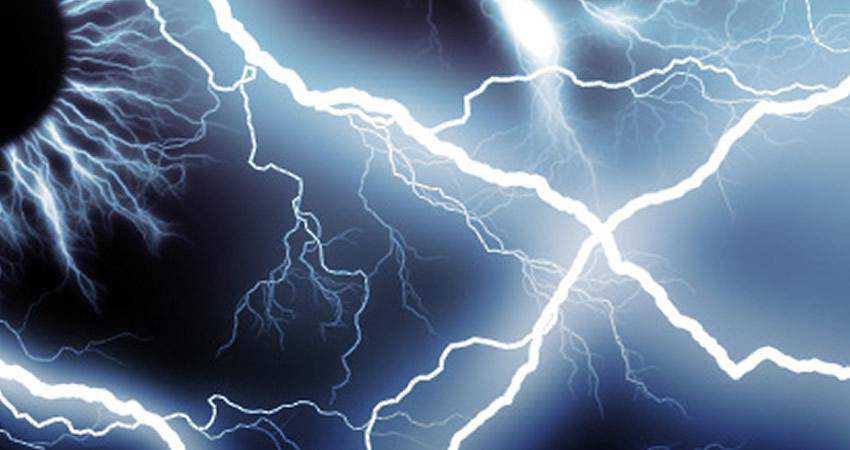
1. Lightning Brushes
Best for: energetic posters, gaming artwork, sports graphics, technology campaigns, fantasy scenes, and dramatic photo manipulation.
Lightning is one of the fastest ways to introduce direction and tension into a composition. Its branching structure naturally leads the eye, making it useful behind a figure, around a product, or between two important elements.
The most convincing results come when the lightning matches the surrounding light. If the brush is bright blue, nearby surfaces should receive a subtle blue reflection. Without that interaction, the effect may look placed on top of the artwork rather than belonging to the scene.
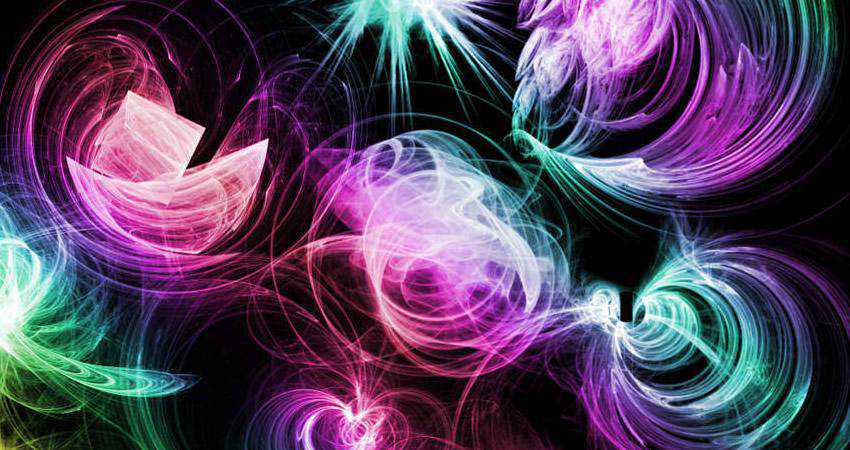
2. Swirl Chaos Brushes
Best for: experimental posters, music visuals, motion-inspired backgrounds, surreal layouts, and expressive typography.
Swirling forms create rotation and visual turbulence. They are useful when a design needs movement without relying on a literal subject such as fire or water.
Because the shapes are already complex, they work best against a simple background. Choose one strong swirl, crop it aggressively, and let part of it leave the canvas. Using several full-sized swirls at once can make the composition feel decorative rather than dynamic.
3. Attack Brushes
Best for: action graphics, gaming posters, sports campaigns, album covers, streetwear artwork, and high-impact compositions.
Attack brushes contain aggressive directional marks that can suggest impact, speed, collision, or pressure. They work particularly well behind a moving figure or around bold condensed typography.
Use the brush direction to reinforce the movement already present in the photograph or illustration. If the subject is moving from left to right, opposing brush movement may weaken the visual logic unless the conflict is intentional.
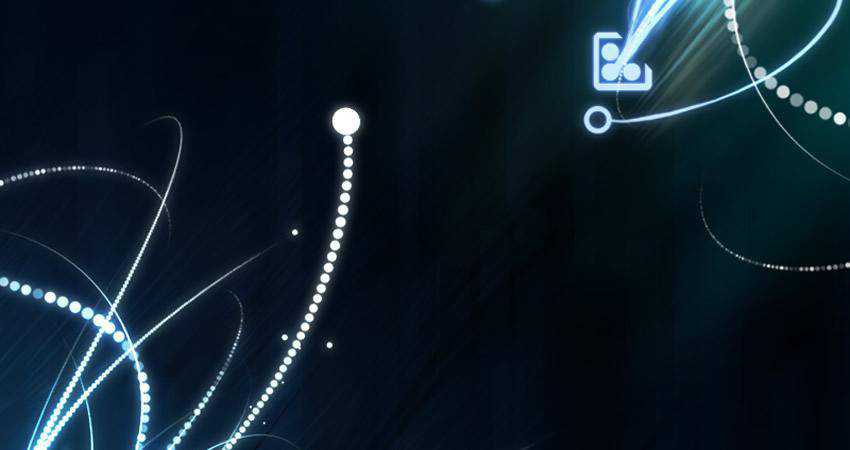
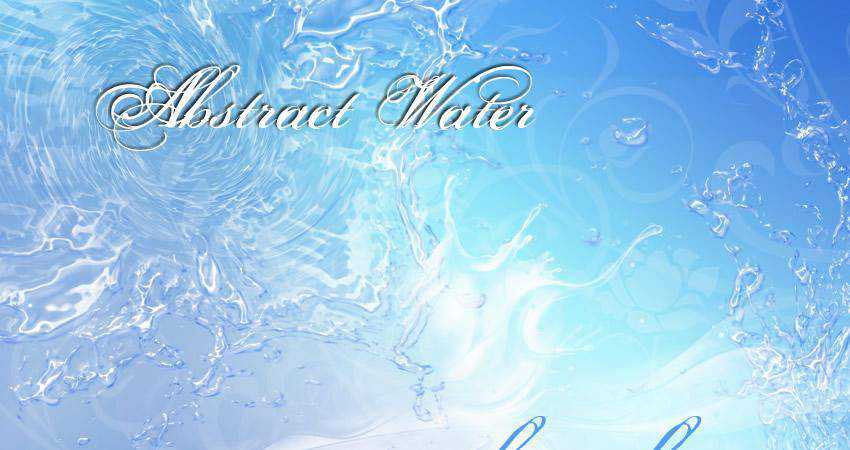
4. Abstract Water Brushes
Best for: fluid compositions, beauty campaigns, aquatic artwork, dreamlike backgrounds, environmental graphics, and abstract photo manipulation.
Water brushes can communicate softness, transparency, motion, and reflection. They can also function as nonliteral flowing shapes when recolored in unexpected tones.
Instead of applying one blue water impression over the complete image, place several sections on separate layers. Use masks to hide hard edges and vary the opacity so some shapes feel closer while others recede into the background.
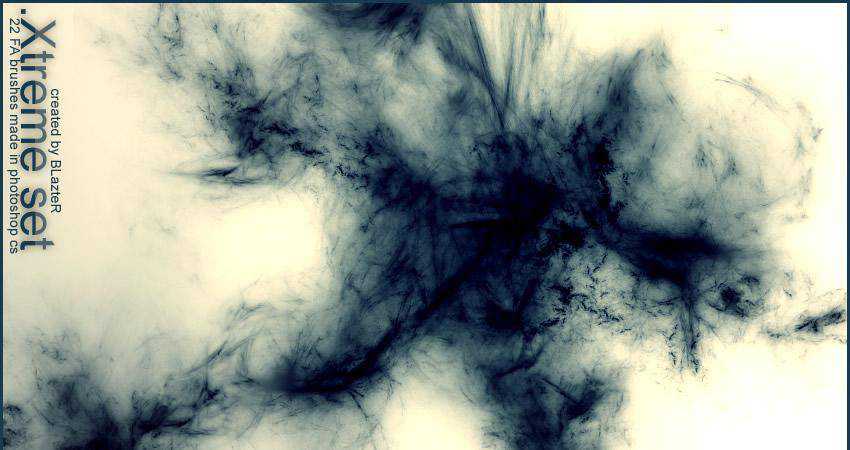
5. Xtreme Abstract Brush Set
Best for: experimental graphics, energetic backgrounds, music artwork, urban posters, and chaotic digital compositions.
This set provides bold forms that can help break a rigid grid or add an unpredictable edge to an otherwise controlled layout. It is especially useful for projects where a clean corporate treatment would feel too safe.
Use one or two marks as major compositional elements. The effect becomes more distinctive when the brush is integrated with type, photography, or masks instead of remaining completely visible.
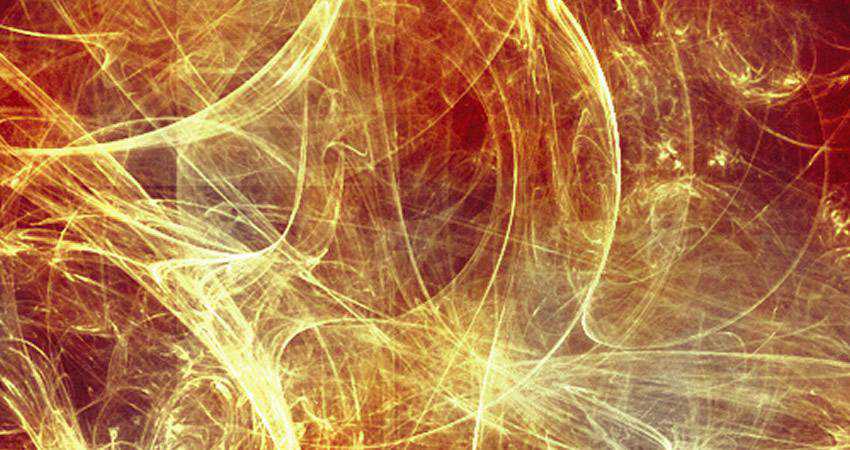
6. Free Abstract Fire Photoshop Brushes
Best for: dramatic advertising, fantasy art, event posters, music covers, gaming visuals, and transformation-themed campaigns.
Abstract fire brushes can suggest heat and danger without requiring a completely realistic flame. They can also be recolored to create plasma, glowing energy, magical light, or atmospheric transitions.
Fire effects become more believable when they include several brightness levels. Use a soft dark red outer glow, a stronger orange middle area, and a smaller pale yellow or white core. Add subtle illumination to nearby objects so the brush affects the entire scene.

7. Fractal Brushes Set
Best for: technology graphics, science communication, electronic music artwork, data-inspired visuals, and futuristic backgrounds.
Fractals combine organic growth with mathematical structure. That makes them especially useful in projects that need to feel complex, technical, or otherworldly.
Fractal brushes often contain a large amount of detail. Keep enough empty space around them and avoid placing small text over the busiest sections. A controlled gradient or monochrome treatment can preserve their structure without making the composition visually exhausting.
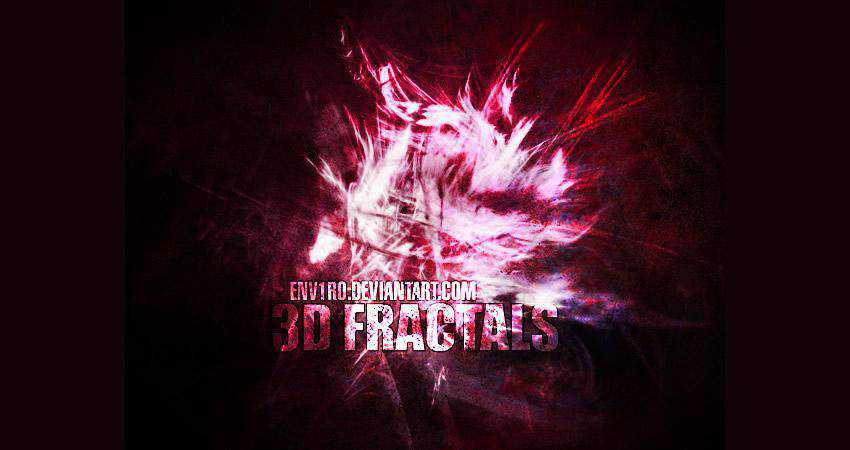
8. 3D Fractals Brushes
Best for: science-fiction artwork, digital environments, futuristic posters, game graphics, and dimensional abstract compositions.
Three-dimensional fractal shapes can act like digital sculptures. Their form already contains highlights and shadows, which makes them useful as foreground objects or central visual anchors.
Match the direction of the fractal lighting to the rest of the scene. A complex 3D shape lit from the left will look disconnected inside a composition where every other object is illuminated from the right.
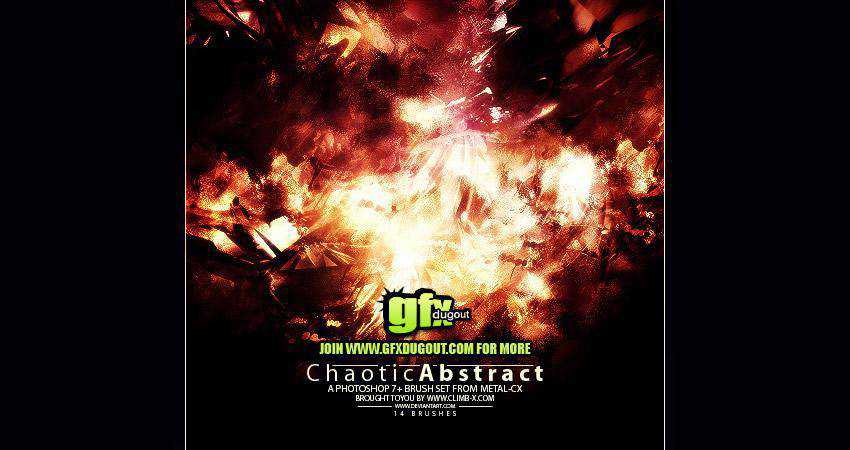
9. Metal-CX’s Chaotic Abstract Brushes
Best for: industrial artwork, heavy music graphics, dark posters, grunge compositions, and intense visual experiments.
This set offers chaotic marks that can introduce roughness and pressure. It may be especially effective in projects related to metal music, industrial themes, urban decay, or aggressive fashion graphics.
Use the brushes as directional texture rather than filling the entire canvas. A chaotic mark becomes more powerful when it interrupts an otherwise controlled layout.
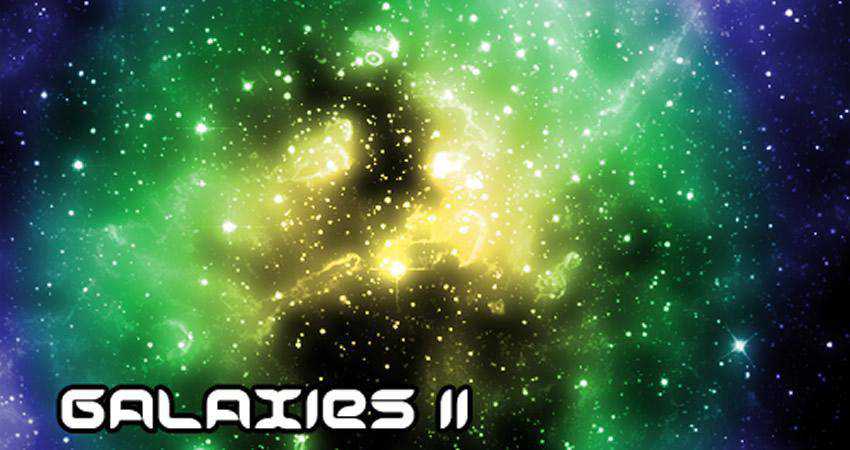
10. Galaxies II Brushes
Best for: space artwork, cinematic posters, fantasy backgrounds, science graphics, and atmospheric digital illustration.
Galaxy brushes can quickly create scale and distance. They are useful behind portraits, products, titles, or fantasy environments where the background needs to feel larger than the immediate scene.
Avoid making every galaxy equally bright. Use one clear focal region and let the surrounding stars fade gradually. Too many strong white areas can flatten the depth and compete with typography.
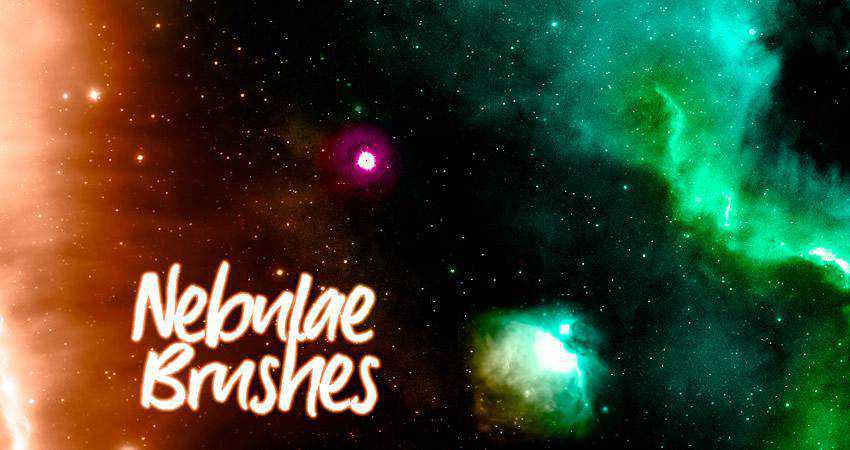
11. Nebulae Brushes
Best for: atmospheric space scenes, dreamy backgrounds, fantasy artwork, surreal portraits, and colorful digital compositions.
Nebulae are softer than detailed galaxies and can therefore function more effectively as atmospheric layers. They create color and depth without always revealing a clear object.
Apply several nebula shapes with different colors and blending modes, but keep the palette controlled. Two related hues with one contrasting accent often feel more intentional than a full rainbow gradient.
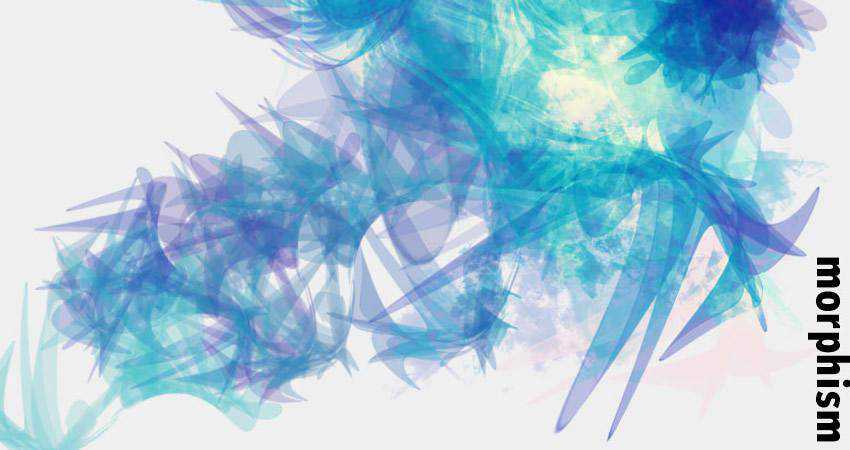
12. Morphism Brushes
Best for: fluid abstractions, experimental branding, editorial graphics, surreal compositions, and contemporary poster design.
Morphism brushes contain forms that seem to shift between organic and synthetic structures. They are useful when a project needs ambiguity and cannot be represented by a recognizable object.
Try using the shapes inside a clipping mask or as part of a cropped close-up. Showing only a portion can make the brush feel like a custom visual element rather than a downloaded preset.
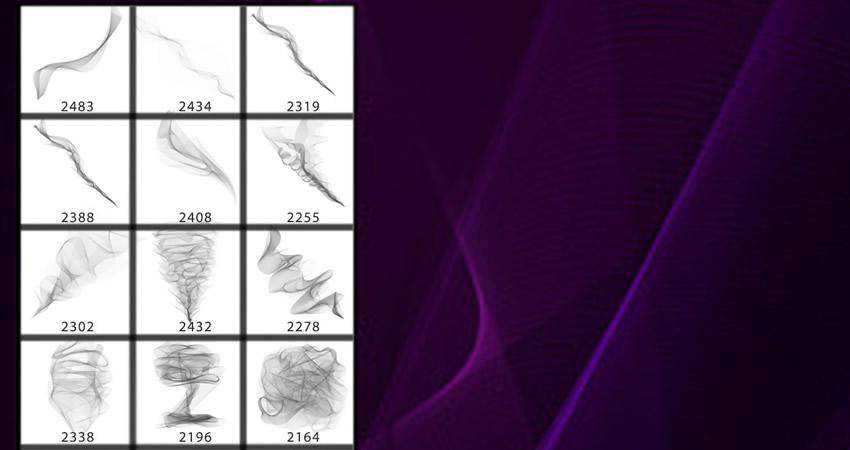
13. Digital Smoke Photoshop Brushes
Best for: atmospheric posters, cinematic composites, product graphics, portraits, mystery campaigns, and dark backgrounds.
Smoke is valuable because it can connect separate parts of a composition. It can soften the edge of a photograph, guide the eye toward a title, hide an imperfect transition, or create depth between foreground and background.
Build smoke from multiple layers. Blur the distant layer, keep the middle layer partially detailed, and reserve the sharpest smoke for the foreground. This creates more believable spatial depth.
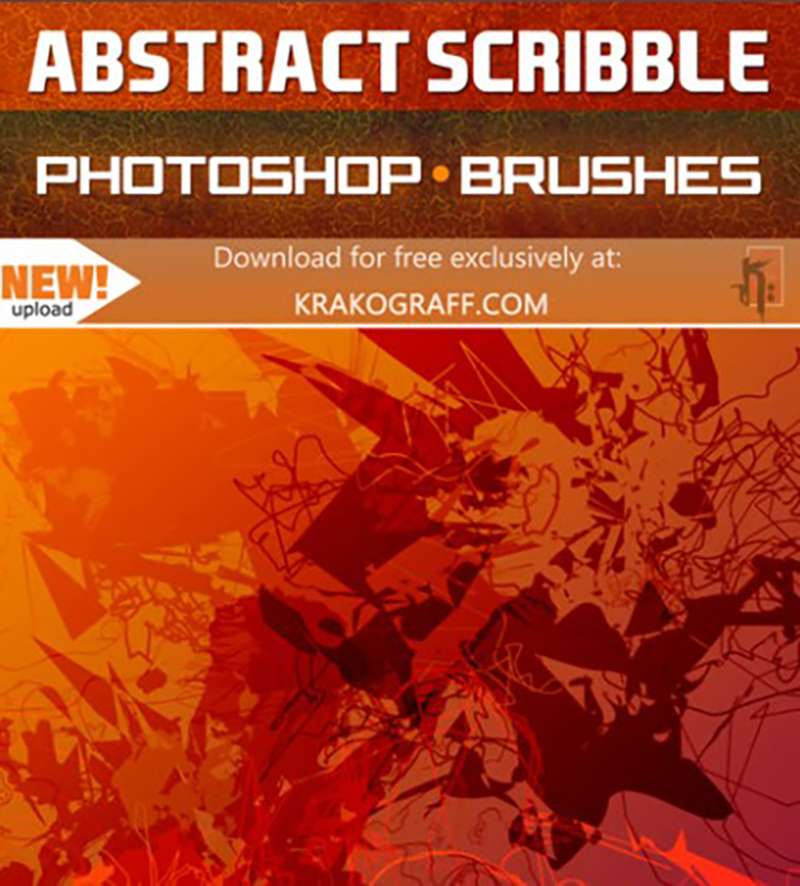
14. Abstract Scribble Brushes
Best for: editorial illustration, handwritten graphics, informal branding, youth campaigns, posters, and mixed-media artwork.
Scribble brushes introduce human irregularity into digital layouts. They can underline words, circle details, connect ideas, or contrast against precise photography and typography.
The mark should feel intentional even when it looks spontaneous. Use scribbles to highlight a message or create rhythm rather than placing them randomly around every empty area.
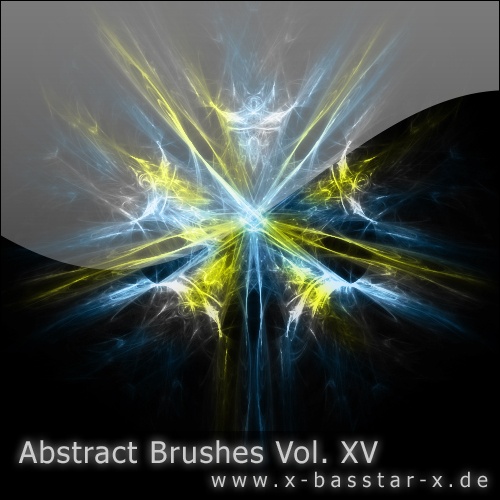
15. Abstract Brushes Vol. 15 — 5X
Best for: experimental backgrounds, abstract posters, digital collages, modern artwork, and visual exploration.
This collection provides general abstract forms that can be adapted to many different directions. It is useful when the project needs an unusual shape but does not require a recognizable category such as fire, smoke, or space.
General abstract sets become more distinctive through transformation. Crop the brush, stretch it, place texture inside it, combine it with a second shape, or use only a small section behind typography.
How to Build Depth With Abstract Brushes
Depth does not come from adding more elements. It comes from creating clear relationships between foreground, middle ground, and background.
Background Layer
Use large, soft, blurred brush impressions at low opacity. Nebulae, smoke, water, and soft morphing shapes work well here. They should establish atmosphere without becoming the focal point.
Middle Layer
Place the primary subject, typography, or product in this area. Add one or two abstract forms that interact with it through masks, overlaps, and color.
Foreground Layer
Use a small number of sharper marks that overlap the main subject or leave the canvas edge. Foreground elements can create scale and make the composition feel less flat.
Depth Through Blur
Objects closer to the viewer are not always sharper, but controlled blur remains an effective way to separate layers. Apply blur intentionally rather than blurring every background element equally.
How to Use Blending Modes Without Losing Control
Screen
Screen is useful for light effects, lightning, fire highlights, galaxies, and smoke on dark backgrounds. Black areas disappear while bright areas remain visible.
Multiply
Multiply works well for dark scribbles, ink-like shapes, or texture over light backgrounds. White areas disappear while darker information remains.
Overlay and Soft Light
These modes can integrate texture into an image while preserving some of the underlying contrast. They are useful for atmosphere but can oversaturate colors when used at full opacity.
Color Dodge
Color Dodge can create intense light, but it should be used carefully. It may quickly destroy detail or create unrealistic color clipping. Lower the opacity and mask the effect away from areas that need to remain readable.
Normal Mode Is Often Better
Not every abstract brush needs a special blend mode. Normal mode with controlled opacity and a thoughtful color can produce a cleaner and more predictable result.
Four Practical Abstract Design Workflows
1. Futuristic Event Poster
- Create a dark background with a controlled gradient.
- Place one fractal or morphism brush as the central form.
- Add large clean typography with generous spacing.
- Use a second smaller shape to balance the composition.
- Add subtle grain to unify the elements.
- Check that the date and location remain readable at small size.
2. Music Album Cover
- Choose one emotional direction: chaotic, atmospheric, energetic, or minimal.
- Select a matching brush category.
- Use a portrait or object as the visual anchor.
- Mask the abstract brush around the subject.
- Limit the palette to two or three main colors.
- Test the artwork as a small streaming thumbnail.
3. Sports Campaign
- Choose a photograph with clear movement.
- Identify the direction of the action.
- Add lightning, attack, or chaotic strokes in the same direction.
- Use masks to let some marks pass behind the athlete.
- Add subtle color reflections to the photograph.
- Keep sponsor logos and important copy outside the busiest areas.
4. Surreal Editorial Collage
- Begin with one strong photograph or cutout subject.
- Add water, smoke, galaxy, or morphism brushes as impossible environmental elements.
- Use scale to create visual surprise.
- Combine sharp and blurred layers.
- Add a simple headline rather than several decorative fonts.
- Apply one final color treatment to unify the collage.
How to Customize Downloaded Abstract Brushes
Crop the Brush Aggressively
A brush does not need to be completely visible. Using only one section often makes it harder to recognize the original preset and easier to integrate into a custom composition.
Warp and Distort
Use Transform, Warp, or Puppet Warp to change the direction and proportions of a brush. Avoid extreme deformation that reveals pixelation or unnatural stretching.
Apply a Gradient Map
A Gradient Map can convert a black-and-white brush into a controlled color system. This is especially effective for fractals, fire, smoke, and space textures.
Use a Clipping Mask
Place photographs, gradients, paper textures, or painted details inside the brush shape. The same silhouette can produce very different results depending on what is clipped into it.
Combine Two Different Brush Types
Pair one structured element with one atmospheric element. For example, combine a sharp fractal with soft smoke or a scribble with a smooth water shape. Avoid combining several equally complex brushes.
Preparing Abstract Brush Artwork for Print
Test the Brush at Final Size
A brush may look sharp in a small web preview but become visibly soft in a large poster. Build the document at the intended dimensions and inspect important edges at actual print size.
Protect Fine Detail
Fractals, lightning, scribbles, and galaxy textures may contain lines that disappear in print. Simplify the image or increase contrast where necessary.
Use Color Carefully
Bright blues, purples, greens, and glowing effects may change when converted from RGB to CMYK. Soft-proof the design and communicate with the printer about the required profile.
Keep an Editable PSD
Preserve layers, masks, Smart Objects, and adjustment layers. Export a separate flattened file for delivery after the design has been approved.
Common Mistakes When Using Abstract Photoshop Brushes
1. Using Too Many Effects
Lightning, smoke, fire, fractals, and galaxies may all be visually appealing, but they rarely need to appear in the same design. Select one primary visual language.
2. Ignoring the Main Message
The abstract treatment should support the headline, subject, product, or story. If the effect becomes the only thing the viewer notices, the hierarchy may be wrong.
3. Leaving the Brush Completely Unedited
Resize, crop, mask, recolor, distort, or combine the brush so the final artwork does not resemble the original preview.
4. Placing Every Brush on One Layer
Separate layers provide more control over color, opacity, blending, masking, and depth.
5. Using Every Color at Maximum Saturation
Abstract design does not require a full spectrum of neon gradients. A limited palette often makes complex forms easier to understand.
6. Forgetting About Small Formats
A detailed composition may work as a poster and fail completely as a social thumbnail. Test every important delivery size.
7. Assuming Free Means Commercially Licensed
A free download may still be limited to personal use or require attribution. Review the original terms before professional use.
Licensing Checklist for Photoshop Brushes
Before using any brush in a commercial project, save:
- The original download URL.
- The creator or source website.
- The date of download.
- The license or usage statement.
- Whether commercial use is permitted.
- Whether attribution is required.
- Whether the brush may be used in logos or merchandise.
- Whether the original ABR file may be redistributed.
Using a brush as one element inside a finished flattened design is different from reselling the original brush file or distributing an editable template from which the brush can be extracted.
Frequently Asked Questions About Abstract Photoshop Brushes
What are abstract Photoshop brushes?
Abstract Photoshop brushes are reusable brush presets built from nonliteral shapes, textures, fractals, smoke, fire, water, scribbles, light effects, or experimental imagery. They are commonly distributed as .ABR files.
What can abstract brushes be used for?
They can be used for posters, music covers, photo manipulation, social graphics, website backgrounds, branding concepts, editorial design, digital art, gaming visuals, and experimental compositions.
Can abstract Photoshop brushes be recolored?
Yes. Choose a foreground color before applying the brush or recolor the layer afterward with Color Overlay, Gradient Maps, adjustment layers, or clipping masks.
How do I make abstract brushes look professional?
Use a limited number of brushes, establish a clear focal point, vary scale and opacity, use separate layers, mask the effects around important elements, and maintain readable typography.
Can free Photoshop brushes be used commercially?
Commercial rights depend on the original license. Check each resource individually and save the licensing information with the project.
Why do some brushes look blurry?
The source image may be too small, or the brush may have been enlarged beyond its useful resolution. Test the brush at the final document size before completing the composition.
Can Photoshop brushes be used in logos?
They can support early exploration, but public brush assets may reduce originality. Check the license and significantly customize the form before considering it for a professional identity.
Final Thoughts
Free abstract Photoshop brushes can provide movement, atmosphere, structure, and visual surprise without forcing designers to construct every complex form manually. The collections in this guide cover several distinct creative directions, from lightning and fire to fluid water, smoke, fractals, galaxies, nebulae, scribbles, and chaotic experimental shapes.
The most important step is choosing the right visual function. Use lightning when a composition needs direction. Use smoke when it needs atmosphere. Use fractals when it needs technical complexity. Use scribbles when a clean layout needs human irregularity. Use galaxies and nebulae when the design needs scale and distance.
Keep the brush on its own layer. Crop it. Mask it. Change its color. Combine it with typography and photography. Allow parts of it to disappear. The downloaded preset should be the beginning of the design process, not the final result.
Abstract design becomes powerful when complexity is controlled rather than simply added.
For more Photoshop brushes, textures, patterns, and practical resources for digital artists and graphic designers, continue exploring DesignRise.
Discover more from DesignRise
Subscribe to get the latest posts sent to your email.