












Best Figma Tutorials for Beginners, UI/UX Designers & Web Creators
Figma has become one of the most popular tools for UI/UX design, website prototyping, mobile app design, wireframing, and collaborative product development. Its browser-based workflow, powerful design features, and real-time collaboration capabilities have transformed how designers, developers, startups, and creative teams build digital products.
Whether you’re a complete beginner learning interface design for the first time or an experienced designer looking to improve your workflow, mastering Figma tutorials can dramatically improve your productivity and design quality.
Today, Figma is widely used for website design, mobile app interfaces, design systems, responsive layouts, prototyping, user testing, and developer handoff. Learning how to use Figma effectively can help designers create better user experiences while working faster and more efficiently.
In this curated DesignRise collection, we’ve gathered some of the best Figma tutorials available online. These resources cover everything from beginner fundamentals and Auto Layout to advanced prototyping, components, design systems, responsive design, and professional UI/UX workflows.
Below you’ll find high-quality Figma tutorials that can help beginners, freelancers, UI designers, product designers, web designers, developers, startups, and creative agencies improve their skills and build modern digital products.
Explore More DesignRise Resources:
- When and When Not to Use Auto Layout in Figma
- A Collection of Photoshop Effects for Your Photos
- Free Collection of Floral Patterns
Why Learn Figma?
Figma continues to dominate the UI/UX design industry because it combines powerful design tools with cloud-based collaboration. Unlike traditional desktop design software, Figma allows multiple team members to work on the same project simultaneously, making it ideal for remote teams, agencies, product companies, and freelancers.
For beginners, Figma is also easier to access because it runs directly in the browser and offers a free plan that is strong enough for learning, practice, and many personal projects. You can start with basic frames and shapes, then gradually move into components, Auto Layout, prototyping, and design systems.
- Create website and app interfaces.
- Build interactive prototypes.
- Design responsive layouts.
- Create scalable design systems.
- Collaborate with developers and stakeholders.
- Use Auto Layout and Components.
- Work entirely in the browser.
- Prepare better developer handoff files.
These advantages make Figma one of the most valuable tools for modern product design and digital design workflows.
Best Figma Tutorials for Beginners
If you are totally new to Figma, start with beginner-friendly tutorials that explain the interface, frames, layers, tools, components, and basic design workflow. These resources will help you understand how Figma works before moving into more advanced UI/UX concepts.
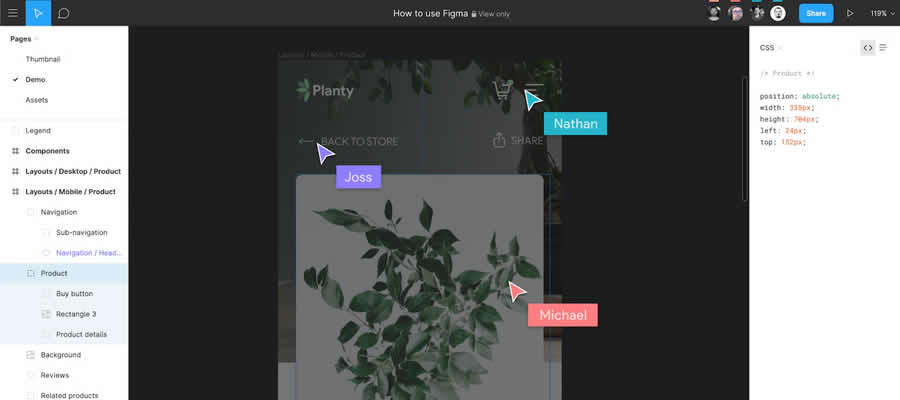
1. How to Use Figma for Your Next Project
This beginner-friendly Figma tutorial is a great starting point if you want to understand how to use Figma in a real project. It walks through a practical design example and helps you learn how to create, edit, and organize your first interface.
It is especially useful for designers who prefer learning through real-world examples rather than abstract tool explanations.
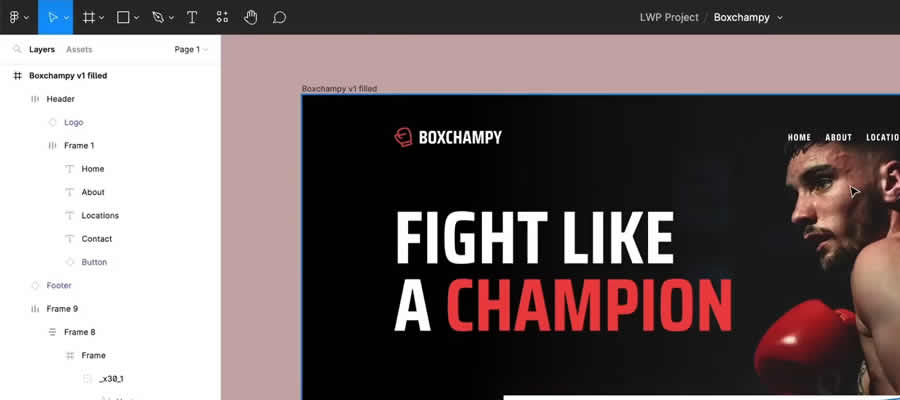
2. A Beginner’s Tutorial to Figma
Many designers learn best by watching someone build inside the tool. This complete video guide explains the essential parts of Figma and shows beginners how to start working with the interface.
This resource is helpful if you want to quickly understand basic tools, navigation, layers, frames, and common design actions in Figma.
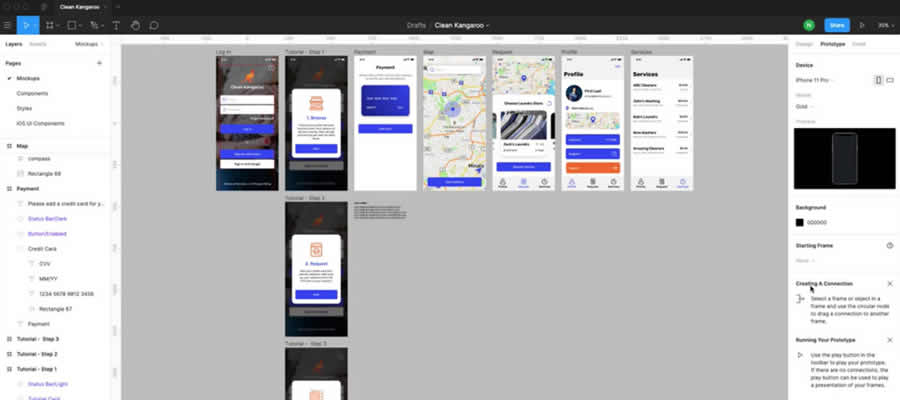
3. A Complete Figma Tutorial for Beginners
This complete Figma tutorial for beginners is designed to help new users understand the basics and start creating digital layouts quickly. It covers important beginner concepts and gives you a structured introduction to working in Figma.
If you are learning UI design from zero, this resource can help you build confidence before moving into more advanced topics like Auto Layout, components, and responsive design.
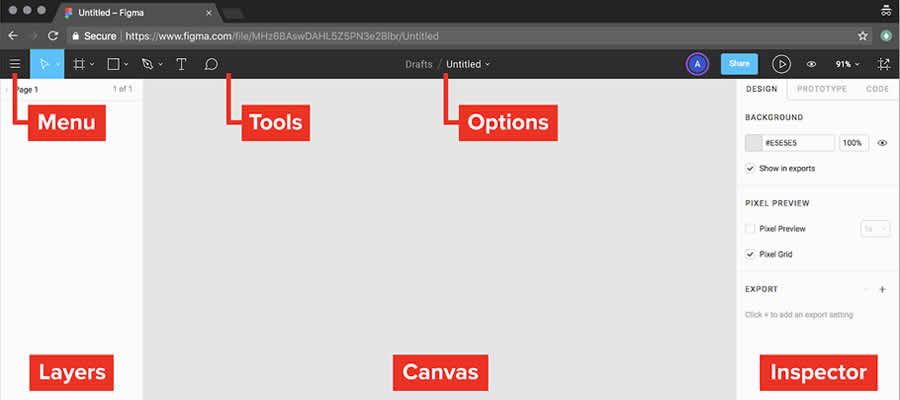
4. Introduction to Figma
If you prefer written tutorials over videos, this Introduction to Figma guide is a useful learning resource. It explains the basic features of Figma with step-by-step instructions and beginner-friendly explanations.
This tutorial is helpful for students, junior designers, and anyone who wants a structured introduction before designing websites, app screens, or prototypes.
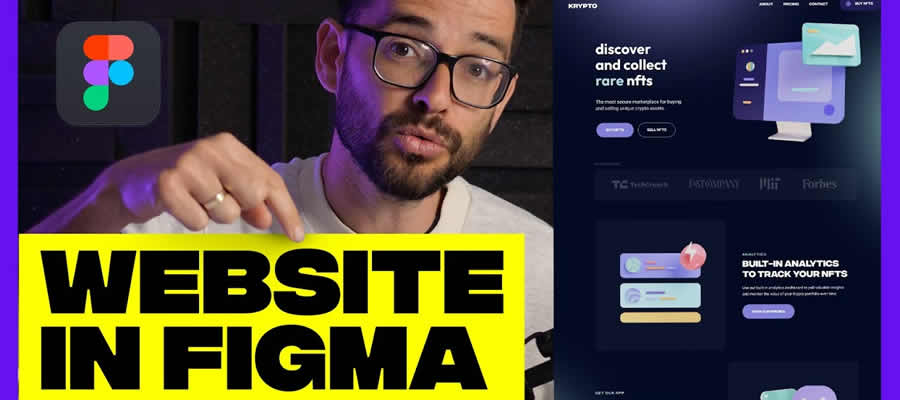
5. Design a Website from Start to Finish with Figma
This tutorial is perfect if your goal is to design a complete website inside Figma. It shows how to move from a blank canvas to a finished website design, making it useful for beginners who want to understand the full web design process.
You can learn how to structure sections, organize content, create layouts, and build a visual direction for a real website project.
6. Learn Figma in Under 10 Minutes
This quick Figma introduction is a good choice if you want a fast overview before diving deeper. It covers the basics in less than ten minutes, making it ideal for beginners who want to understand whether Figma is the right tool for them.
Use this tutorial as a simple first step before moving into more detailed guides about interface design, Auto Layout, and prototyping.

7. What Is Figma?
If you are still exploring what Figma does and why designers use it, this short tutorial explains the basics in a simple way. It introduces Figma as a design, collaboration, and prototyping tool for modern digital teams.
This is a good resource for complete beginners, marketers, developers, and startup founders who want to understand how Figma fits into the product design process.

Intermediate Figma Tutorials for Website and UI Design
After learning the basics, the next step is to understand how to design real websites, use reusable elements, improve workflow speed, and create more professional UI layouts. These tutorials focus on practical Figma features that help designers work smarter.
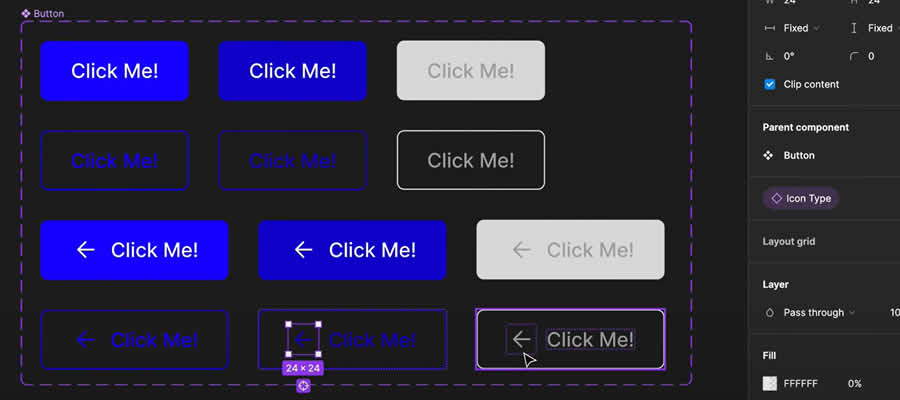
8. Variants in Figma Tutorial
Variants in Figma help you create alternate versions of a single component. This is useful for buttons, form fields, navigation states, cards, icons, and interactive UI elements.
This tutorial explains how variants work and shows how they can make your design system cleaner, more flexible, and easier to maintain.
9. Advanced Features in Figma Explained
This tutorial covers advanced Figma features that can help designers improve productivity and build stronger workflows. It is useful once you already understand the basics and want to work faster.
Learning advanced tools helps you organize projects better, collaborate more efficiently, and create professional UI designs with fewer repetitive steps.
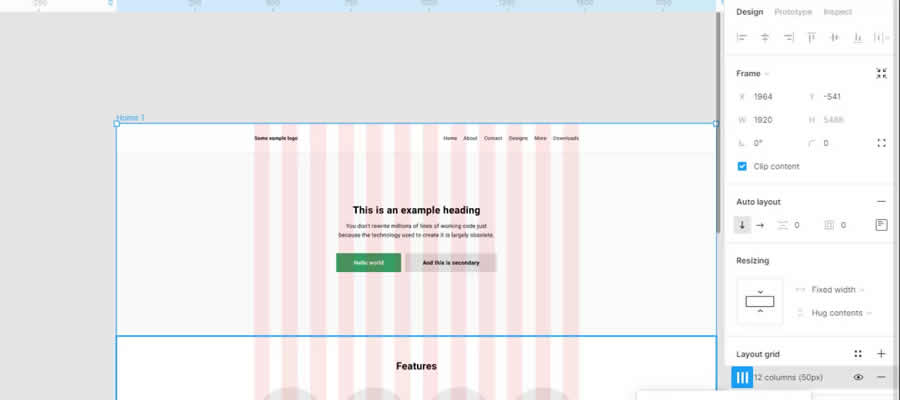
10. How to Use Figma for Website Design
Figma is widely used for website design because it supports flexible layouts, reusable components, collaborative editing, and developer handoff. This tutorial explains how to use Figma to create readable, modern, and structured website layouts.
It is a helpful resource for web designers, freelancers, and UI/UX beginners who want to move from simple practice screens to real website projects.
Essential Figma Skills Every Designer Should Learn
As you progress from beginner to advanced user, there are several core Figma skills that will significantly improve your workflow. These skills are especially important if you want to work on real client projects, product design teams, or scalable website interfaces.
- Auto Layout: Helps create responsive and flexible layouts.
- Components: Allow designers to reuse UI elements across projects.
- Variants: Make component states easier to manage.
- Responsive design: Helps adapt layouts for different screen sizes.
- Design systems: Keep typography, colors, spacing, and components consistent.
- Interactive prototypes: Help test user flows before development.
- Developer handoff: Makes it easier for developers to inspect and build designs.
- Team collaboration: Allows multiple people to work on the same file.
Learning these features will help you create more scalable, organized, and professional design projects.
Best Figma Auto Layout Tutorials
Auto Layout in Figma is one of the most important features for creating responsive, flexible, and scalable interface designs. It allows frames and components to adapt when content changes, which is essential for modern UI/UX workflows.
11. Figma Auto Layout with Responsive Components Tutorial
This tutorial combines two essential Figma skills: Auto Layout and responsive components. It shows how to build more flexible layouts while maintaining consistency across a design system.
If you work on websites, dashboards, app interfaces, or reusable UI kits, this tutorial can help you understand how professional designers build scalable layouts.
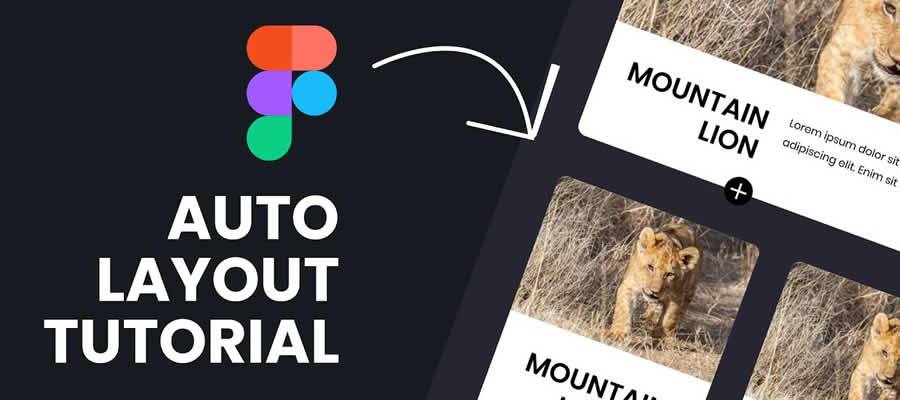
12. Getting Started with Auto Layout in Figma
Auto Layout can feel confusing at first, but this tutorial simplifies the concept and explains it in a beginner-friendly way. It is a strong starting point if you want to understand how spacing, resizing, and alignment work in Figma.
This is especially useful for designers who want to create buttons, cards, menus, forms, and responsive page sections.
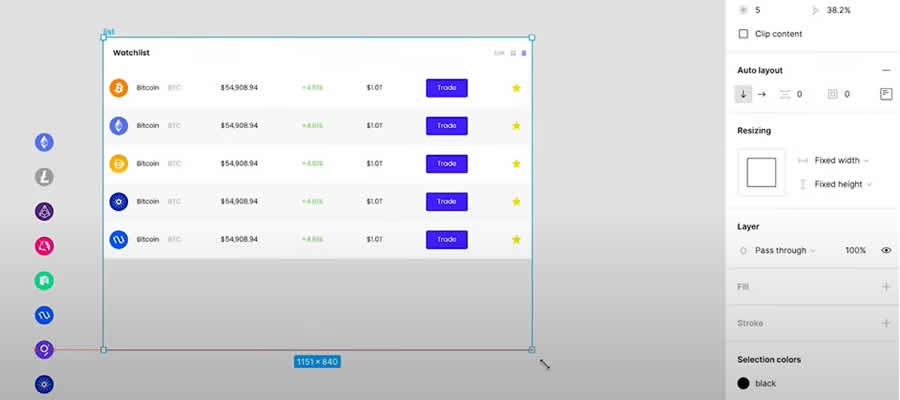
13. Auto Layout & Components in Figma
This tutorial focuses on two of the most important features in Figma: Auto Layout and components. Together, they help designers build reusable, scalable, and consistent interface elements.
You will learn how these features work together, how to troubleshoot common issues, and how to create better design systems for real projects.
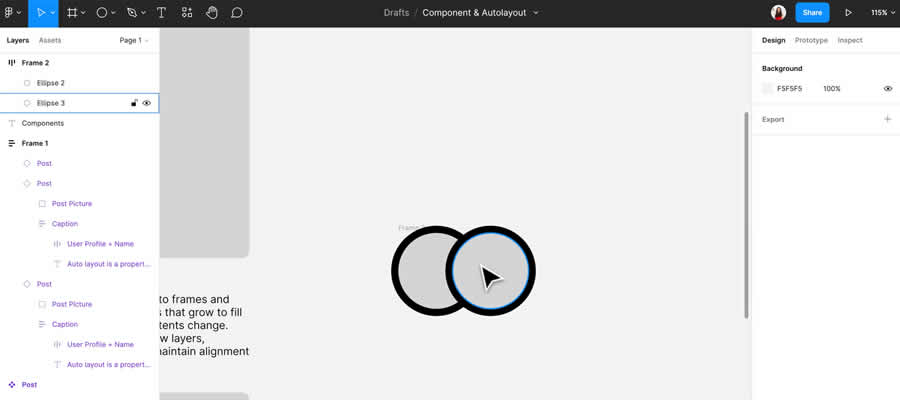
Figma Prototyping Tutorials
Prototypes in Figma help designers create interactive mockups that simulate real user flows. This is useful for testing ideas, presenting concepts to clients, and helping developers understand how an interface should behave.
Buttons, hover states, transitions, and interactive screens are essential parts of modern UI/UX work. The tutorials below focus on building and testing prototypes in Figma.
14. Three Tips for Building Complex Prototypes in Figma
This tutorial explains how to build more advanced prototypes inside Figma. It is useful for designers who already understand basic prototyping and want to create more realistic interactions.
Complex prototypes are especially helpful when testing product flows, onboarding screens, dashboards, mobile apps, and interactive website experiences.
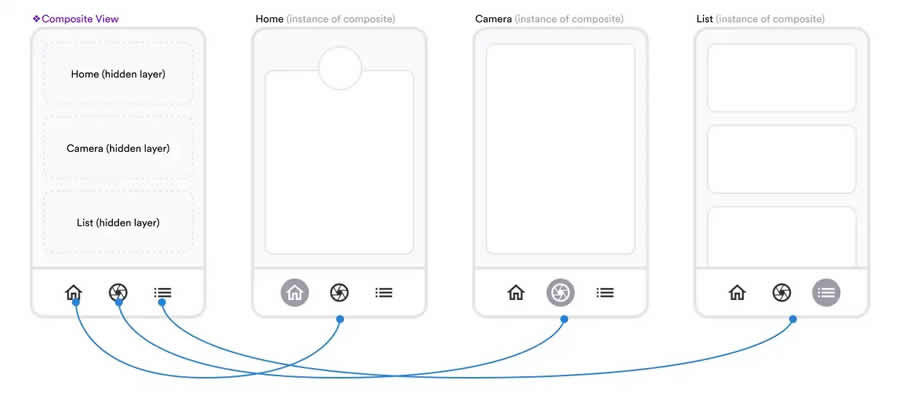
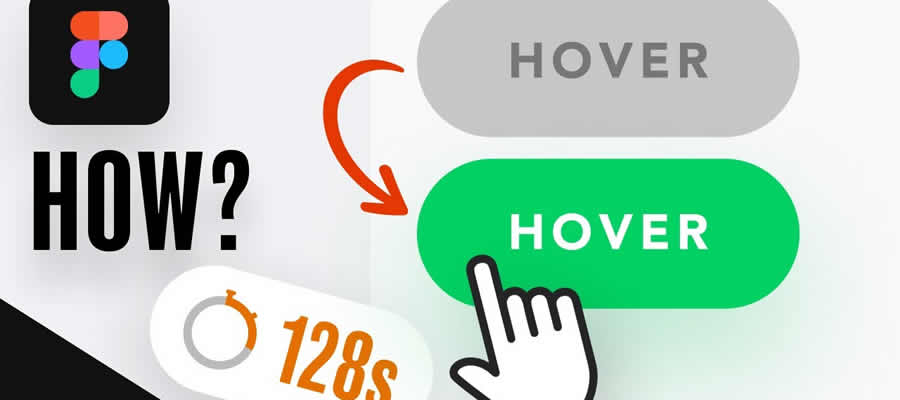
15. How to Create a Button With Hover Functionality in Figma
Buttons are one of the most common UI elements in digital design. This tutorial explains how to create a button with hover functionality inside Figma, helping you understand interaction states and component behavior.
Learning button states is important for building realistic prototypes and improving the quality of your interface presentations.
16. Create & Test a Prototype in Figma
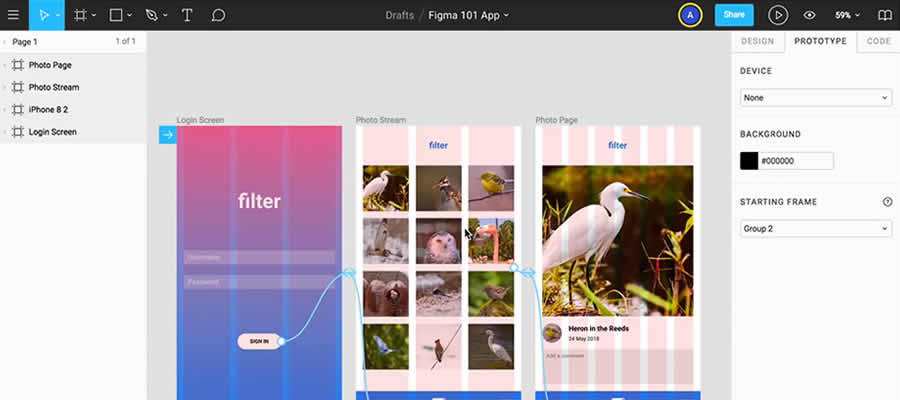
This detailed tutorial shows how to create and test a prototype in Figma. It explains how to connect key parts of your design and share the interactive result with other people.
It is a useful resource for designers who want to test user flows before development and improve communication with clients, developers, and stakeholders.
17. The Correct Way to Prototype in Figma
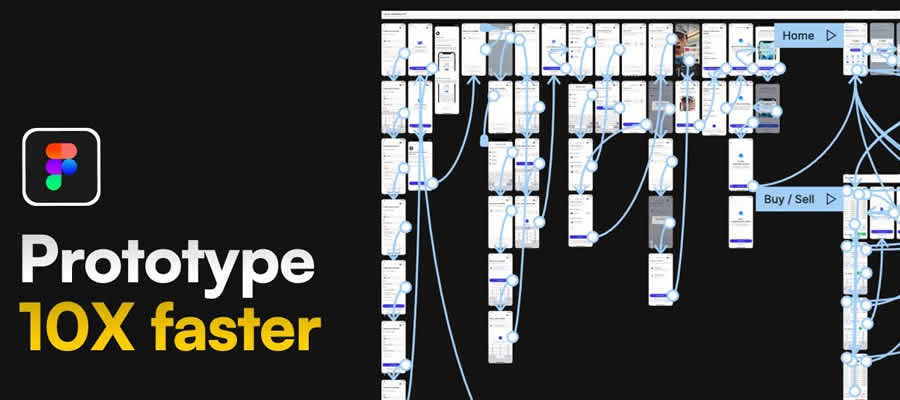
Prototyping helps you understand how users will experience your finished product. This tutorial explains how to prototype in Figma more effectively and avoid common mistakes.
It is useful for designers who want their prototypes to feel realistic, clear, and easy to test.
18. Working with Figma Button Components
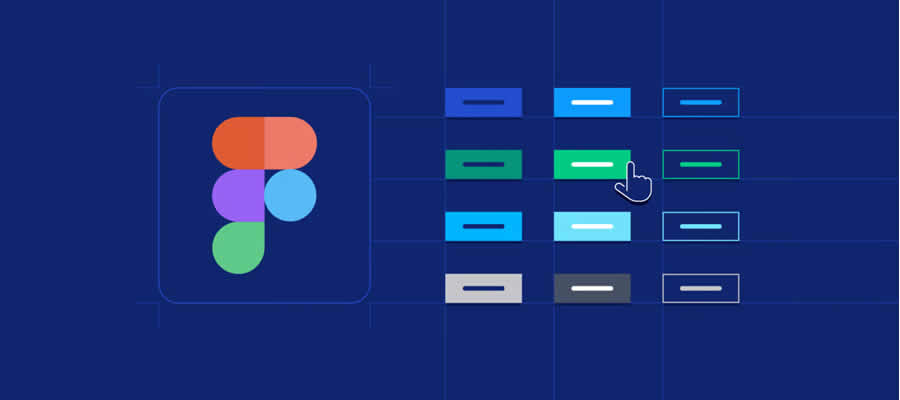
This task-based tutorial explains how to build and work with Figma button components. Buttons are essential interface elements, and learning how to build them properly is important for every UI designer.
It is a helpful resource for understanding reusable components, button states, and scalable interface design.
Advanced Figma Tutorials and Collaboration Tools
Once you understand the basics, Auto Layout, and prototyping, you can move into more advanced Figma workflows. These tutorials cover FigJam, design systems, exporting to HTML, and advanced productivity techniques.
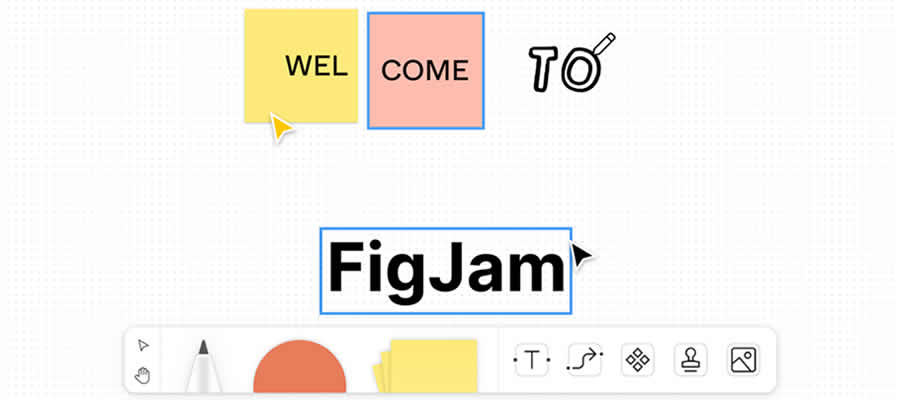
19. What Is FigJam?
FigJam is Figma’s online whiteboard tool for brainstorming, workshops, user flows, planning, and team collaboration. It is useful for product teams, designers, developers, marketers, and agencies that need to organize ideas visually.
This tutorial explains what FigJam is, how it works, and how teams can use it for better collaboration.
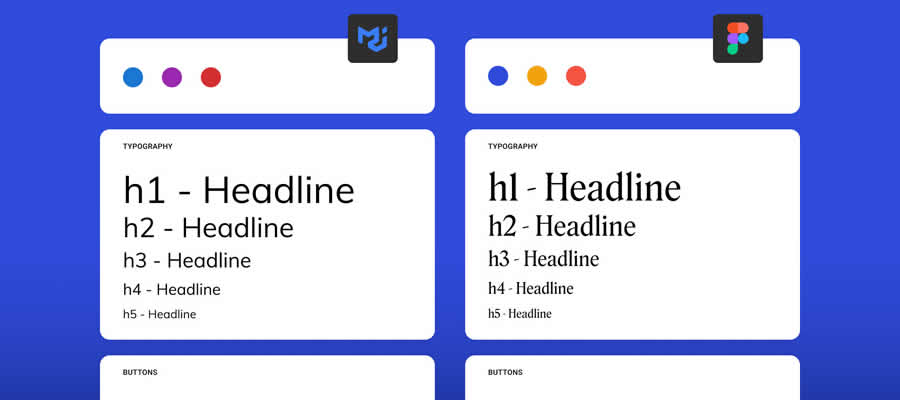
20. How to Build a Design System in Figma
Design systems help teams create consistent, scalable, and reusable product interfaces. This tutorial explains how to approach design systems in Figma and why they are important for professional UI/UX work.
If you want to create more organized projects, reusable components, and consistent visual styles, this is an important topic to learn.
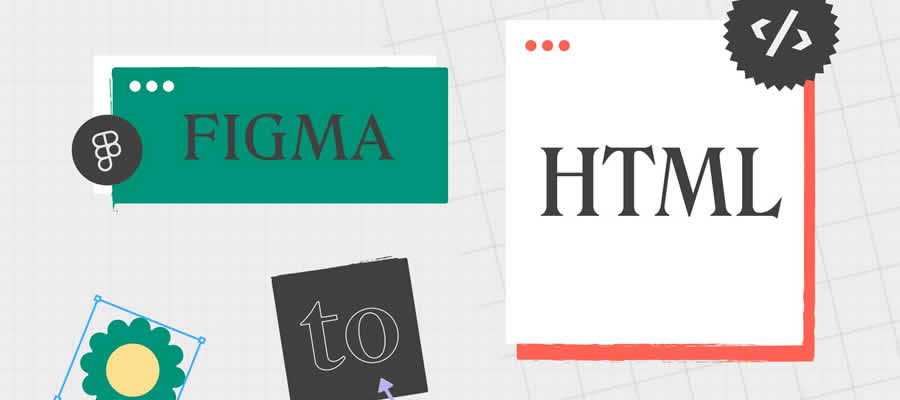
21. How to Export Figma to HTML
Exporting Figma designs to HTML is useful for designers and developers who want to speed up design-to-code workflows. This tutorial explains how Figma can connect with tools that convert designs into usable code.
It is especially helpful for designers who want to understand developer handoff, front-end workflows, and the practical limits of design-to-code automation.
22. Advanced Figma Tips & Tricks
This advanced Figma tutorial covers productivity tips and hidden features that can help designers work faster. You can learn how to fine-tune designs, save image styles, use properties, and improve your daily workflow.
It is a good resource for designers who already know the basics and want to become more efficient inside Figma.
Frequently Asked Questions About Figma Tutorials
Is Figma good for beginners?
Yes. Figma is one of the easiest UI/UX design tools for beginners because it has an intuitive interface, browser-based access, a free plan, and a large learning community.
Can I learn Figma without design experience?
Yes. Many Figma tutorials are made for complete beginners. You can start with frames, shapes, typography, and simple layouts before moving into Auto Layout, components, and prototyping.
Is Figma free?
Figma offers a free plan that is enough for learning, practice projects, and many personal workflows. Paid plans are useful for larger teams and advanced collaboration needs.
What should beginners learn first in Figma?
Beginners should first learn frames, layers, basic shapes, typography, colors, alignment, components, Auto Layout, and simple prototyping.
Is Figma better than Adobe XD?
Many designers prefer Figma because of its browser-based workflow, real-time collaboration, community resources, and active product development.
Can Figma be used for website design?
Yes. Figma is widely used for website design, landing pages, UI kits, dashboards, mobile apps, responsive layouts, and complete product interfaces.
Conclusion
Learning Figma is one of the best investments modern designers can make. Whether you’re creating websites, mobile applications, design systems, prototypes, or complete digital products, Figma provides a flexible and powerful environment for professional design work.
The tutorials featured in this collection cover every stage of the learning process — from beginner fundamentals and interface design basics to advanced workflows involving Auto Layout, components, design systems, and interactive prototyping.
As you continue developing your skills, focus on building real projects, experimenting with workflows, and learning advanced features that improve productivity and design consistency.
For more UI/UX resources, Figma tutorials, design inspiration, and creative workflows, explore more content on DesignRise.
Discover more from DesignRise
Subscribe to get the latest posts sent to your email.


