


Free book and magazine mockups are one of the easiest ways to turn flat editorial artwork into realistic presentations that look much closer to finished printed products.
Whether you are designing a book cover, fashion magazine, catalog, lookbook, annual report, portfolio, or editorial spread, a good PSD mockup can help clients and viewers understand how the final project will look in the real world.
This updated DesignRise collection includes 20 free book and magazine mockups for designers, publishers, authors, photographers, marketers, and creative agencies.
You will find mockups for:
- Magazine covers.
- Open editorial spreads.
- Digest-size magazines.
- A4 magazines and catalogs.
- Square magazines.
- Glossy magazines.
- Book covers.
- Paperback and hardcover presentations.
- Stacked magazines.
- Hand-held catalogs and books.
Important: most PSD mockups use Smart Objects, allowing you to insert your own artwork while Photoshop automatically preserves the perspective, shadows, highlights, and other realistic details.
Licensing note: always check the current terms on the original source page before using a free mockup in commercial client work, advertising, publishing, merchandise, templates, or products for sale.
Explore More DesignRise Resources:
- A Selection of Useful and High Quality PSD Mockups
- New Free PSD Mockups for Designers
- Best Pillow Mockups — Free and Premium
Why Use Book and Magazine Mockups?
A flat cover or editorial spread can show the design itself, but a mockup adds scale, depth, lighting, perspective, and physical context.
Book and magazine mockups are especially useful for:
- Client presentations.
- Portfolio case studies.
- Book launches.
- Publishing proposals.
- Social media promotion.
- Advertising graphics.
- Editorial presentations.
- Cover concept comparisons.
- Catalog and lookbook previews.
Quick Comparison: 20 Free Book and Magazine Mockups
20 Best Free Book and Magazine Mockups
1. Magazine Cover Mockup

Best for: editorial covers, fashion magazines, catalogs, portfolio projects, and client presentations.
This clean magazine cover mockup gives your artwork a realistic printed appearance while keeping the cover design as the main focus.
It is a useful option when typography, photography, and overall cover composition need to remain easy to see.
Why Try It?
A simple cover scene is versatile enough to work with corporate, fashion, lifestyle, art, and photography publications.
2. Free Digest-size Magazine PSD Mockup

Best for: digest magazines, advertisements, small publications, brochures, editorial spreads, and portfolio presentations.
This ZippyPixels resource is designed for smaller digest-size publications and allows you to present both editorial content and advertising layouts.
The different page angles make it useful for showing more than a single flat cover.
Best for Compact Publications
Use this type of mockup when the real publication format is smaller than a standard A4 magazine.
3. Magazine PSD Mockup

Best for: magazine spreads, editorial photography, catalogs, lookbooks, layouts, and publishing presentations.
This open magazine mockup gives you space to present a complete editorial spread rather than only the cover.
Open-page scenes are particularly useful when the grid, typography, photography placement, and internal page hierarchy are important parts of the project.
Show Interior Design
Combine this with a cover mockup to show both the publication identity and the internal editorial system.
4. Free Customizable Magazine Ad PSD Mockup

Best for: magazine advertisements, promotional layouts, editorial spreads, marketing campaigns, and page design.
This mockup is useful for presenting advertising creative inside the context of a real magazine rather than showing the advertisement as an isolated flat rectangle.
Useful for Advertising Presentations
Editorial context helps clients understand how an advertisement will interact visually with a printed page.
5. Magazine Cover Mockup by Stian Finnestrand
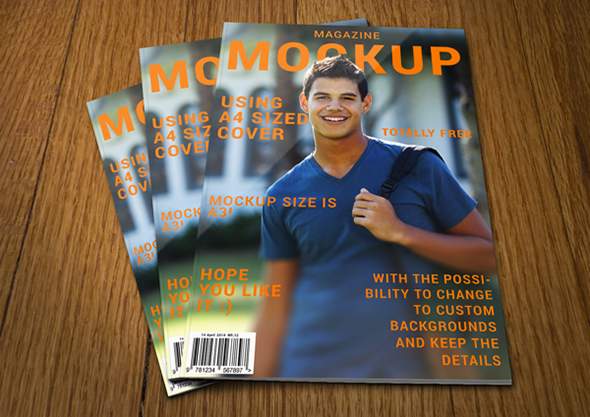
Best for: magazine covers, student projects, simple editorial presentations, photography, and portfolio work.
This classic Behance mockup offers a straightforward way to move from a flat cover design to a more realistic magazine presentation.
Keep the Cover Readable
Simple mockups are often especially useful for covers with smaller typography because there are fewer surrounding objects competing for attention.
6. Magazine on Table Mockup
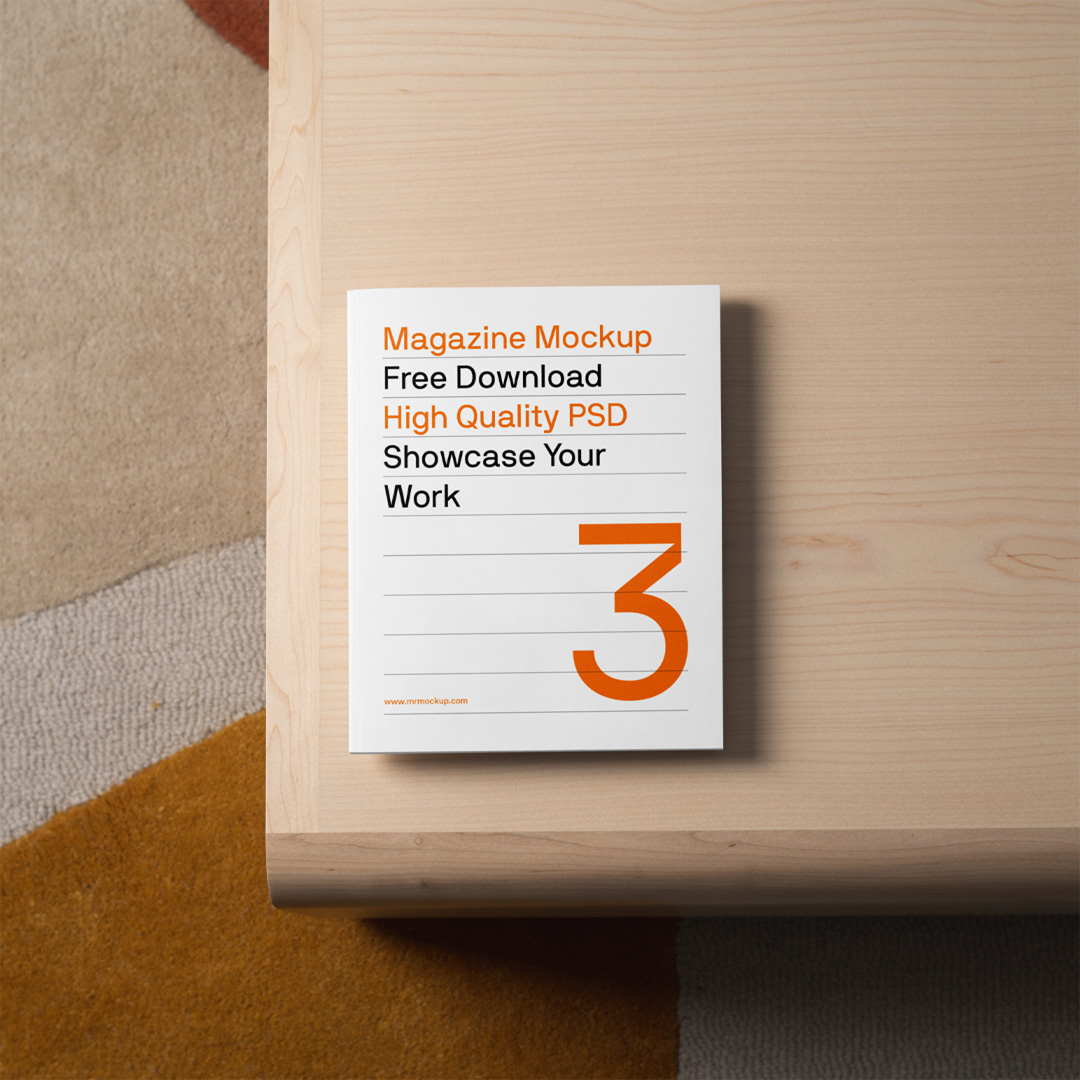
Best for: lifestyle magazines, editorial covers, photography, catalogs, fashion publications, and social media presentations.
This Mr.Mockup scene presents the publication on a bright wooden table and creates a realistic lifestyle setting without overwhelming the design.
Good for Cover Presentations
The top-down perspective keeps the cover easy to evaluate while the table adds enough texture to make the scene feel natural.
7. Magazine Mockup

Best for: editorial projects, magazine layouts, portfolios, catalogs, and presentation graphics.
This resource is part of the original DesignRise collection and is kept here with its original preview.
It provides another visual option for designers who need to show editorial work in a realistic magazine format.
Original Resource Preserved
The resource itself has not been replaced with a different mockup.
8. Book MockUp
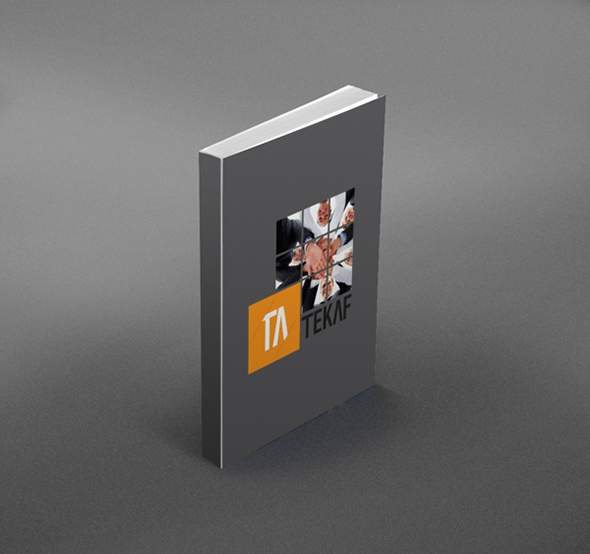
Best for: book covers, publishing projects, novels, portfolios, editorial branding, and client presentations.
This book mockup from the original collection provides a simple way to present a cover as a physical publication.
Original Download Preserved
I have kept the original Dropbox resource rather than replacing it with a different book mockup.
9. Free Magazine with Flowers Mockup
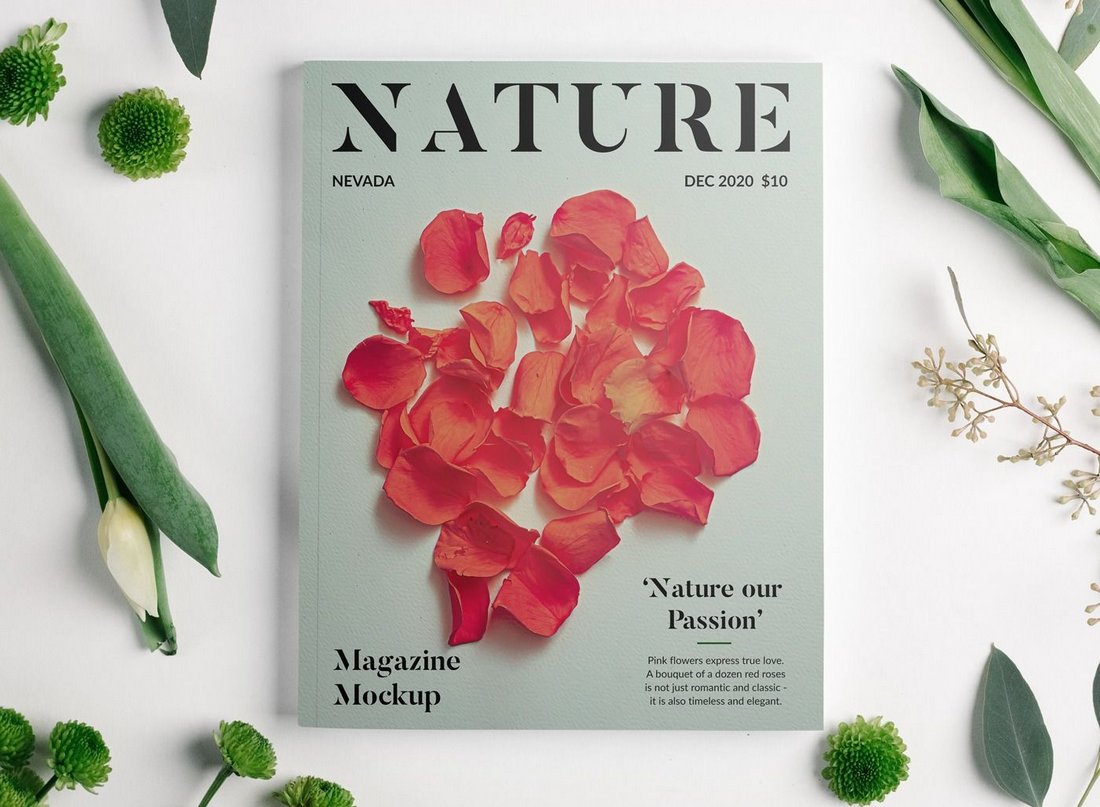
Best for: fashion magazines, beauty projects, wedding publications, photography, lifestyle branding, and editorial portfolios.
Flowers add a softer styled environment around the publication, making this mockup especially suitable for lifestyle-oriented designs.
Match the Props to the Project
Decorative objects work best when they reinforce the personality of the cover instead of distracting from it.
10. Freebie PSD Book Mockup
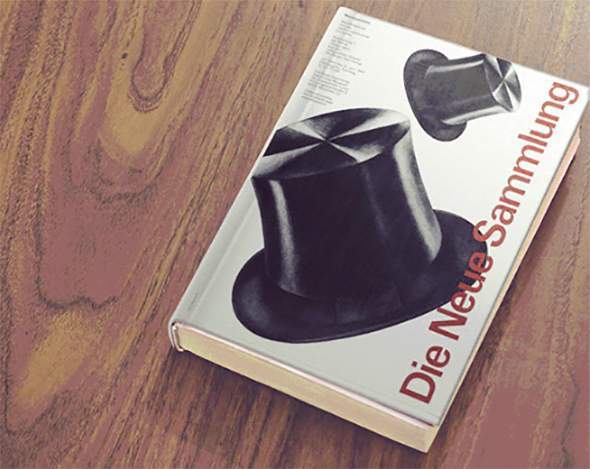
Best for: book cover concepts, publishing presentations, novels, portfolios, and author promotion.
This is another book presentation from the original DesignRise collection.
Original Resource Preserved
I have not replaced this older resource with an unrelated modern book mockup.
11. Free Book Cover PSD Mockup

Best for: novel covers, publishing projects, book branding, marketing graphics, and author presentations.
This book-cover mockup gives designers a realistic physical context for artwork that would otherwise be shown only as a flat rectangle.
Good for Publishing Portfolios
Use a realistic book mockup alongside a flat cover layout so viewers can inspect both the design details and the finished product presentation.
12. Free A4 Magazine / Catalog Mockup
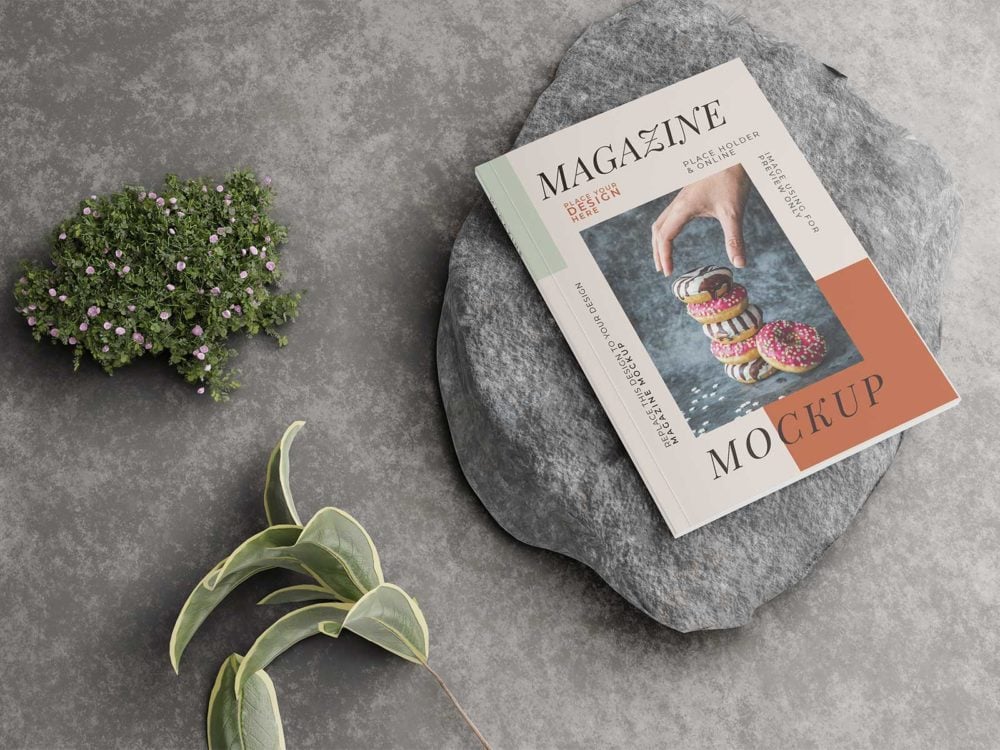
Best for: A4 magazines, corporate catalogs, annual reports, brochures, editorial design, and marketing publications.
A4 is a common format for corporate and editorial projects, making this one of the more versatile mockups in the collection.
Match the Real Format
If the final publication will use A4 proportions, presenting it in an A4 mockup helps avoid misleading stretching or cropping.
13. Open Catalog / Magazine Mockup
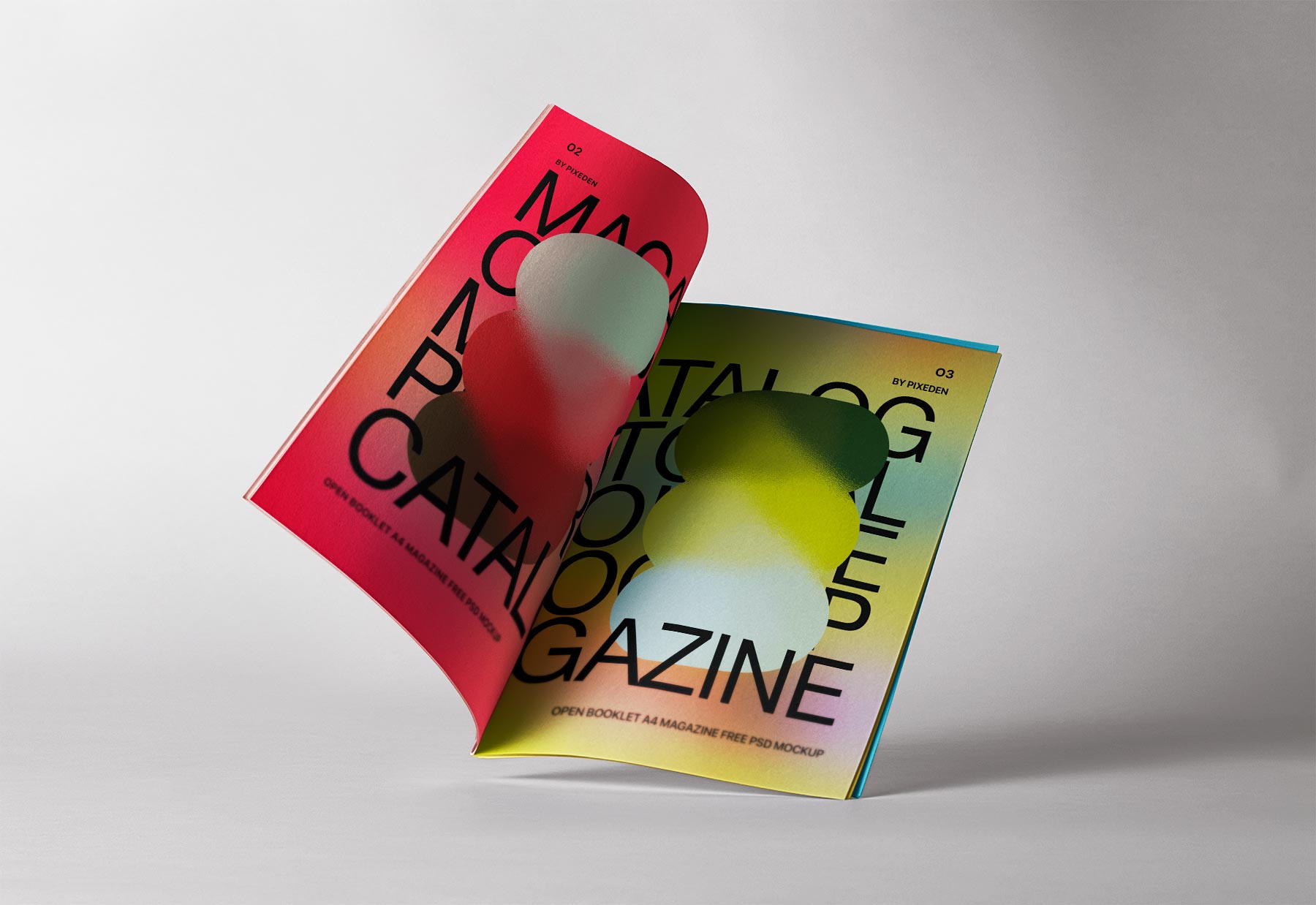
Best for: editorial spreads, catalogs, product layouts, magazine interiors, portfolios, and photography publications.
This open format gives you space to present two facing pages as one complete editorial composition.
Show the Editorial System
An open spread can demonstrate your grid, hierarchy, margins, page numbers, typography, and image placement more clearly than a cover alone.
14. Square Magazine Mockup (PSD)
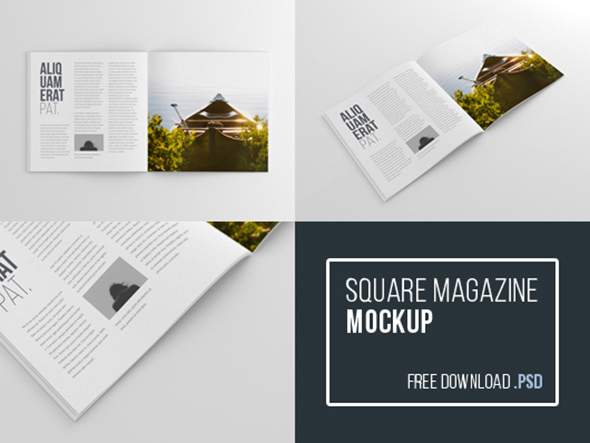
Best for: square magazines, photography books, creative catalogs, portfolios, lookbooks, and art publications.
Square publications have very different proportions from A4 magazines, so using a purpose-built square mockup gives a more accurate presentation.
Perfect for Photography
Square formats work especially well for image-led editorial projects, portfolios, art books, and lifestyle catalogs.
15. Free Simple Magazine Mockup
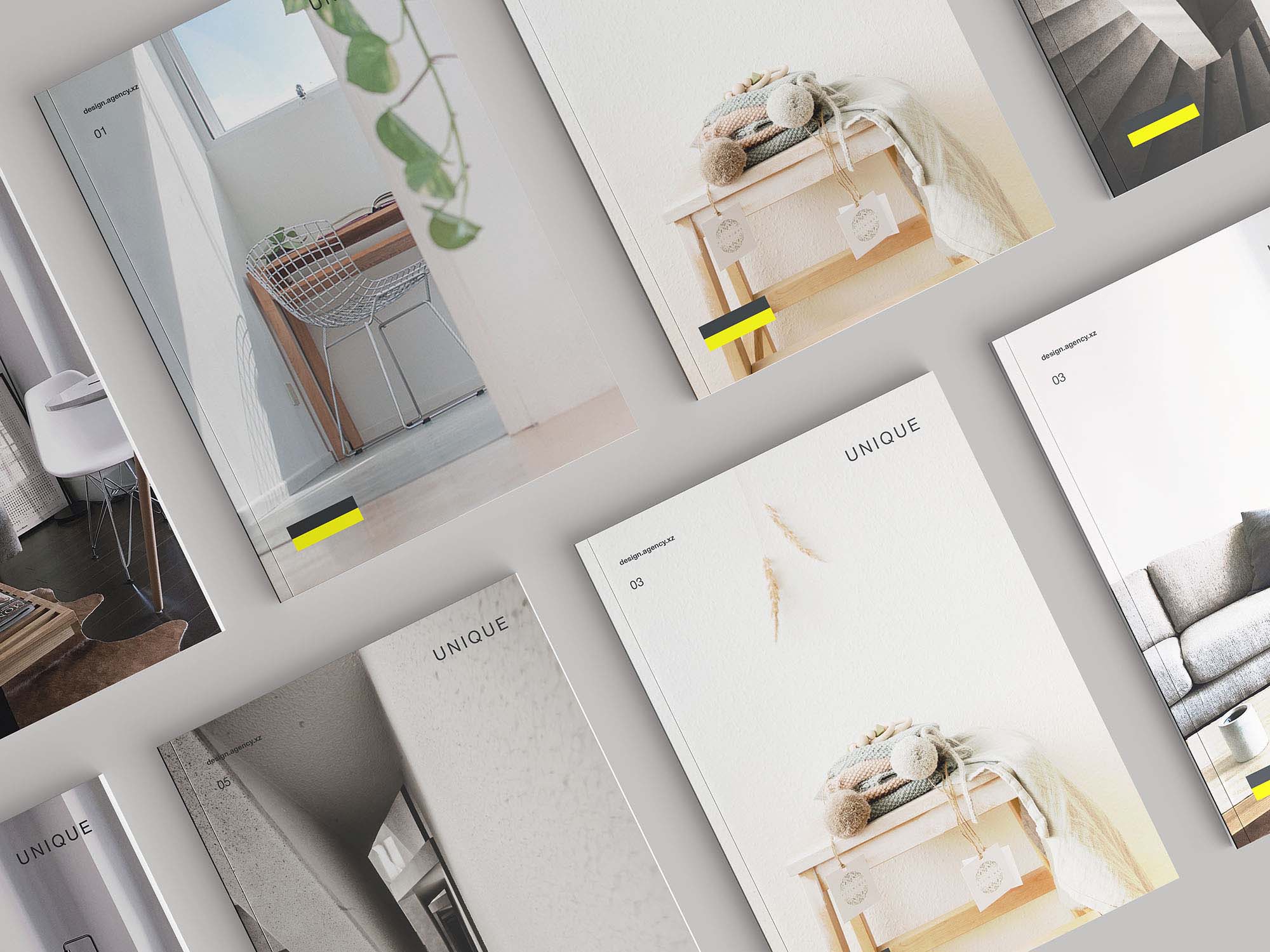
Best for: complete magazine presentations, editorial portfolios, fashion publications, catalogs, and client projects.
This clean Unblast resource is useful when you want the publication design to take priority over a complicated environment.
Keep the Presentation Consistent
If you use several scenes for one project, keep the same cover and editorial artwork throughout the presentation.
16. Free Glossy Magazine Mockup
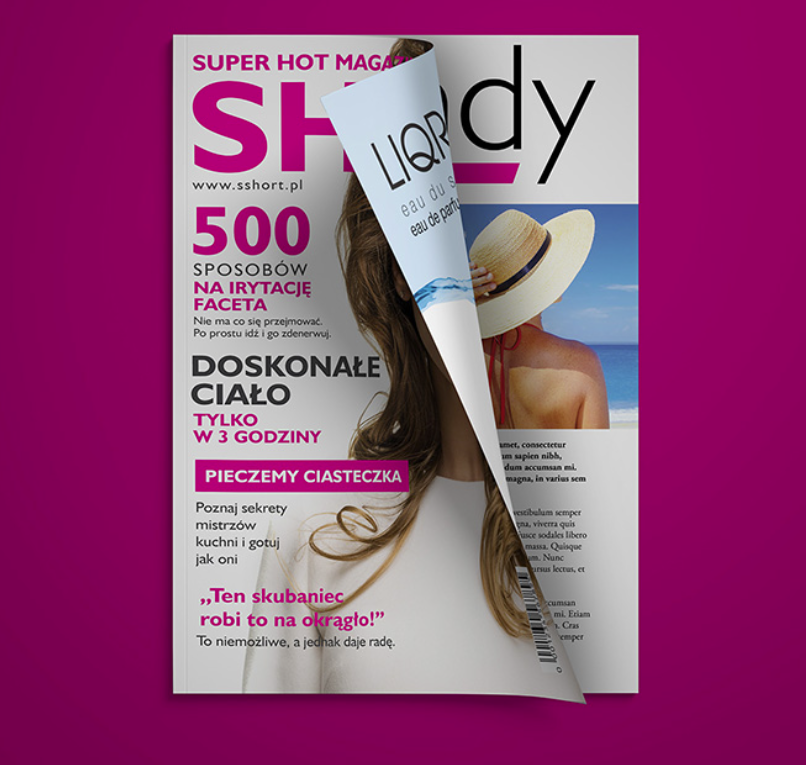
Best for: fashion, advertising, photography, premium magazines, catalogs, and polished editorial presentations.
A glossy finish creates a more commercial and premium appearance and can work especially well for photography-heavy covers.
Watch the Highlights
Reflections should make the magazine look realistic without hiding logos, headlines, or important photographic details.
17. Free Torn Book Cover Mockup

Best for: contemporary books, art publications, experimental branding, music projects, posters, and creative portfolio work.
This LS.Graphics scene offers a much more expressive environment than a traditional clean publishing mockup.
Use Stylized Scenes Carefully
A dramatic mockup works best when its visual style matches the personality of the book cover.
18. Hands Holding Square Cover PSD Catalog Mockup
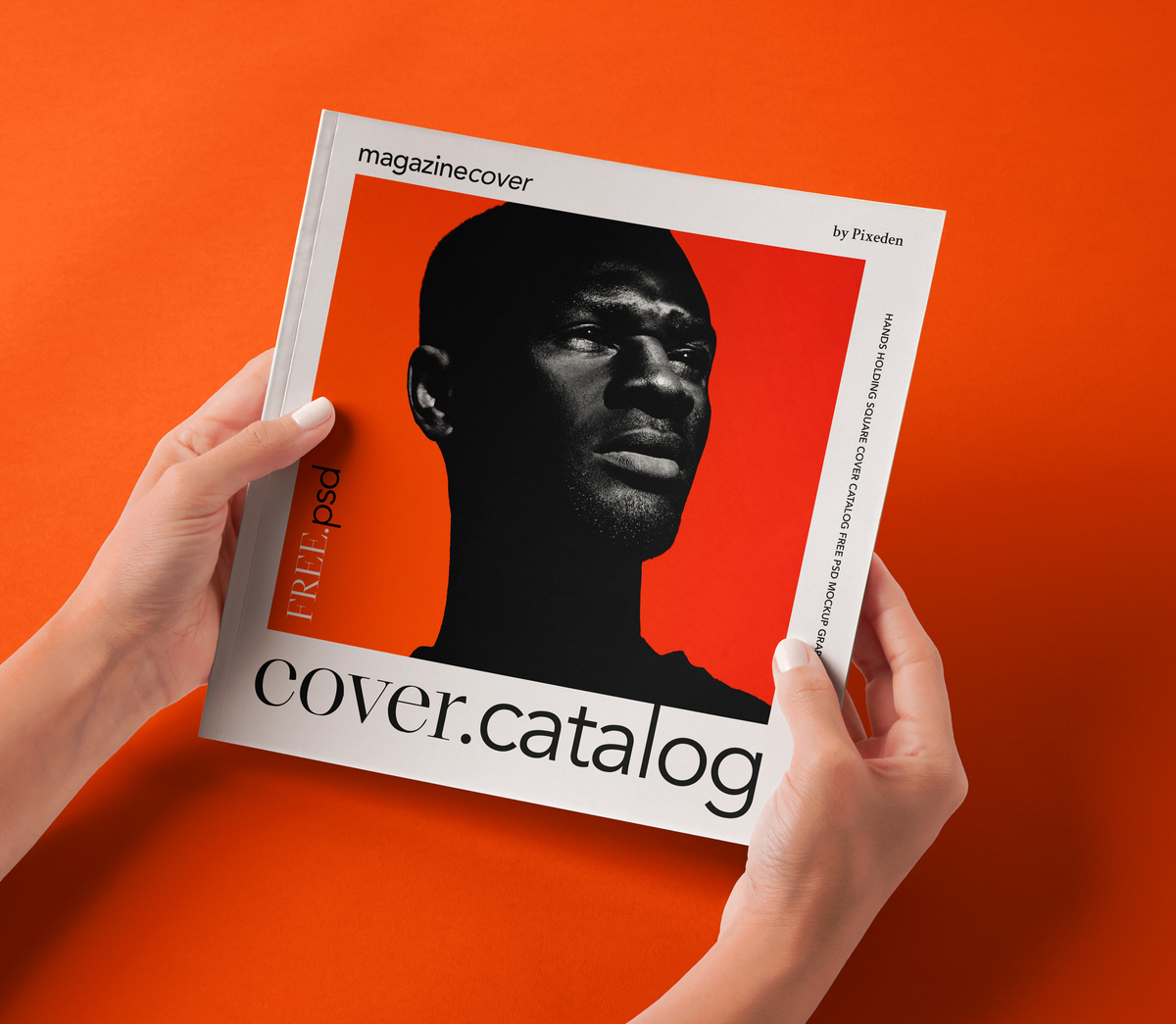
Best for: square books, catalogs, photography portfolios, brochures, editorial branding, and lookbooks.
The human hands immediately communicate the approximate scale of the publication and make the presentation feel more tangible.
Add Human Context
Hand-held mockups can make a publication feel more realistic than a product floating against an empty background.
19. Free 3 Magazines Mockup

Best for: magazine series, branding systems, editorial collections, campaign designs, portfolios, and publication families.
Showing several magazines together is useful when the project includes multiple issues, cover variations, or a complete visual system.
Show a Consistent Series
Try using related typography, grid rules, mastheads, and color systems across all three covers to demonstrate a strong editorial identity.
20. Free Minimalist Book Cover Mockup
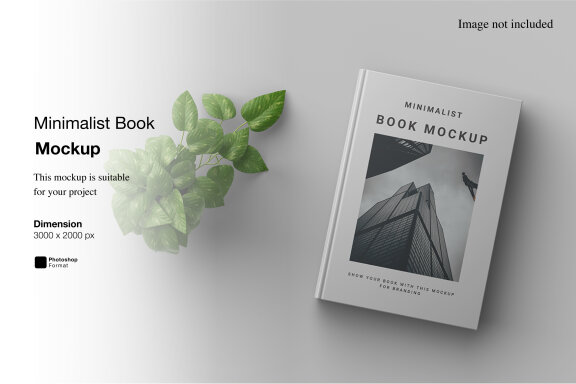
Best for: modern books, novels, poetry, corporate publications, minimalist branding, and clean portfolio presentations.
A simple environment helps typography and cover artwork remain the main focus of the presentation.
Original Resource Preserved
I have kept the existing DesignRise resource and preview rather than silently replacing it with a different minimalist book mockup.
Book Mockups vs. Magazine Mockups
Book Mockups
Book mockups are usually better when you need to show physical details such as the cover, spine, binding, thickness, dust jacket, or overall book format.
They work well for:
- Novels.
- Photography books.
- Art books.
- Cookbooks.
- Poetry collections.
- Educational publications.
- Corporate books.
- Self-published titles.
Magazine Mockups
Magazine mockups are generally more focused on editorial covers and page spreads.
They work well for:
- Fashion magazines.
- Catalogs.
- Lookbooks.
- Annual reports.
- Photography publications.
- Editorial portfolios.
- Corporate magazines.
- Lifestyle publications.
Cover Mockups vs. Open Magazine Mockups
Cover Mockups
Use a cover mockup when branding, masthead design, photography, and front-cover typography are the main focus.
Open Magazine Mockups
Use an open magazine when you need to show grids, typography, editorial hierarchy, photography placement, advertisements, and page-to-page consistency.
A strong portfolio case study will often include both.
How to Use a PSD Book or Magazine Mockup
- Download the mockup from the original source.
- Extract the ZIP archive if necessary.
- Open the PSD file in Adobe Photoshop.
- Locate the Smart Object layer in the Layers panel.
- Double-click the Smart Object thumbnail.
- Insert your cover or page artwork.
- Resize the artwork to fit the placeholder.
- Save the Smart Object.
- Return to the main PSD document.
- Check the updated cover or spread.
- Adjust shadows, highlights, background colors, or other editable elements if needed.
- Export the finished presentation.
How to Choose the Right Book or Magazine Mockup
Match the Real Publication Format
An A4 magazine, digest publication, square catalog, paperback, and hardcover book all have different proportions.
Decide What You Need to Present
If your strongest design element is the cover, choose a clean cover mockup. If the project is mainly about editorial layout, show open spreads.
Match the Environment to the Brand
Minimal publications often look best in simple scenes, while fashion or lifestyle projects may work well with more styled environments.
Check the Perspective
Strong angles can look impressive but may make small typography difficult to evaluate.
Use High-Resolution Artwork
Your inserted design should be large enough to remain sharp inside the PSD.
Common Book and Magazine Mockup Mistakes
1. Using the Wrong Format
Do not force square artwork into an A4 publication unless the final product actually uses those proportions.
2. Showing Only a Cover
If you designed a complete magazine, show at least one internal spread as well.
3. Using Low-Resolution Artwork
A blurry cover can immediately make a high-quality PSD mockup look unprofessional.
4. Choosing a Distracting Background
The mockup environment should support the publication, not become the main subject.
5. Overusing Perspective
Extreme perspective can make editorial typography difficult to read.
6. Ignoring Reflections
Gloss and highlights should not cover important headlines or artwork.
7. Mixing Unrelated Mockup Styles
Portfolio presentations usually look stronger when several scenes share a similar visual direction.
8. Ignoring Licensing
Free download availability does not automatically mean every commercial use is permitted.
Free Book and Magazine Mockup Licensing Checklist
- Is the mockup currently free?
- Is personal use permitted?
- Is commercial use permitted?
- Is attribution required?
- Can it be used for client work?
- Can the finished mockup image be used in advertising?
- Can it be used in an online store?
- Can it be used for a portfolio?
- Can the original PSD be redistributed?
- Can the mockup itself be included in another product?
Frequently Asked Questions About Free Book and Magazine Mockups
What is a book mockup?
A book mockup is a presentation template that allows designers to place their cover or page artwork into a realistic representation of a physical book.
What is a magazine mockup?
A magazine mockup allows you to present magazine covers, editorial spreads, advertisements, catalogs, and publication layouts in a realistic environment.
What file format do most mockups use?
Many professional book and magazine mockups are distributed as layered PSD files.
What is a Smart Object?
A Photoshop Smart Object allows you to replace placeholder artwork while preserving transformations, perspective, and other effects used by the mockup.
Can I use magazine mockups for catalogs?
Yes, provided the mockup proportions are similar to the catalog you are designing.
Can book mockups be used for ebook promotion?
Yes. Physical-book visualizations are commonly used in promotional graphics, although the presentation should not mislead customers about the format being sold.
Should I use a closed or open magazine mockup?
Use closed mockups for covers and open mockups for page layouts. For a complete portfolio case study, both are useful.
Can free mockups be used commercially?
Only when the individual creator’s license allows commercial use.
Do I need Photoshop?
PSD mockups that rely on Smart Objects are primarily designed for Adobe Photoshop.
How many mockups should I use in one portfolio project?
You do not need every possible angle. A cover presentation, an open spread, and one contextual or hand-held scene are often enough to communicate a publication clearly.
Final Thoughts
The best free book and magazine mockups help transform flat editorial artwork into professional presentations that feel much closer to finished printed publications.
This collection includes 20 different options ranging from clean magazine covers and open editorial spreads to square publications, glossy magazines, book covers, stacked magazines, and hand-held catalog presentations.
Choose a mockup that matches the real publication format, use high-resolution artwork, insert designs through Smart Objects whenever possible, and make sure the background supports rather than distracts from the design.
A good mockup should make viewers imagine the finished book or magazine while keeping your design as the main focus.
For more free PSD mockups, book templates, magazine presentations, branding resources, Photoshop tools, and design inspiration, continue exploring DesignRise.