










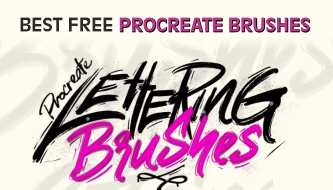
The best free Procreate brushes can make your iPad artwork feel more expressive, textured, polished, and professional without forcing you to buy a premium brush pack immediately. Whether you are sketching, inking, painting, lettering, designing patterns, adding grain, creating comic effects, or building natural textures, the right brush can change both the look of your artwork and the speed of your workflow.
Procreate already comes with a strong default brush library, but custom brushes give artists more creative range. A pencil brush can make the first sketch feel more natural. A comic ink brush can give linework more confidence. A watercolor brush can soften a composition. A grain brush can make flat colors feel less digital. A halftone brush can add a printed comic look. A textile brush can help designers build repeatable patterns faster.
This guide collects some of the best free Procreate brushes for artists, illustrators, designers, lettering creators, tattoo artists, comic artists, and anyone who wants to expand their Procreate toolkit. Instead of only listing download links, this article explains what each brush is useful for, when to use it, and how it can fit into a real creative workflow.
One important note before you start downloading: free does not always mean free for every type of use. Some brushes are free for personal projects, while others may allow commercial use. Always check the license on the original download page before using any brush in paid commissions, client work, products, print-on-demand designs, digital assets, or marketplace graphics.
Explore More DesignRise Resources:
- Brush Strokes Free Textures Selection
- The Most Popular Free Adobe Illustrator Brushes
- Awesome Free Photoshop Brush Sets
- Free Procreate Brushes — Ready to Download
Why Free Procreate Brushes Are Worth Trying
Free Procreate brushes are useful because they let you explore different creative directions without risk. You can test a sketching style, try a new texture, build a comic-inspired look, experiment with lettering, or create decorative patterns before deciding whether you need a larger premium set.
The best free brushes are not always the biggest packs. Sometimes one well-made brush becomes more valuable than a folder with fifty brushes you never use. A strong brush solves a specific problem: it makes a line feel better, creates texture faster, adds a convincing traditional-media effect, or helps you finish artwork with more personality.
What Free Procreate Brushes Can Help With
- Sketching: create rough ideas, thumbnails, portraits, character concepts, and layouts.
- Inking: build clean comic lines, bold outlines, and expressive hand-drawn marks.
- Painting: add watercolor effects, soft color, textured strokes, and traditional-media surfaces.
- Lettering: create playful words, titles, kids’ art, posters, and social media graphics.
- Texture: add grain, paper, fur, fabric, halftone, and handmade surface effects.
- Stamps: speed up botanical elements, tattoo designs, patterns, and repeated details.
- Graphic design: build backgrounds, website headers, posters, packaging visuals, and creative assets.
How to Choose the Best Free Procreate Brushes
It is easy to download dozens of free brush packs and then never use them. A smarter approach is to choose brushes based on the type of work you actually create. A portrait artist may need pencils, fur, watercolor, grain, and subtle texture. A comic artist may need ink, halftone, grunge, and liner brushes. A designer may need pattern, textile, stencil, and decorative stamp brushes.
Before downloading a brush, ask what role it will play in your process. Is it for the first sketch? Clean linework? Shading? Texture? Backgrounds? Lettering? Final effects? When every brush has a clear purpose, your Procreate library becomes easier to use.
Brush Selection Checklist
Quick Guide: Which Free Procreate Brush Should You Try First?
Use this overview to quickly match the brush type with your creative goal.
How to Install Procreate Brushes
Most Procreate brushes come as .brush or .brushset files. A .brush file usually imports one brush, while a .brushset file imports a full brush folder.
Basic Installation Steps
- Download the brush file to your iPad, iCloud Drive, Downloads folder, or Files app.
- Tap the .brush or .brushset file.
- Procreate should open automatically and import the brush.
- Open the Brush Library in Procreate.
- Look for the new brush or brush set near the top of the library.
- Create a test canvas and try the brush before using it in finished artwork.
Testing Tip
Before you decide whether a brush is worth keeping, test it properly. Try light pressure, heavy pressure, fast strokes, slow strokes, different sizes, different opacity levels, and several layers. Some brushes do not look impressive in one quick stroke but become very useful when layered.
Best Free Procreate Brushes to Download
Below is the cleaned and expanded collection of best free Procreate brushes from the original article. Some resources are hosted on creator websites, marketplaces, or community pages. Always check current availability and license terms before using them in commercial work.
1. Free Comic Ink Brushes for Procreate
Best for: comic art, bold linework, expressive outlines, graphic illustration, and ink-style drawings.
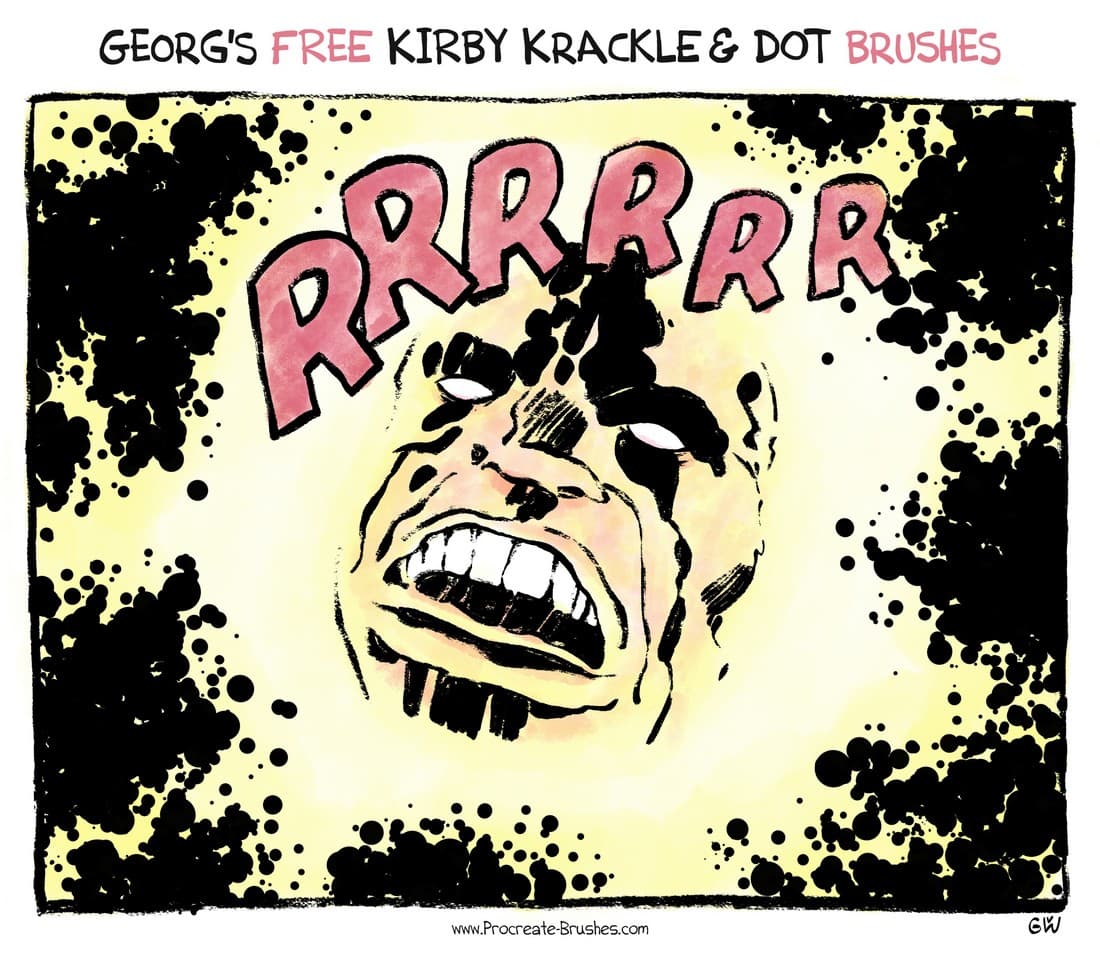
Free Comic Ink Brushes for Procreate are a strong choice if you want your linework to feel confident and energetic. Comic-style ink brushes are designed for expressive marks, clean edges, pressure variation, and stronger silhouettes.
These brushes work well for comic panels, character design, action poses, sticker artwork, poster illustration, tattoo-inspired sketches, and high-contrast black-and-white drawings. Use them when you want your linework to carry personality instead of feeling too smooth or digital.
Why Try It?
- Useful for bold comic-style linework.
- Good for expressive character outlines.
- Helps create stronger contrast and movement.
- Works well for black-and-white artwork.
Download Free Comic Ink Brushes
2. Free Liner Procreate Brushes
Best for: clean line art, outlines, comics, lettering details, icons, and polished illustration.
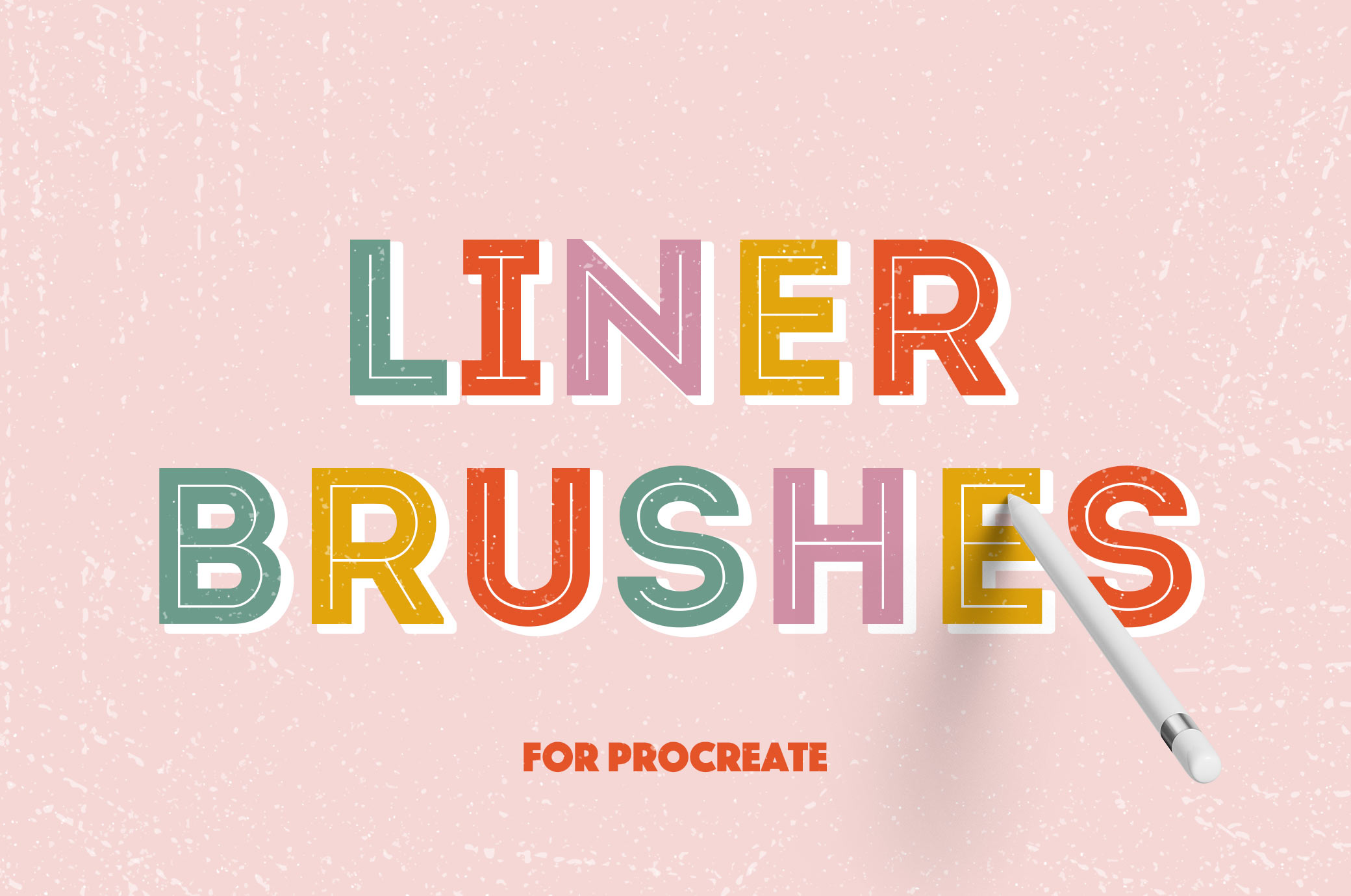
Liner brushes are useful when you need more control than a rough sketch brush can provide. Free Liner Procreate Brushes can help create smooth outlines, controlled pressure-sensitive strokes, and cleaner finished drawings.
Use liner brushes for character line art, product sketches, illustrations, hand-lettered details, comic panels, and any artwork where edge quality matters. They can also work well for refining sketches before adding color.
Best Uses
- Clean outlines.
- Finished line art.
- Comic and manga-style drawing.
- Lettering details.
- Icon and sticker illustration.
Download Free Liner Procreate Brushes
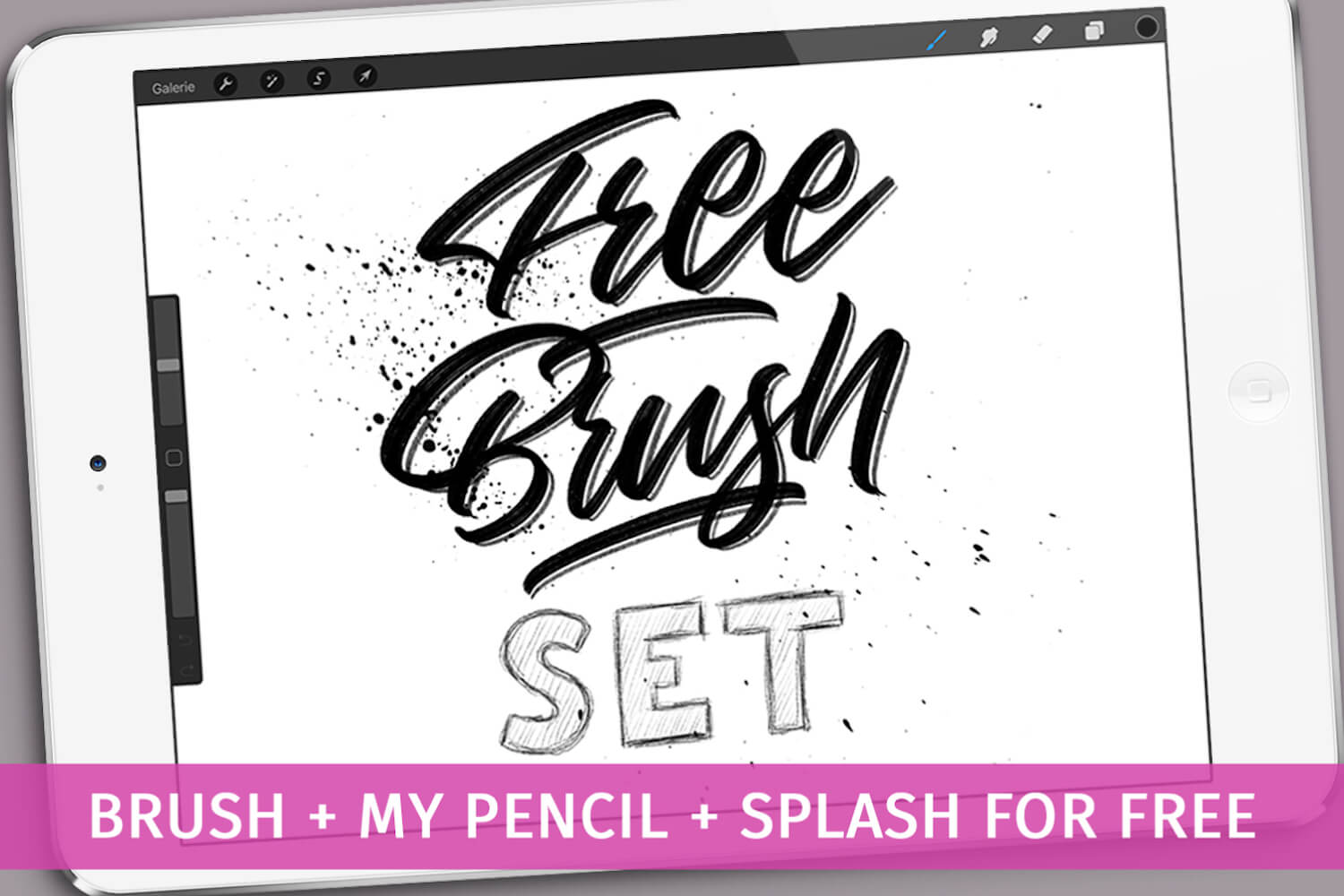
3. Free Pencil Procreate Brush Set
Best for: sketching, thumbnails, portraits, character concepts, rough layouts, and drawing practice.
A pencil brush set is one of the most useful free resources for almost any Procreate artist. Most artwork begins with a rough drawing, and a good pencil brush helps that stage feel more natural.
Use this brush set for loose sketches, planning compositions, figure studies, portrait construction, product ideas, and early character design. Pencil brushes are also useful when you want digital art to keep a hand-drawn feeling.
Why It Is Useful
- Good for daily sketching.
- Feels more natural than a smooth digital brush.
- Useful for structure before painting.
- Helps artists plan without over-polishing too early.
Download Free Pencil Procreate Brush Set
4. Free Ballpoint Pen Brush for Procreate
Best for: sketchbook-style drawing, notes, loose linework, hatching, and hand-drawn texture.
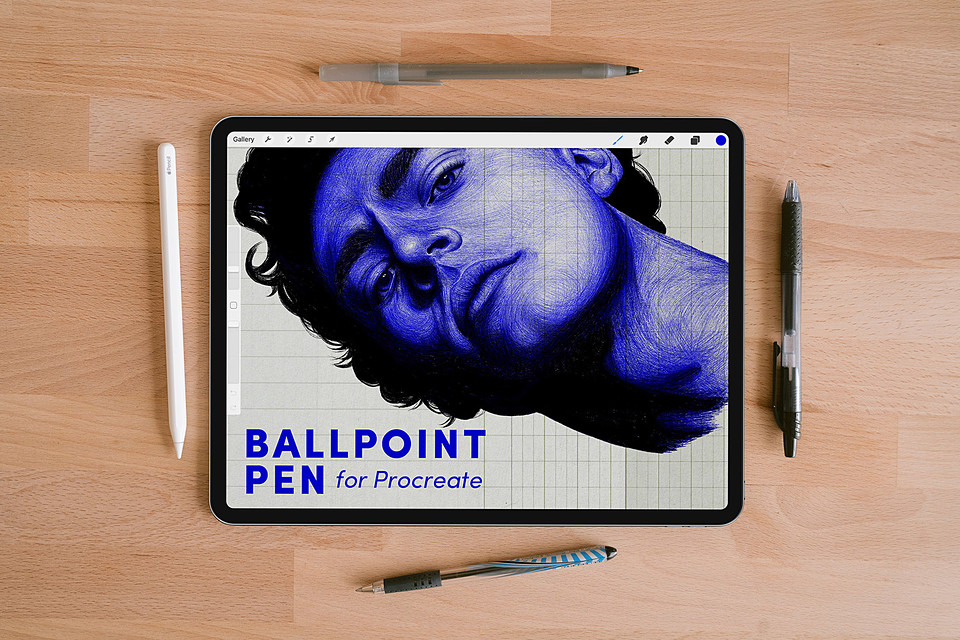
The Free Ballpoint Pen Brush for Procreate is useful if you like the casual feeling of drawing with a real pen. Ballpoint-style brushes can create natural line variation, scribbles, quick shading, and sketchbook energy.
This type of brush works well for visual notes, concept sketches, comic drafts, line studies, and rough illustration. It is especially nice when you want the artwork to feel spontaneous rather than perfectly polished.
Best Uses
- Casual sketchbook drawings.
- Quick hatching and crosshatching.
- Rough concept notes.
- Hand-drawn illustration texture.
Download Free Ballpoint Pen Brush
5. Free Felt Tip Procreate Brush
Best for: marker-style drawing, playful outlines, bold notes, lettering, and casual illustration.
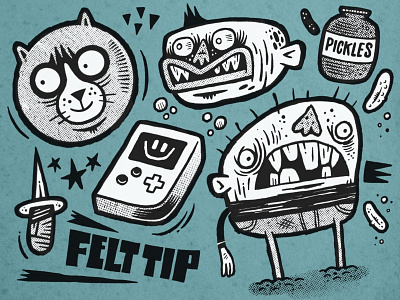
A felt tip brush gives digital artwork a softer marker-like edge. It can be useful when you want a drawing tool that feels more relaxed than a crisp liner brush but cleaner than a rough pencil.
Use the Free Felt Tip Procreate Brush for playful sketches, bold annotations, hand lettering, simple characters, classroom-style visuals, kids’ illustrations, and expressive outlines.
Why Try It?
- Creates a casual marker-style line.
- Good for playful illustrations.
- Useful for lettering and quick notes.
- Feels less formal than clean inking brushes.
Download Free Felt Tip Procreate Brush
6. Free Lettering Procreate Brushes for Kids
Best for: beginner lettering, kids’ creative projects, playful typography, posters, and simple digital art practice.
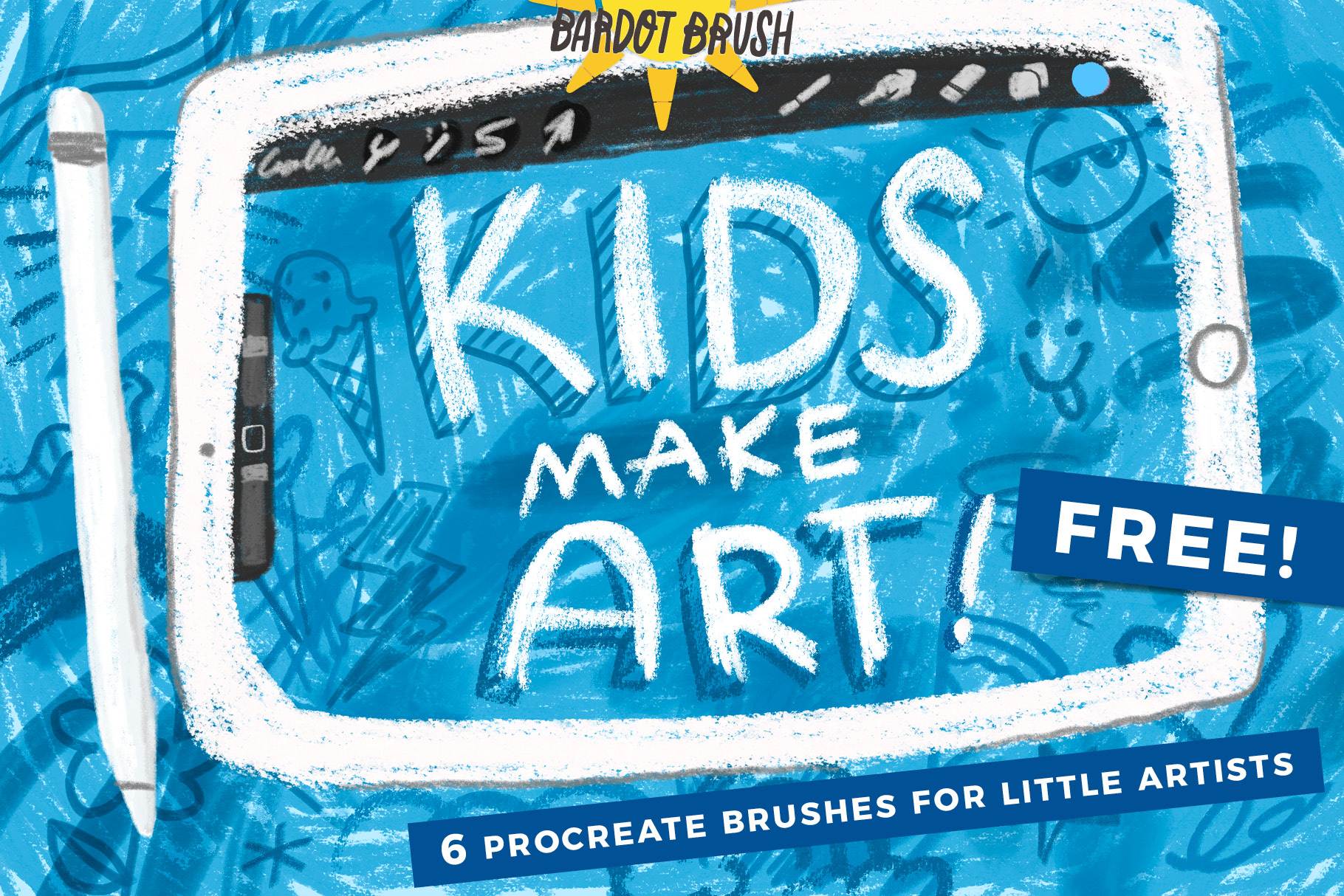
Free Lettering Procreate Brushes for Kids can be useful not only for children, but also for anyone who wants playful, friendly, beginner-friendly lettering tools. These brushes are great for creative exercises, classroom projects, simple posters, and fun digital lettering.
Use them for cheerful titles, hand-drawn quote art, educational graphics, stickers, practice worksheets, and colorful Procreate projects.
Best Uses
- Kids’ creative projects.
- Beginner lettering practice.
- Playful posters and signs.
- Educational design.
- Simple hand-drawn titles.
Download Free Lettering Procreate Brushes for Kids
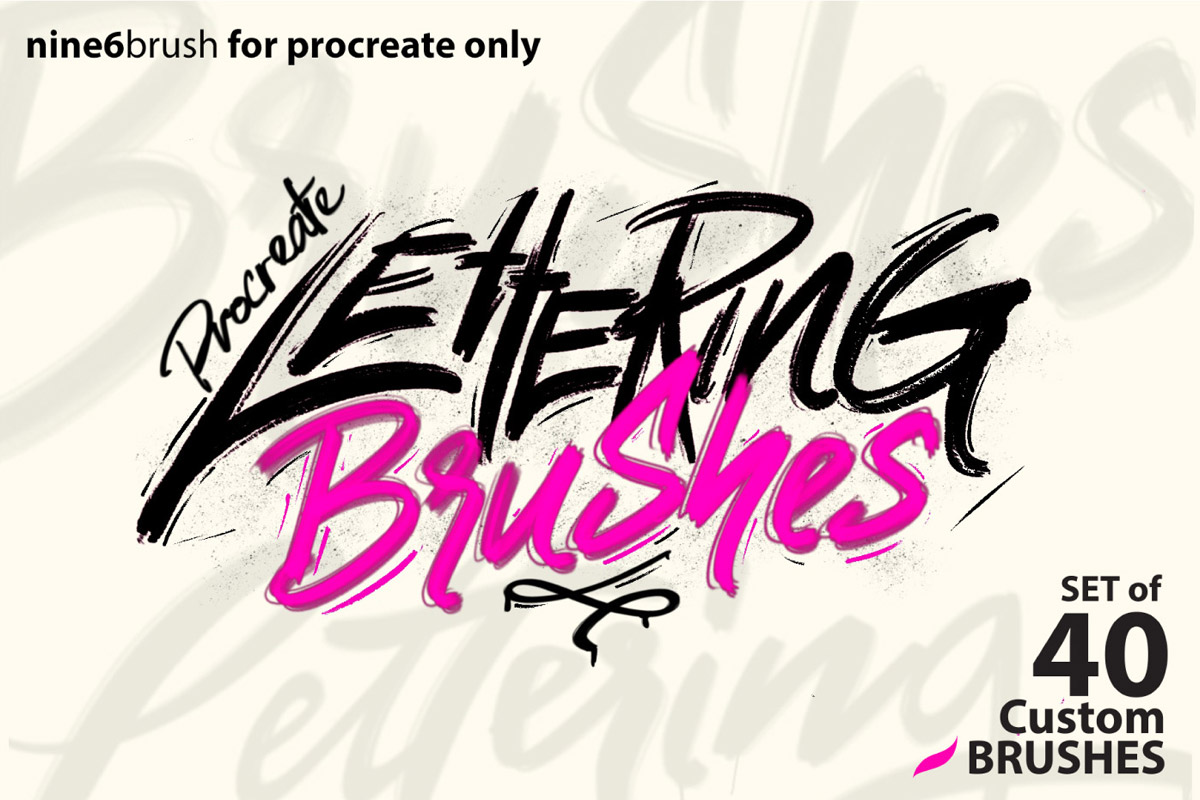
7. Free Nine6brush Procreate Lettering Brush
Best for: hand lettering, brush lettering, quote art, social media graphics, and decorative typography.
The Free Nine6brush Procreate Lettering Brush is a useful tool if you want to create expressive words and decorative type directly in Procreate. Lettering brushes need smooth flow, pressure control, and a satisfying thick-to-thin transition.
Use this brush for quote graphics, logo sketches, greeting cards, Instagram posts, stickers, product labels, and hand-lettered compositions. For stronger results, sketch your lettering structure first, then refine spacing and rhythm before adding decoration.
Why It Is Useful
- Supports expressive brush lettering.
- Good for quotes and social graphics.
- Can help practice thick and thin strokes.
- Useful for decorative typography layouts.
Download Free Nine6brush Lettering Brush
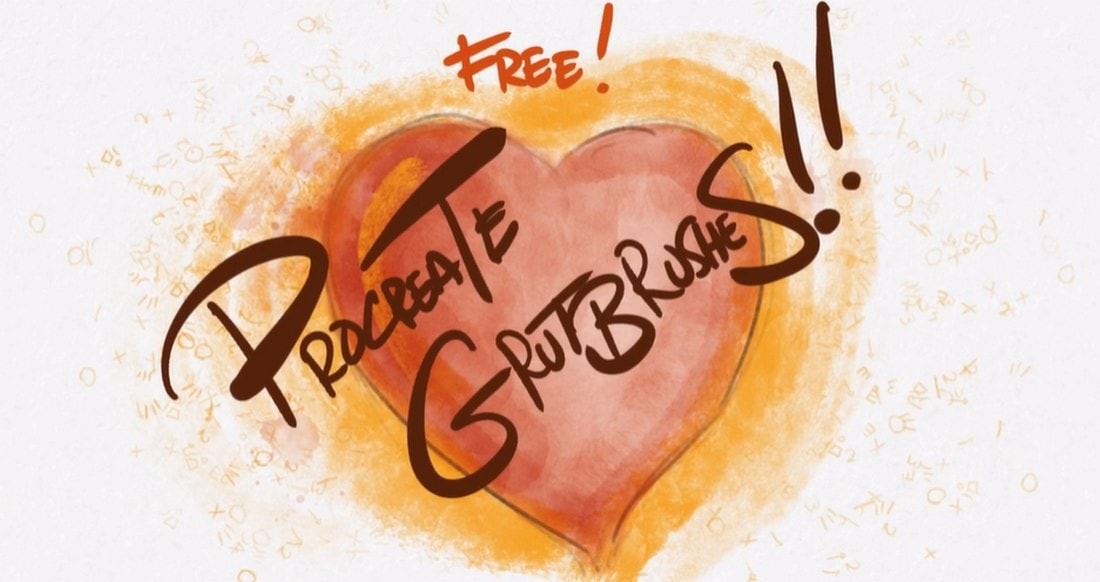
8. Free Watercolor Procreate Brushes
Best for: soft painting, washes, botanical art, gentle backgrounds, portraits, and handmade digital illustration.
Free Watercolor Procreate Brushes are a great way to add softer, more organic color to digital artwork. Watercolor-style brushes can create transparent washes, uneven edges, natural texture, and delicate transitions.
Use these brushes for botanical illustrations, greeting cards, stationery, portrait shading, soft landscapes, dreamy backgrounds, and artwork that needs a handmade feeling. Build color gradually for a more convincing watercolor result.
Best Uses
- Watercolor washes.
- Soft background texture.
- Botanical and floral illustration.
- Greeting card artwork.
- Subtle color layering.
Download Free Watercolor Procreate Brushes
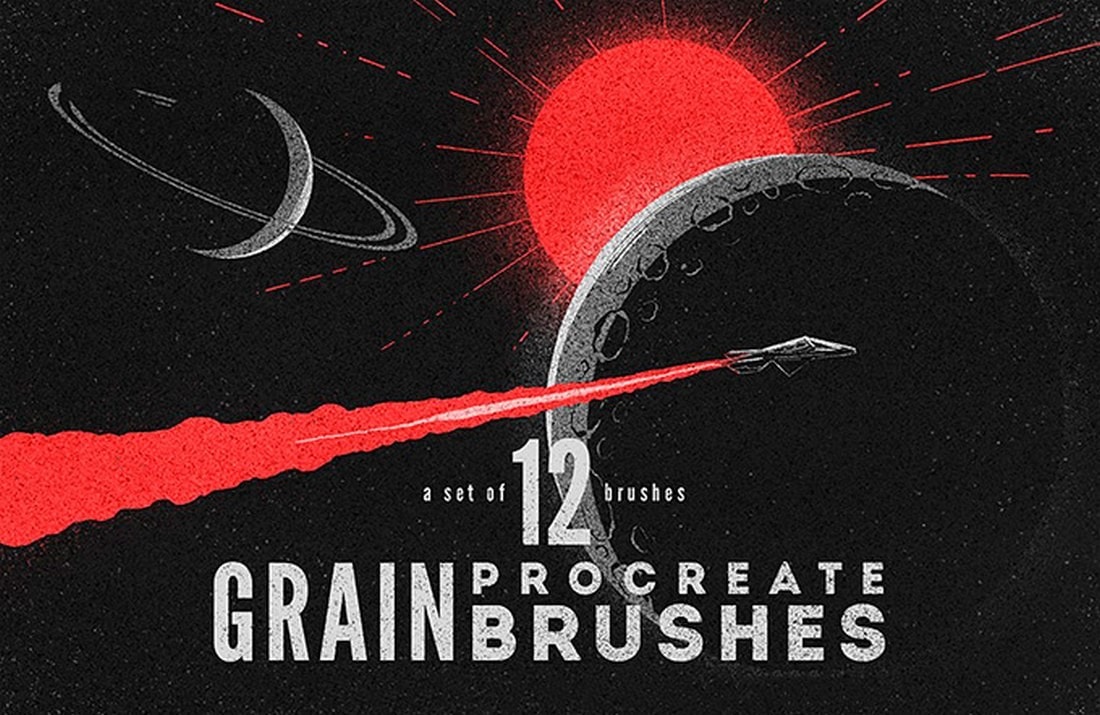
9. Free Grain Procreate Brushes
Best for: texture overlays, retro illustration, soft shading, editorial graphics, posters, and warm digital surfaces.
Grain brushes are some of the most practical brushes in any Procreate toolkit. A small amount of grain can make flat digital artwork feel more finished, tactile, and visually rich.
Use grain brushes on shadows, backgrounds, clothing, objects, gradients, and poster compositions. The effect should usually be subtle. When grain is too strong everywhere, it can distract from the main artwork.
Why Try It?
- Adds depth to flat color.
- Works across many illustration styles.
- Helps create a printed or handmade feel.
- Useful for final polish and atmosphere.
Download Free Grain Procreate Brushes
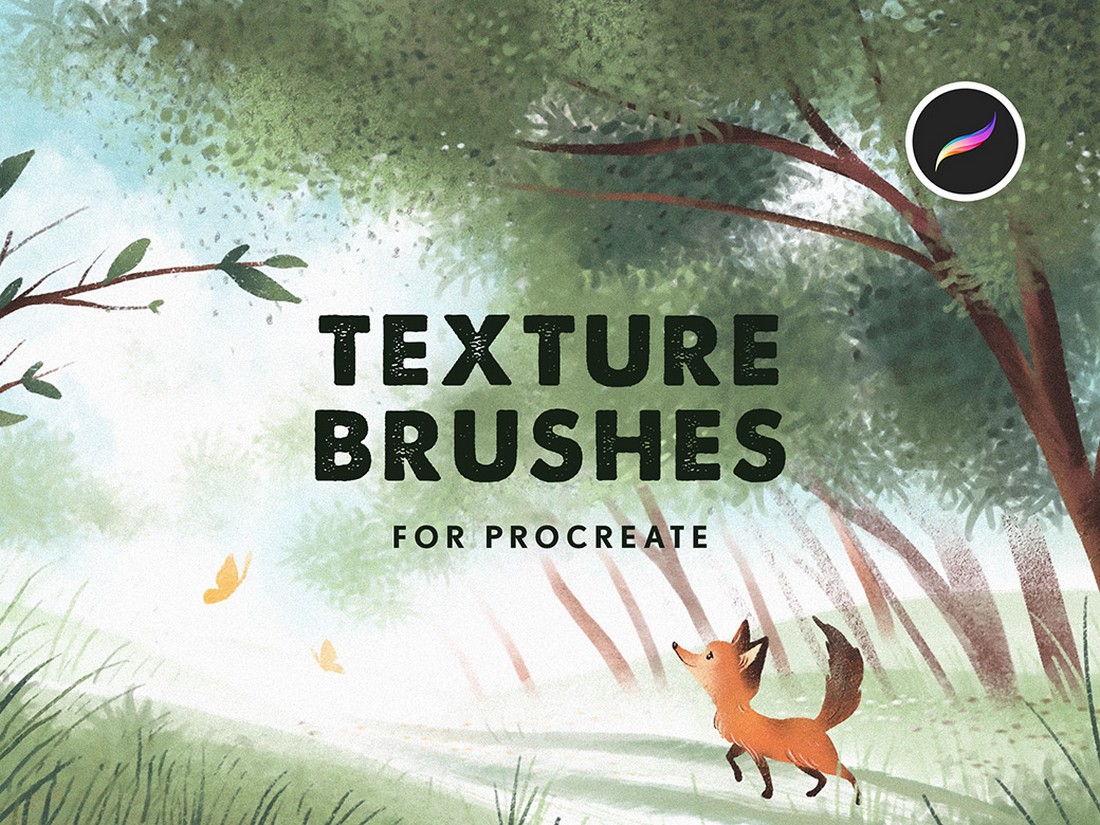
10. Free Texture Brushes for Procreate
Best for: rough surfaces, paper effects, backgrounds, packaging visuals, posters, and handmade-style illustration.
Free Texture Brushes for Procreate are useful when your artwork feels too clean. Texture can make a design look more tactile and less artificial. It can also help unify separate elements in one composition.
Use texture brushes for subtle overlays, rough backgrounds, paper-like surfaces, distressed edges, product graphics, editorial illustration, and handmade-style compositions. Place texture on a separate layer so you can control opacity and masking.
Best Uses
- Paper texture effects.
- Rough overlays.
- Background depth.
- Poster and packaging visuals.
- Handmade digital illustration.
Download Free Texture Brushes for Procreate
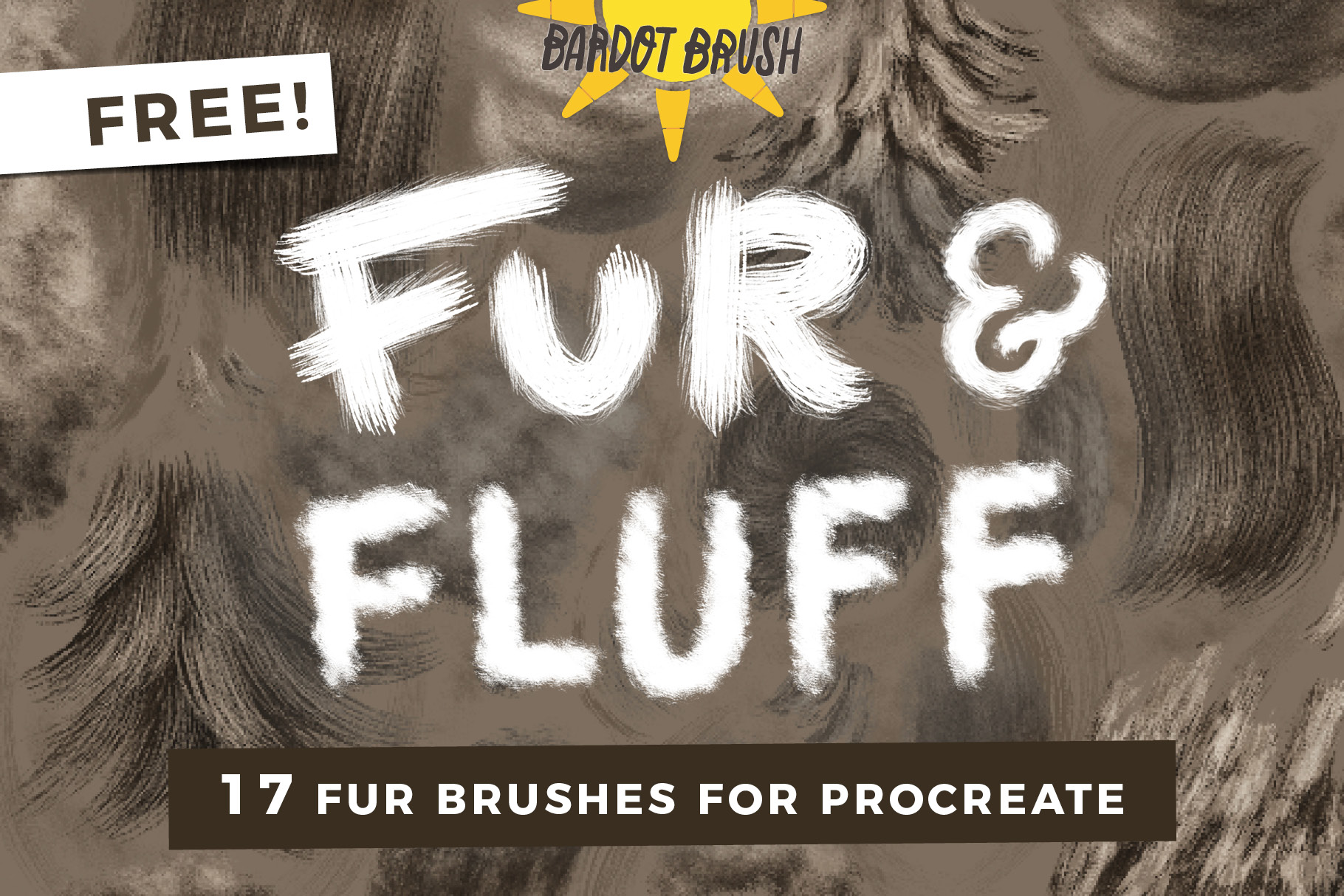
11. Free Procreate Fur Brushes
Best for: animals, fur texture, fluffy details, fantasy creatures, character design, and natural surface effects.
Fur is difficult to paint manually because it needs direction, layering, softness, and variation. Free Procreate Fur Brushes can help speed up this process by creating repeated hair-like texture faster than drawing every strand by hand.
These brushes are useful for animal portraits, pets, fantasy creatures, furry characters, costume texture, and soft material details. Use them with a clear light source and paint over them manually where needed so the fur does not look stamped.
Workflow Tip
Build fur in layers: base color first, then mid-tone direction, then shadow clumps, then highlights and final stray hairs.
Download Free Procreate Fur Brushes
12. 25 Procreate Stamp Brushes: Plants & Twigs
Best for: botanical illustration, nature-themed designs, foliage, decorative borders, packaging, and stationery.
Plant and twig stamp brushes can save a lot of time when creating natural decorative elements. Instead of drawing every leaf and branch from scratch, you can place botanical forms quickly and then customize them with color, texture, and shading.
Use these brushes for invitations, greeting cards, floral compositions, botanical posters, surface patterns, packaging labels, nature-themed graphics, and background decoration.

Best Uses
- Botanical design.
- Leaf and twig decoration.
- Floral layouts.
- Nature-inspired packaging.
- Printable art and stationery.
Download 25 Procreate Stamp Brushes
13. Procreate Tattoo Basic Stencil Set
Best for: tattoo flash, stencil-style artwork, line-based designs, symbols, and bold graphic illustration.
The Procreate Tattoo Basic Stencil Set can be useful for tattoo artists, flash designers, and illustrators who create stencil-style compositions. Stencil brushes help create clean repeated shapes and structured design elements faster.
Use this set for tattoo planning, ornamental designs, flash sheets, symbolic artwork, line-based posters, and bold blackwork-inspired layouts. Always customize the stamps or stencil elements so the final artwork feels original and intentional.

Why It Is Useful
- Speeds up tattoo-style planning.
- Useful for flash sheets and stencil layouts.
- Works well for bold black-and-white designs.
- Can support ornamental and symbolic artwork.
Download Procreate Tattoo Basic Stencil Set
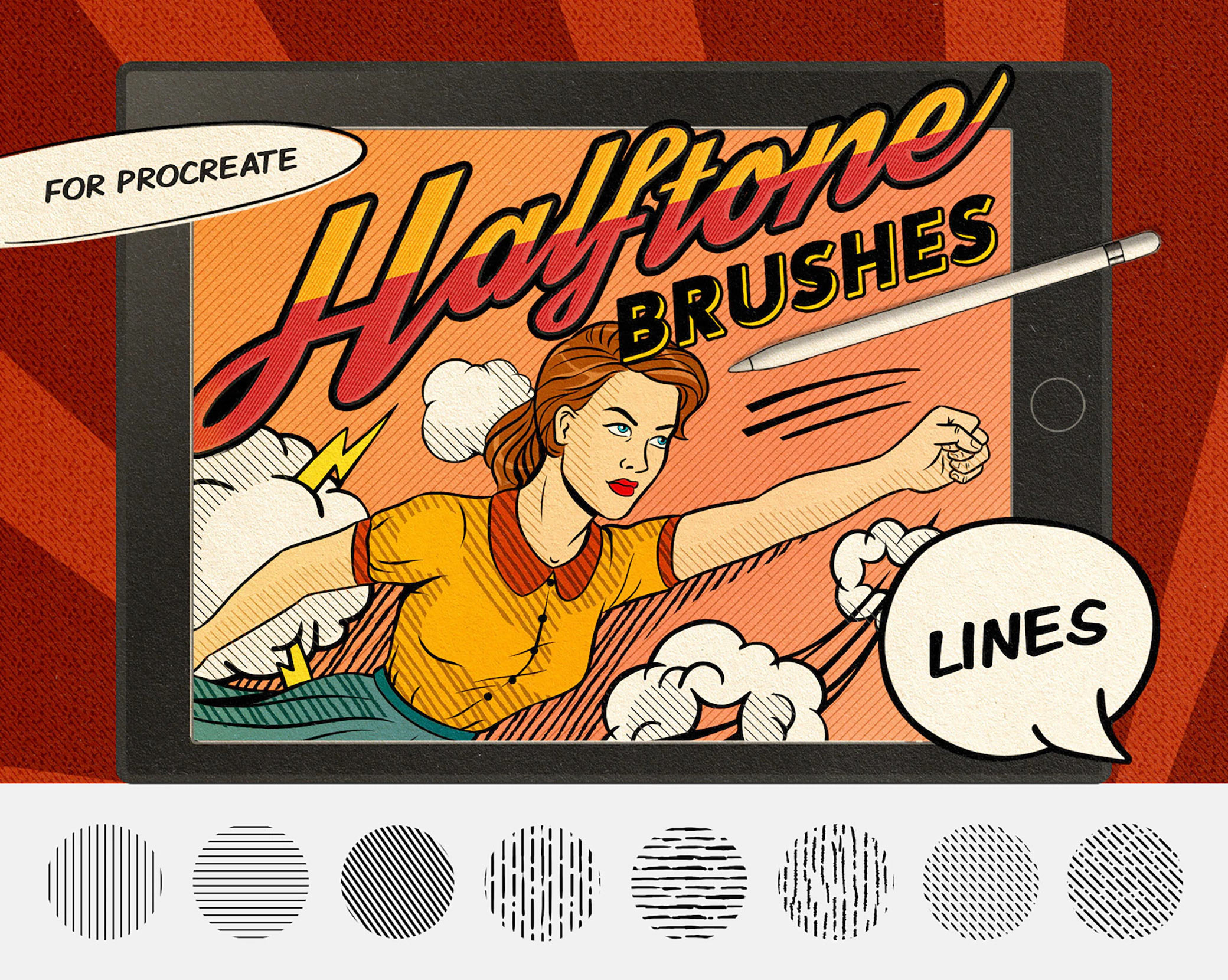
14. Comics Halftone Brushes
Best for: comic shading, print texture, pop-art effects, retro posters, and graphic illustration.
Comics Halftone Brushes are a great choice if you want your artwork to look more like printed comic art. Halftone dots can add value, rhythm, and vintage personality without using smooth digital gradients.
Use these brushes for comic panels, retro portraits, pop-art backgrounds, poster texture, sticker design, and graphic shading. Keep halftone effects consistent so the artwork feels intentional rather than noisy.
Best Uses
- Comic-style shading.
- Retro print effects.
- Pop-art backgrounds.
- Poster and sticker design.
- Textured value transitions.
Download Comics Halftone Brushes
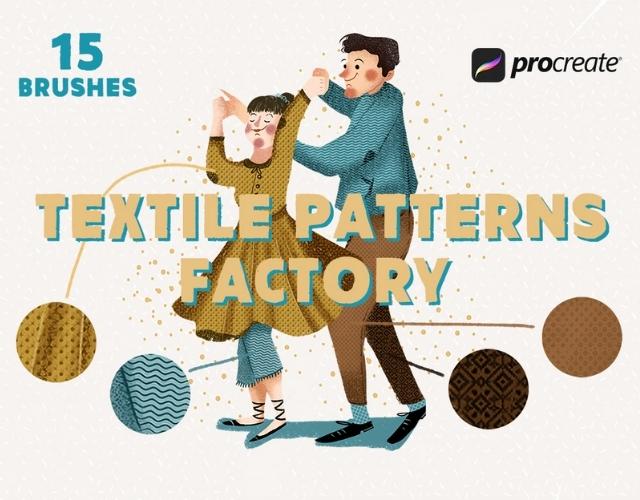
15. Pattern Factory — Free Textile Brushes
Best for: textile patterns, surface design, backgrounds, fashion graphics, fabric effects, and decorative illustration.
Pattern Factory Free Textile Brushes are especially useful for designers who create repeated surfaces, fabric-inspired textures, pattern backgrounds, and decorative graphics. Textile brushes can help you build a more tactile design language in Procreate.
Use these brushes for fashion illustration, pattern design, packaging visuals, social media backgrounds, interior design concepts, fabric studies, and handmade-style graphic elements.
Why Try It?
- Useful for textile-style patterns.
- Good for decorative backgrounds.
- Helps designers build surface texture faster.
- Works well for fashion and product visuals.
Download Pattern Factory Textile Brushes
How to Build a Better Free Procreate Brush Library
A good Procreate brush library should feel like a working studio, not a messy storage folder. When brushes are organized clearly, you can make faster creative decisions and avoid wasting time searching through dozens of unknown sets.
Recommended Brush Folders
- Sketch: pencil, ballpoint pen, felt tip, rough drawing brushes.
- Ink: comic ink, liner, tattoo stencil, bold outlines.
- Paint: watercolor and soft painting brushes.
- Texture: grain, rough texture, halftone, textile, fur.
- Stamps: plants, twigs, tattoo elements, decorative shapes.
- Lettering: kids’ lettering brushes and brush lettering tools.
- Favorites: your most-used brushes from all categories.
Create a Brush Test Sheet
Make one Procreate canvas called “Brush Test Sheet.” Every time you download a new brush, test it there and write its name beside the strokes. Try light pressure, heavy pressure, small size, large size, and layered strokes. This creates a visual index you can return to when choosing brushes for future projects.
Common Mistakes When Using Free Procreate Brushes
1. Downloading Everything Without a Plan
Too many brushes can slow you down. Download brushes based on your current creative need instead of collecting random packs.
2. Expecting the Brush to Create the Whole Style
A brush can add texture or speed, but it cannot replace composition, drawing skill, color, lighting, and creative judgment.
3. Using Texture Brushes Too Strongly
Texture should support the artwork. If every area has the same heavy texture, the final image can feel noisy and unfocused.
4. Not Editing Stamp Brushes
Stamp brushes are great starting points, but they usually need manual refinement. Add shadows, rotate elements, erase edges, and paint over repeated details.
5. Ignoring License Terms
Some free brushes may be limited to personal use. Always check the download page before using brushes in commercial artwork or client projects.
Frequently Asked Questions About Free Procreate Brushes
Are free Procreate brushes good enough for professional work?
Yes, many free brushes can be useful in professional workflows, especially for sketching, texture, inking, and experimentation. The important part is checking license terms and testing whether the brush performs well in real artwork.
Can I use free Procreate brushes for commercial projects?
It depends on the creator’s license. Some free brushes allow commercial use, while others are personal-use only. Always read the original download page before using a brush in client work, paid commissions, print products, or digital products.
What file types do Procreate brushes use?
Procreate brushes usually come as .brush or .brushset files. A .brush file imports one brush, while a .brushset file imports a full brush collection.
How many brushes should I keep in Procreate?
Keep the brushes you actually use. A smaller organized library is often more helpful than a huge collection full of brushes you cannot remember. Create a Favorites folder for your strongest tools.
What are the best free Procreate brushes for beginners?
Beginners should start with a pencil brush, a liner brush, a texture brush, and one painting brush. This gives a useful foundation for sketching, linework, color, and finishing texture.
Final Thoughts
The best free Procreate brushes are the ones that help you create with more confidence, texture, speed, and personality. A good brush can make sketching feel more natural, linework feel more expressive, and finished artwork feel more polished.
Start with the brushes that match your current creative goals. Try comic ink and liner brushes if you want stronger linework. Try pencil and ballpoint brushes if you want better sketching. Try watercolor, grain, and texture brushes if your digital paintings feel too flat. Try plant stamps, tattoo stencils, halftones, and textile brushes if you want faster decorative or graphic effects.
Do not judge a brush only by the preview image. Test it. Layer it. Adjust opacity. Use it on a real project. Keep the brushes that solve problems and remove the ones that only create clutter.
A powerful Procreate brush library is not built from hundreds of random downloads. It is built from a small group of tools that you understand deeply and use with intention.
For more Procreate resources, brush collections, texture packs, and creative tools for illustrators and designers, continue exploring DesignRise.
Discover more from DesignRise
Subscribe to get the latest posts sent to your email.


