










If you want your digital artwork to feel softer, more organic, and closer to traditional painting, the right Procreate watercolor brushes can completely change your workflow. Watercolor is one of the most expressive painting styles, but it can be difficult to recreate digitally without the right brush texture, edge behavior, grain, opacity, and blending control.
The best Procreate watercolor brushes help you create soft washes, transparent layers, wet edges, paper texture, splashes, blooms, dry brush strokes, lettering effects, and realistic color build-up directly on your iPad. Whether you are working on illustrations, portraits, botanical art, packaging graphics, greeting cards, stickers, digital planners, branding details, or social media artwork, watercolor brushes can add warmth and handmade character to your designs.
But not every brush set is worth downloading. Some brushes look beautiful in preview images but feel flat when you actually paint with them. Some create nice splashes but are hard to control. Others work well for backgrounds but not for detailed illustration. That is why this guide is not only a list of brush links — it also explains how to choose the right set, what each type of brush is best for, and how to get better results in Procreate.
Below, you will find a curated collection of free and premium Procreate watercolor brushes for different creative needs: soft painting, realistic texture, splash effects, expressive strokes, hand lettering, illustration, and professional digital watercolor workflows.
Explore More DesignRise Resources:
- FREE Drink Can Mockup
- Large Collection of Sparkling Stars Patterns
- Creative Square Patterns for Your Work
- Professional Calligraphy Procreate Brushes for Script Art
Why Procreate Watercolor Brushes Are So Useful
Watercolor has a unique visual personality. It is soft, transparent, unpredictable, layered, and full of texture. Traditional watercolor paint reacts with water, paper, pigment, and pressure. Digital painting does not naturally behave that way, so brushes need to simulate those effects through texture, opacity, grain, edge shape, and blending behavior.
A strong watercolor brush set can help you create the feeling of real paint without scanning paper textures or spending hours building every effect manually. Instead of fighting against flat digital strokes, you can work with brushes designed to create natural transitions, imperfect edges, layered color, and expressive marks.
What Watercolor Brushes Can Add to Your Work
- Soft washes: useful for backgrounds, skies, skin tones, florals, and gentle shading.
- Wet edges: help strokes look more realistic and less digitally perfect.
- Paper texture: adds a handmade surface feeling to digital artwork.
- Splashes and stains: perfect for expressive posters, stationery, and decorative details.
- Layered transparency: lets you build color gradually instead of painting everything opaque.
- Dry brush effects: useful for rough texture, lettering, and organic illustration.
- Time-saving presets: help beginners get better results faster.
For designers and illustrators, the biggest advantage is flexibility. You can create a watercolor look while still using Procreate layers, masks, selections, undo, color adjustments, and export options.
How to Choose the Best Procreate Watercolor Brushes
Before downloading every brush set you find, it helps to understand what makes a watercolor brush useful. A large brush pack is not always better than a small, well-made set. Sometimes a focused pack with five excellent brushes is more valuable than a bundle with fifty brushes that all feel similar.
Look for Brush Variety
A good watercolor set usually includes more than one type of brush. You may need a soft wash brush for large areas, a detail brush for edges, a texture brush for paper grain, and a splatter brush for finishing touches.
Check Whether the Brushes Feel Controllable
Realistic brushes are not useful if they are impossible to control. The best brushes balance natural texture with predictable behavior. You should be able to paint intentionally, not only create random effects.
Pay Attention to Pressure Sensitivity
Since most Procreate artists use Apple Pencil, pressure response matters. Good brushes should react naturally to pressure, tilt, and stroke speed when possible.
Think About Your Artwork Style
A children’s book illustrator, botanical artist, lettering designer, and social media creator may all need different watercolor brushes. Choose a set based on the projects you actually create.
Check Licensing Before Client or Commercial Work
Free does not always mean free for every use. Before using any brush set for products, client projects, print-on-demand, branding, or commercial illustration, check the license on the original download page.
Quick Comparison: Which Watercolor Brush Set Should You Try?
Here is a practical overview to help you decide which brush set fits your project best.
How to Install Watercolor Brushes in Procreate
Most Procreate brushes are delivered as .brush or .brushset files. A single brush usually comes as a .brush file, while a full pack usually comes as a .brushset file.
Basic Installation Steps
- Download the brush file or brush set from the creator’s website.
- Save it to your iPad, Files app, iCloud Drive, or another accessible folder.
- Tap the .brush or .brushset file.
- Procreate should open automatically and import the brush set.
- Open the Brush Library in Procreate and look for the new set near the top.
- Test the brushes on a new canvas before using them in a final project.
Helpful Setup Tip
Create a separate test canvas for every new brush set. Paint with different pressure levels, change brush size, test opacity, try layering, and see how the brush behaves on textured backgrounds. This will help you understand the set before using it in client work or finished illustrations.
Best Procreate Watercolor Brushes to Try
Below are some of the best Procreate watercolor brushes from the original collection, cleaned up and organized with more useful context for artists and designers. Some are free, while others are premium. Availability and pricing may change, so always check the original product page before downloading.
1. Aqua Splash — Free Watercolor Procreate Brushes
Best for: watercolor texture, paint splashes, playful backgrounds, and expressive digital illustration.
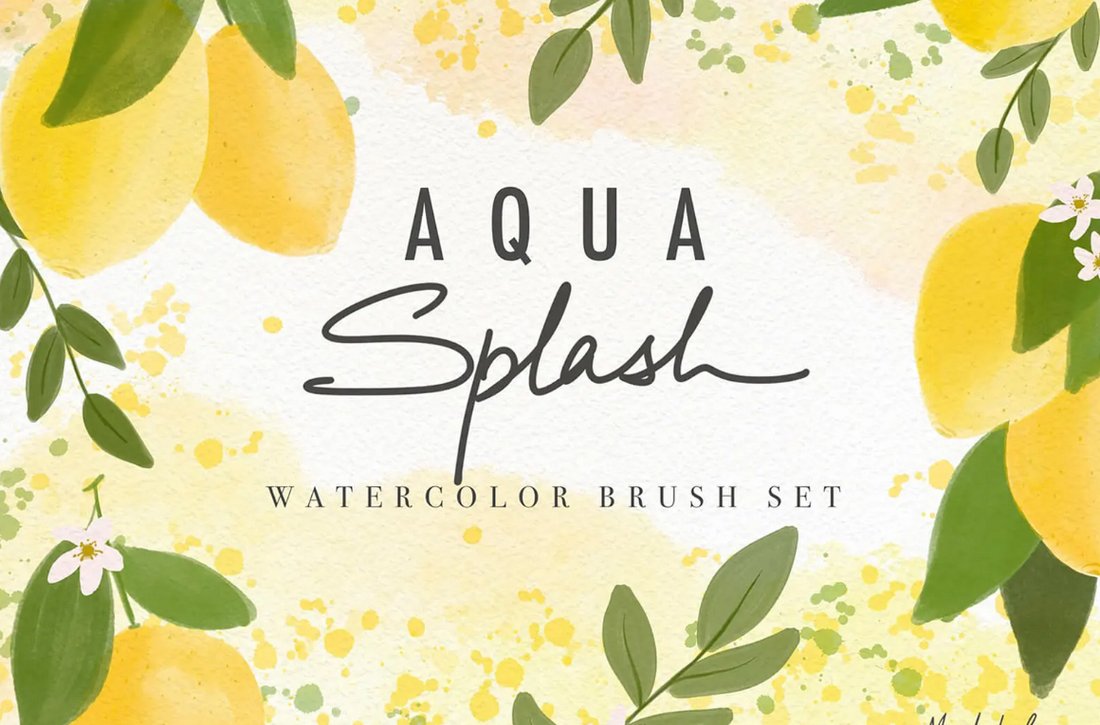
Aqua Splash is a free watercolor brush bundle that includes 10 Procreate brushes. It is a good starting point if you want to add splash effects, soft textures, and painted details without investing in a premium pack right away.
This set is especially useful for artists who want to test how watercolor behaves in Procreate. The brushes can work well for loose illustration, abstract backgrounds, handmade textures, creative lettering accents, and decorative overlays.
Why Try It?
- It is beginner-friendly.
- It gives you a quick way to test watercolor effects.
- It works well for splashes and texture overlays.
- It is useful for adding energy to simple compositions.
Download Aqua Splash Watercolor Brushes
2. Free 20 Watercolor Brushes for Procreate
Best for: beginners who want a larger free set for testing different watercolor strokes.
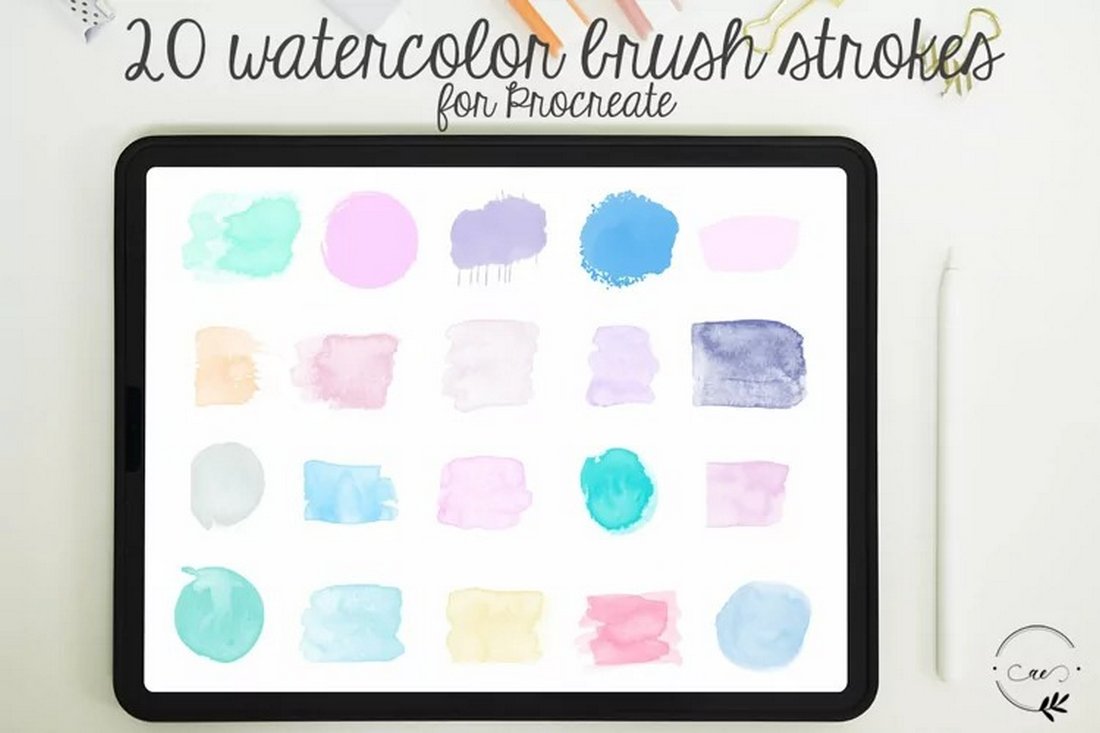
This free pack includes 20 watercolor brush strokes for Procreate. A larger brush set can be useful when you are still discovering which type of watercolor effect fits your style. Some brushes may work better for washes, while others may be better for marks, texture, or decorative strokes.
If you are new to digital watercolor, this type of pack can help you compare different brush behaviors without buying multiple premium sets. It is also helpful for building a basic brush library for practice, sketchbook experiments, or personal projects.
Best Uses
- Testing watercolor brush styles.
- Creating abstract backgrounds.
- Adding texture to illustrations.
- Practicing digital watercolor layering.
Download 20 Watercolor Brushes
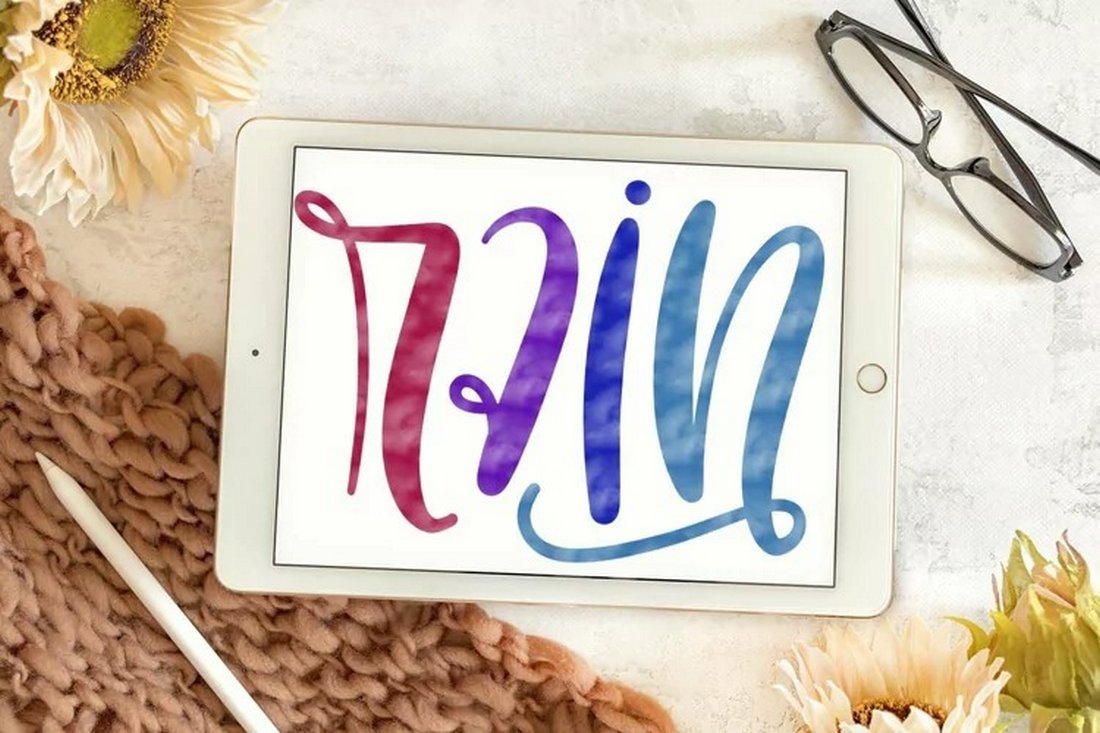
3. Rain — Free Procreate Watercolor Brush
Best for: atmospheric texture, soft grain, and moody watercolor-style effects.
Rain is a free Procreate watercolor brush with a textured, watercolor-inspired look. It is a good option if you do not need a full brush pack and simply want one expressive brush for adding character to your artwork.
This brush can be helpful for background texture, soft marks, atmospheric illustrations, rainy scenes, muted color studies, and layered sketchbook-style compositions.
Why It Stands Out
- It has a unique watercolor-esque texture.
- It is simple and easy to test.
- It works well for subtle atmospheric effects.
- It can be combined with other brushes for layered depth.
Download Rain Watercolor Brush
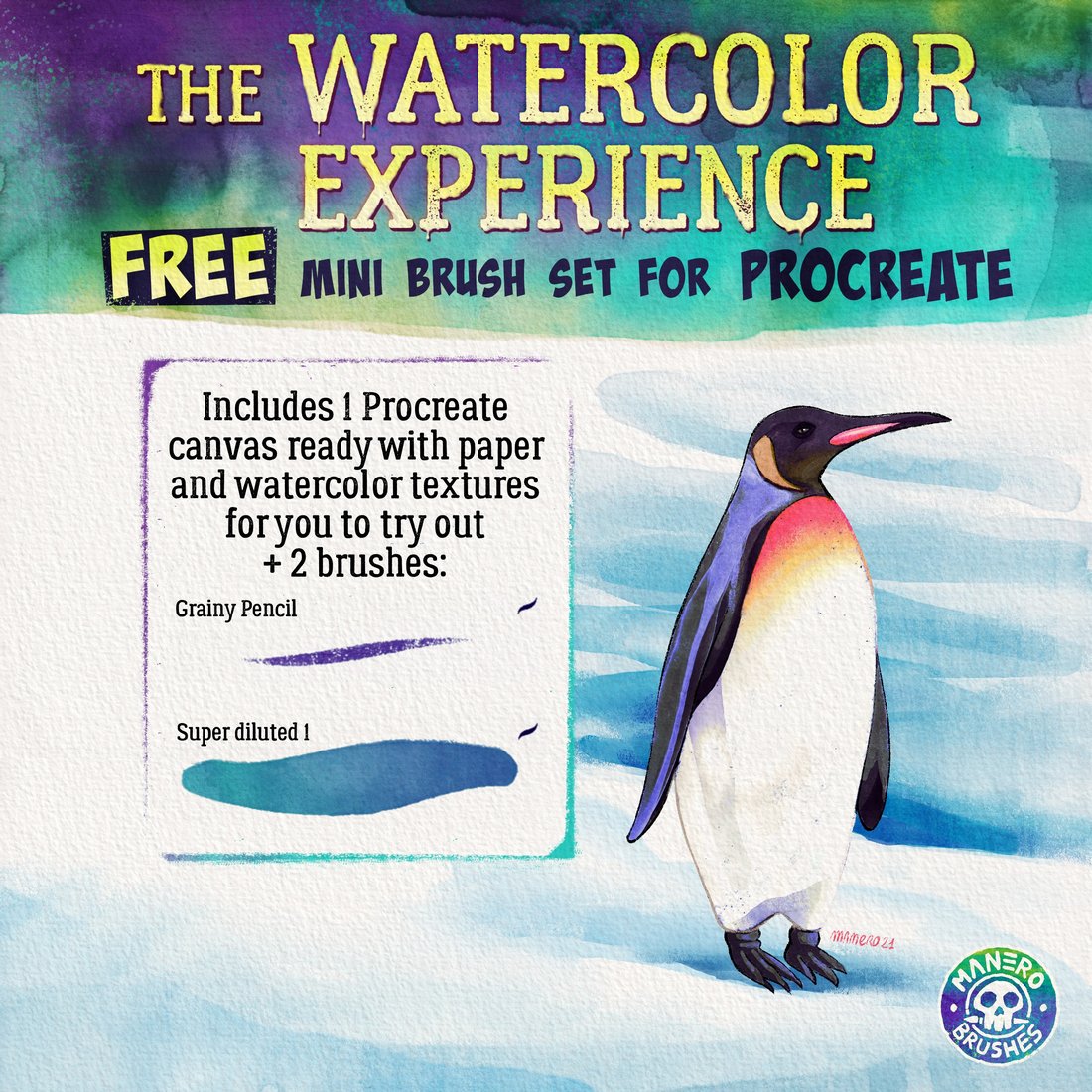
4. The Watercolor Experience — Free Procreate Brush Set
Best for: grainy watercolor texture, diluted paint effects, and pencil-like watercolor marks.
The Watercolor Experience is a small free brush set designed by an artist. It includes two high-quality brushes with a diluted, grainy, pencil-style watercolor feel. This makes it a useful option for artists who prefer a more sketch-like watercolor workflow rather than only soft washes.
Because the set is compact, it is easy to learn. Instead of getting lost in dozens of brushes, you can focus on how pressure, layering, and opacity affect the result.
Best Uses
- Loose watercolor sketches.
- Grainy illustration details.
- Layered pencil-and-watercolor effects.
- Practice pieces and personal sketchbook work.
Download The Watercolor Experience
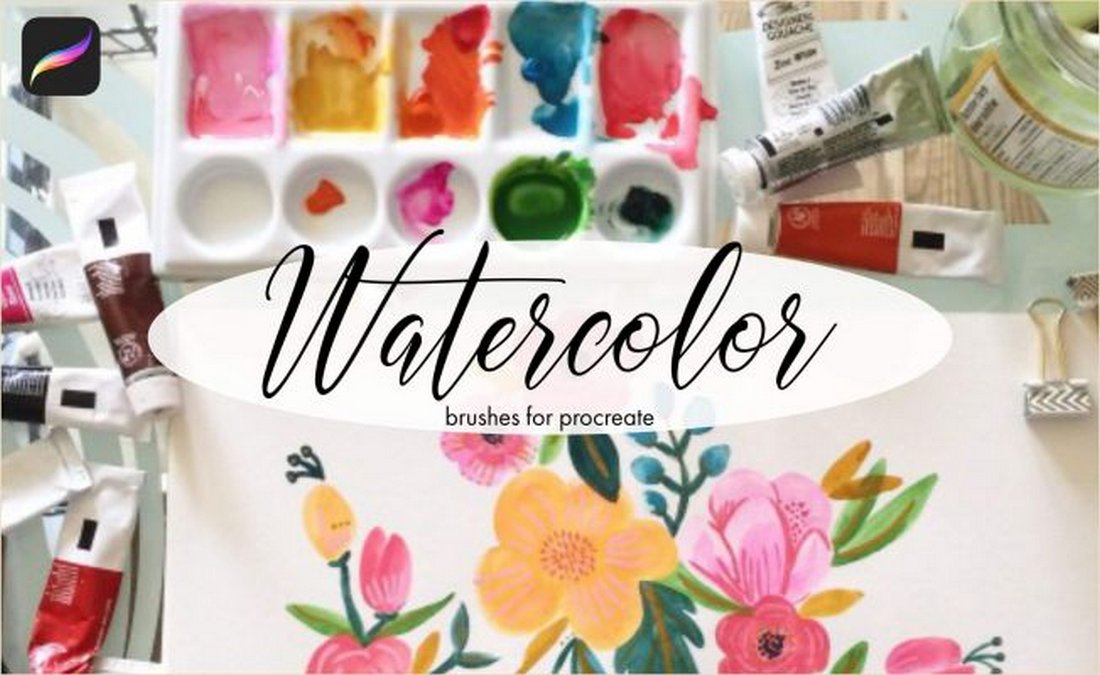
5. 9 Free Watercolor Procreate Brushes
Best for: artists who want several free watercolor styles in one place.
This collection brings together 9 free watercolor brush options for Procreate, including ink, paint, and splash-style brushes. It is useful if you want to build a more varied watercolor toolkit without starting with premium products.
The advantage of this kind of set is variety. You can test which brushes work best for outlines, textures, soft washes, and splatter accents. It is a good choice for experimentation and for artists who like mixing different brush styles in one composition.
Why It Is Useful
- It includes multiple watercolor styles.
- It is good for building a starter brush library.
- It supports both paint and splash effects.
- It gives beginners more room to experiment.
Download 9 Free Watercolor Brushes
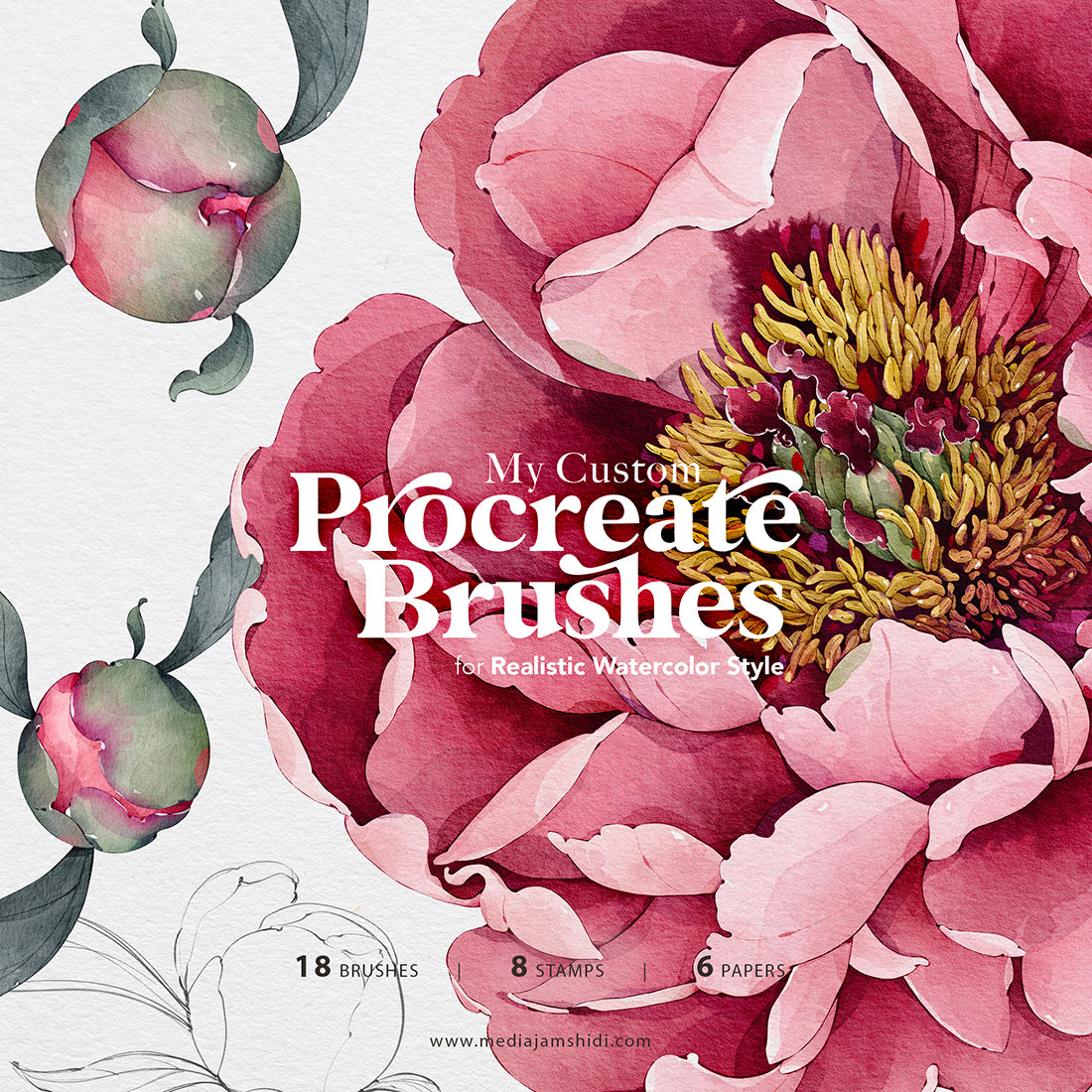
6. Watercolor Brushes for Procreate by Media Jamshidi
Best for: custom watercolor illustration, florals, soft painting, and elegant digital art.
This custom watercolor brush set is a good fit for artists who want a softer, more polished watercolor look. It can be useful for floral illustrations, portraits, feminine branding details, stationery, packaging concepts, and gentle digital painting.
Brush sets like this are often strongest when used with layered color. Instead of painting everything in one heavy stroke, build color gradually. This helps the final result feel more like traditional watercolor.
Best Uses
- Botanical illustration.
- Soft watercolor portraits.
- Wedding stationery and greeting cards.
- Elegant packaging or branding graphics.
Download Watercolor Brushes for Procreate
7. Procreate Watercolor Brushes
Best for: general watercolor painting and artists looking for a ready-made Procreate watercolor pack.
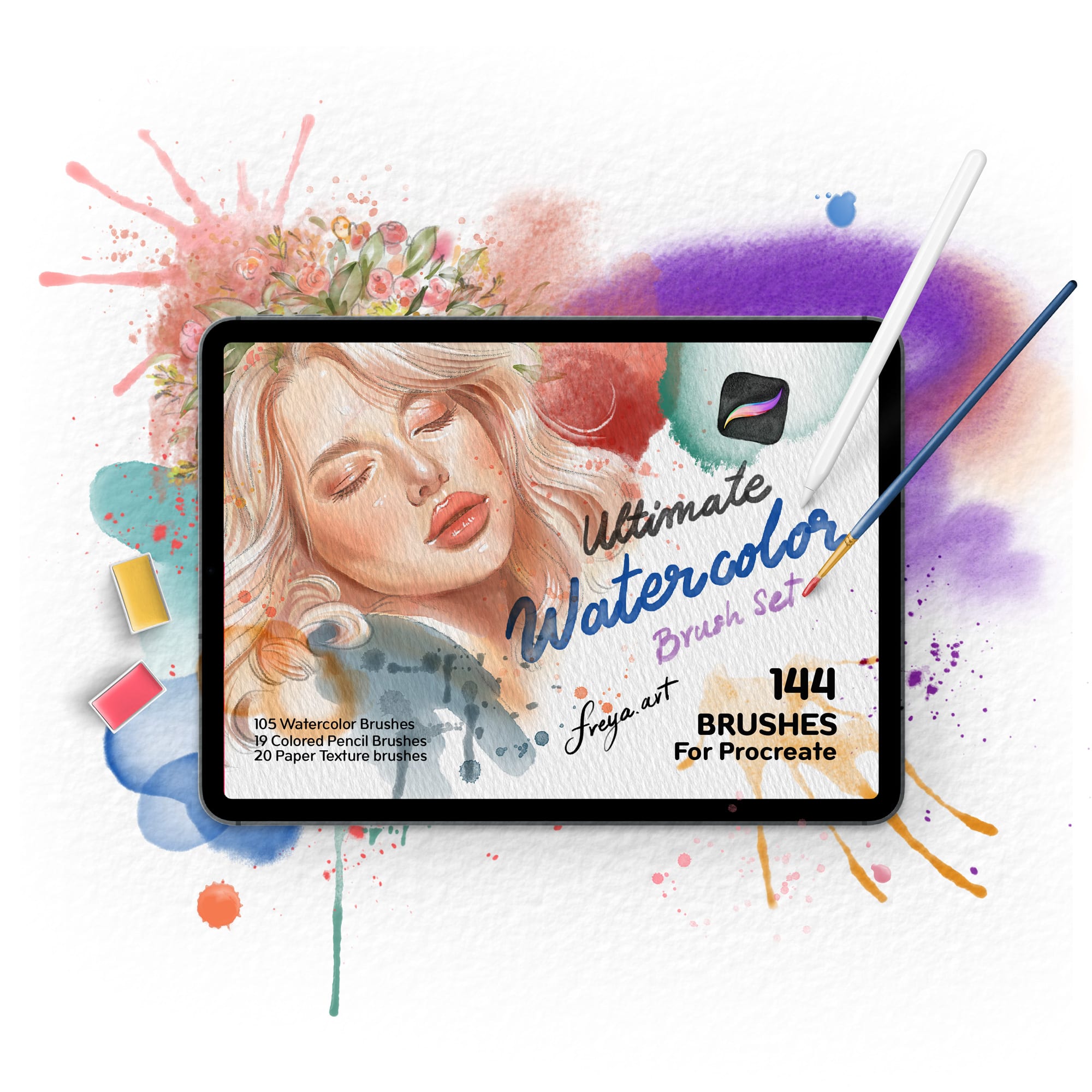
This Procreate watercolor brush set is designed for artists who want to create watercolor effects without building custom brushes from scratch. It can be a useful addition if you need a general-purpose pack for digital painting, texture, washes, and illustration practice.
When testing a general watercolor pack, create a small chart of each brush. Paint one stroke at low pressure, one at high pressure, and one layered over itself. This simple test will show you which brushes are best for washes, details, or texture.
Useful For
- General watercolor effects.
- Practice and personal art.
- Layered digital painting.
- Testing different watercolor textures.
Download Procreate Watercolor Brushes
8. Everything Watercolour for Procreate
Best for: artists who want a more complete premium watercolor system.
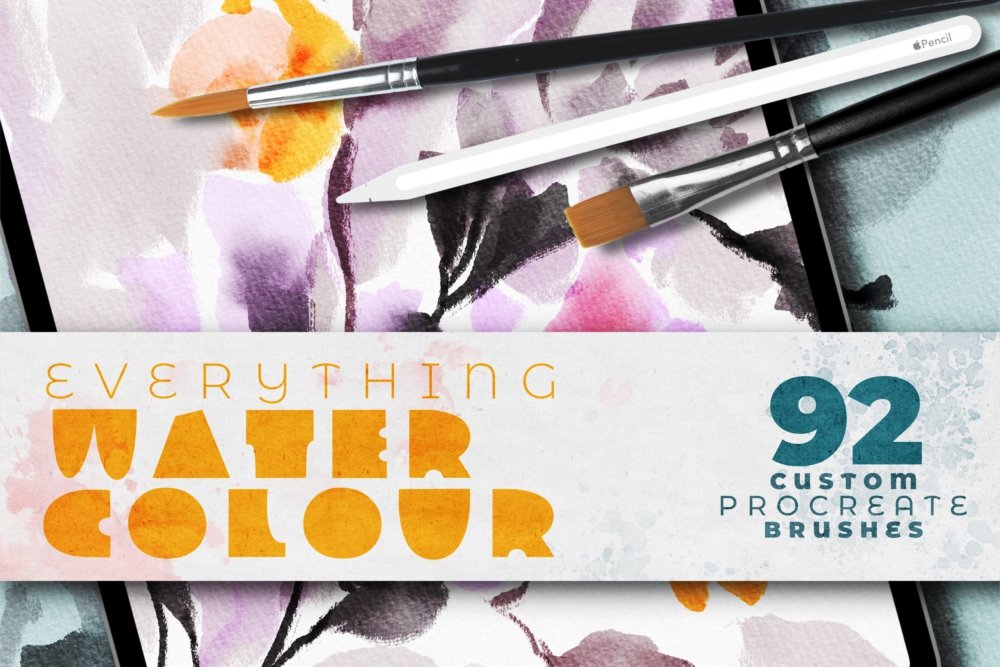
Everything Watercolour for Procreate is a more comprehensive option for artists who want a full watercolor toolkit rather than a few individual brushes. Sets like this are useful when you need multiple brush types that work together: washes, edges, texture, splatter, blending, and paper effects.
If you create watercolor-style work regularly, a complete premium set can save time because the brushes are designed to support a full workflow. This can be especially helpful for illustrators, surface pattern designers, stationery creators, and artists selling digital or printed products.
Why Consider It?
- It is more complete than small free packs.
- It is useful for full watercolor workflows.
- It can help maintain a consistent watercolor style.
- It is suitable for more serious illustration projects.
Download Everything Watercolour for Procreate
9. Watercolor Brushes for Procreate by Creative Fabrica
Best for: decorative watercolor graphics, digital illustration, and creative design projects.
This watercolor brush set from Creative Fabrica is another option for artists who want ready-made watercolor textures for Procreate. It can be useful for illustrations, printable designs, social media graphics, stickers, invitations, and craft-style digital artwork.
Creative Fabrica products are often used by designers who create commercial graphics, so it is especially important to check the current license terms before using brushes for client work or products for sale.

Best Uses
- Printable artwork.
- Stationery and invitation design.
- Decorative illustrations.
- Small business design assets.
Download Creative Fabrica Watercolor Brushes
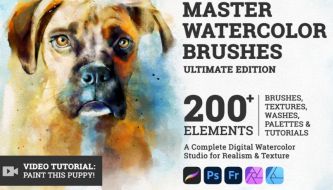
10. Master Watercolor Brushes — Ultimate Edition
Best for: advanced watercolor artists, professional illustration, and detailed digital painting.
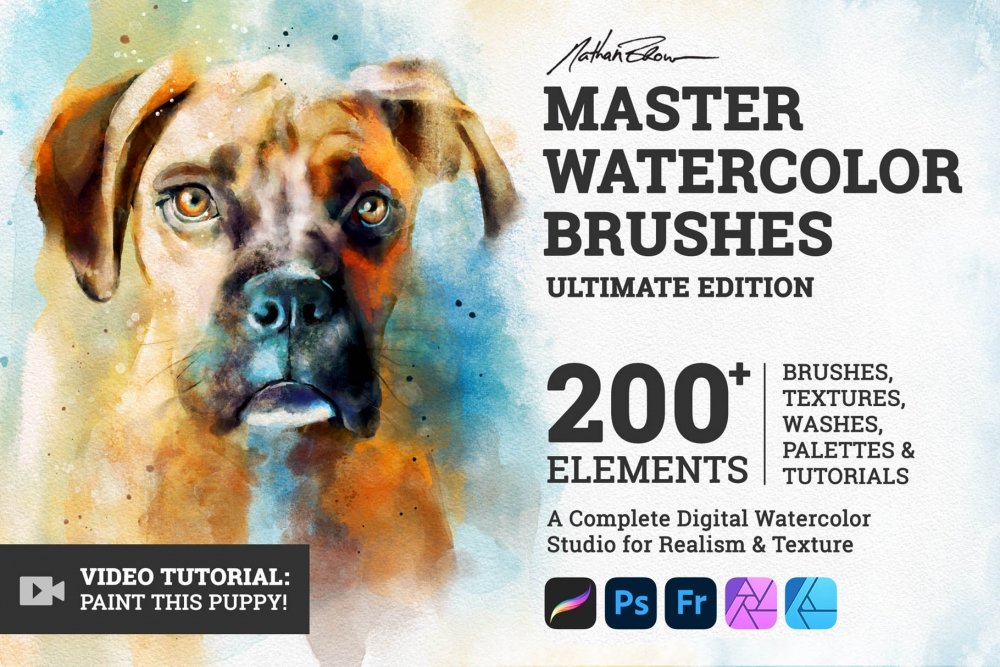
Master Watercolor Brushes — Ultimate Edition is a premium-style option for artists who want a more serious watercolor toolkit. It is best suited for people who already know they enjoy digital watercolor and want brushes with more depth, texture, and variation.
A set like this can be useful for polished illustration, commercial artwork, editorial visuals, book illustration, and complex compositions where you need more than one or two basic watercolor effects.
Why It Is Worth Considering
- It is designed for more complete watercolor painting.
- It may offer more brush control and variation.
- It is better suited for professional-looking artwork.
- It can support detailed and layered compositions.
Download Master Watercolor Brushes
11. Procreate Watercolor Kit by Drifter Studio
Best for: watercolor-style illustrations, creative product graphics, and handmade digital artwork.
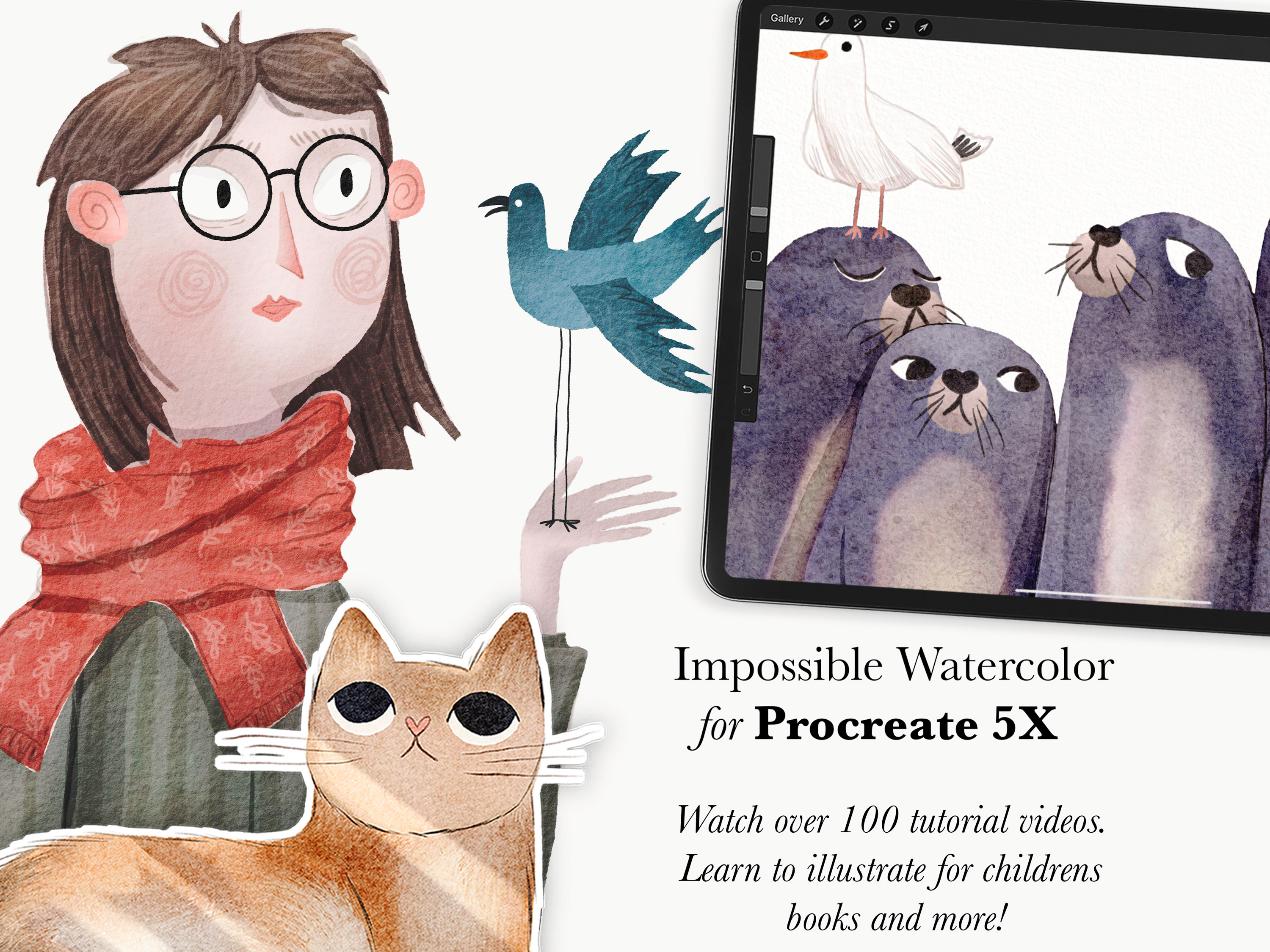
The Procreate Watercolor Kit by Drifter Studio is a brush kit aimed at artists who want a more crafted watercolor effect. It can work well for artwork that needs a handmade feeling: prints, stickers, stationery, branding accents, social media illustrations, or creative market products.
This type of kit is especially useful when you want your digital artwork to feel less sterile and more tactile. Pair it with a paper texture layer and carefully chosen color palette for a stronger traditional watercolor impression.
Best Uses
- Handmade-style illustration.
- Creative market graphics.
- Printable watercolor artwork.
- Soft digital painting projects.
Download Procreate Watercolor Kit
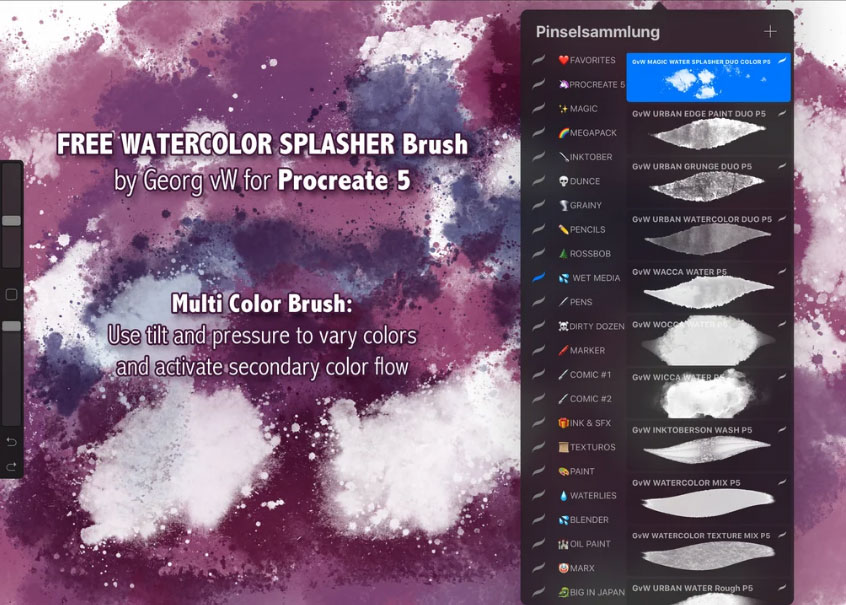
12. Georg’s Watercolor Splash & Splatter Dual Brush for Procreate 5
Best for: splatter effects, expressive accents, abstract texture, and finishing details.
Georg’s Watercolor Splash & Splatter Dual Brush is useful when you need loose, energetic watercolor marks. Splatter brushes are not usually the main brush you paint with, but they can make a finished piece feel more organic and less flat.
This type of brush works well for posters, expressive lettering, abstract compositions, children’s illustration, creative branding, and backgrounds that need more movement.
How to Use Splatter Brushes Well
- Use them on a separate layer.
- Lower opacity if the effect feels too strong.
- Mask or erase splashes that distract from the main subject.
- Use splatter as an accent, not the whole artwork.
Download Watercolor Splash Brush
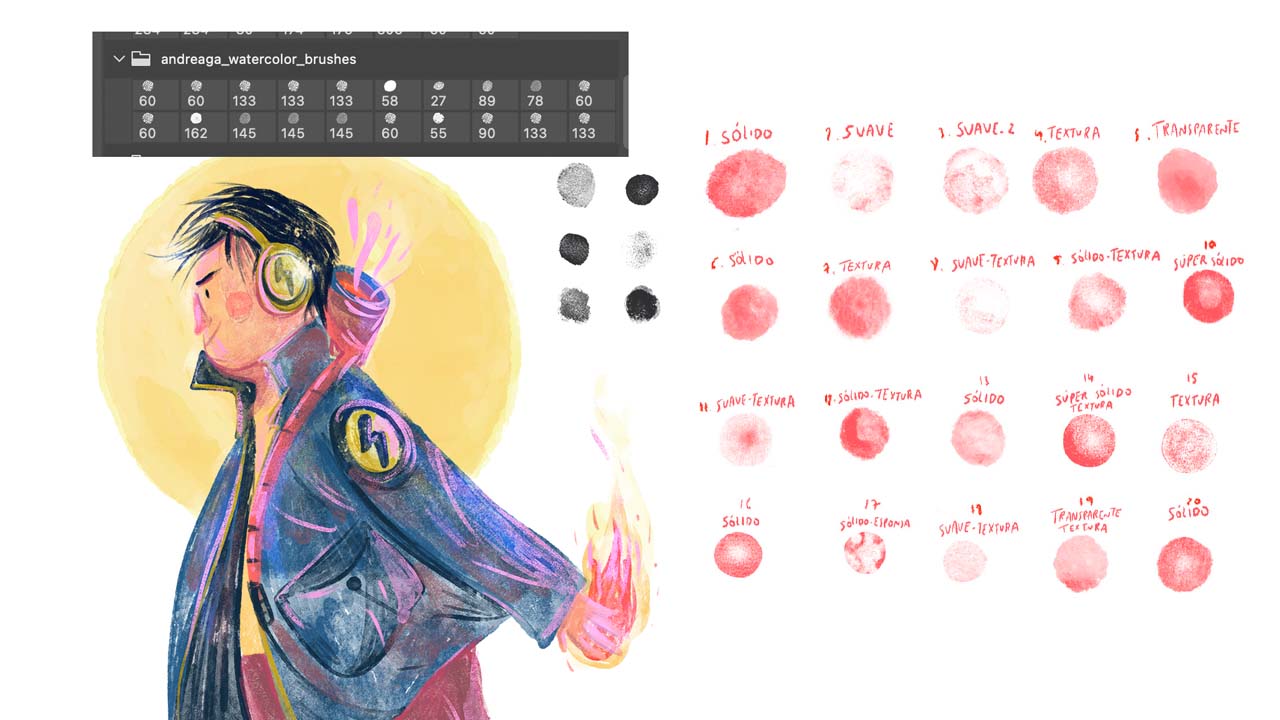
13. Watercolor Brushes by Andreaga for Procreate, Photoshop, and Fresco
Best for: artists who work across multiple apps and want a flexible watercolor brush set.
Watercolor Brushes by Andreaga are useful because they are not limited to only one creative workflow. If you use Procreate on iPad but also work in Photoshop or Adobe Fresco, a multi-app brush set can help you keep a similar watercolor style across tools.
This is helpful for artists who move between sketching on iPad, refining on desktop, and preparing final files for clients or print.
Why It Is Practical
- It supports more than one design app.
- It can help maintain a consistent watercolor style.
- It is useful for artists with mixed workflows.
- It can support both iPad and desktop production.
Download Andreaga Watercolor Brushes
How to Get More Realistic Watercolor Effects in Procreate
Downloading good brushes is only the first step. The way you use them matters just as much. Watercolor looks more natural when you build it gradually, leave imperfect edges, and let texture show through.
Use Layers Like Transparent Washes
Traditional watercolor is built through transparent layers. In Procreate, you can recreate this by lowering opacity, painting on separate layers, and slowly building color depth. Avoid painting everything at full opacity immediately.
Add Paper Texture
A subtle paper texture can make watercolor brushes look more convincing. Place a paper texture above or below your painting layers and experiment with blend modes such as Multiply, Overlay, or Soft Light.
Let Some Edges Stay Imperfect
Digital art often looks too clean. Watercolor needs small irregularities. Do not over-polish every edge. Let some strokes remain uneven, grainy, or transparent.
Use Splashes Carefully
Splashes can add charm, but too many can make artwork look messy. Place splashes on a separate layer so you can move, mask, or reduce them later.
Limit Your Color Palette
Watercolor often looks best with a controlled palette. Too many saturated colors can make the artwork feel less elegant. Choose a few main colors and build variations through opacity and layering.
Common Mistakes When Using Procreate Watercolor Brushes
1. Using Too Many Brushes in One Artwork
A huge brush library can be exciting, but using too many different textures in one piece can make the artwork feel inconsistent. Choose a small set of brushes for each project.
2. Painting Everything at Full Opacity
Watercolor needs softness and transparency. If every stroke is too strong, the result may look more like digital marker than watercolor.
3. Forgetting About Paper Texture
Without texture, watercolor brushes can look flat. Even a subtle paper layer can make the final artwork feel more realistic.
4. Overusing Splatter Effects
Splatter brushes are best as accents. Too much splatter can distract from the main illustration.
5. Not Testing Brushes Before a Final Project
Every brush behaves differently. Test pressure, tilt, size, opacity, and layering before using a brush in a finished piece.
Which Procreate Watercolor Brush Set Is Best for You?
The best brush set depends on your current skill level and creative goals.
Final Thoughts
The best Procreate watercolor brushes help digital artists create work that feels softer, more textured, and more handmade. They can save time, improve your workflow, and open up new creative directions for illustration, lettering, branding, stationery, packaging, and digital painting.
If you are just starting, try a few free brush sets first. Learn how watercolor behaves in Procreate, experiment with opacity, test layering, and create small studies before moving into larger artwork. If watercolor becomes part of your regular style, a premium brush pack may be worth the investment because it can give you more control, more texture variety, and a more complete workflow.
Remember that brushes are tools, not shortcuts. A beautiful brush can help, but the final result still depends on your color choices, composition, layering, texture, and creative judgment.
Good watercolor brushes do not replace your artistic style. They help your style feel more natural, expressive, and alive.
For more Procreate resources, creative tools, digital art guides, and design assets for modern creators, continue exploring DesignRise.
Discover more from DesignRise
Subscribe to get the latest posts sent to your email.


