











Choosing colors can be one of the most exciting parts of digital art — and one of the easiest places to lose time.
You start with one blue, adjust the saturation, add a warmer shadow, change the highlight, compare three versions of the same pink, and suddenly twenty minutes have disappeared before the illustration itself has moved forward.
That is where Procreate color palettes become genuinely useful.
A good palette is not simply a collection of attractive swatches. It gives you a controlled color system: a set of hues that already have enough contrast, temperature variation, saturation range, and visual relationship to work together.
For illustrators, lettering artists, character designers, portrait artists, pattern designers, and other digital creatives, that can make the difference between constantly questioning every color decision and having a clear visual direction from the beginning.
This DesignRise collection includes 12 Procreate color palettes covering fall, winter, Christmas, summer, hair, eyes, forest-inspired tones, mermaid colors, bright palettes, pastels, and rainbow-inspired combinations.
The original resource list also contained three products that are not technically palettes: a gouache brush set, a space brush collection, and a neon brush kit. Instead of incorrectly presenting them as color palettes, they are included at the end as three bonus Procreate brush resources that can complement color-focused illustration workflows.
This guide also explains how to import palettes into Procreate, organize your swatches, build better light and shadow systems, choose colors for portraits and character art, control saturation, create palettes from photographs, and avoid the most common mistakes that make digital artwork feel visually disconnected.
Licensing note: these resources come from different creators and marketplaces. Prices, availability, included files, and commercial usage rights can change. Always check the current product page and license before using a palette or brush set in client work, merchandise, templates, commercial illustrations, or other paid projects.
Explore More DesignRise Resources:
- Free Pebble and Stone Textures Collection
- Free Party Flyers MockUp (PSD)
- Hats and Caps Mockup Collection
Why Use Ready-Made Procreate Color Palettes?
Using a ready-made palette does not mean giving up creative control. In many cases, it gives you a stronger starting point from which to make more intentional decisions.
You Spend Less Time Searching for Colors
Instead of rebuilding a color scheme from scratch for every illustration, you can begin with a curated group and adjust individual swatches as the artwork develops.
You Get Better Color Consistency
This is particularly useful for projects containing several related illustrations.
For example:
- A children’s book.
- A sticker collection.
- A character series.
- A social media campaign.
- A pattern collection.
- A set of editorial illustrations.
Using related swatches keeps separate pieces visually connected.
Palettes Can Push You Outside Your Habits
Artists often return to the same colors unconsciously.
A curated palette may introduce:
- A shadow color you would not normally choose.
- A muted alternative to black.
- An unexpected accent.
- A warmer neutral.
- A more interesting skin or hair undertone.
They Help Define Mood Earlier
Color is not something that needs to be decided only after the drawing is complete.
A palette can influence the entire direction of a piece before rendering begins.
What Makes a Good Procreate Color Palette?
An attractive row of colors is not automatically a useful palette.
A practical palette usually contains some variation in:
- Value.
- Saturation.
- Temperature.
- Light and dark colors.
- Dominant and supporting colors.
- Neutral tones.
- Accent colors.
12 Best Procreate Color Palettes
1. Crisp & Cozy Fall Color Palettes by Every Tuesday
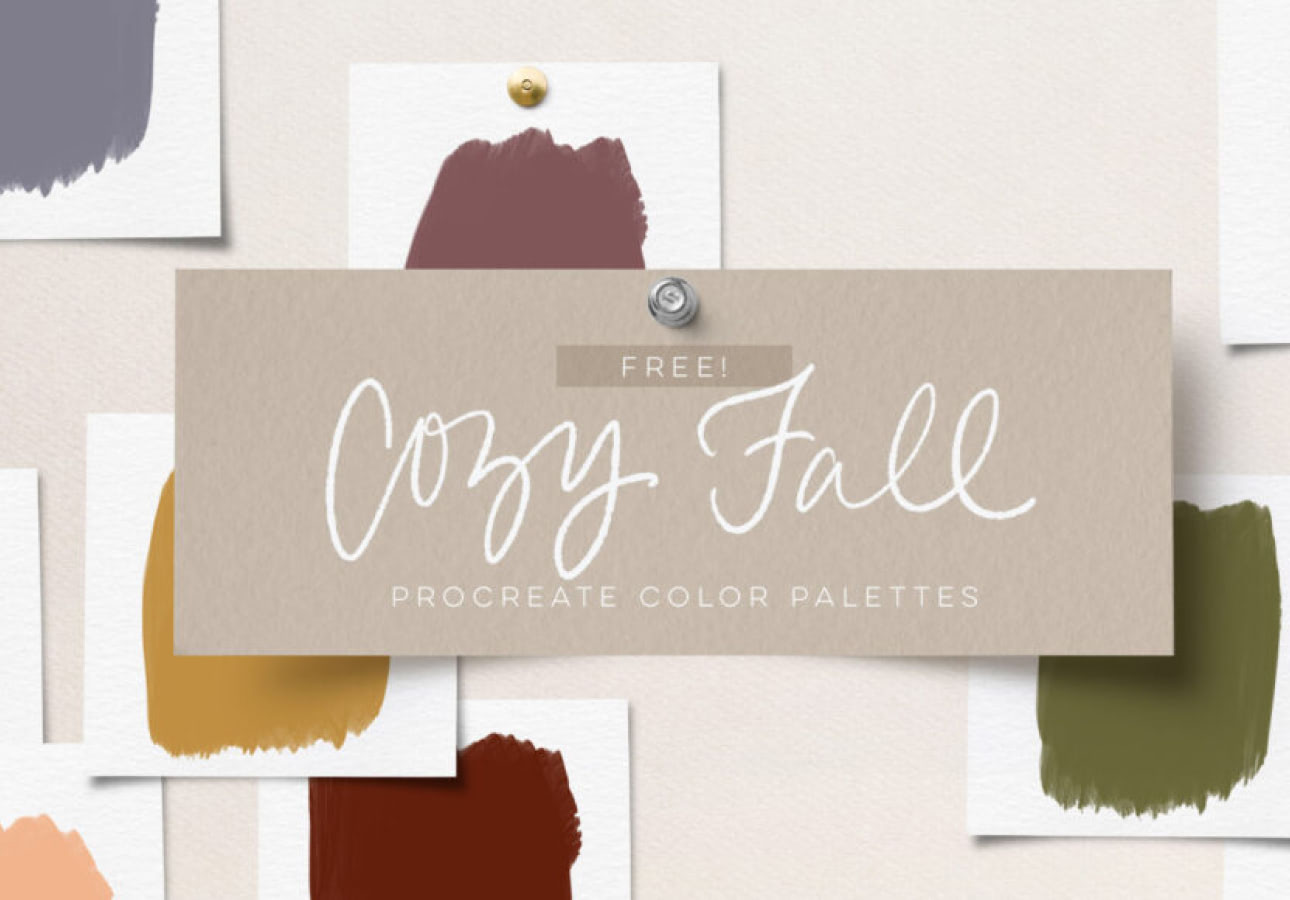
Best for: autumn illustration, seasonal lettering, pumpkins, leaves, café graphics, packaging concepts, greeting cards, and cozy social media artwork.
Fall palettes are particularly useful because autumn color is more complex than simply combining orange, brown, and yellow.
A stronger seasonal scheme often includes:
- Burnt orange.
- Muted red.
- Mustard.
- Warm cream.
- Forest green.
- Deep brown.
Use Dark Greens and Browns as Anchors
If every shade sits in the warm orange family, an illustration can feel flat. A dark green, plum, charcoal brown, or another cooler shadow color can create much better separation.
2. Christmas Procreate Color Palette
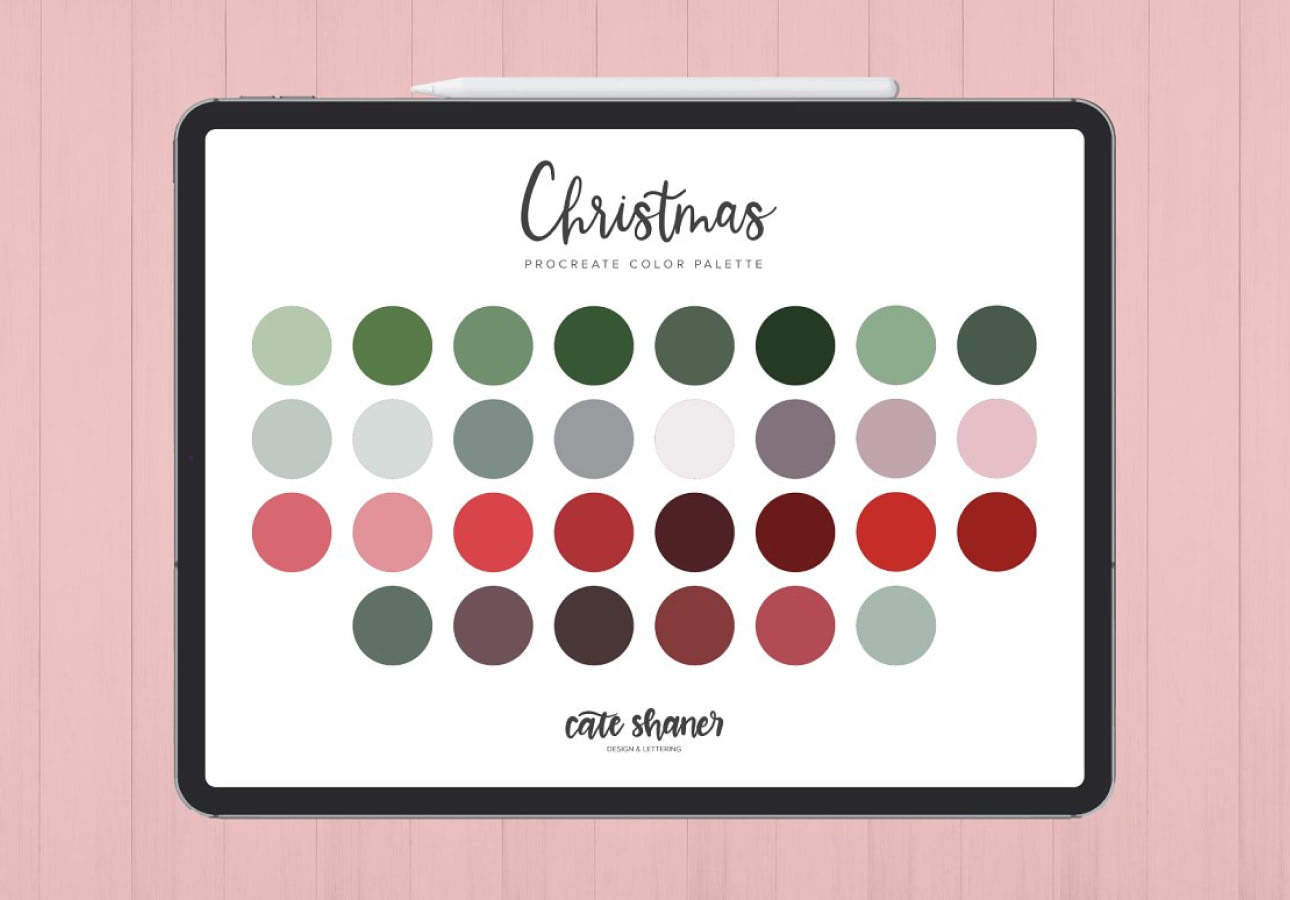
Best for: Christmas cards, holiday lettering, festive illustrations, wrapping-paper concepts, seasonal social media, ornaments, and winter packaging.
A Christmas palette does not have to rely exclusively on bright red and green.
Build a More Sophisticated Holiday Scheme
Try combining classic festive colors with:
- Deep burgundy.
- Pine green.
- Warm ivory.
- Muted gold.
- Dusty blue.
This creates seasonal recognition without making every illustration look identical.
3. Summery Color Procreate Palette
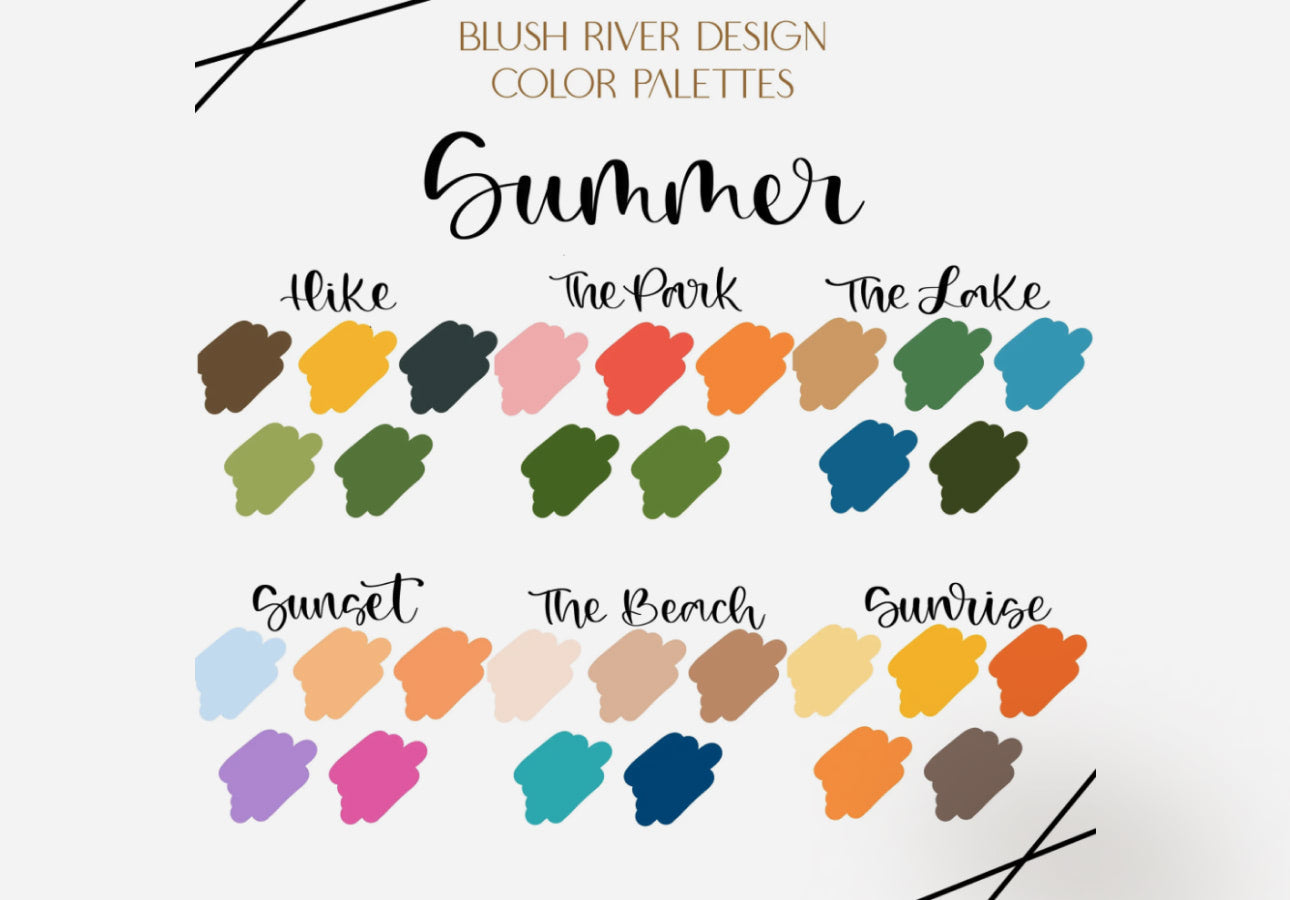
Best for: summer illustration, travel graphics, beach artwork, fruit, flowers, lifestyle content, greeting cards, and bright pattern design.
Summer colors can support much more than tropical blue and yellow.
Choose One Dominant Mood
A summer illustration might feel:
- Tropical.
- Sun-bleached.
- Mediterranean.
- Playful.
- Retro.
- Pastel.
Choose that mood first and use the palette accordingly rather than attempting to use every bright swatch in one artwork.
4. Hair Color Palettes for Procreate
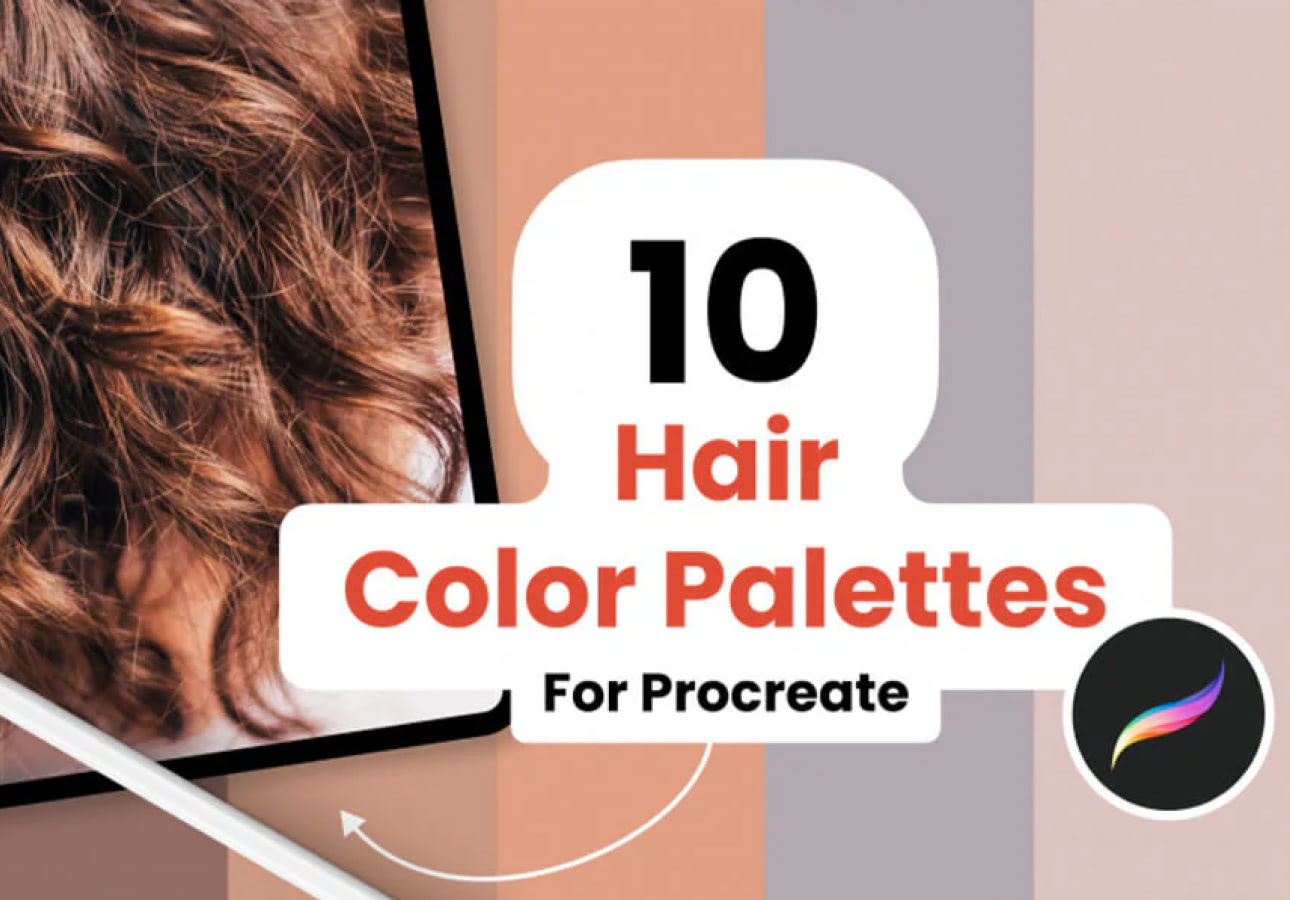
Best for: character illustration, portraits, fashion sketches, comics, digital painting, and stylized people.
Hair is rarely one local color.
Even dark hair may contain:
- Warm reflected light.
- Cool shadows.
- Soft mid-tones.
- Bright highlights.
Avoid Highlighting With White
For most hair colors, a lighter and slightly shifted version of the local hue will feel more natural than pure white.
Blonde highlights may become warmer. Black hair may reflect blue, violet, or brown. Red hair can shift toward gold in illuminated areas.
5. Sequoia Procreate Palette
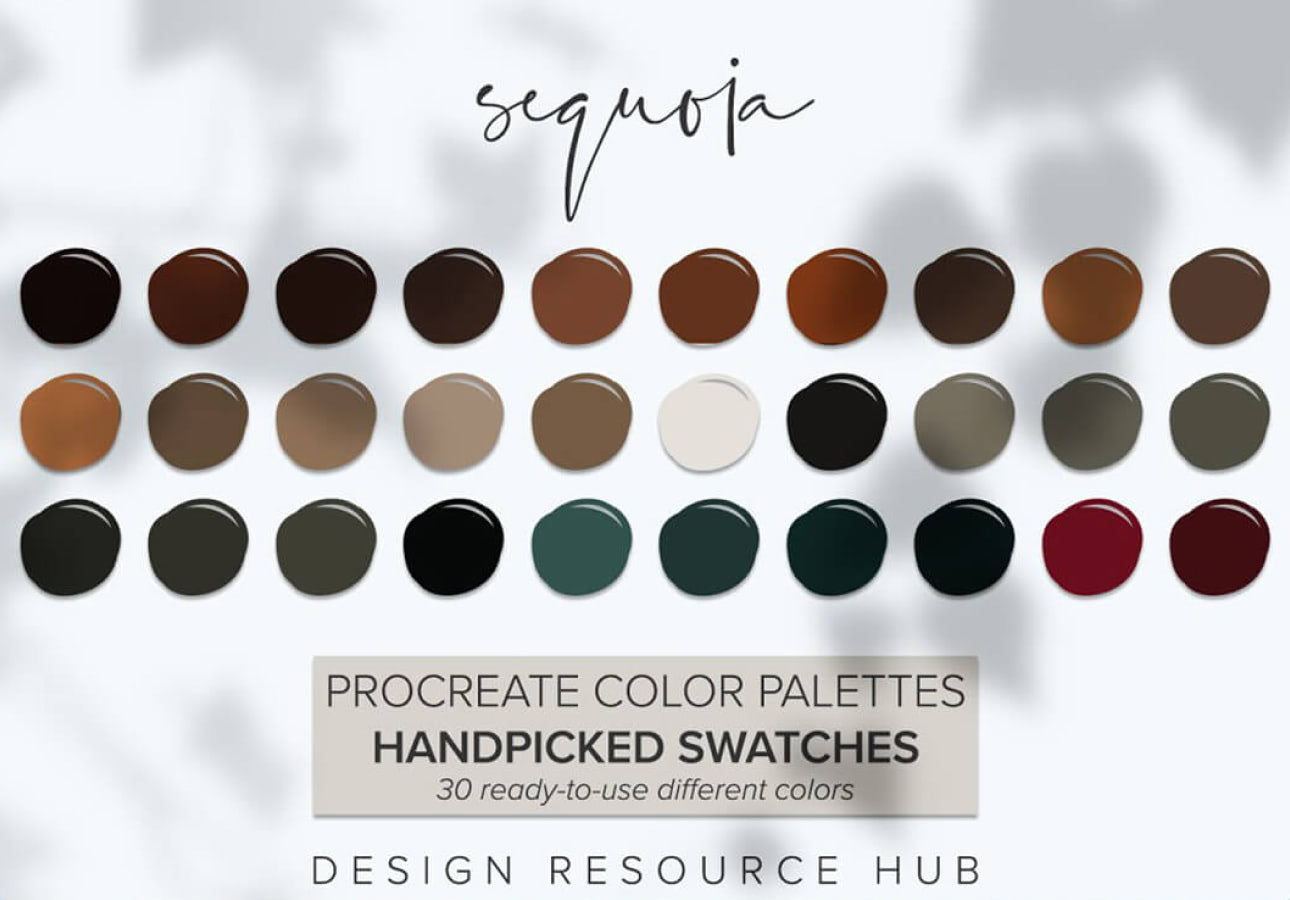
Best for: forests, botanical illustration, landscapes, outdoor branding concepts, earthy packaging, nature art, and editorial illustration.
Nature-inspired palettes are particularly useful because they often contain sophisticated neutrals that artists overlook when picking colors directly from a saturated Color Disc.
Do Not Make Every Green Equally Green
Natural environments often contain greens that shift toward:
- Yellow.
- Blue.
- Gray.
- Brown.
Those subtle changes create greater depth than using several equally saturated green swatches.
6. Mermaid Inspired Color Palette for Procreate
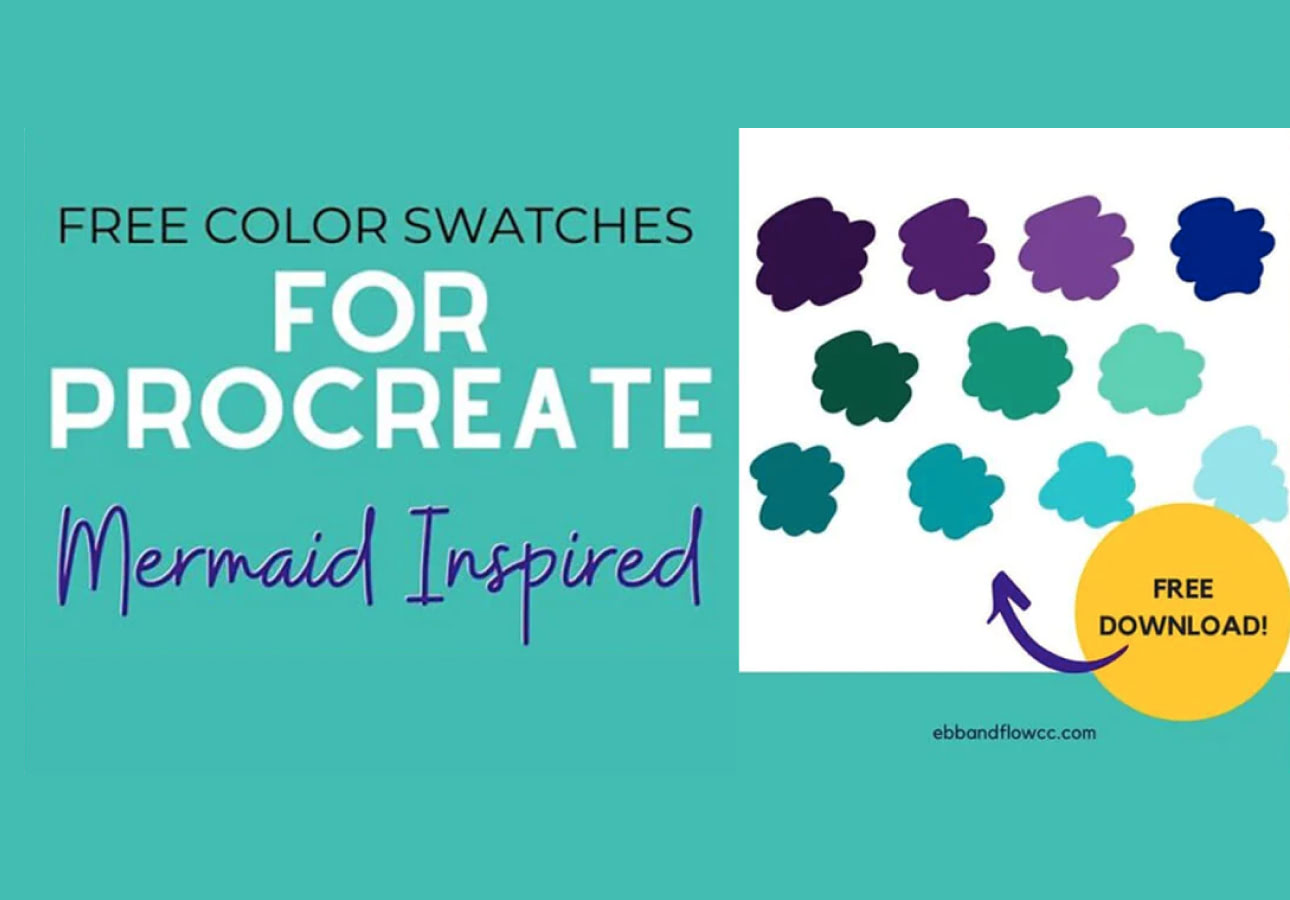
Best for: fantasy illustration, ocean scenes, mermaids, magical characters, children’s art, stickers, and dreamy social media graphics.
Mermaid color schemes naturally work with cool blues, turquoise, violet, aqua, and iridescent-inspired accents.
Add a Warm Accent
An entirely cool palette can sometimes lack a focal point.
Try introducing a small amount of:
- Coral.
- Peach.
- Pink.
- Warm gold.
to create stronger visual contrast.
7. 10 Eye Color Palettes for Procreate

Best for: portraits, character art, fantasy characters, realistic painting, fashion illustration, and close-up studies.
Eyes are another area where a single local color rarely creates convincing depth.
Build the Iris From Several Values
A useful eye palette may contain:
- Dark outer tone.
- Mid-tone iris color.
- Lighter variation.
- Warm or cool accent.
- Highlight.
Even stylized characters benefit from some variation.
8. Bright Procreate Color Palette
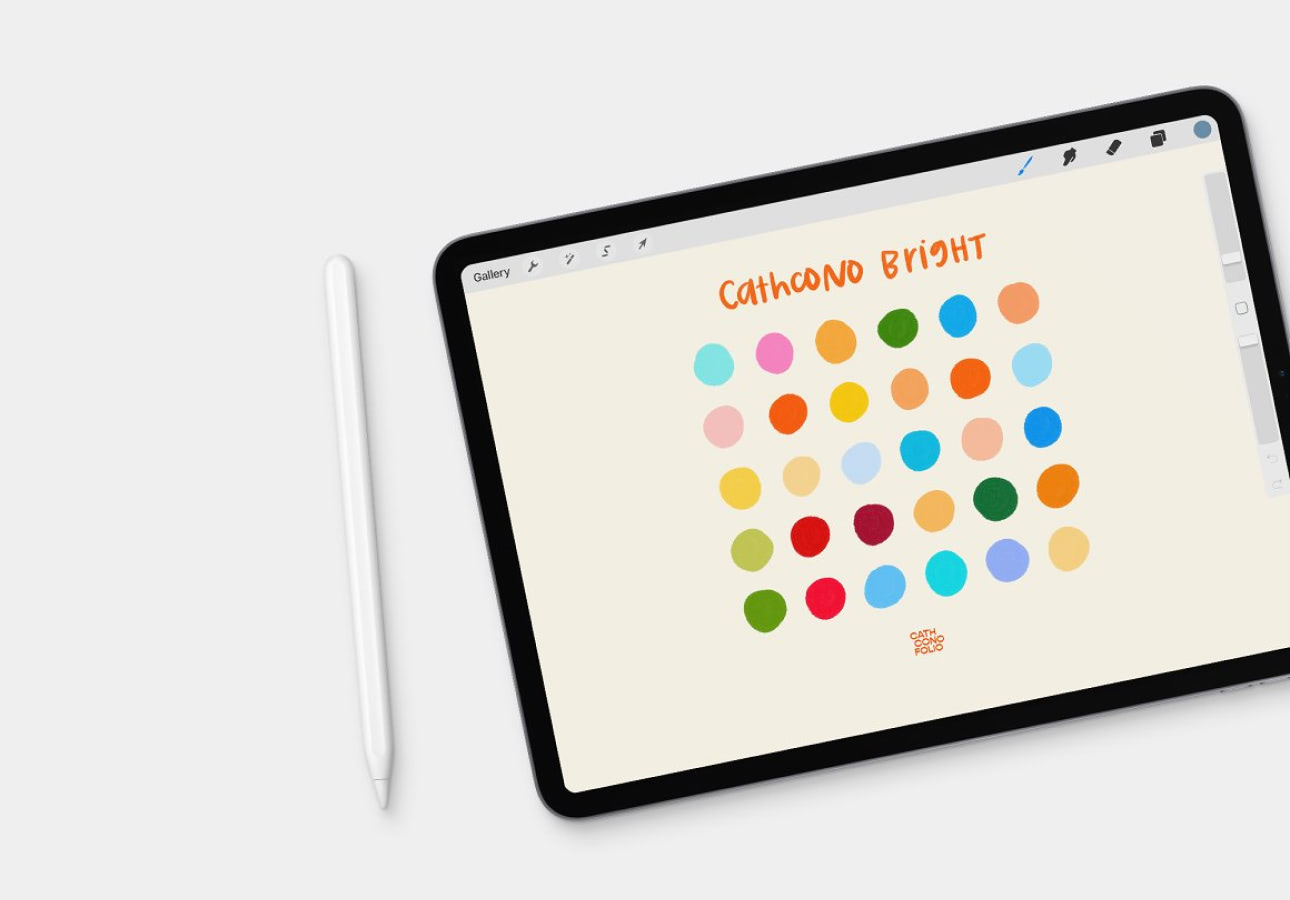
Best for: children’s graphics, sticker designs, social media, digital posters, playful characters, patterns, and bold illustration.
Bright palettes create immediate energy, but they are easiest to misuse.
Not Every Color Should Compete for Attention
Select one or two dominant colors, then allow the remaining shades to support them.
You can also create hierarchy by varying:
- Area.
- Saturation.
- Brightness.
- Contrast.
A tiny highly saturated accent can attract more attention than a large muted surface.
9. Pastels & Brights Procreate Color Palette
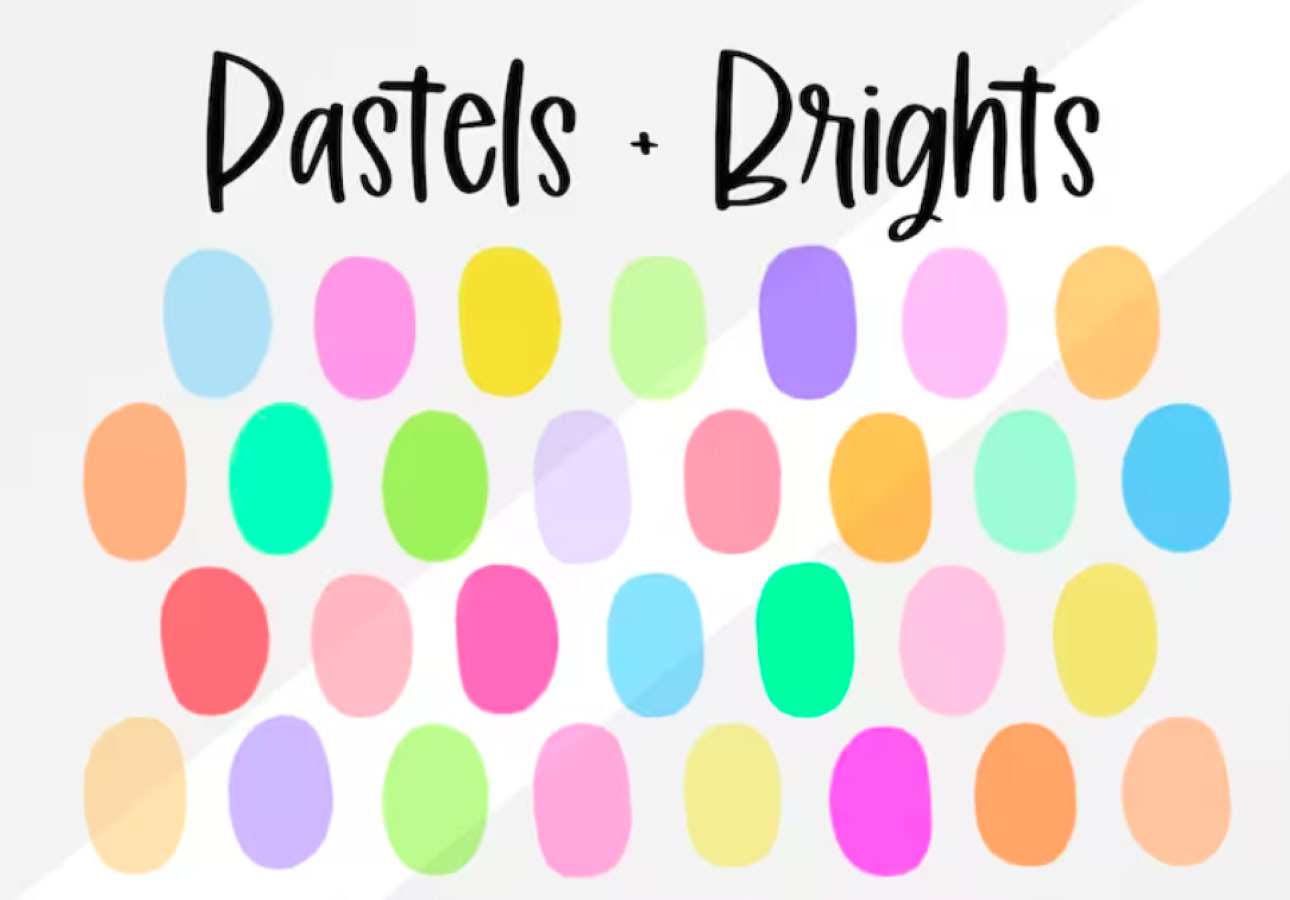
Best for: stationery, kawaii-style illustrations, lifestyle graphics, planners, stickers, social content, children’s art, and pattern design.
Combining pastel shades with stronger bright accents solves one of the main weaknesses of all-pastel artwork: insufficient hierarchy.
Use the Brights Strategically
Reserve stronger color for:
- Eyes.
- Small details.
- Calls to attention.
- Main flowers.
- Typography.
while allowing softer colors to occupy larger areas.
10. Procreate Winter Color Palettes
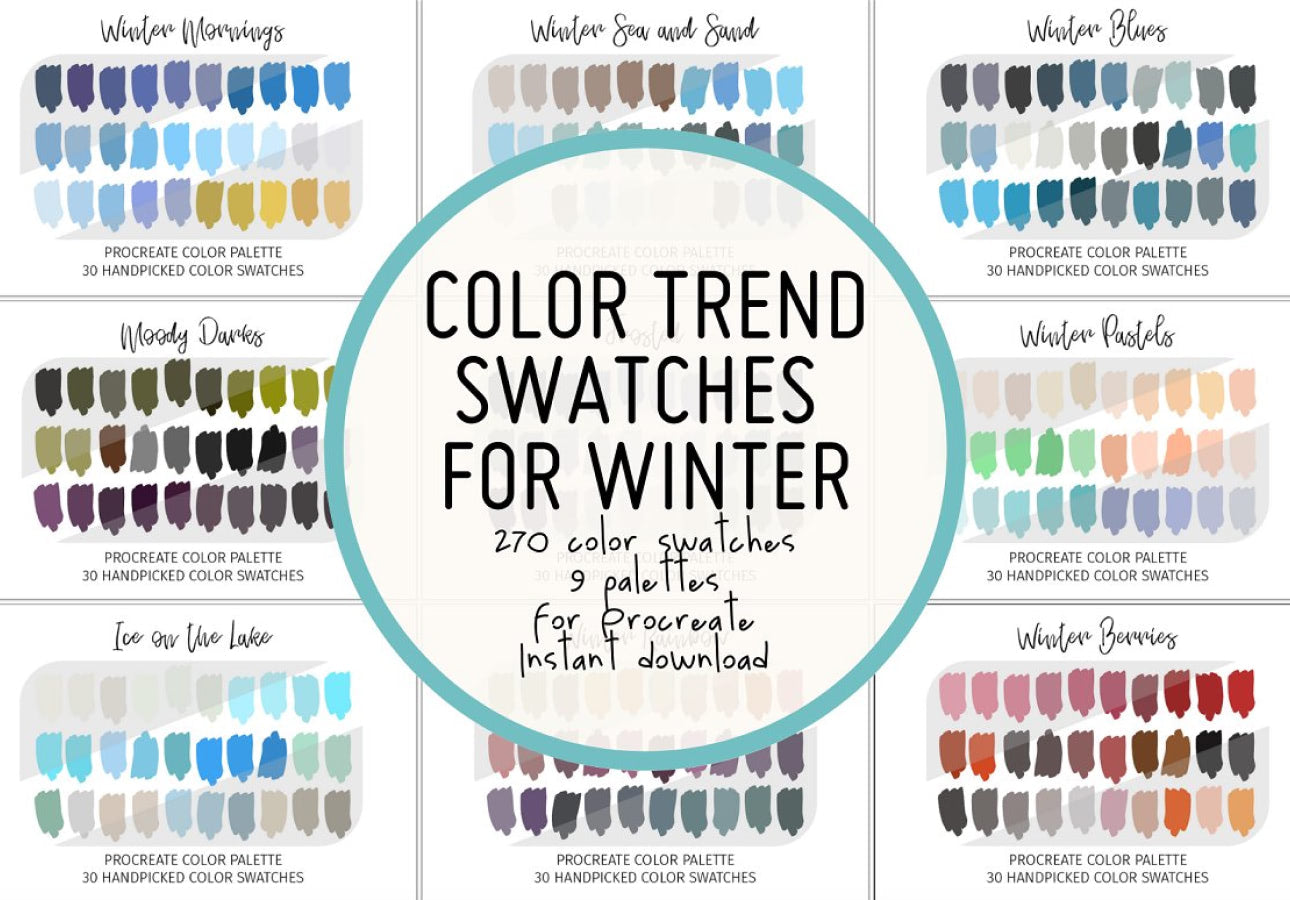
Best for: snowy scenes, winter landscapes, holiday artwork, cold-weather characters, seasonal patterns, greeting cards, and editorial illustration.
Winter does not mean using only icy blue.
Create Temperature Contrast
A convincing winter scene may use cool environmental colors alongside tiny areas of warm light:
- Cold blue snow.
- Gray-violet shadows.
- Dark navy.
- Warm window light.
- Muted red clothing.
That contrast can make the cold tones feel even colder.
11. Pastel Rainbow by Crisico
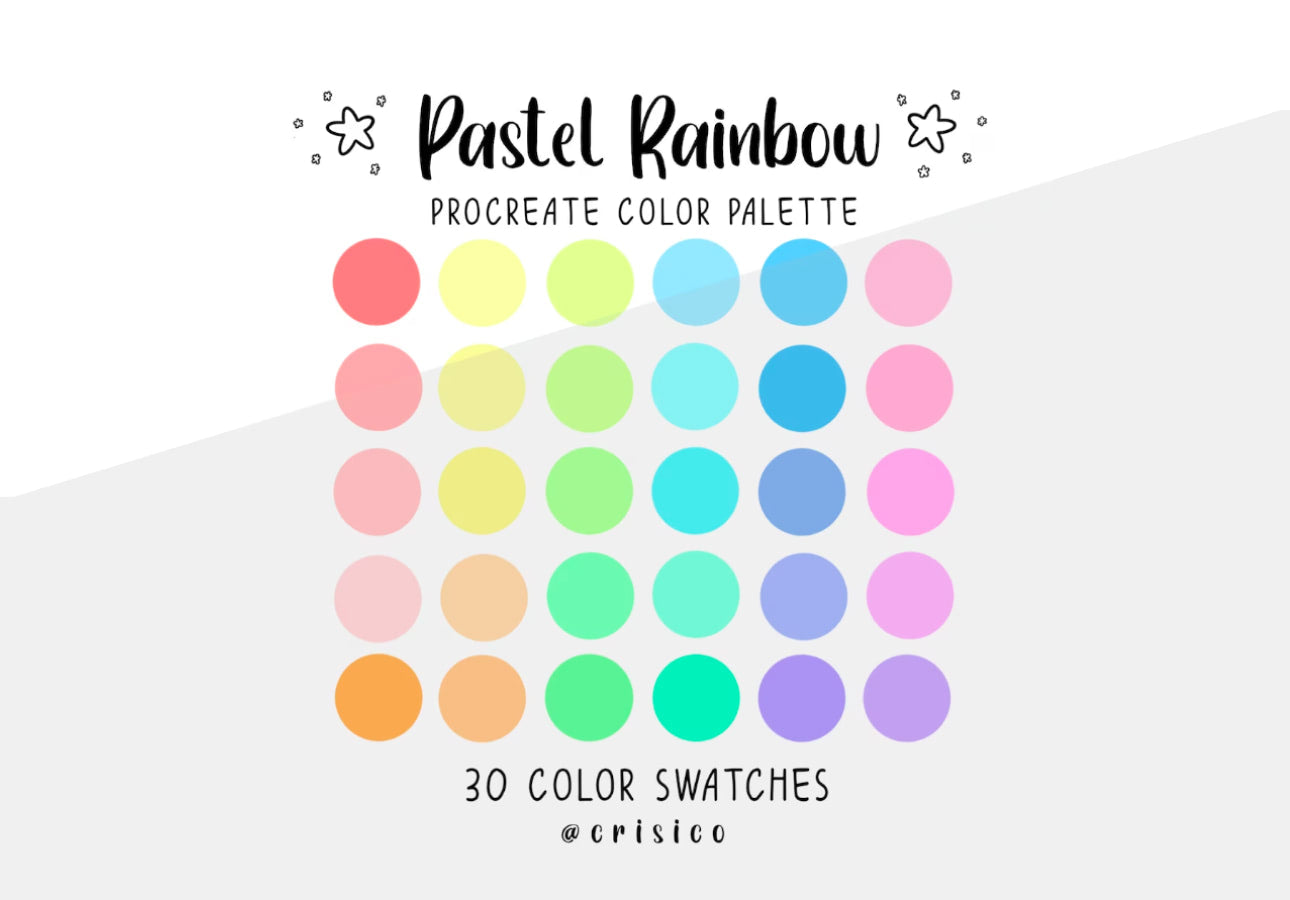
Best for: rainbow art, children’s illustration, nursery design, lettering, planners, stickers, patterns, and cheerful digital artwork.
A pastel rainbow gives you broad hue variation without the visual intensity of a fully saturated spectrum.
Create Contrast Through Value
If every pastel has approximately the same brightness, shapes can merge together.
Include at least a few:
- Darker supporting tones.
- Deeper outlines.
- Neutral shadows.
to maintain structure.
12. Procreate Color Palette Swatches by WinshipAndRose
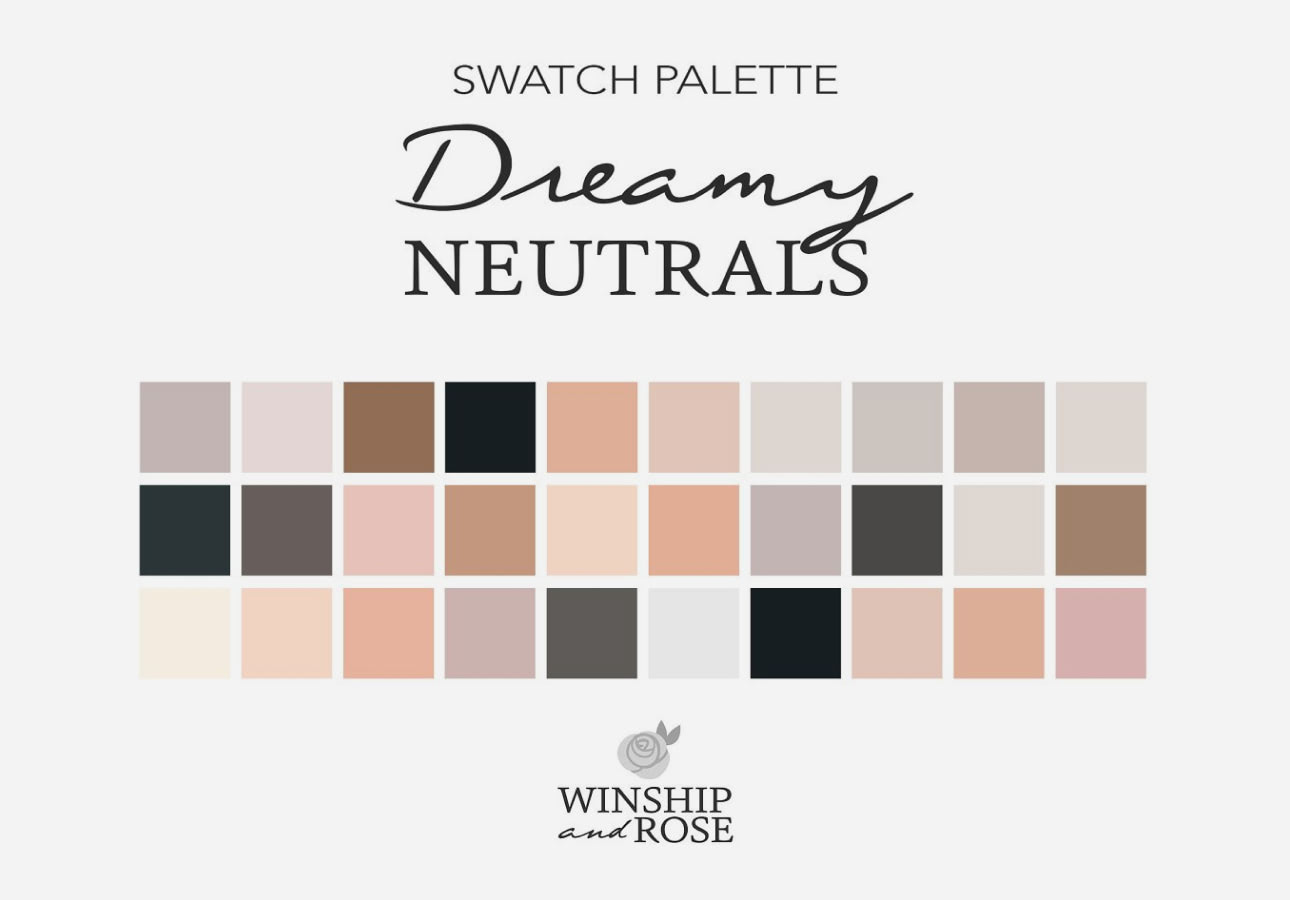
Best for: colorful illustration, lettering, cards, digital art, decorative graphics, and building a larger Procreate swatch library.
This type of broader swatch collection is useful when you do not want a narrowly seasonal palette and would rather have a flexible group of colors ready for multiple projects.
Create Smaller Working Palettes From Larger Collections
A large swatch library does not mean you should use thirty different colors in one illustration.
Instead, select a smaller working palette for each project — perhaps:
- One dominant color.
- Two supporting colors.
- One dark.
- One light.
- One accent.
This keeps individual illustrations visually focused.
Bonus: 3 Procreate Brush Kits for Color-Focused Artwork
The following three resources were included in the original collection, but they are brush kits rather than color palettes. They can still be useful because texture and brush behavior strongly influence how color appears in digital painting.
13. Gouache Brushes for Procreate
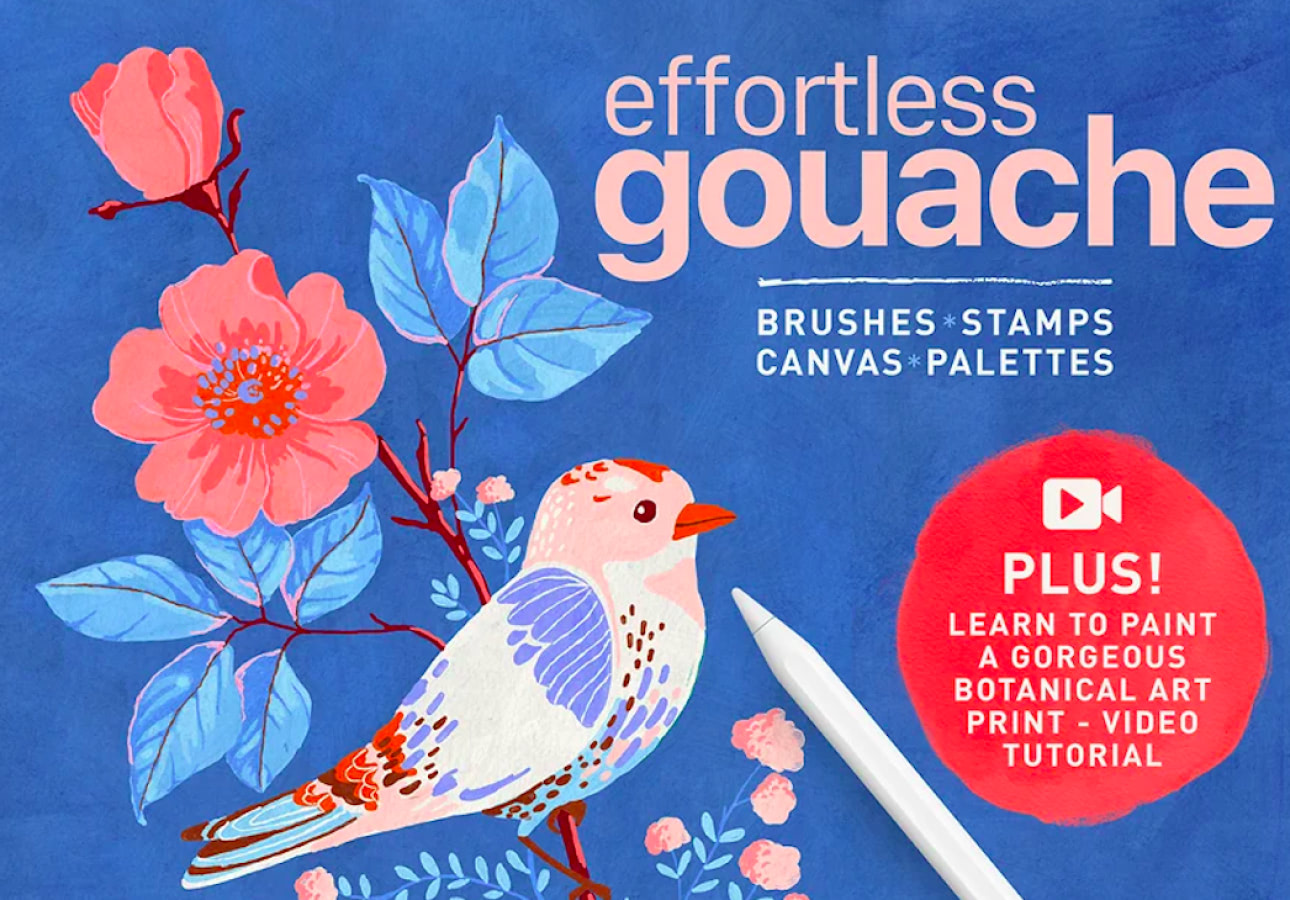
Best for: painterly illustration, children’s books, editorial art, botanical artwork, food illustration, and traditional-media-inspired digital painting.
Gouache-style brushes can make the exact same palette feel completely different from artwork created with a perfectly smooth digital brush.
Allow Colors to Interact Through Texture
Instead of filling every area with a perfectly uniform tone, use brush texture to let small variations in color and opacity remain visible.
This can create a more natural painted effect.
14. Space Procreate Brushes by Freezerondigital
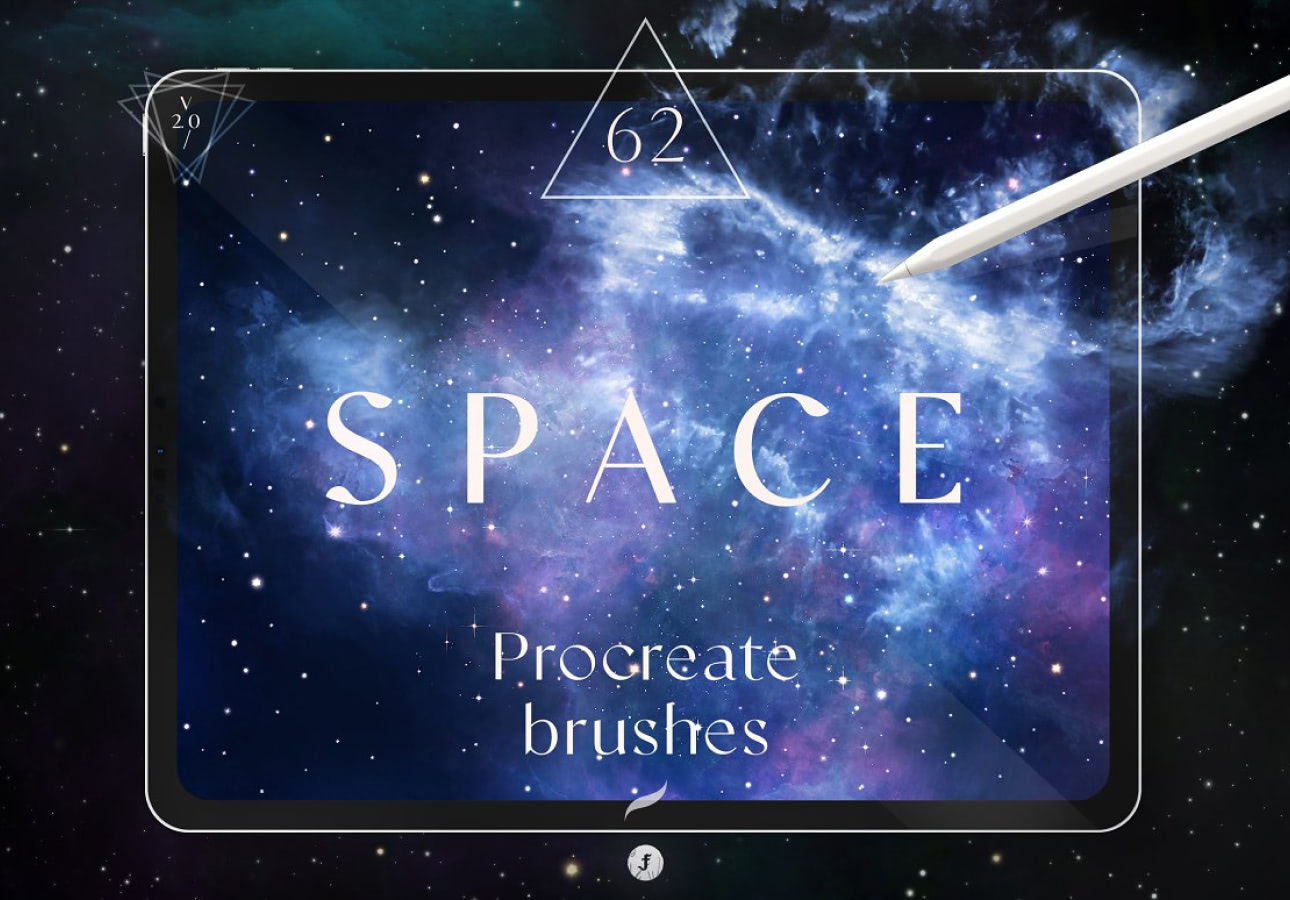
Best for: galaxies, stars, fantasy environments, sci-fi illustration, night skies, magical artwork, and atmospheric backgrounds.
Space artwork provides an ideal environment for exploring high contrast between very dark backgrounds and luminous accent colors.
Do Not Make Every Star Equally Bright
Variation creates depth.
Combine:
- Large and small marks.
- Bright and dim stars.
- Cool and warm light.
- Dense and empty areas.
15. Neon Procreate Brush Kit by Mila Garret
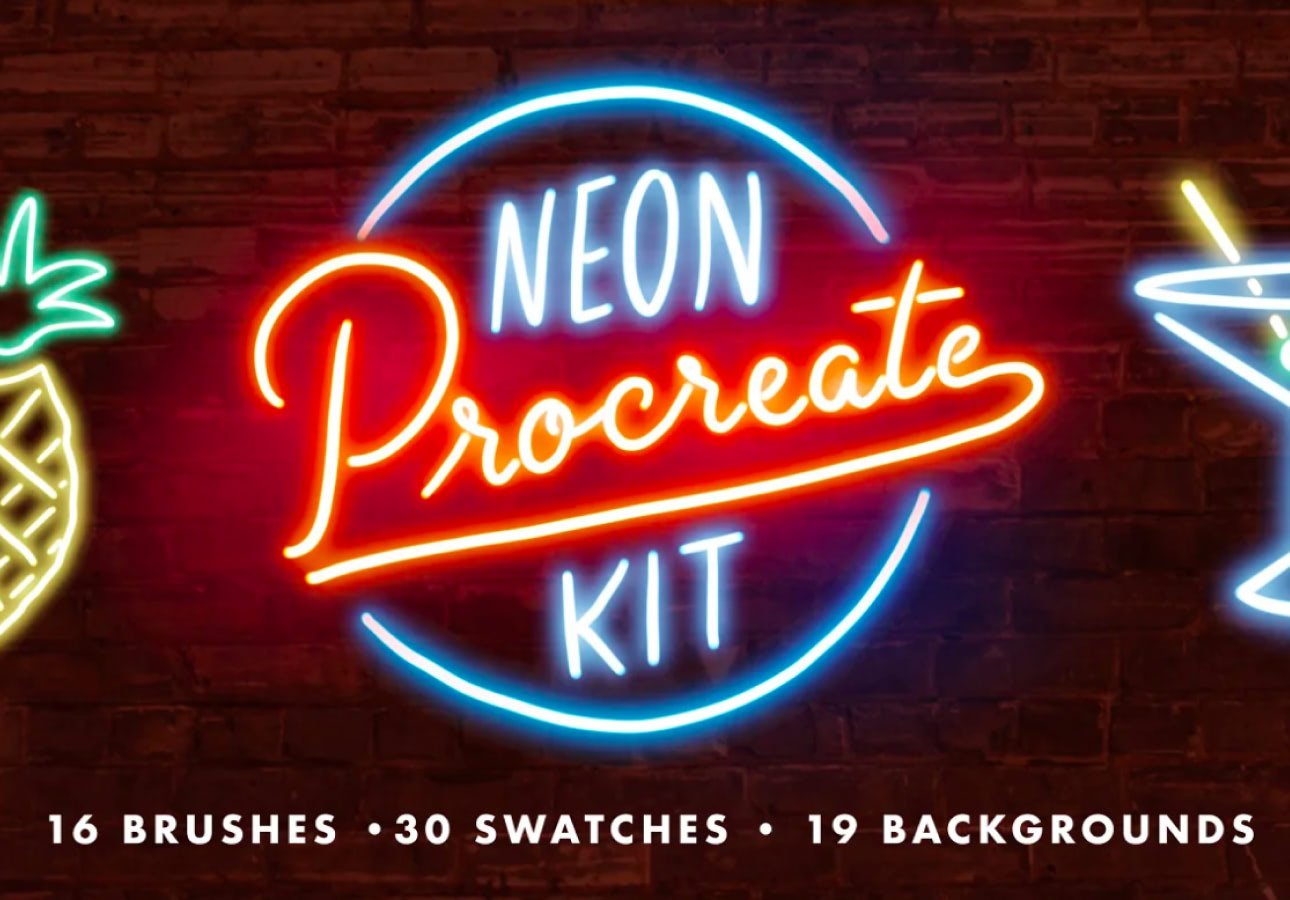
Best for: neon lettering, cyber-inspired illustration, nightlife graphics, signage effects, posters, futuristic artwork, and glowing accents.
Neon effects are most convincing when brightness is relative.
Darkness Makes the Glow Work
If the complete canvas is equally bright, neon no longer feels luminous.
Use:
- Deep backgrounds.
- Muted surrounding colors.
- A concentrated bright core.
- Softer glow around the edge.
How to Import a Color Palette Into Procreate
Procreate supports dedicated palette files as well as several Adobe swatch formats.
Import From a File
- Download the palette file and save it to the Files app.
- Open an artwork in Procreate.
- Tap the current color in the top-right corner.
- Open Palettes.
- Tap the + button.
- Select New from File.
- Choose the saved palette.
Compatible palette formats can include:
- .swatches — Procreate palette files.
- .ASE — Adobe Swatch Exchange.
- .ACO — Adobe Color files.
Create Your Own Procreate Palette From a Photo
You do not always need to download a palette.
Procreate can build swatches from visual references, which makes photographs a powerful starting point.
Good Reference Images Include
- Travel photography.
- Interior design.
- Flowers.
- Landscapes.
- Fashion photography.
- Food.
- Architecture.
- Vintage packaging.
Then Edit the Result
An automatically generated palette should be treated as a starting point.
After extraction:
- Remove nearly identical colors.
- Add a darker shade if needed.
- Add a light neutral.
- Select one dominant accent.
- Reorder the palette logically.
How to Build a Useful Palette Instead of Just a Pretty One
Start With Five Roles
A simple working system is:
- Dominant color — controls the main mood.
- Supporting color — creates variation.
- Dark color — adds depth.
- Light color — creates breathing room and highlights.
- Accent color — attracts attention.
You can then build additional shades around those roles.
Value Is More Important Than Having Many Colors
An illustration can contain beautiful hues and still feel flat when all of them have similar lightness.
Test the Artwork in Grayscale
Temporarily remove color from your perception and look at the value structure.
Can you still distinguish:
- Foreground.
- Background.
- Main character.
- Important details.
- Light and shadow?
If not, changing hue alone may not solve the composition.
How to Use Saturated Colors Without Making Art Chaotic
Choose One Main Saturated Color
Allow it to become the dominant accent.
Reduce Saturation Around It
A bright pink becomes much more powerful beside dusty rose, cream, gray, and muted green than beside four equally bright colors.
Use Saturation to Direct Attention
The most important area can carry stronger color while less important areas remain quieter.
Warm and Cool Colors in Digital Illustration
Temperature contrast can create depth even when values are relatively close.
Warm Light, Cool Shadow
This familiar relationship can work particularly well for:
- Portraits.
- Outdoor scenes.
- Character art.
- Interior illustration.
Cool Light, Warm Shadow
The opposite relationship can create a very different atmosphere.
Do not apply one formula automatically — observe the light source and intended mood.
How to Use Procreate Palettes for Character Design
Separate Character and Background
If the character and background use almost identical values and temperatures, the silhouette may disappear.
Create Repeating Character Colors
A recognizable character may have:
- One signature clothing color.
- One hair family.
- One skin palette.
- One accent.
Repeating those choices across illustrations creates consistency.
How to Use Palettes for Portraits
Avoid Thinking in Local Color Alone
Skin is not simply “skin color,” hair is not simply brown, and eyes are not simply blue.
Lighting and environment affect every surface.
Use Nearby Color Relationships
A portrait may contain subtle:
- Warm cheek tones.
- Cool jaw shadows.
- Golden reflected light.
- Muted violet around the eyes.
The exact colors depend on the subject, lighting, style, and environment.
How to Organize Procreate Palettes
A large palette library becomes less useful when you cannot find anything inside it.
Name Palettes by Purpose
Instead of:
Palette 14 New Final
use:
- Autumn Editorial.
- Forest Character.
- Soft Portrait.
- Retro Summer.
- Winter Night.
Keep Project Palettes Separate
When working on a larger commission or illustration series, duplicate or create a dedicated palette so later experiments do not change the original system.
Free vs Premium Procreate Palettes
A higher price does not automatically mean better colors.
You are often paying for additional value such as:
- Larger collections.
- Specific subject research.
- Organized files.
- Installation instructions.
- Multiple formats.
- Commercial licensing options.
A free five-color palette that perfectly fits your project can be more useful than a bundle containing hundreds of swatches you never use.
Common Procreate Color Palette Mistakes
1. Using Every Swatch
A palette is a library, not a checklist.
2. Having No Dark Color
Without sufficient value range, the illustration can become flat.
3. Making Everything Saturated
Bright colors need quieter colors around them.
4. Using Pure Black for Every Shadow
A chromatic dark can often create a more interesting result.
5. Using White for Every Highlight
Highlights can shift toward the temperature and color of the light source.
6. Choosing Colors Without Considering Value
Different hues can still appear almost identical in grayscale.
7. Never Editing a Downloaded Palette
A ready-made palette is a starting point, not a restriction.
8. Using the Same Palette for Every Project
Consistency is helpful within a series, but not every visual concept needs the same mood.
9. Ignoring the Background
Background color changes how every foreground color is perceived.
10. Assuming Free Means Commercially Licensed
Always review the individual resource license.
Procreate Palette Licensing Checklist
Before using a downloaded resource commercially, check:
- Is commercial illustration allowed?
- Can the palette be used for client projects?
- Can resulting artwork be sold?
- Is merchandise use permitted?
- Is attribution required?
- Can the palette file itself be redistributed?
- Can it be included inside another digital product?
- Does an extended license apply to some uses?
Usually the most important distinction is between using the colors in your own artwork and redistributing the actual palette file.
Frequently Asked Questions About Procreate Color Palettes
What are Procreate color palettes?
Procreate color palettes are organized groups of saved color swatches that can be accessed from the Color Panel while creating artwork.
Can I import color palettes into Procreate?
Yes. Procreate supports its own .swatches palette format as well as compatible Adobe .ASE and .ACO palette files.
Can I create a Procreate palette from a photograph?
Yes. Procreate can generate palettes from images and photographs, making it easy to extract color inspiration from visual references.
How many colors should a Procreate palette have?
There is no ideal number. A small five- or six-color working palette can be enough for one illustration, while a larger library can provide variations for a complete series.
Can I edit downloaded Procreate palettes?
Yes. You can use downloaded palettes as starting points and reorganize or supplement the colors according to your project.
What is the best Procreate palette for portraits?
Look for palettes with enough variation for light, mid-tones, shadow, temperature shifts, hair, and eye details rather than relying on one local color for each feature.
What is the best palette for beginner artists?
A relatively small palette with clear light, mid-tone, dark, neutral, and accent colors is often easier to control than a collection containing hundreds of swatches.
Should I use RGB or CMYK colors in Procreate?
The appropriate color profile depends on whether the final artwork is intended primarily for screens or for a specific print workflow. Decide the output requirements before beginning an important production project.
Are all palettes in this collection free?
No. The collection contains both free and premium resources. Prices and availability can change, so check the original source page.
Are Gouache Brushes, Space Brushes and the Neon Brush Kit palettes?
No. They are included as bonus Procreate brush resources because they appeared in the original collection and can complement color-focused illustration workflows.
Final Thoughts
The best Procreate color palettes are not necessarily the collections with the largest number of swatches.
A useful palette gives you choices without removing hierarchy. It offers enough light and dark variation to create form, enough temperature contrast to create atmosphere, and enough restraint that one accent can still feel important.
Seasonal palettes can establish mood immediately. Hair and eye palettes can speed up character work. Nature-inspired collections can introduce sophisticated neutrals. Bright and pastel palettes can provide controlled color relationships that are difficult to build when every shade is chosen independently.
But a downloaded palette should never become a rulebook.
Remove colors you do not need. Add a darker shade. Adjust the saturation. Create a warmer variation. Build a smaller project palette from a large collection. Let the colors evolve with the illustration.
The goal is not to use the palette perfectly. The goal is to make the artwork feel intentional.
For more Procreate resources, textures, Photoshop assets, mockups, typography collections, and practical creative guides, continue exploring DesignRise.
Discover more from DesignRise
Subscribe to get the latest posts sent to your email.


