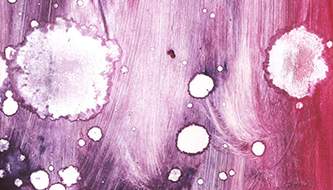
Today, we are excited to present Part 2 of our free Bokeh textures collection for designers and creative professionals. Bokeh textures are one of the most versatile resources in digital design, providing a soft, dreamy, and visually appealing background that can enhance any project.
What is Bokeh?
For those who are new to photography and design, bokeh refers to the aesthetic blurring of the background and foreground, producing soft, out-of-focus areas. The effect highlights the subject of a photo while giving distant and nearby objects a beautiful, artistic blur. Bokeh can take many shapes depending on the lens, light sources, and aperture, making it an excellent texture for creative use.
Why use Bokeh textures in your projects?
Bokeh textures can dramatically enhance your designs, adding depth, dimension, and a professional look. They are perfect for web and graphic design, digital art, photography overlays, and even print projects. With these textures, you can:
Create stunning backgrounds for posters, banners, or social media graphics
Add realistic lighting effects to illustrations and photo manipulations
Enhance product photography with soft, dreamy overlays
Use in website design to create subtle, elegant visual layers
Combine with other textures to achieve unique artistic effects
High-Quality Free Textures
This collection is free to download and includes high-resolution Bokeh textures suitable for Photoshop, Illustrator, and other graphic software. Each texture captures the soft glow of light, circular highlights, and artistic blur, giving designers the flexibility to use them in a wide range of creative projects.
Creative Applications for Designers
Bokeh textures are ideal for enhancing visual aesthetics without drawing attention away from the main subject. Whether you are working on a magazine layout, digital poster, branding project, or social media content, these textures can instantly elevate the professionalism of your work.
Download this Bokeh Textures Set – Part 2 today and add light, depth, and artistry to your design library. Experiment with blending modes, transparency, and color adjustments to create unique effects tailored to your vision.
You May Also like:
- 7 findings that prove the importance of great UX
- How to Install Procreate Brushes
- Lightened Film effect Actions for Photohsop
1. Bokeh texture
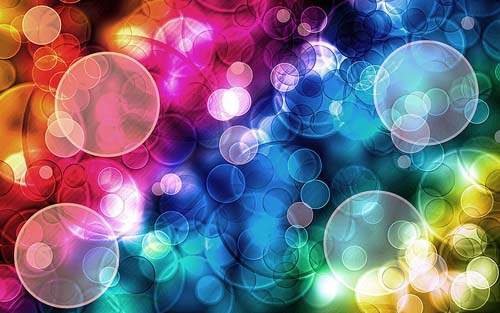
2. Bokeh texture

3. Bokeh on a black background
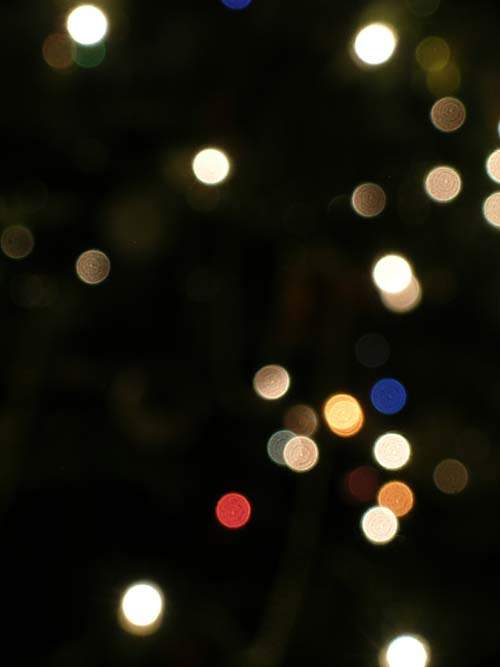
4. Bokeh pack

5. Bokeh texture collection

6. Blue Bokeh
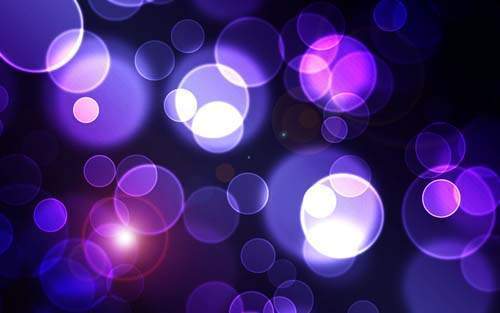
7. Grunge Bokeh Texture
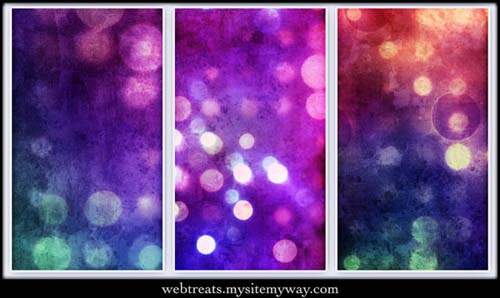
8. Colorful Bokeh
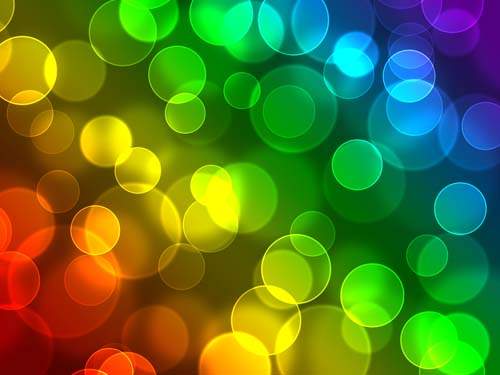
9. Chic bokeh texture pack

10. Red Bokeh Texture

11. Bokeh Textures
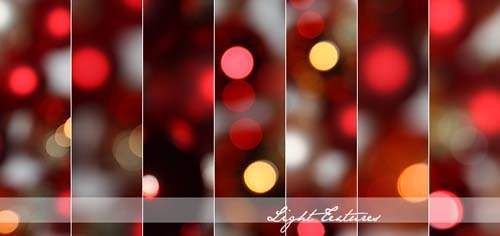
12. Bokeh fireworks

13. Bright bokeh

14. Bokeh Texture
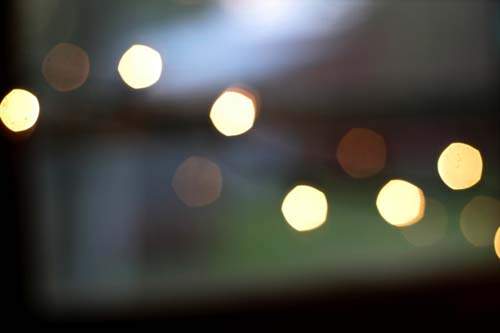
15. Bokeh Texture

16. Raindrops Bokeh Texture

17. Abstract Bokeh

18. Abstract Bokeh
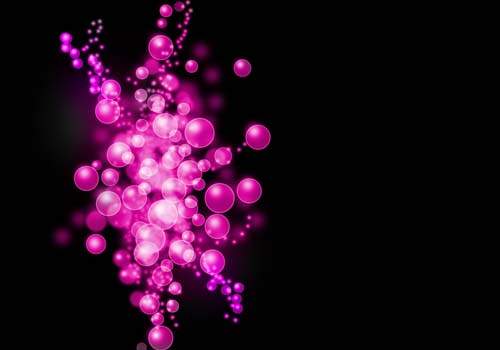
19. Christmas Flash Bokeh

20. Beautiful Bokeh Texture

21. Bokeh texture
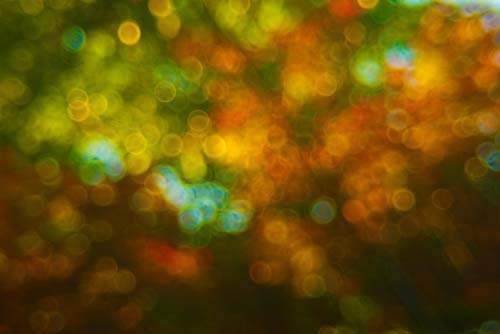
22. Bokeh texture

23. Gold Bokeh