
Free mockups for branding can turn a flat logo, package design, poster, app interface, or visual identity into a presentation that feels much closer to a finished real-world project.
For designers, that difference matters.
A logo shown alone on a white background explains the shape of the mark. The same logo placed on stationery, signage, packaging, a mug, or a realistic product surface shows how the complete identity might actually behave.
Mockups can also help clients understand ideas that are difficult to visualize from flat artwork. A packaging mockup communicates scale and material. A signage mockup shows visibility. An apparel scene reveals print placement, while a device mockup gives UI and web projects a more realistic context.
This DesignRise collection brings together 20 free mockups for branding, product design, apparel, stationery, packaging, editorial work, signage, devices, merchandise, and portfolio presentations.
The selection includes:
- Animated presentation mockups.
- UI presentation resources.
- T-shirt and apparel mockups.
- Brand identity and stationery scenes.
- Signage mockups.
- iPad presentations.
- Notebook mockups.
- Backpack and winter hat mockups.
- Poster and branding stationery scenes.
- Light sign mockups.
- Sport bottle and perfume packaging.
- Mug branding.
- Glass bottle mockups.
Some resources may use Photoshop Smart Objects, layered PSD files, editable backgrounds, or other customization methods, but the exact features vary by creator. Check the original resource page before downloading if you specifically need editable shadows, isolated objects, particular file dimensions, or a certain Photoshop workflow.
Licensing note: free download availability does not automatically mean unrestricted commercial use. Check the current terms on each original source page before using a mockup in client work, advertising, templates, products for resale, merchandise, or other commercial projects.
Explore More DesignRise Resources:
- Free T-Shirt Mockups for Apparel Design
- Free Catalog Mockups for Designers
- Free Logo on Cardboard Mockups
Why Mockups Matter in Branding Presentations
A strong mockup does more than decorate a Behance project or portfolio page.
It provides context.
Mockups Explain Scale
A logo that looks balanced on an artboard may feel too large when placed on stationery or too complicated when reduced onto a pen or product label.
Mockups Explain Material
The same artwork behaves differently when applied to:
- Paper.
- Fabric.
- Metal.
- Glass.
- Plastic.
- Cardboard.
- Illuminated signage.
Mockups Help Clients Visualize the Brand
Designers can often imagine how flat artwork will translate into real applications. Clients may find this much harder.
A carefully selected mockup makes the idea easier to understand without requiring a physical prototype.
Which Mockup Should You Choose?
20 Free Mockups for Branding & Creative Presentations
1. Animated Mockups

Best for: portfolio presentations, digital campaigns, branding showcases, social content, and motion-oriented design presentations.
Animated mockups can make a presentation feel more dynamic than a static PSD scene. They are particularly useful when showing a project online, where movement can help reveal different parts of the design or create a stronger first impression.
Check the current Gumroad page for included formats, compatibility, and usage rights.
2. Animated Mockups Collection
Best for: case studies, Behance projects, campaign presentations, social media, and digital portfolio work.
This second animated resource gives designers another option when a standard static composition does not communicate enough movement or energy.
Animated scenes should support the design rather than distract from it. Keep motion controlled and make sure the viewer still has time to understand the artwork.
3. UI Presentation Kit
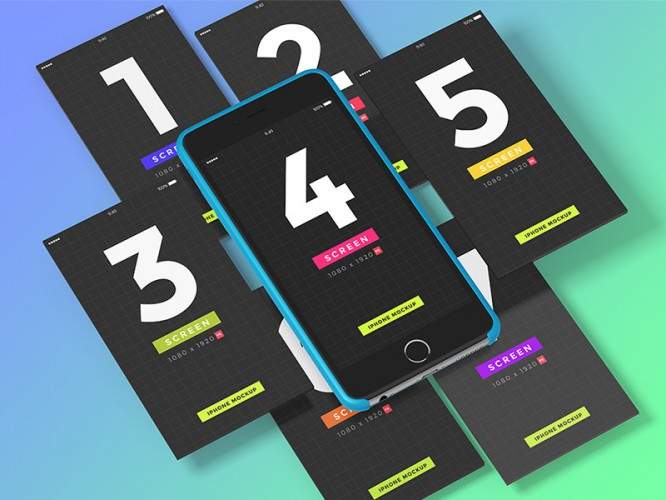
Best for: mobile apps, websites, interface concepts, UX case studies, SaaS products, and digital portfolios.
A UI presentation kit can help turn several isolated screens into one coherent case study.
Show the User Flow, Not Only Beautiful Screens
When possible, arrange interface mockups to communicate:
- Entry point.
- Core interaction.
- Important feature.
- Final result.
This makes a UI portfolio project more useful than a purely decorative screen collage.
4. Free T-Shirt Mockup
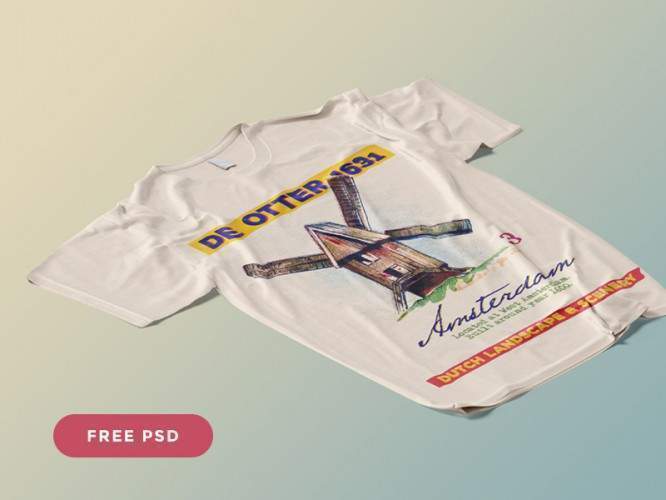
Best for: apparel, merchandise, streetwear, events, brand applications, illustrations, and print graphics.
A T-shirt mockup helps determine whether artwork is appropriately scaled for clothing. A design that feels balanced on an artboard may become far too large or too small when positioned on an actual garment.
5. Perspective Branding Mockup
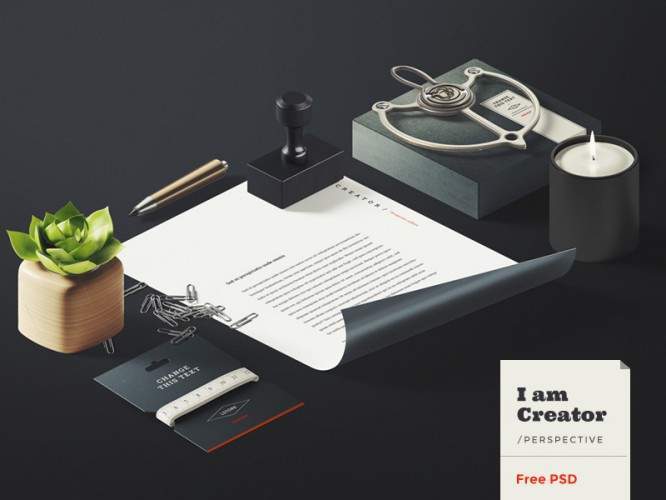
Best for: identity design, agency portfolios, logo presentations, stationery systems, and brand guidelines.
Perspective can add depth to otherwise flat stationery layouts and help create a stronger hero image for a branding case study.
Do not distort the design manually to imitate perspective before placing it into the intended editable area. Let the mockup handle realistic geometry whenever possible.
6. Branding Mockup Set
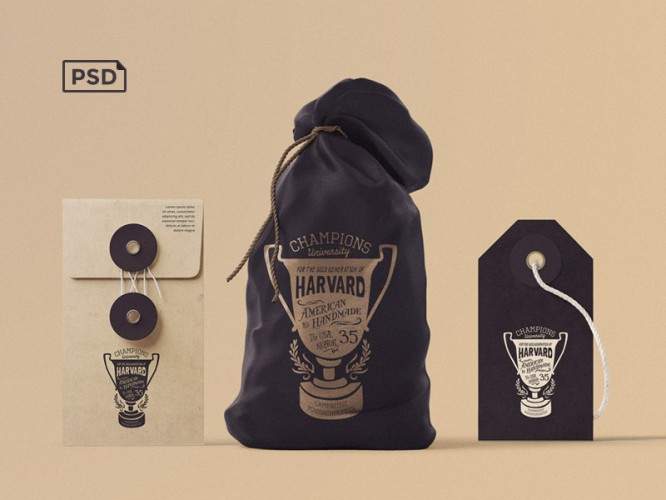
Best for: visual identities, portfolio case studies, corporate branding, creative agencies, and client presentations.
A broader branding scene is useful when you need to show how typography, color, logo, and supporting graphics behave together instead of highlighting only one application.
7. Brand Identity Mockup
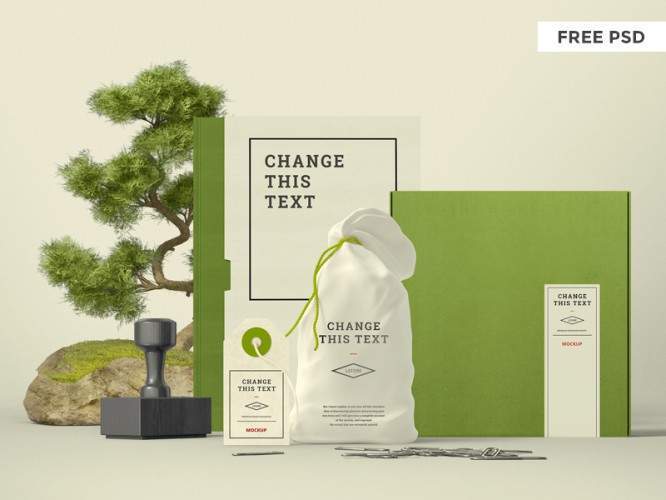
Best for: logo design, stationery systems, corporate identity, creative portfolio work, and branding concepts.
Use a scene like this when the most important message is not one individual object but the consistency of the complete identity system.
8. Branding Presentation Mockup
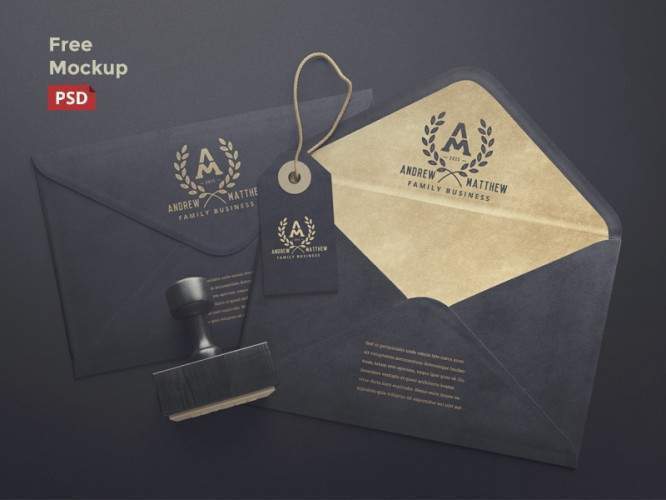
Best for: logos, identity systems, portfolio presentations, stationery, and professional case studies.
Multiple branding mockups can be useful in one project, but avoid showing several nearly identical scenes simply to make the case study longer.
Choose each mockup because it communicates a different aspect of the identity.
9. Wayfinding & Signage PSD Mockup
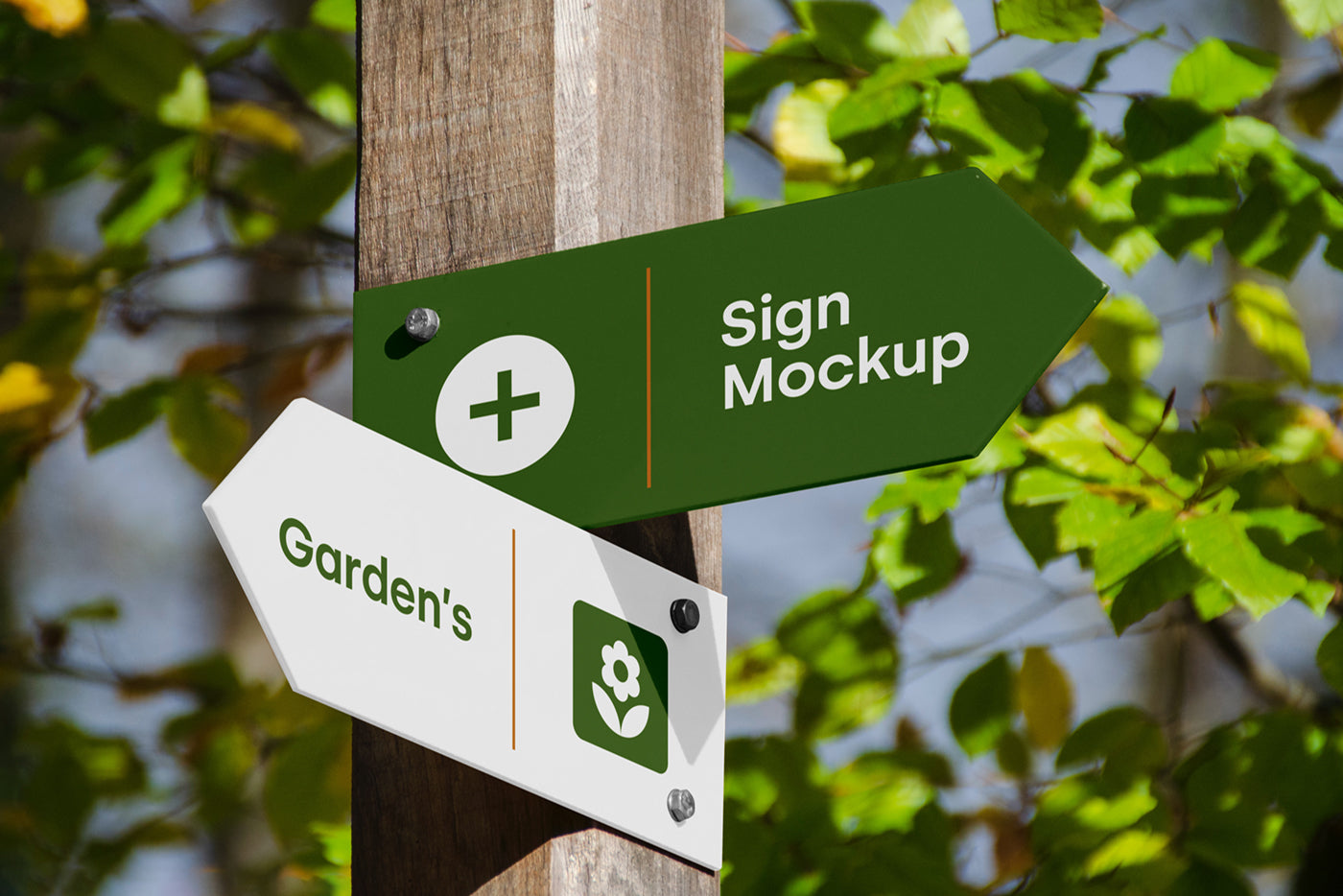
Best for: environmental graphics, offices, hotels, retail, hospitals, campuses, cultural spaces, and wayfinding systems.
Signage mockups are valuable because they test typography at a completely different scale from stationery or packaging.
Check Information Hierarchy
A wayfinding design should answer:
- Where am I?
- Where do I need to go?
- Which direction should I follow?
Visual style should never make that information harder to understand.
10. iPad Pro Mockup
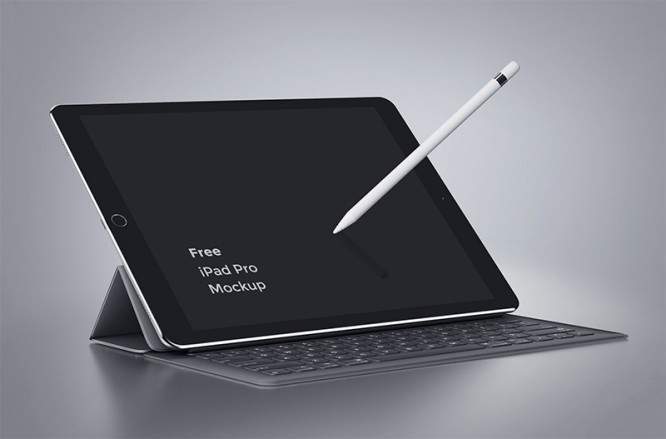
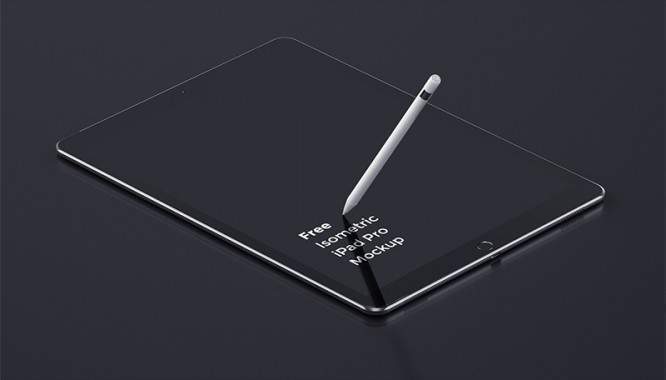
Best for: tablet apps, responsive websites, dashboards, illustrations, digital magazines, and UI portfolios.
The larger tablet screen gives designers more room to show complex interfaces, editorial layouts, dashboards, or responsive web designs than a phone mockup.
If the device generation shown in the resource is older than the product you are presenting, decide whether that difference matters to the project.
11. Gravity Pocket Notebook PSD Mockup Set
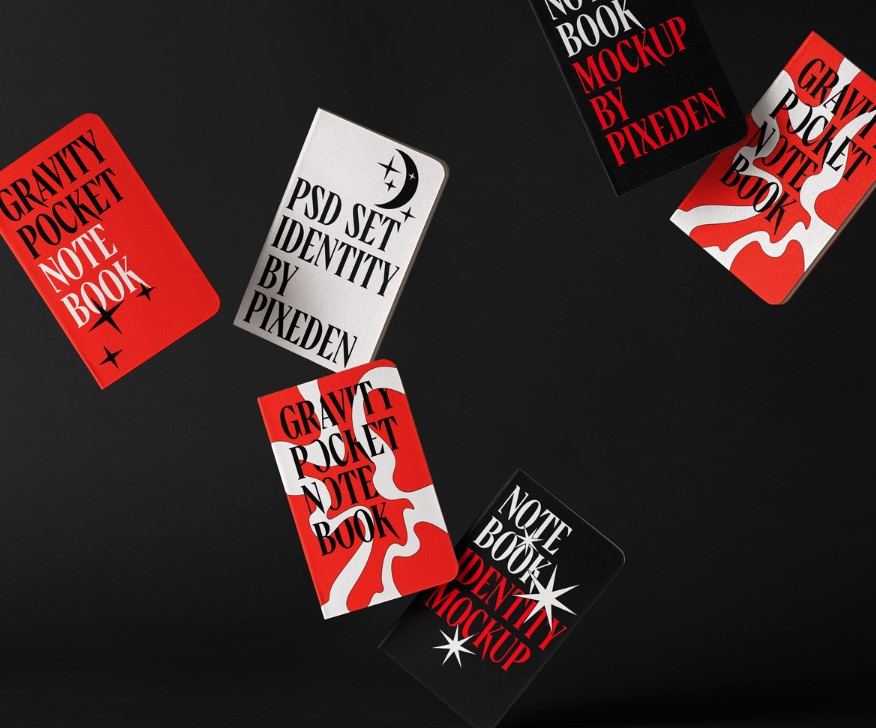
Best for: stationery, notebook covers, publishing, illustration, patterns, corporate gifts, and lifestyle branding.
Notebook mockups work particularly well for displaying logos, patterns, editorial artwork, illustrations, and complete stationery systems.
12. Backpack on Women Mockup
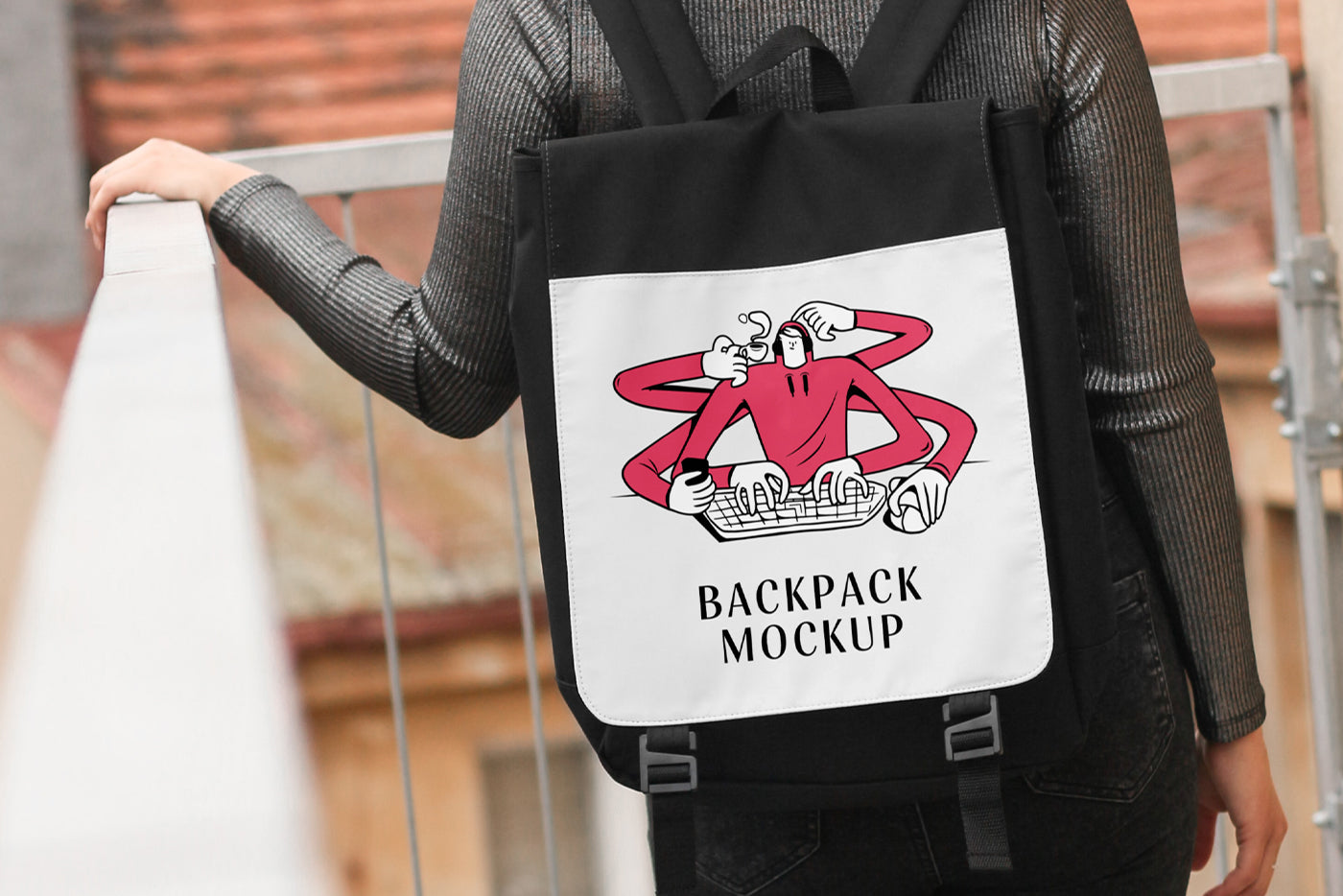
Best for: fashion, outdoor brands, merchandise, schools, sports, streetwear, and lifestyle products.
A worn-product mockup communicates scale more naturally than an isolated backpack render because the viewer can immediately compare the product with a person.
13. Branding Poster PSD Mockup Stationery
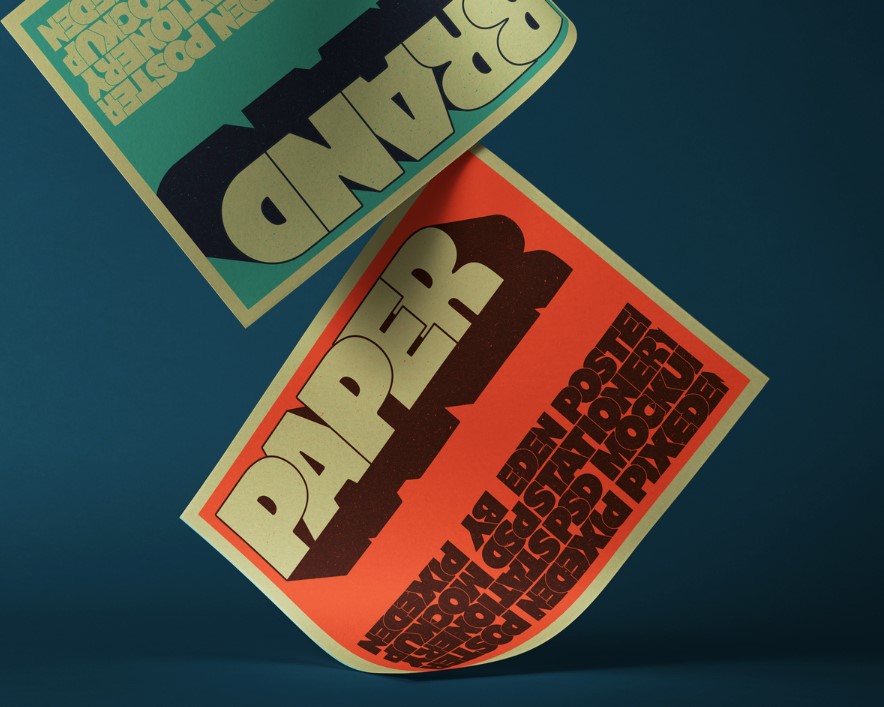
Best for: full identity systems, posters, stationery, corporate design, campaigns, and portfolio case studies.
This type of scene is particularly useful when the project combines both larger promotional graphics and smaller stationery applications.
Keep the Applications Connected
Use consistent:
- Typography.
- Color.
- Grid logic.
- Image treatment.
- Supporting graphics.
The mockup should demonstrate one identity system rather than several unrelated designs.
14. Winter Hat Mockup
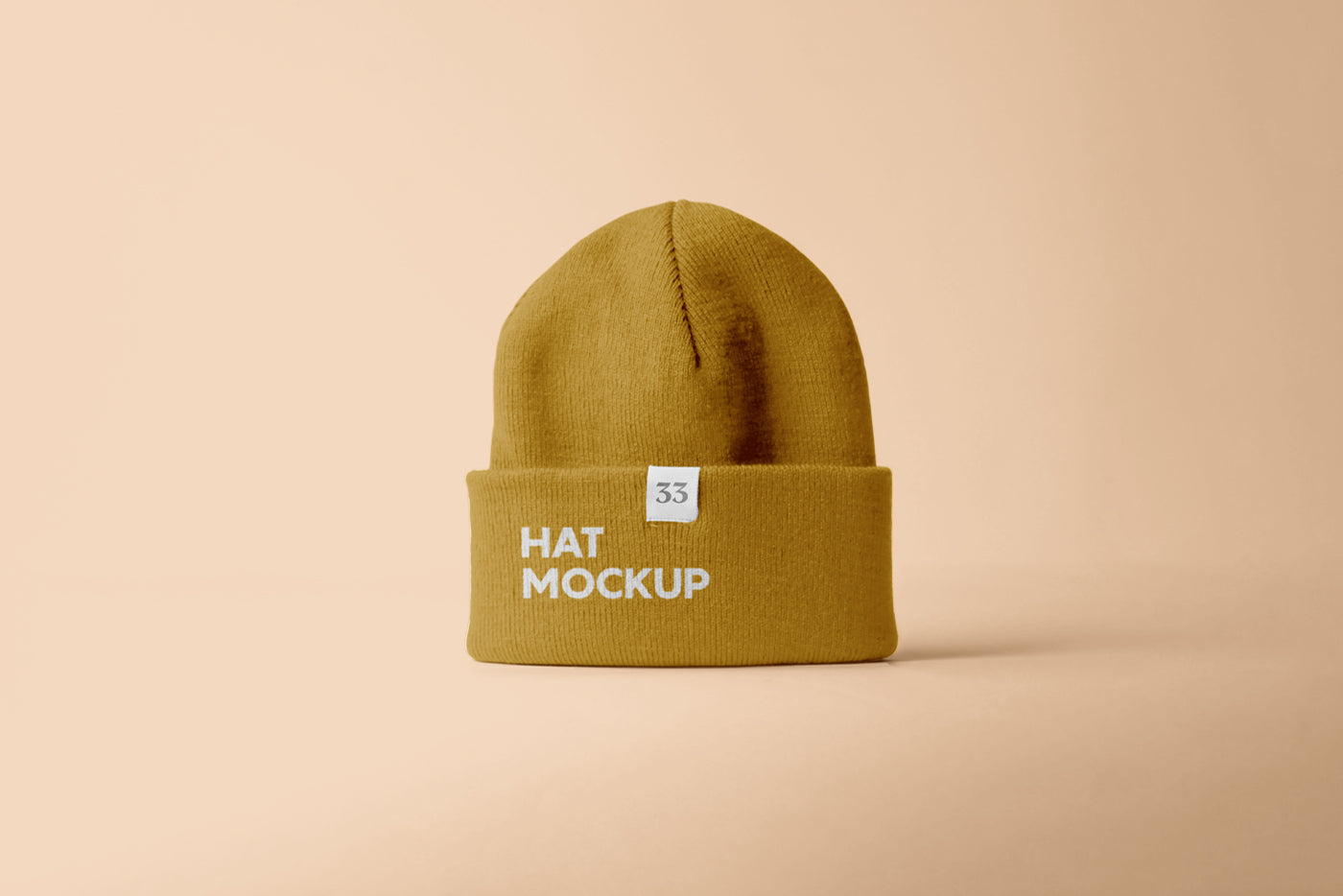
Best for: apparel, winter collections, sports, outdoor brands, merchandise, embroidery concepts, and lifestyle campaigns.
Headwear can expose logo simplification issues because the branding area is relatively small and often affected by fabric shape.
Use a simplified mark if the complete logo becomes unreadable at this size.
15. Brand Identity Stationery Mockup
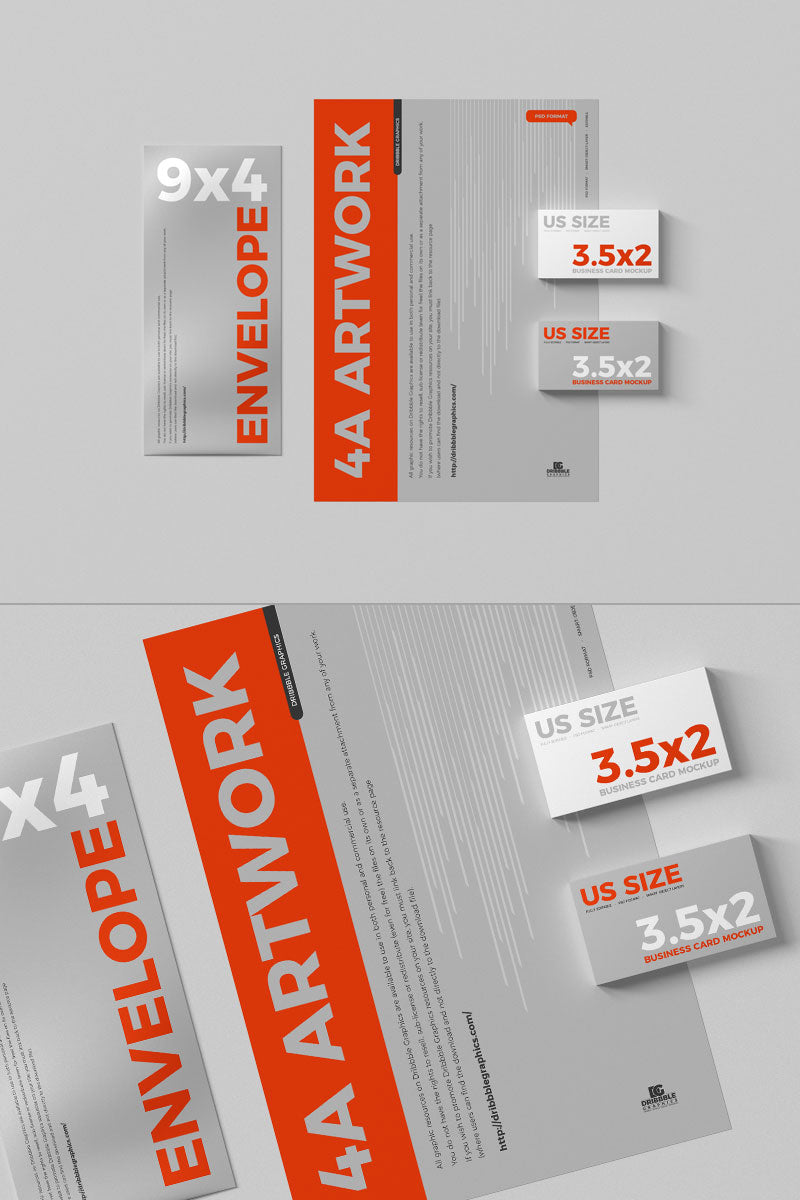
Best for: corporate brands, agencies, law firms, professional services, hospitality, consultants, and full identity presentations.
Stationery remains a useful branding test even when most communication is digital because it forces the design system to work across very restrained formats.
16. Light Sign Mockup
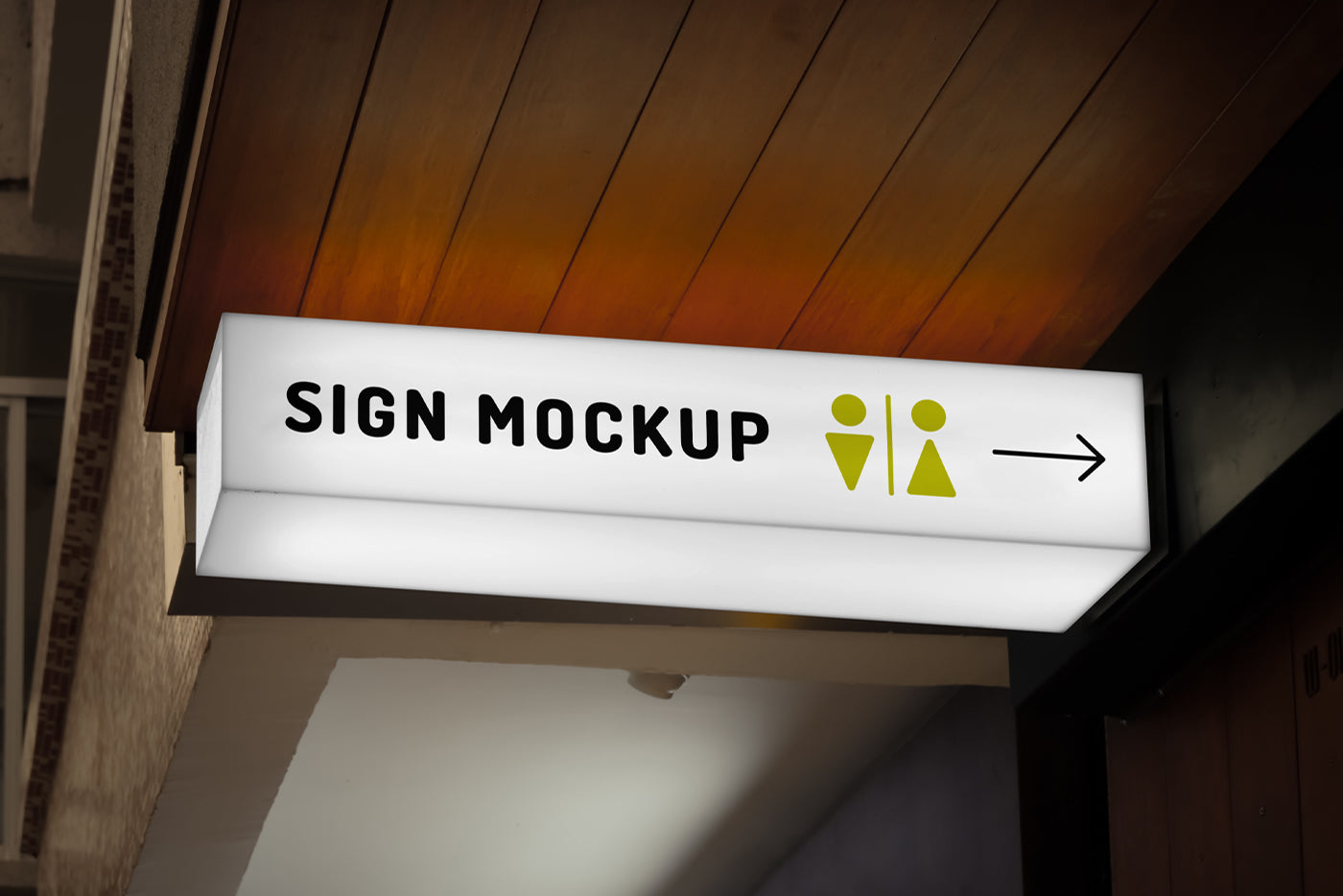
Best for: retail, restaurants, cafés, hotels, salons, bars, nightlife, and storefront identities.
Illuminated signage changes the way a logo is perceived because light, surrounding darkness, and material edges become part of the visual result.
Check the Logo Silhouette
A sign often needs to remain recognizable before the viewer can read every small detail.
17. Sport Bottle Mockup
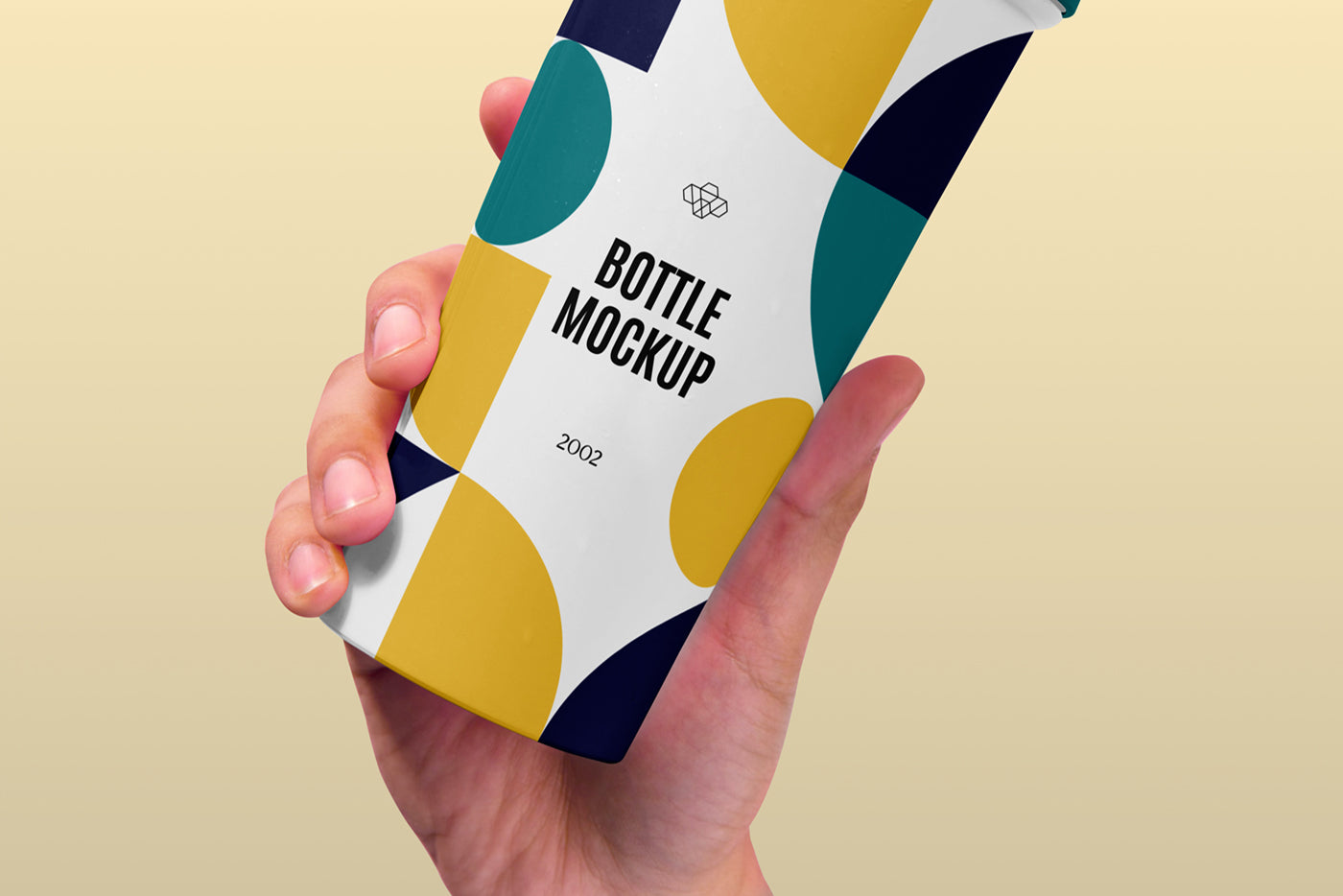
Best for: fitness brands, sports clubs, gyms, events, wellness products, merchandise, and outdoor campaigns.
A bottle’s narrow curved form can reveal whether branding has been designed with realistic product proportions in mind.
Large graphics may disappear around the sides, so keep the most important information within the primary viewing area.
18. Perfume Flacon Bottle Mockup
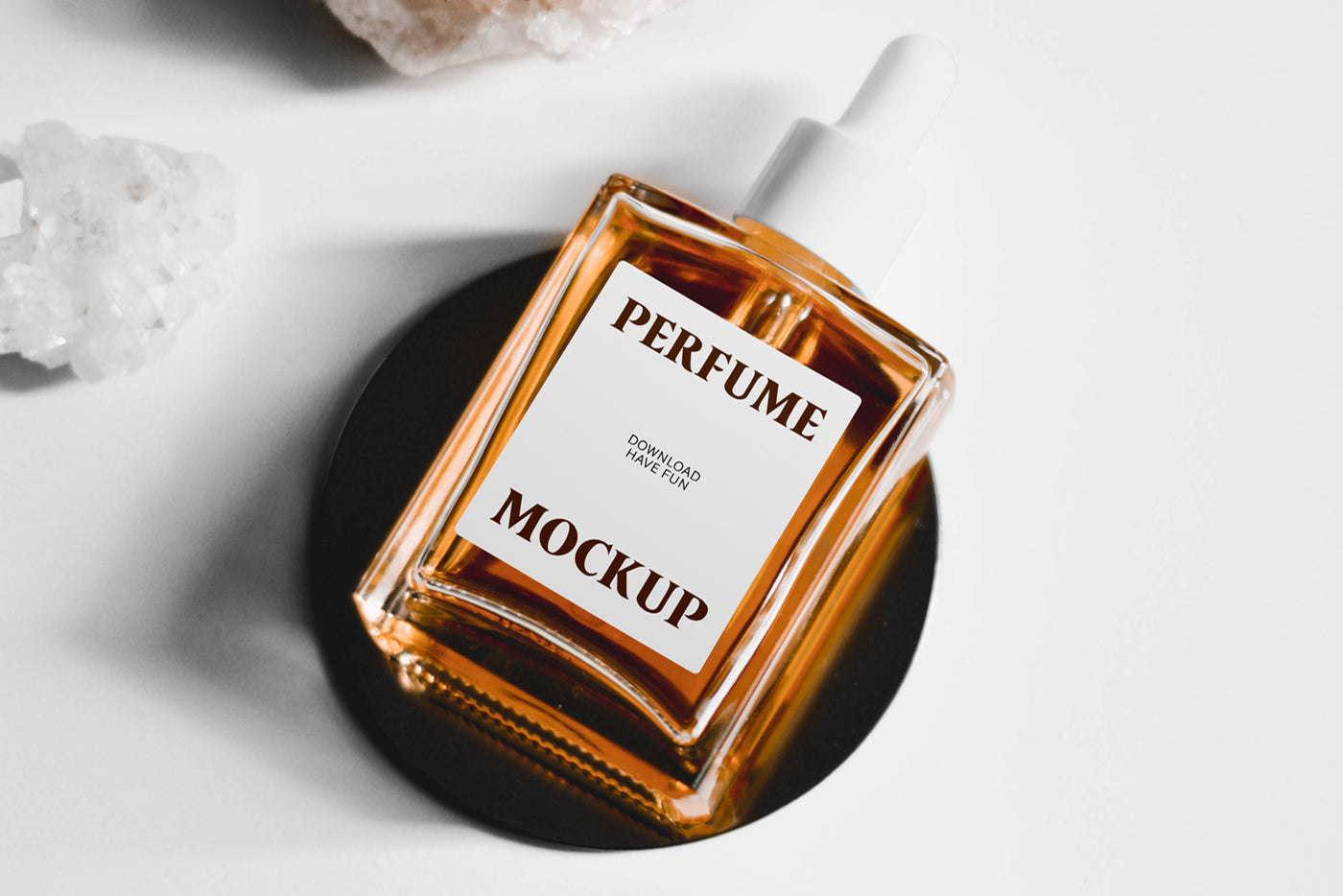
Best for: fragrance, beauty, skincare, luxury products, cosmetics, and premium packaging concepts.
Perfume branding often relies on a relatively small amount of typography, so spacing, proportion, logo size, and label placement become especially important.
Luxury Does Not Require More Decoration
Simple typography, controlled spacing, and a strong bottle presentation can feel more premium than multiple metallic effects and ornamental elements.
19. Ceramic Mug Branding Logo Mockup
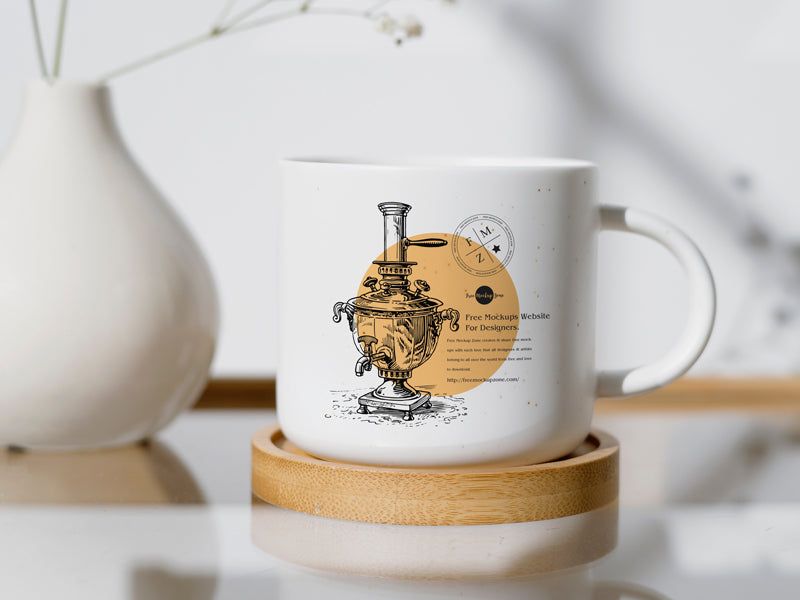
Best for: cafés, corporate merchandise, hospitality, creators, event gifts, illustration, and logo applications.
Ceramic mugs provide a simple but useful way to show whether a logo or illustration survives on a curved everyday object.
Do not position the artwork too close to the visible edge unless wrapping around the mug is an intentional part of the design.
20. Open Glass Bottle Mockup
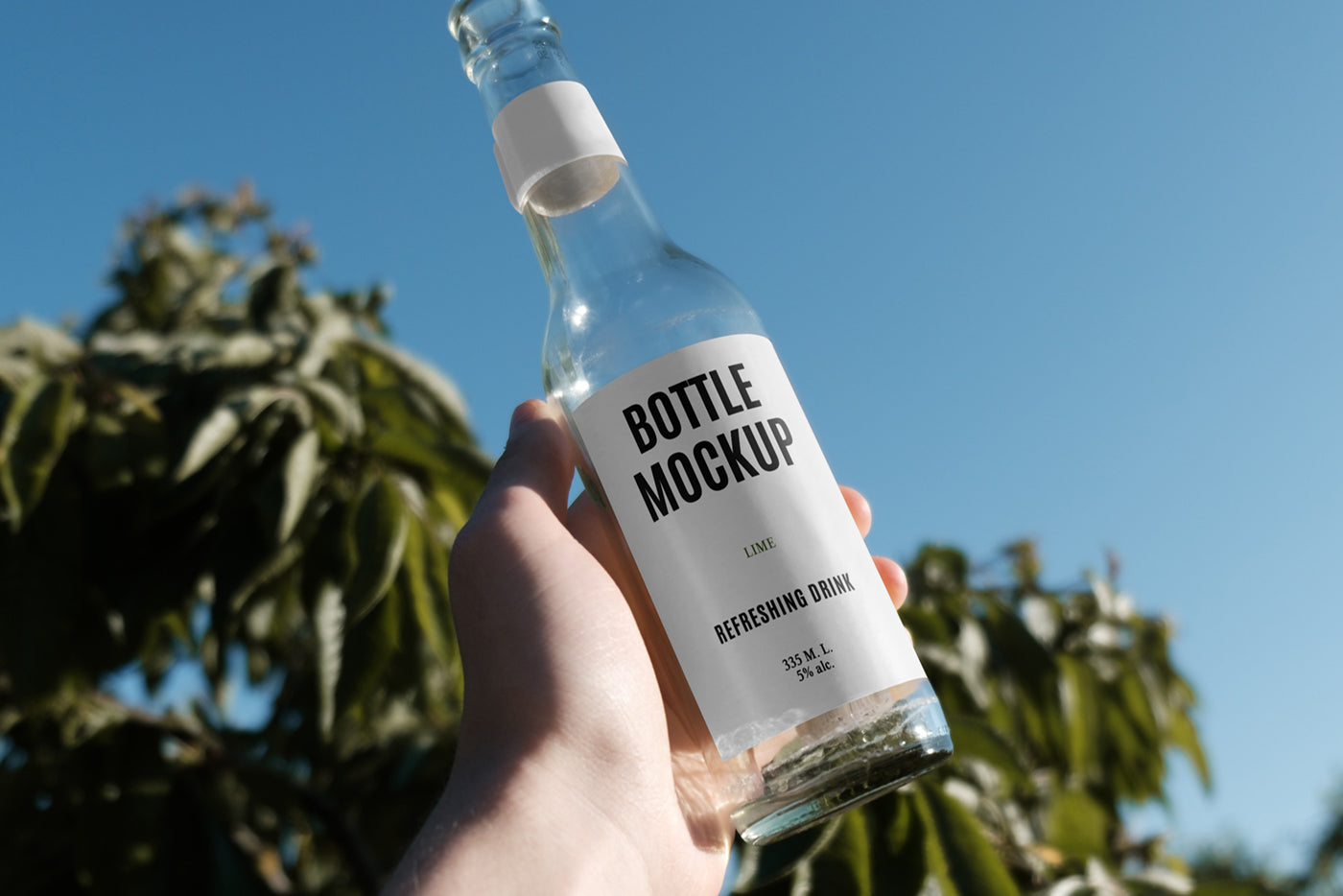
Best for: beverages, sauces, wellness products, specialty food, hospitality, packaging, and retail branding.
Transparent glass creates different design challenges from opaque packaging because the product, label, reflections, background, and bottle color can all influence readability.
How to Use Mockups More Effectively
Start With the Flat Design
Do not use a mockup to hide unresolved design problems.
Before placing artwork into a scene, check:
- Logo proportions.
- Typography.
- Spacing.
- Color.
- Alignment.
- Information hierarchy.
Then Choose the Context
Ask where the brand would realistically appear.
A fitness identity may need:
- Sport bottle.
- Apparel.
- Signage.
A fragrance identity may need:
- Perfume bottle.
- Packaging.
- Retail signage.
A corporate identity may need:
- Stationery.
- Notebook.
- Signage.
- Digital screens.
How to Build a Better Branding Case Study
1. Start With the Brand Idea
Explain the visual concept before showing twenty applications.
2. Show the Logo Clearly
Include a clean flat version.
3. Introduce Typography and Color
Give viewers enough context to understand the system.
4. Use Mockups to Show Applications
Select only applications relevant to the brand.
5. Finish With a Strong Hero Scene
The final image should summarize the visual direction rather than introduce a completely new style.
How Many Mockups Should You Use?
There is no requirement to fill a portfolio project with mockups.
For many branding case studies, a useful structure is:
- One strong hero presentation.
- Two to four relevant applications.
- Several clean flat design views.
Quality and relevance are more important than quantity.
How to Make Mockups Feel More Realistic
Respect Physical Scale
A logo on a pen and a logo on outdoor signage should not necessarily use the same relative proportions.
Respect the Material
Fabric, glass, paper, metal, and plastic interact with artwork differently.
Keep Shadows Believable
Avoid manually adding effects that contradict the lighting already built into the scene.
Do Not Over-Saturate the Artwork
Real materials can soften color. Extremely intense digital color sometimes makes a mockup feel artificial.
Common Mockup Mistakes
1. Using Mockups That Have Nothing to Do With the Brand
Choose applications that could realistically exist.
2. Showing the Same Logo on Everything
A complete identity should include more than repeated logo placement.
3. Using Too Many Mockups
A long portfolio project is not automatically a strong portfolio project.
4. Mixing Inconsistent Scenes
Different lighting temperatures and photographic styles can make one identity feel fragmented.
5. Ignoring Perspective
Artwork should follow the geometry of the object.
6. Hiding the Actual Design
Always include enough clean artwork for viewers to evaluate the work itself.
7. Using Outdated Devices for a Current Tech Product
Device relevance can affect how contemporary a UI project feels.
8. Making Every Logo Metallic
Material effects should match the brand application.
9. Using Low-Resolution Artwork
High-resolution photography cannot compensate for pixelated inserted graphics.
10. Assuming Every Free Mockup Has the Same License
Always check the original terms.
Mockup Licensing Checklist
- Is personal use allowed?
- Is commercial use allowed?
- Can the mockup be used in a paid client presentation?
- Can the resulting image be used in advertising?
- Is attribution required?
- Can you modify the PSD?
- Can the original source file be redistributed?
- Can it be included inside another downloadable product?
Frequently Asked Questions About Free Mockups for Branding
What are branding mockups?
Branding mockups are presentation templates that place logos, colors, typography, packaging, stationery, signage, apparel, or other identity elements into realistic environments.
Why should designers use mockups?
Mockups help communicate context, physical scale, material, application, and visual consistency while giving clients and portfolio viewers a clearer idea of how the design could appear in real life.
What are the best free mockups for branding?
The best choice depends on the project. Stationery suits corporate identities, packaging works for retail and consumer products, signage is useful for hospitality and physical spaces, while apparel and merchandise can strengthen lifestyle or sports branding.
Do all free mockups use Smart Objects?
No. Many Photoshop mockups do, but each resource can use a different editing structure.
Can I use free mockups commercially?
Only when the individual license allows commercial use.
Can I use mockups in a Behance portfolio?
Usually this depends on the resource license. Mockups are commonly used for portfolio presentations because they help show design applications in context.
Should I use mockups for logo presentation?
Yes, but also show the logo itself clearly. A metallic sign or stationery scene should supplement the flat logo rather than replace it.
How many mockups should be in one branding project?
Use enough to communicate the relevant applications. Three carefully selected scenes can be more effective than fifteen repetitive ones.
What mockups should a fashion brand use?
Apparel, backpack, hat, editorial, packaging, signage, and campaign mockups can all be relevant depending on the identity.
What mockups work for luxury branding?
Perfume packaging, refined stationery, signage, editorial applications, bottles, and carefully controlled product scenes can work particularly well.
Final Thoughts
The most useful free mockups for branding are not necessarily the most dramatic or photorealistic scenes.
The best mockup is the one that explains something important about the design.
A stationery scene can demonstrate consistency. A sign can show whether the logo survives at environmental scale. A T-shirt or hat reveals how the identity behaves on fabric. A perfume bottle can show how restrained typography works on premium packaging. A UI presentation can help connect several interface screens into one product story.
Choose mockups because they belong to the brand, not because they simply look impressive.
Show clean artwork alongside realistic applications. Maintain consistent art direction. Respect physical scale. Avoid unnecessary effects. And check the current license before using any downloaded resource commercially.
A professional mockup presentation should make the design easier to understand — not make the mockup itself the star of the project.
For more mockups, fonts, textures, Photoshop resources, and practical inspiration for designers, continue exploring DesignRise.
Thank you so much for the layouts! They come in very handy)