


Free social media mockups help designers preview posts, profiles, stories, campaigns, and branded content inside realistic social media layouts before the final design is published.
Instead of presenting a square image, story, or campaign graphic as an isolated file, a social media mockup adds context. Clients can see how content might appear inside an Instagram feed, Facebook post, LinkedIn update, smartphone screen, or social profile.
This DesignRise collection brings together 15 free social media mockups PSD and related templates for:
- Instagram posts.
- Instagram Stories.
- Instagram feeds.
- LinkedIn posts.
- Facebook posts and covers.
- X / Twitter posts.
- Social media campaigns.
- Mobile UI presentations.
- Client approvals.
- Portfolio case studies.
The selection contains both contemporary resources and two older Facebook/Twitter GUI templates that are preserved as historical design resources.
Important: social media interfaces change frequently. A PSD that accurately represented Instagram, Facebook, LinkedIn, or Twitter several years ago may no longer match the current platform interface. Always compare the final presentation with the live platform if interface accuracy matters.
Licensing note: these resources come from different creators. Commercial-use rights, attribution requirements, software compatibility, and editing options vary, so check the current license on the original source page.
Explore More DesignRise Resources:
Why Use Social Media Mockups?
Social media design is heavily influenced by context.
A graphic may look strong by itself but behave differently once it appears beside:
- A profile photo.
- Username.
- Caption.
- Comments.
- Interface icons.
- Navigation.
- Other posts in a feed.
Mockups help designers evaluate that context before publishing.
They Improve Client Presentations
A client can understand a campaign more quickly when they see a realistic Instagram feed or LinkedIn post instead of a folder of disconnected JPEG files.
They Help Build Visual Consistency
Grid and feed mockups make it easier to see whether several posts work together as one campaign.
They Can Reveal Readability Problems
Text that looks large in Photoshop may become difficult to read once the post is displayed inside a realistic phone or desktop interface.
Which Social Media Mockup Should You Use?
15 Free Social Media Mockups & PSD Templates
1. Modern Grid Instagram Post Mockup

Best for: Instagram feeds, content planning, branding campaigns, agencies, portfolios, and social media strategy.
A grid mockup is useful when the relationship between several posts matters more than one individual design.
Use it to evaluate:
- Color consistency.
- Image rhythm.
- Typography.
- Repeated templates.
- Campaign hierarchy.
Do Not Make Every Tile Identical
A strong feed can feel consistent without turning every post into the same template.
2. LinkedIn Post Mockup
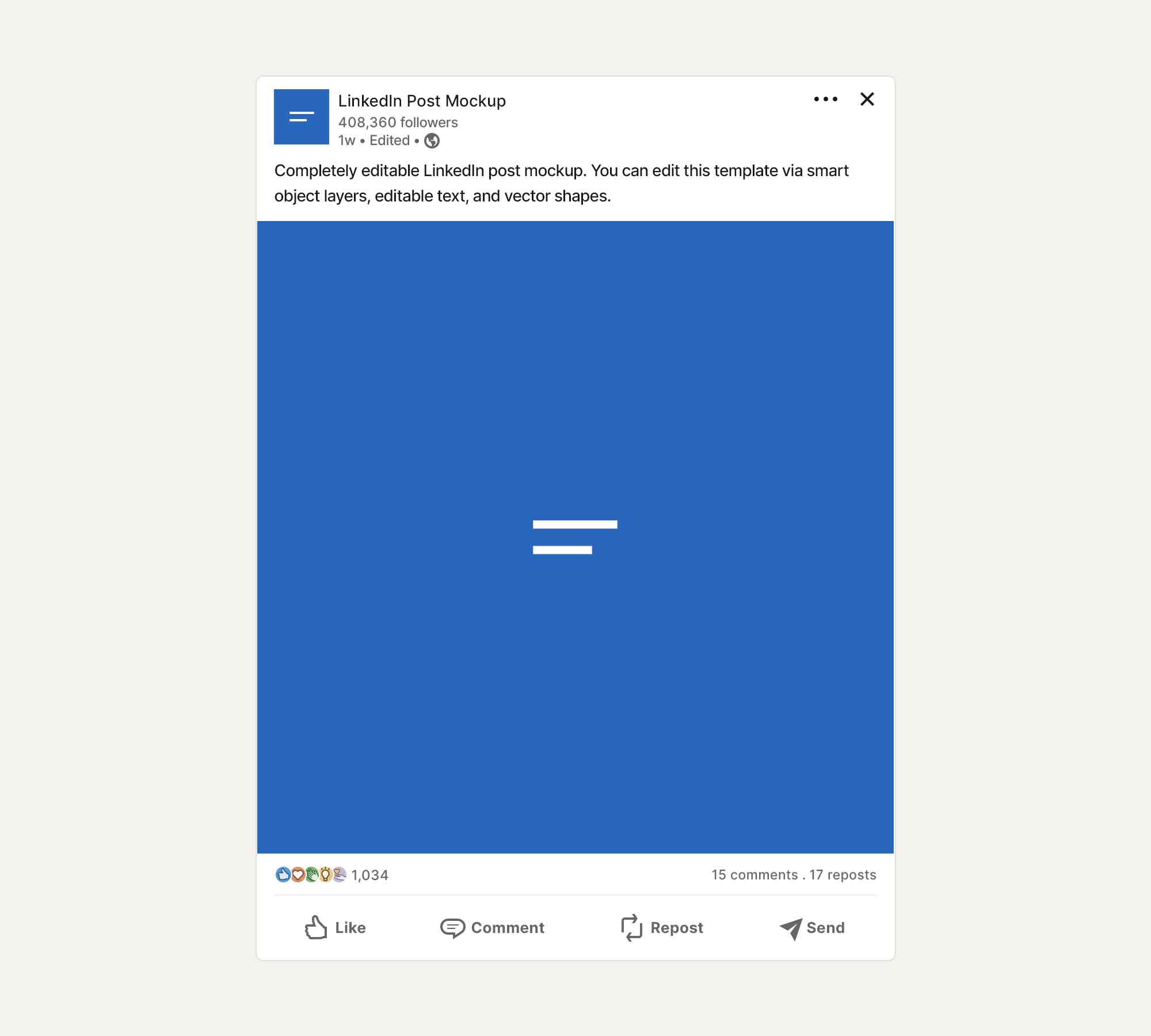
Best for: B2B campaigns, employer branding, corporate communication, product announcements, personal brands, and portfolio presentations.
LinkedIn content often combines a relatively large amount of text with a visual, so a realistic mockup is useful for judging the relationship between the two.
This PSD includes editable post and profile imagery along with replaceable text.
Check the Opening Lines
The first part of a LinkedIn post has a strong influence on whether someone continues reading, so make sure the opening copy is easy to scan.
3. Legacy Facebook Fan Page GUI PSD

Best for: design archives, historical UI studies, retro interface projects, and understanding older Facebook layouts.
Important: this is a historical Facebook interface from 2011. It should not be used to demonstrate the current Facebook page design.
The original source is still available from Smashing Magazine, so the old third-party download link has been replaced with the original resource page.
Why Keep an Old UI Resource?
Older interface templates can still be useful for:
- Design history.
- Archive projects.
- Period-specific presentations.
- Comparing how social platforms have evolved.
4. Legacy Twitter Profile Page GUI PSD
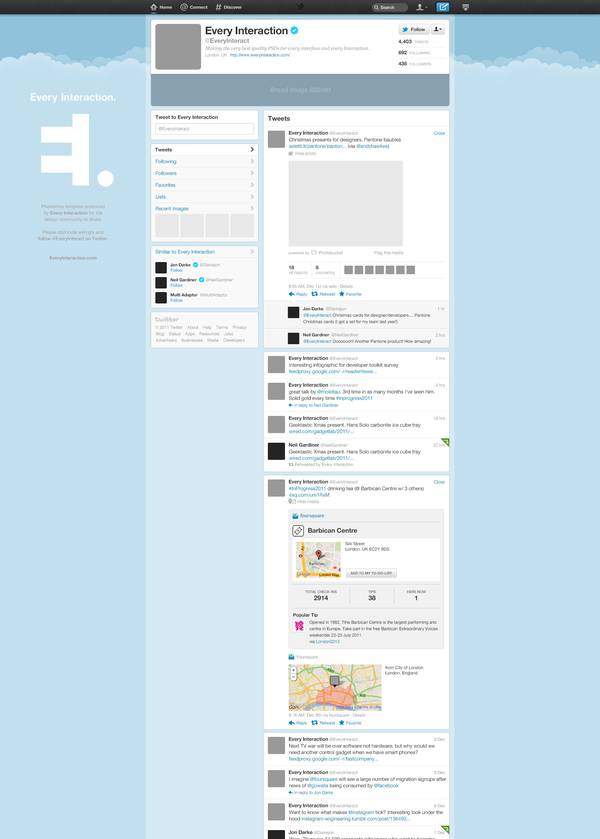
Best for: historical UI references, archive projects, interface studies, and retro social media presentations.
Important: this resource represents Twitter’s interface from 2011. Twitter was later renamed X, and the current interface is significantly different.
The Smashing Magazine page remains available and provides the original PSD resource.
5. Facebook Cover Mockup

Best for: Facebook page branding, cover designs, campaigns, company pages, and client presentations.
This mockup displays both the Facebook cover and profile picture so designers can evaluate how the two visual elements work together.
Do Not Design the Cover in Isolation
Remember that the profile image overlaps or appears close to other interface elements depending on device and current platform layout.
6. Instagram Mockup Kit With iPhone 15 Pro

Best for: Instagram feeds, Stories, mobile campaigns, UI presentations, social portfolios, and client proposals.
The kit uses an iPhone 15 Pro presentation and includes Instagram-related scenes for creating a more contemporary mobile context.
Phone Mockups Work Well for Hero Images
Use a device scene for the strongest visual in a presentation, then use flatter layouts when you need to show detailed content clearly.
7. Instagram Stories Card Mockup
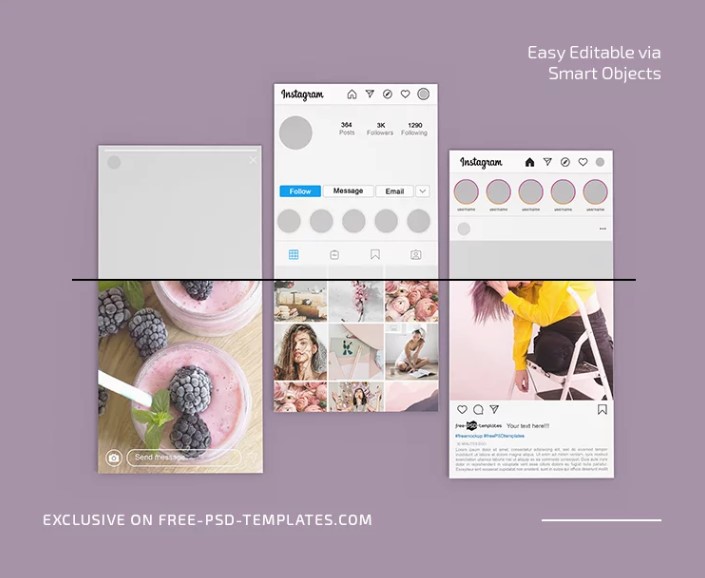
Best for: Instagram Stories, campaigns, event announcements, product launches, and vertical content.
This PSD presents Stories as physical-looking cards rather than simply displaying them inside a phone interface.
That makes it useful for portfolio and presentation images where you want to show several vertical designs together.
8. Isometric Instagram Mockup
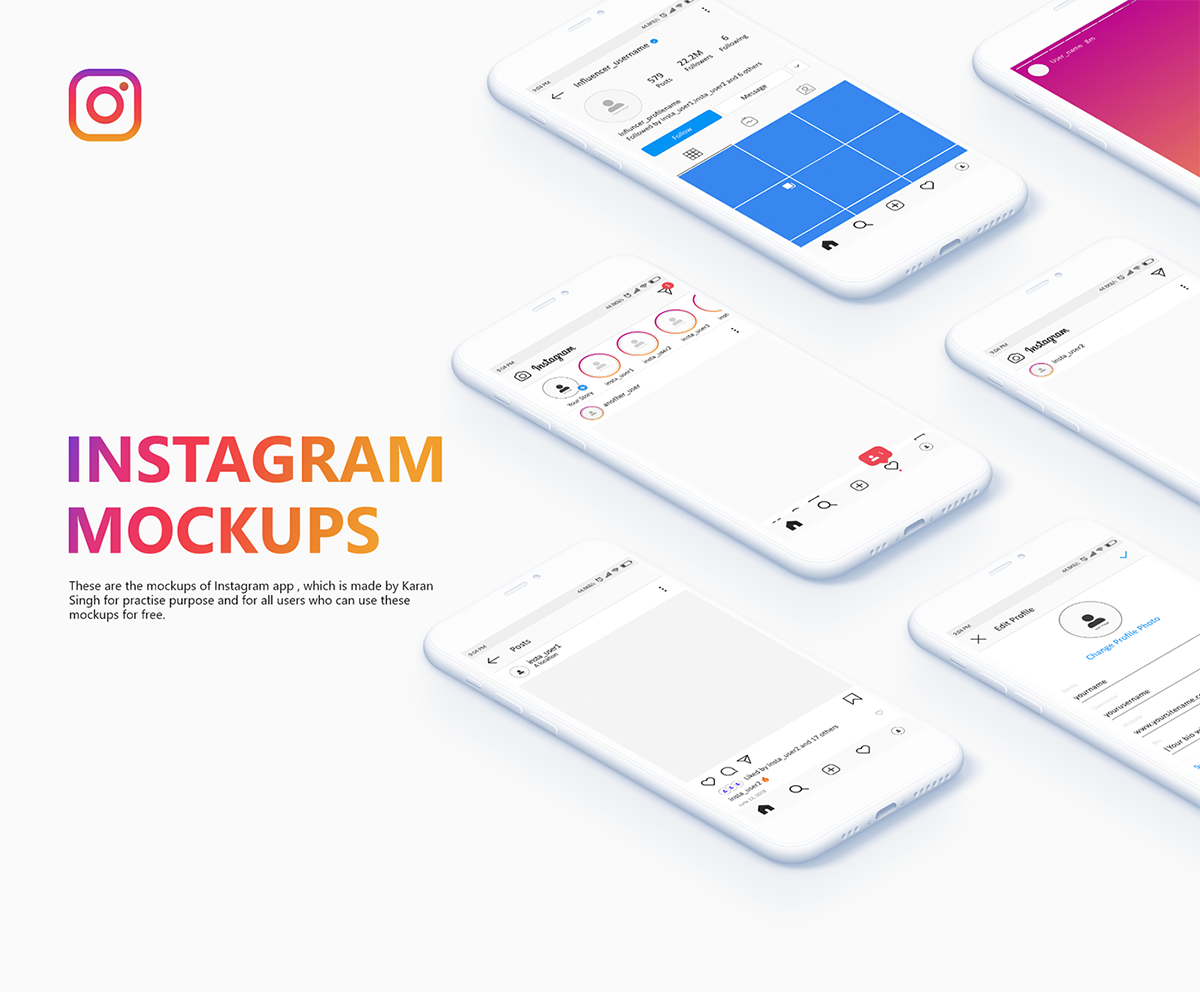
Best for: creative portfolios, Instagram campaigns, agencies, promotional graphics, and presentation slides.
An isometric scene adds more depth and visual movement than a flat social media interface.
Use this type of mockup selectively when presentation style matters, but make sure perspective does not make the actual artwork difficult to evaluate.
9. Valentine’s Day Instagram Stories Template PSD

Best for: Valentine’s Day promotions, restaurants, retail, events, beauty brands, gifts, and seasonal campaigns.
This resource is a social media design template rather than a traditional presentation mockup.
It is useful as a starting point for creating themed Story content, but the typography, photography, colors, and copy should be adapted to the actual brand.
License note: the current Freepik page identifies the resource as free with attribution required, so review the latest Freepik terms before commercial use.
10. Instagram Stories Template With Matcha Tea

Best for: cafés, tea brands, restaurants, wellness products, food campaigns, and social media promotions.
This is another editable social media template rather than a mockup of the Instagram interface.
Use Templates as a Starting Point
Replace the sample styling with your brand’s:
- Fonts.
- Colors.
- Photography.
- Logo.
- Messaging.
11. Instagram — 4 PSD Mockups
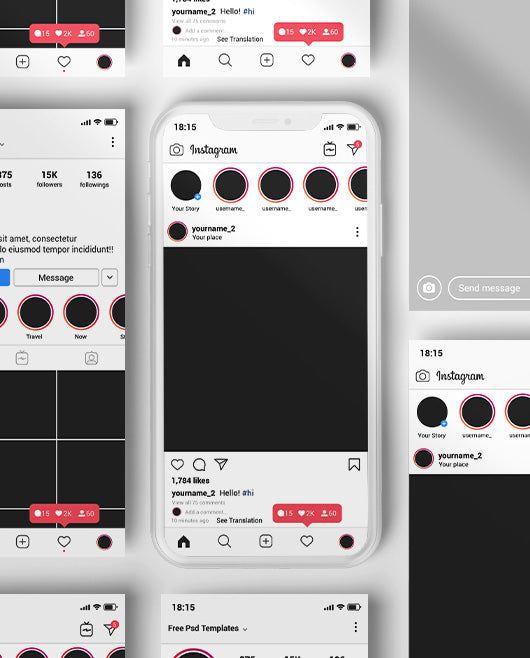
Best for: Instagram branding, feeds, campaign concepts, portfolios, and social media presentations.
The original MockupFree page could not be reliably confirmed, so this link now points to a currently available MockupHunt listing that identifies the same “Instagram – 4 PSD Mockups” resource and credits MockupFree as the source.
12. Facebook Post Mockup PSD
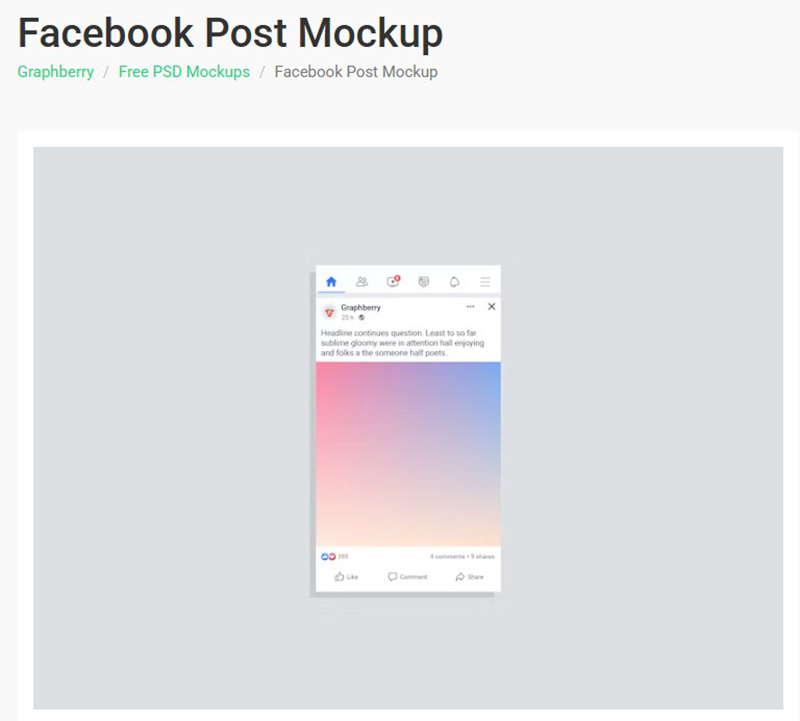
Best for: Facebook campaigns, branded posts, advertisements, social media management, and client presentations.
The original article repeated the Modern Grid Instagram resource twice. Instead of keeping the duplicate, this updated collection adds a dedicated Facebook Post Mockup.
The Graphberry PSD includes replaceable post and profile images along with editable text.
Preview the Complete Post
When evaluating a social campaign, look at the visual together with:
- Post copy.
- Profile image.
- Brand name.
- Interface context.
13. Instagram Post Mockup
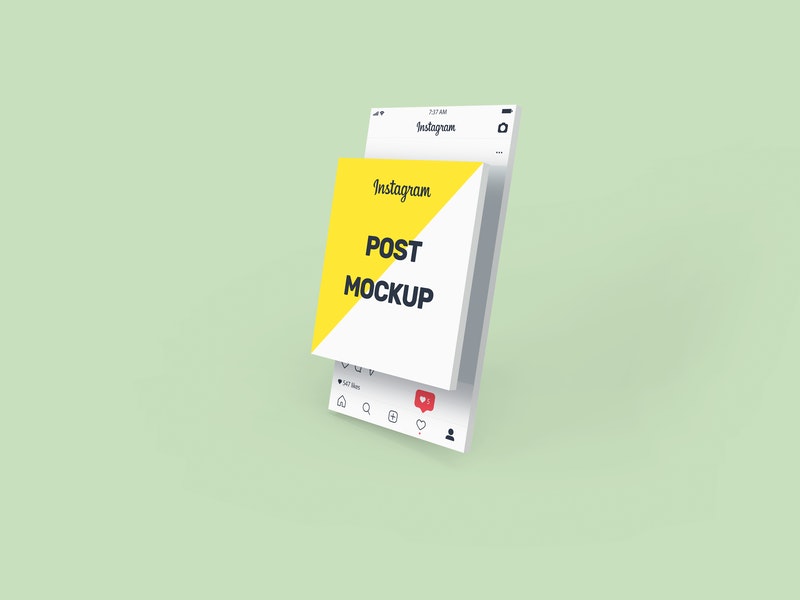
Best for: individual posts, brand campaigns, advertising concepts, portfolios, and client approvals.
This perspective PSD mockup uses smart layers for artwork replacement and allows the background color to be adjusted.
An individual post mockup is useful when one campaign visual needs more attention than the complete feed.
14. iPhone Screen / UI / Instagram Mock-Up
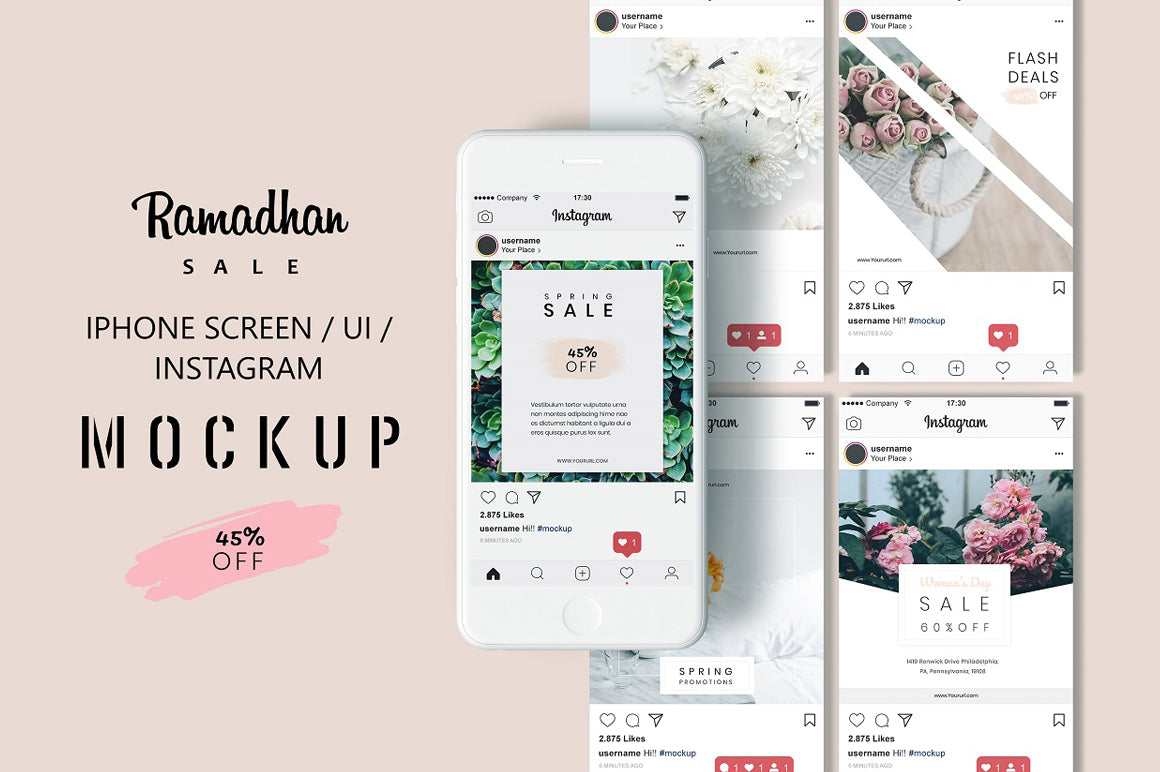
Best for: Instagram designs, app UI, mobile presentations, portfolios, and promotional visuals.
The original Pixelify URL is no longer reliably accessible, but the same resource remains listed through MockupHunt with Pixelify credited as the original source.
The phone presentation gives Instagram artwork more context without requiring a full social profile UI.
15. X / Twitter Post Mockup PSD
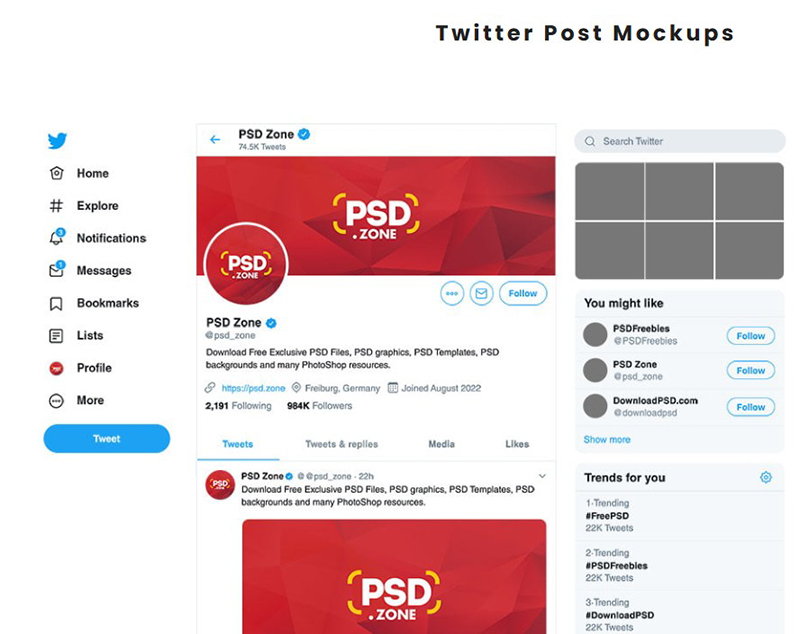
Best for: post concepts, marketing presentations, social campaigns, content previews, and portfolio case studies.
The original article contained a second Isometric Instagram Mockup, creating another duplicate. This updated version replaces that duplicate with a dedicated X / Twitter post resource.
The PSD can be edited in Photoshop and allows designers to customize post content and profile-related elements.
Platform note: many downloadable resources still use the name “Twitter” because they were created before the platform was renamed X. Always check the current X interface if accurate contemporary UI representation matters.
How to Choose a Social Media Mockup
Use the Correct Platform
An Instagram post should not be presented inside a LinkedIn interface simply because the mockup scene looks better.
Use the Correct Content Format
Match the mockup to:
- Square post.
- Portrait post.
- Story.
- Profile.
- Feed.
- Desktop post.
- Mobile post.
Check How Current the Interface Is
Social networks change faster than physical product mockups.
A coffee cup mockup can remain useful for years. A social media UI template may become visually outdated after a platform redesign.
Instagram Feed Mockup Tips
Look at the Entire Grid
Individual posts should still work independently, but the grid can reveal:
- Too much repetition.
- Poor color balance.
- Inconsistent typography.
- Overuse of text graphics.
Do Not Design Only for the Grid
Most followers encounter posts individually in their feed, so every post should still communicate clearly outside the profile grid.
Instagram Stories Mockup Tips
Stories are vertical and often consumed quickly.
Keep Important Content Away From Interface Areas
Platform controls can occupy space near the top and bottom of the screen.
Use Large Typography
Viewers should not need to stop and zoom to understand the message.
Create a Clear First Frame
The first Story should give viewers a reason to continue.
LinkedIn Mockup Tips
LinkedIn often requires more attention to the relationship between copy and visual design.
Avoid Overdesigning
Not every professional post needs to resemble a full advertisement.
Use Readable Graphics
If an infographic contains small text, check it at realistic feed size.
Facebook Mockup Tips
Consider Desktop and Mobile
Page covers, posts, and ads can crop differently depending on the viewing environment.
Keep Text Hierarchy Simple
A social post normally has only a few seconds to communicate its main point.
X / Twitter Mockup Tips
Text is often as important as the image on X.
Preview Copy Together With the Visual
An image and post text should support each other rather than repeating the exact same message.
Be Careful With Older Twitter Mockups
Twitter was renamed X and the interface has continued to evolve. Older templates can still be useful for historical projects but may not represent the live platform accurately.
How to Present a Social Media Campaign
A strong campaign case study might include:
- Brand concept.
- Campaign visual direction.
- Individual post designs.
- Instagram grid.
- Stories.
- LinkedIn or Facebook adaptation.
- Mobile mockup.
This shows how the campaign adapts across multiple formats without becoming repetitive.
How to Use Social Media Mockups in Photoshop
- Open the PSD file.
- Review the layer structure.
- Locate the editable Smart Object or smart layer.
- Insert your artwork.
- Save the editable layer.
- Return to the main PSD.
- Edit profile images or text where supported.
- Adjust the background if necessary.
- Review artwork at realistic size.
- Export the final presentation.
Not every resource uses the same editing method, so follow the instructions provided by the original creator.
Common Social Media Mockup Mistakes
1. Using an Outdated Interface Without Labeling It
Old platform UI can make a new campaign look dated or misleading.
2. Showing Only Mockups
Include the original post artwork as well.
3. Making Text Too Small
Always review designs at realistic phone size.
4. Designing Every Post Identically
Consistency and repetition are not the same thing.
5. Ignoring Platform Differences
LinkedIn, Instagram, Facebook, and X have different content behaviors.
6. Using the Wrong Aspect Ratio
Avoid stretching or cropping important content simply to fit a mockup.
7. Using Mockups to Fabricate Real Posts
Mockups are useful for design previews, presentations, and approved concepts. They should not be presented as evidence that a real person or company published something they did not publish.
8. Keeping Broken Download Links
Social media resource collections should be checked regularly because design-resource sites often move or remove older downloads.
9. Repeating the Same Resource
Duplicate mockups add little value to a curated collection.
10. Assuming Every Free Resource Has the Same License
Always check the original source terms.
Social Media Mockup Licensing Checklist
- Is the download still available?
- Is personal use permitted?
- Is commercial use permitted?
- Is attribution required?
- Can the mockup be used in a client presentation?
- Can the result appear in advertising?
- Can the source file be modified?
- Can the original PSD be redistributed?
- Are platform logos or trademarks used appropriately?
Frequently Asked Questions About Free Social Media Mockups
What are social media mockups?
Social media mockups are templates that show posts, feeds, profiles, stories, or campaign graphics inside realistic social network interfaces or device scenes.
What are free social media mockups used for?
Free social media mockups can be used for client presentations, campaign planning, portfolios, brand guidelines, content previews, marketing proposals, and social media management.
Are social media mockups accurate?
Only if they reflect the current platform interface. Social networks update their layouts regularly, so older PSDs may become visually outdated.
Can old Facebook and Twitter PSD templates still be useful?
Yes, for historical references, archive work, UI evolution studies, and projects intentionally recreating older social media interfaces.
What is the best mockup for an Instagram campaign?
A grid or feed mockup is useful for showing multiple posts together, while individual post and Story mockups help present specific designs in more detail.
What is the best mockup for LinkedIn?
A realistic post mockup that includes profile information, copy, and the post visual can help present B2B content clearly.
Should I use mockups for client approval?
They can help clients understand context, but also provide the original artwork so the design can be evaluated without perspective or interface effects.
Can free social media mockups be used commercially?
Only when the individual resource license allows the intended commercial use.
Can I use a Twitter mockup for X?
Older Twitter templates may not accurately represent today’s X interface. Use them only when the visual difference is acceptable or when the historical interface is intentional.
Should I update an old social media mockup article?
Yes. Social media interfaces and resource URLs change frequently, so older collections benefit from periodic link and interface reviews.
Final Thoughts
The best free social media mockups help designers evaluate content in the environment where audiences are actually likely to see it.
An Instagram grid can reveal whether a campaign feels consistent. A Story mockup helps test vertical composition. LinkedIn and Facebook post mockups show how copy and visuals interact, while phone scenes add realistic mobile context.
At the same time, social media resources need more maintenance than many other types of mockups.
Platforms change their interface. Twitter became X. Download pages disappear. Resource websites move files. Some older templates remain valuable as design-history references, while others should be replaced with newer alternatives.
Choose resources that match the platform, content format, and purpose of your project.
Check links periodically. Remove duplicate resources. Label legacy interfaces clearly. Verify licenses before commercial use.
A strong social media mockup should help viewers understand the content in context — without pretending that a concept has already been published.
For more device mockups, branding resources, Photoshop assets, fonts, textures, and design inspiration, continue exploring DesignRise.