







Free catalog mockups help designers turn flat page layouts into realistic presentations that show covers, spreads, folds, page thickness, perspective, and the overall physical feel of a printed publication.
A catalog is rarely experienced as a series of isolated rectangles. Readers hold it, open it, turn pages, compare products across spreads, and interact with covers, margins, photography, typography, and binding as one complete object.
That is why a realistic catalog mockup can be useful during both the design process and the final presentation.
This DesignRise collection brings together 20 free catalog mockups PSD and related brochure, booklet, and magazine presentation resources for designers working on:
- Product catalogs.
- Fashion lookbooks.
- Corporate brochures.
- Brand books.
- Editorial layouts.
- Furniture catalogs.
- Real estate presentations.
- Travel brochures.
- Restaurant publications.
- Creative portfolios.
- Marketing booklets.
- Magazine-style catalogs.
The collection includes A4 catalogs, square publications, landscape layouts, bi-fold and tri-fold brochures, booklets, magazine scenes, hand-held mockups, and top-view presentations.
Many of these resources are Photoshop PSD files with Smart Objects or smart layers, but editing structure, resolution, software compatibility, and licensing vary between creators.
Licensing note: a resource being free to download does not automatically mean every file has identical commercial-use rights. Always check the current license on the original resource page before using a mockup for paid client work, advertising, resale products, or commercial templates.
Explore More DesignRise Resources:
- Booklet, Flyer & Brochure Mockups
- Free & Premium Notepad Mockups
- Free Pen Mockups PSD for Branding & Stationery
Why Catalog Mockups Are Useful for Print Designers
A catalog usually contains much more information than a poster, flyer, or single-page advertisement.
Designers need to control:
- Cover hierarchy.
- Page rhythm.
- Photography.
- Product grids.
- Typography.
- Page numbers.
- Margins.
- Navigation.
- White space.
A mockup helps you see how those decisions work once the layout becomes a physical object.
Mockups Reveal Spread Relationships
Two pages viewed independently can look balanced while the complete spread feels crowded or uneven.
They Add Realistic Scale
A headline that looks modest at 100% zoom may feel oversized on a printed A4 page. Small captions can become difficult to read once the publication is shown at realistic scale.
They Improve Client Presentations
Clients who are not accustomed to evaluating flat InDesign or Photoshop spreads may understand the project more easily when they can see a realistic catalog, booklet, or brochure.
Catalog vs Brochure vs Booklet vs Magazine Mockups
20 Free Catalog Mockups PSD
1. A4 Catalog Mockup PSD
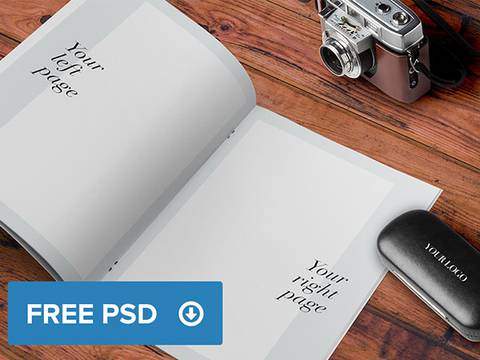
Best for: product catalogs, company profiles, fashion, furniture, portfolios, and editorial presentations.
A standard A4 format is one of the most versatile choices for catalog design because it provides enough room for photography, product descriptions, tables, and editorial layouts.
Use It to Test the Cover and Spreads Together
Do not evaluate the cover as a completely separate design. The visual language should continue naturally into the internal pages.
Source note: this item uses a direct Dropbox file link rather than a permanent editorial resource page, so keeping a local backup is advisable.
2. Hand Holding Square Catalog PSD Mockup
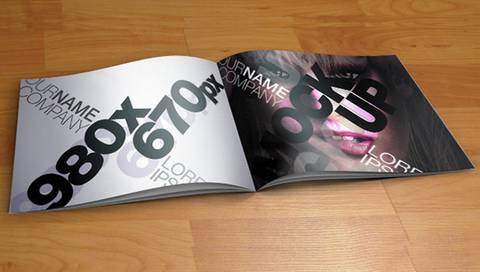
Best for: fashion catalogs, portfolios, product collections, interior design, architecture, and premium brand books.
The human hand immediately communicates physical scale and makes the catalog feel more like a real printed object than an isolated studio render.
Square Formats Can Feel More Editorial
Square layouts are particularly useful when photography, art direction, or brand storytelling is more important than fitting a large amount of technical product information onto every page.
3. Landscape Catalog Mockup PSD
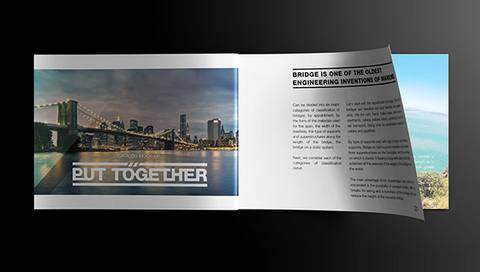
Best for: architecture, photography, furniture, travel, real estate, automotive, and portfolio catalogs.
Landscape catalogs provide more horizontal space for panoramic photography, wide product images, floor plans, and side-by-side comparisons.
Use the Width Intentionally
A landscape format should not simply be a portrait layout stretched sideways. Use the wider proportions to create stronger image sequences and more deliberate grid relationships.
4. Three Page Brochure Mockup

Best for: corporate brochures, magazines, product pages, company profiles, and multi-page print presentations.
A three-page visible spread allows designers to show more of the publication system in one image.
This is especially useful when several pages share:
- The same grid.
- Typography.
- Color system.
- Photography direction.
5. A4 Brochure Mockup
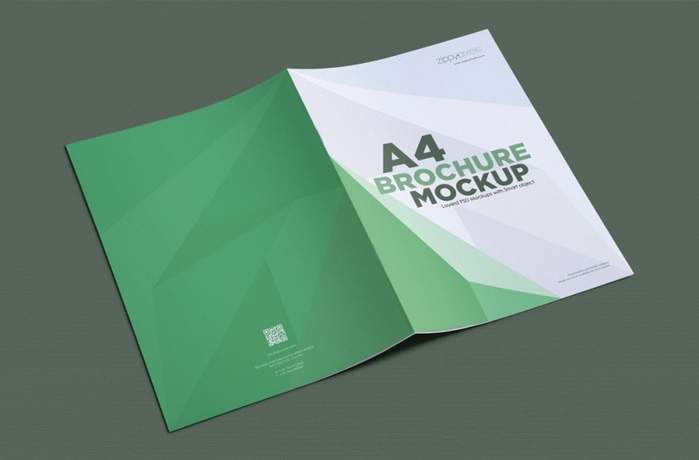
Best for: corporate brochures, reports, product catalogs, real estate, services, and marketing publications.
A4 is familiar, practical, and flexible enough for both image-led and information-heavy publications.
Test More Than the Hero Spread
Also present:
- Contents page.
- Product grid.
- Text-heavy page.
- Closing spread.
This demonstrates whether the design system works consistently throughout the publication.
6. Bi-Fold Brochure Mockup

Best for: service brochures, hospitality, menus, company introductions, real estate, and promotional material.
Bi-fold brochures create four primary panels, so the design needs to work both when the piece is closed and when the complete spread is open.
Think About Reading Order
A brochure is not simply four independent rectangles. The folding sequence determines what the reader sees first and what is revealed next.
7. Simple Brochure Mockup

Best for: minimalist brochures, corporate documents, brand guidelines, marketing material, and portfolio presentation.
A clean brochure scene is useful when the design itself should remain the main focus.
It works particularly well for layouts with strong:
- Typography.
- Whitespace.
- Grid systems.
- Minimal photography.
8. A4 Brochure PSD Mockup

Best for: annual reports, company profiles, catalogs, editorial projects, and corporate presentations.
This type of mockup works well when you need a familiar professional format without a highly styled environment around it.
9. Z-Fold Brochure PSD Mockup
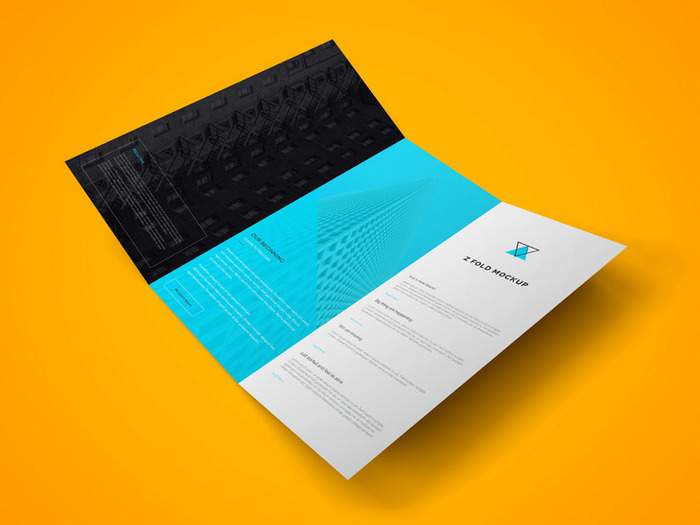
Best for: travel brochures, tourism, events, maps, services, restaurant promotions, and product information.
Z-fold layouts create a sequence of panels that can be viewed individually or together.
Use the Fold as Part of the Story
You can organize the content so each fold reveals a new step, service, location, or product category.
10. Smart Brochure Mockup

Best for: portfolio layouts, editorial design, creative studios, agency presentations, and marketing brochures.
This taller presentation provides a different visual rhythm from horizontal brochure scenes and can help diversify a longer portfolio case study.
Source note: this resource is hosted through Behance, so check the creator’s current download instructions and license before use.
11. A4 Booklet Mockup
Best for: reports, manuals, brand books, guides, portfolios, corporate publications, and event programs.
A booklet format is useful when the publication has enough pages to feel more substantial than a simple brochure but does not require a thick book presentation.
12. Trifold Brochure Mockup
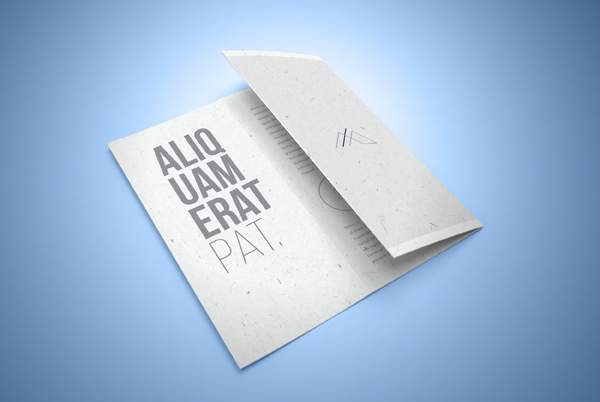
Best for: tourism, corporate services, events, healthcare, real estate, restaurants, and local businesses.
Tri-fold brochures remain useful when a large amount of information needs to fit into a compact printed format.
Build Strong Panel Hierarchy
Each panel should have a clear role rather than becoming one long design divided by fold lines.
13. Square Trifold Brochure Mockup
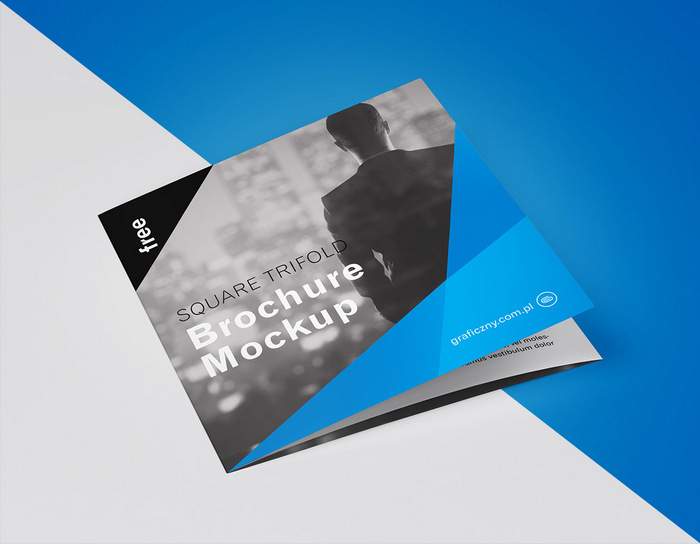
Best for: premium marketing, hospitality, fashion, creative studios, exhibitions, and product launches.
The square proportion gives a familiar tri-fold structure a more distinctive and editorial appearance.
14. Hand Holding Folded Brochure Mockup
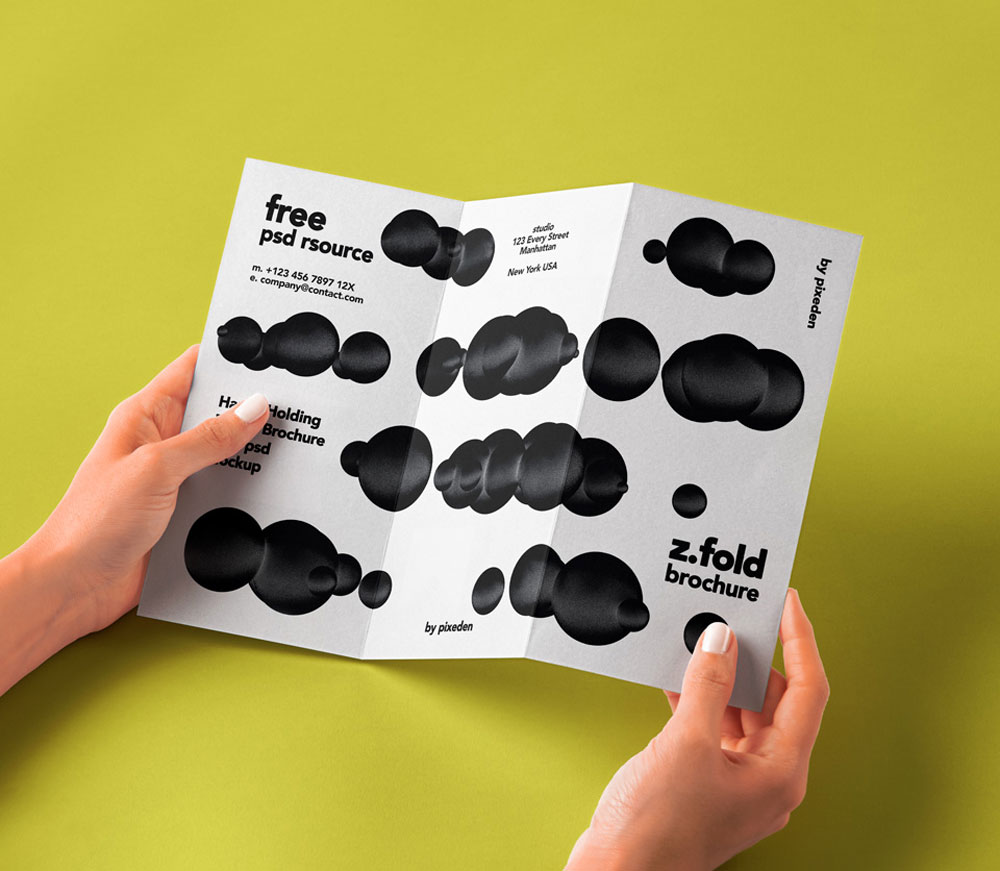
Best for: travel brochures, event programs, marketing materials, hospitality, and realistic client presentations.
A hand-held presentation provides immediate scale and can help viewers understand how the brochure actually feels when opened and used.
15. Top View Brochure Mockup

Best for: branding portfolios, editorial design, product catalogs, marketing brochures, and social presentation images.
A top-view scene makes page layout and composition easier to evaluate because perspective distortion is relatively controlled.
Good for Comparing Spreads
Use a top view when the relationship between photography, typography, and page margins is more important than creating a dramatic lifestyle scene.
16. Square Bound Brochure Mockup

Best for: fashion, architecture, luxury products, portfolios, furniture, interior design, and brand books.
A bound square format feels more substantial than a folded leaflet and can work particularly well for image-led publications.
17. A4 Brochure & Catalog Mockup
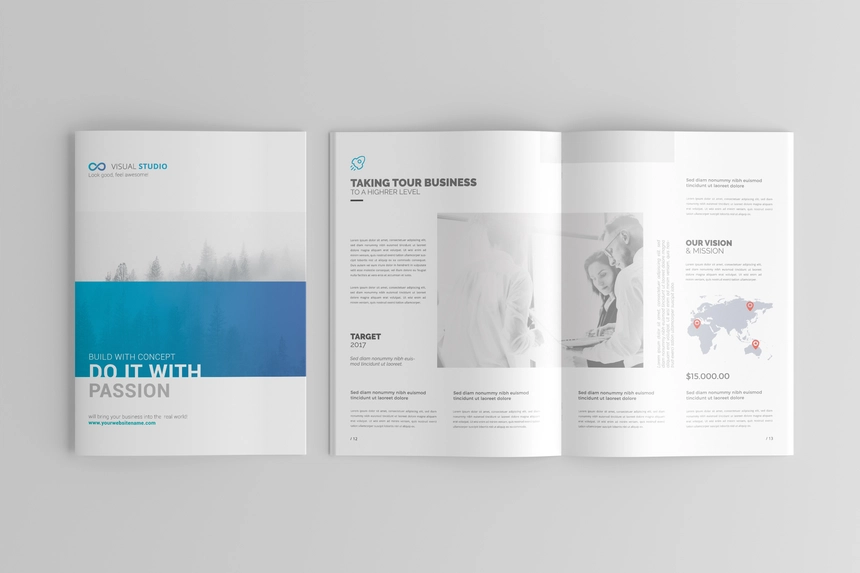
Best for: product catalogs, magazines, corporate brochures, portfolios, and editorial presentations.
This hybrid format is useful when the project could reasonably be described as a brochure, catalog, or magazine-style publication.
18. Magazine Catalog Cover Mockup

Best for: fashion catalogs, editorial portfolios, magazines, seasonal collections, and brand publications.
A cover-focused mockup is particularly useful when the first page plays a major role in the identity of the publication.
Keep the Cover Focused
A cover often needs fewer competing elements than an internal spread.
Prioritize:
- Publication or brand name.
- Main visual.
- Edition or collection information.
- Only essential supporting copy.
19. Magazine & Catalog PSD Mockup

Best for: editorial layouts, photography, fashion, architecture, creative portfolios, and product catalogs.
A magazine-style mockup provides a more editorial context for catalog projects that rely heavily on imagery and storytelling.
20. A4 Catalog Mockup PSD
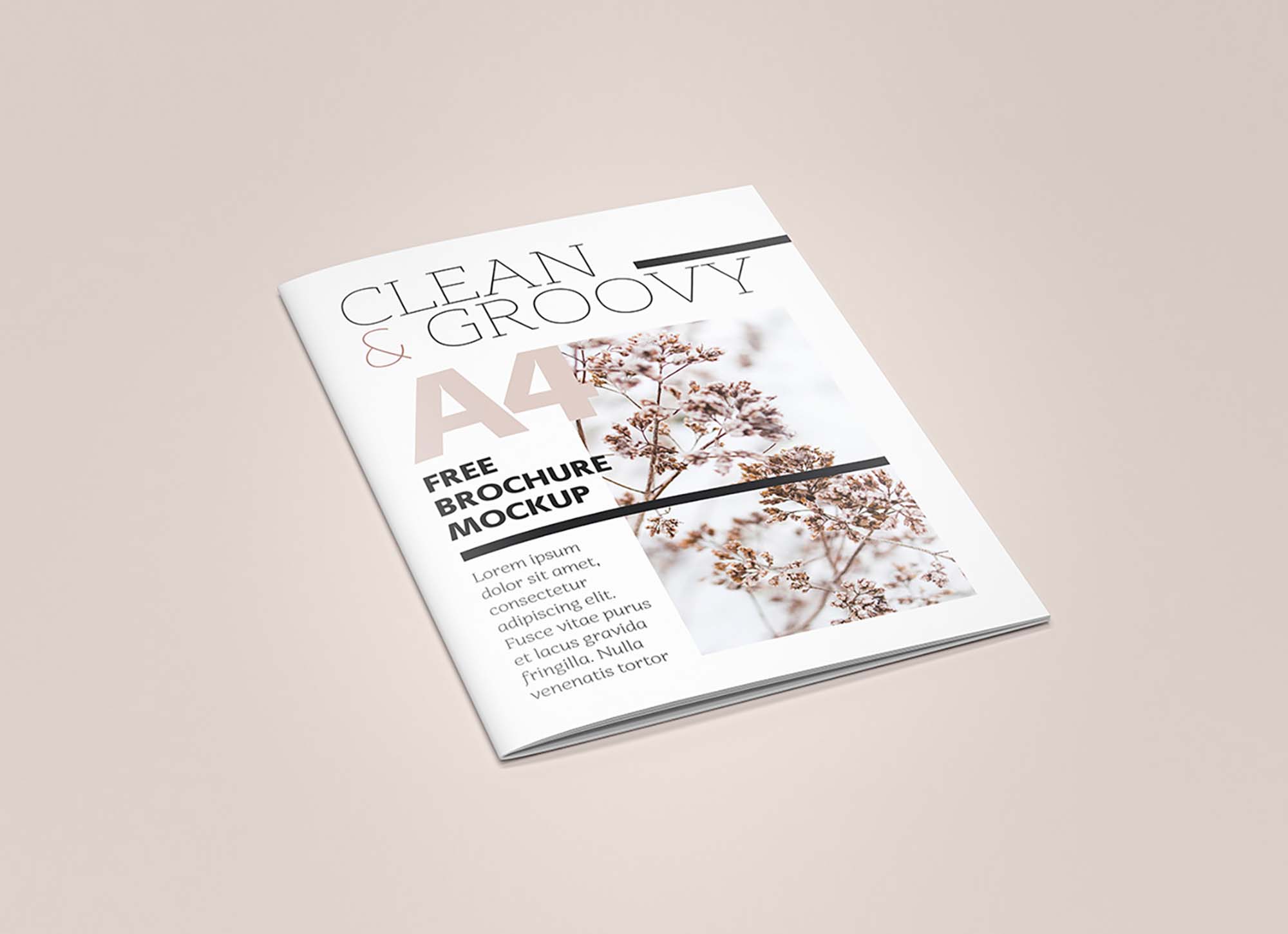
Best for: product catalogs, business brochures, lookbooks, company profiles, furniture, fashion, and professional portfolios.
This final A4 resource is a flexible choice for designers who want several different catalog views while maintaining a familiar standard print format.
How to Choose the Right Catalog Mockup
Match the Format
If your design is A4 portrait, use an A4 portrait mockup whenever possible.
Forcing a square or landscape design into a different proportion can distort the artwork or create a misleading presentation.
Match the Binding
Ask whether the final publication will be:
- Stapled.
- Perfect bound.
- Folded.
- Wire bound.
- Loose pages.
The mockup should resemble the intended physical object.
Match the Paper Character
A premium fashion lookbook may suit a clean matte-paper scene, while an inexpensive promotional brochure may require a different presentation.
How to Design a Better Product Catalog
Create a Strong Grid First
A consistent grid helps control:
- Product photography.
- Names.
- Prices.
- Descriptions.
- Specifications.
- Page numbers.
Create Clear Product Hierarchy
Customers should quickly understand:
- What the product is.
- Which variant they are viewing.
- What information matters.
- Where to look next.
Do Not Fill Every Page
Dense product catalogs often become easier to navigate when occasional pages provide more visual breathing room.
Catalog Cover Design Tips
Do Not Turn the Cover Into a Contents Page
The cover should create recognition and interest, not explain everything inside.
Use One Strong Visual Direction
A single excellent image can be more effective than a collage of ten products.
Maintain Brand Recognition
The reader should understand which company or collection the catalog belongs to immediately.
How to Design Catalog Spreads
A spread should be treated as one composition rather than two completely separate pages.
Use the Center Carefully
Avoid placing critical text or faces directly into the gutter unless the binding method allows enough visible space.
Balance Image Weight
If one page contains a large full-bleed image, the opposite page does not always need another equally dominant photograph.
Create Rhythm
Alternate between:
- Large hero photography.
- Product grids.
- Detail pages.
- Text-led sections.
- Whitespace.
This can make long catalogs easier to navigate.
Catalog Typography Tips
Choose a Flexible Type System
A catalog may need:
- Large titles.
- Section headings.
- Product names.
- Descriptions.
- Specifications.
- Prices.
- Captions.
A flexible type family can handle many of these roles without introducing unnecessary fonts.
Test Small Text at Print Size
Do not judge body copy only while zoomed into the design file.
Always review the intended physical size.
Catalog Mockups for Fashion & Lookbooks
Fashion catalogs are often more image-led than traditional product catalogs.
Useful mockups include:
- Square catalogs.
- Magazine scenes.
- Hand-held publications.
- Open editorial spreads.
Allow photography and art direction to carry more of the visual story while keeping product details consistent.
Catalog Mockups for Furniture & Interior Design
Landscape and large-format catalogs can work particularly well for:
- Interior photography.
- Room scenes.
- Furniture collections.
- Technical dimensions.
- Material samples.
Use consistent image proportions and specification systems so the publication remains easy to navigate.
How to Use PSD Catalog Mockups in Photoshop
- Open the PSD file.
- Review the layer structure.
- Locate the Smart Object for the cover or page.
- Open the Smart Object.
- Place your artwork at the correct proportion.
- Save the Smart Object.
- Return to the main mockup.
- Repeat for the remaining pages.
- Adjust background options if supported.
- Review perspective and readability.
- Export the final presentation image.
Preparing Catalog Artwork Before Using a Mockup
A mockup is not a substitute for a production-ready print file.
Before sending a catalog to a printer, confirm the printer’s requirements for:
- Final page dimensions.
- Bleed.
- Safe margins.
- Color profile.
- Image resolution.
- Binding.
- Page count.
- Export format.
The PSD mockup is primarily a visualization and presentation tool.
How to Use Catalog Mockups in a Portfolio
Start With the Cover
Use one strong hero image to introduce the publication.
Show Real Spreads
Choose spreads that demonstrate different layout challenges.
Show the Grid
A few clean flat layouts help viewers understand the actual design without perspective or lighting effects.
Do Not Show Fifteen Similar Mockups
One cover, two or three strong spreads, and one physical context image may communicate more than a long sequence of nearly identical scenes.
Common Catalog Mockup Mistakes
1. Using the Wrong Page Proportion
Do not stretch artwork simply to fit the mockup.
2. Ignoring the Gutter
Content near the center fold can disappear in a real publication.
3. Showing Only the Cover
A catalog is a multi-page system.
4. Using Too Many Similar Mockups
Each image should add new information.
5. Making Body Text Too Small
Always review it at actual print scale.
6. Using Low-Resolution Photography
A high-quality mockup cannot repair poor source images.
7. Ignoring Binding
A perfect-bound catalog behaves differently from a folded brochure.
8. Designing Every Spread Independently
The publication needs consistent rhythm and navigation.
9. Using Mockups Instead of Print Proofing
A digital PSD cannot predict every real printing and finishing result.
10. Assuming Every Free Mockup Has the Same License
Always review the original source terms.
Catalog Mockup Licensing Checklist
- Is personal use allowed?
- Is commercial use allowed?
- Can the mockup be used in client presentations?
- Can the resulting image appear in advertising?
- Can it appear in a portfolio?
- Is attribution required?
- Can the PSD be modified?
- Can the original mockup file be redistributed?
- Can it be included in a product or template for resale?
Frequently Asked Questions About Free Catalog Mockups
What are catalog mockups?
Catalog mockups are presentation templates that place covers, page spreads, brochure layouts, or magazine-style artwork into realistic printed publication scenes.
What are free catalog mockups used for?
Free catalog mockups can be used for product catalogs, fashion lookbooks, company profiles, brand books, portfolios, brochures, magazines, reports, and client presentations.
Do all catalog mockups use Smart Objects?
No. Many Photoshop resources do, but the exact editing structure depends on the individual creator.
What is the best format for a product catalog?
There is no universal best format. A4 portrait is practical for many product catalogs, while square or landscape formats may work better for photography-led, architectural, fashion, or furniture publications.
What is the difference between a catalog and a brochure mockup?
Catalog mockups usually represent multi-page publications containing collections or product ranges. Brochure mockups often represent shorter marketing publications, including folded formats.
Can brochure mockups be used for catalog design?
Sometimes. If the page size, proportion, and binding resemble the intended catalog, a brochure mockup can provide an appropriate presentation.
Can catalog mockups be used commercially?
Only when the license of the individual resource allows the intended commercial use.
Should I show flat pages as well as mockups?
Yes. Flat layouts allow clients and portfolio viewers to judge the actual editorial design, while mockups provide physical context.
How many catalog mockups should I use in a portfolio project?
Use enough views to explain the publication without unnecessary repetition. A cover, several representative spreads, and one or two physical presentation scenes are often sufficient.
Can catalog mockups be used for digital catalogs?
They can be useful for marketing a digital publication, but a physical print mockup should not imply that the project was printed if it exists only as a digital catalog.
Final Thoughts
The best free catalog mockups do more than make an editorial layout look attractive.
They help designers evaluate how a multi-page project behaves once it is presented as a real publication.
An A4 mockup can test standard corporate layouts. A landscape catalog provides room for panoramic photography. A square booklet can create a more editorial feel, while folded brochures help demonstrate the relationship between panels and reading order.
Choose a mockup that matches the real format as closely as possible.
Respect the proportions. Think about binding. Test the cover and internal spreads together. Check body text at realistic size. Use mockups selectively in portfolios rather than repeating nearly identical scenes.
And always review the individual resource license before commercial use.
A good catalog mockup should make the publication easier to understand — not distract from the editorial design itself.
For more brochure mockups, print-design resources, Photoshop assets, fonts, textures, and practical design inspiration, continue exploring DesignRise.