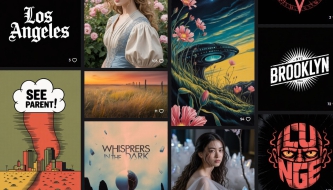
AI art tools are no longer just places where people type a strange prompt and hope for a beautiful image. In 2026, they have become part of real creative workflows: brand exploration, product visuals, campaign concepts, social media graphics, posters, moodboards, pitch decks, editorial images, and even motion design.
But there is a big difference between generating a nice picture and creating a useful design asset.
A good AI art generator should help designers explore ideas faster, control visual style, maintain consistency, refine images, and create visuals that actually fit a project. The best tools are not only about photorealism. They are about control, workflow, editing, text accuracy, brand safety, style consistency, and how well the tool fits into the way designers already work.
This guide is written for designers, marketers, illustrators, creative teams, and content creators who want to understand which AI art tools are worth using in 2026 — and how to choose the right one for real creative work.
Below, we’ll explore the best AI art generators and tools for 2026, including what each platform is best for, where it fits in a design workflow, and what limitations designers should keep in mind before using AI-generated visuals professionally.
Why AI Art Generators Matter in 2026
AI-generated imagery has changed the speed of creative production. A designer can now test ten campaign directions before lunch, build a moodboard in minutes, generate visual references for a client presentation, or create image variations that would have taken much longer with traditional tools alone.
For modern designers, AI art tools can help with:
- concept exploration before a full design direction is chosen;
- brand moodboards for visual identity and campaign planning;
- photorealistic product visuals for ads and presentations;
- poster and typography-driven art for marketing campaigns;
- editorial visuals for blogs, newsletters, and digital magazines;
- social media content for fast creative production;
- motion design references for video and animation workflows;
- visual experiments that help break creative blocks.
However, AI art tools should not be treated as magic. They still need clear direction, thoughtful prompts, editing, brand alignment, and human judgment. The strongest designers use AI as a creative partner — not as a replacement for taste, storytelling, or strategy.
Explore More DesignRise Resources:
- Next-Gen SEO: Best AI Tools to Supercharge Your Content Strategy
- Top AI Photo Editing Tools Designers Can’t Live Without
- Most Helpful Productivity-Boosting AI Tools in 2026
- AI Workflows for Designers in 2026: Tools, Systems and Real Use Cases
How to Choose the Right AI Art Tool
The best AI art generator depends on the job. A poster designer needs different strengths than a product marketer, a UI designer, a motion designer, or an illustrator.
Before choosing a tool, ask what you need from the output:
- Do you need photorealism or stylized art?
- Do you need readable text inside the image?
- Do you need consistent characters or brand style?
- Do you need editing tools after generation?
- Do you need commercial-safe workflows?
- Do you need video or motion support?
- Do you need a tool that fits Adobe, Microsoft, or browser-based workflows?
- Do you need fast social graphics or deep creative control?
| Creative Need | Best Tool Type | What to Check |
|---|---|---|
| Cinematic concept art | Art-focused image generator | Style, atmosphere, composition control |
| Marketing visuals | Prompt-accurate image generator | Text accuracy, editing, brand fit |
| Adobe workflow | Creative Cloud AI tool | Photoshop, Illustrator, Express integration |
| Social content | Fast visual generator | Templates, resizing, quick edits |
| Motion concepts | Image and video AI platform | Image-to-video, text-to-video, editing tools |
| Experimental art | Multi-model creative workspace | Model choice, references, style mixing |
Professional designers often use more than one tool. One platform may be best for moodboards, another for text accuracy, another for editing, and another for video or motion.
1. Midjourney
Best for: cinematic art direction, concept visuals, moodboards, editorial imagery, and atmospheric design
Midjourney remains one of the strongest AI art generators for designers who care about visual mood. It is especially useful when you need images with atmosphere, texture, lighting, composition, and artistic direction.
Designers often use Midjourney for brand moodboards, campaign references, fantasy environments, product concept scenes, editorial visuals, and early creative exploration. It is less about quick template-style output and more about building a strong visual world.
Key Features
- Text-to-image generation with strong artistic output.
- Useful for cinematic, editorial, surreal, and atmospheric imagery.
- Style exploration for concept art and brand direction.
- Aspect ratio and composition control.
- Image reference support for visual direction.
Pros
- Excellent for mood, lighting, and atmosphere.
- Strong for concept art and visual storytelling.
- Useful for campaign direction and brand exploration.
- Produces images that often feel visually rich and memorable.
Cons
- May require prompt practice for precise results.
- Not always ideal for text-heavy graphics.
- Final commercial use still needs careful review and editing.
Best For
Concept artists, brand designers, illustrators, creative directors, editorial designers, and visual storytellers.
2. ChatGPT Image Generation by OpenAI
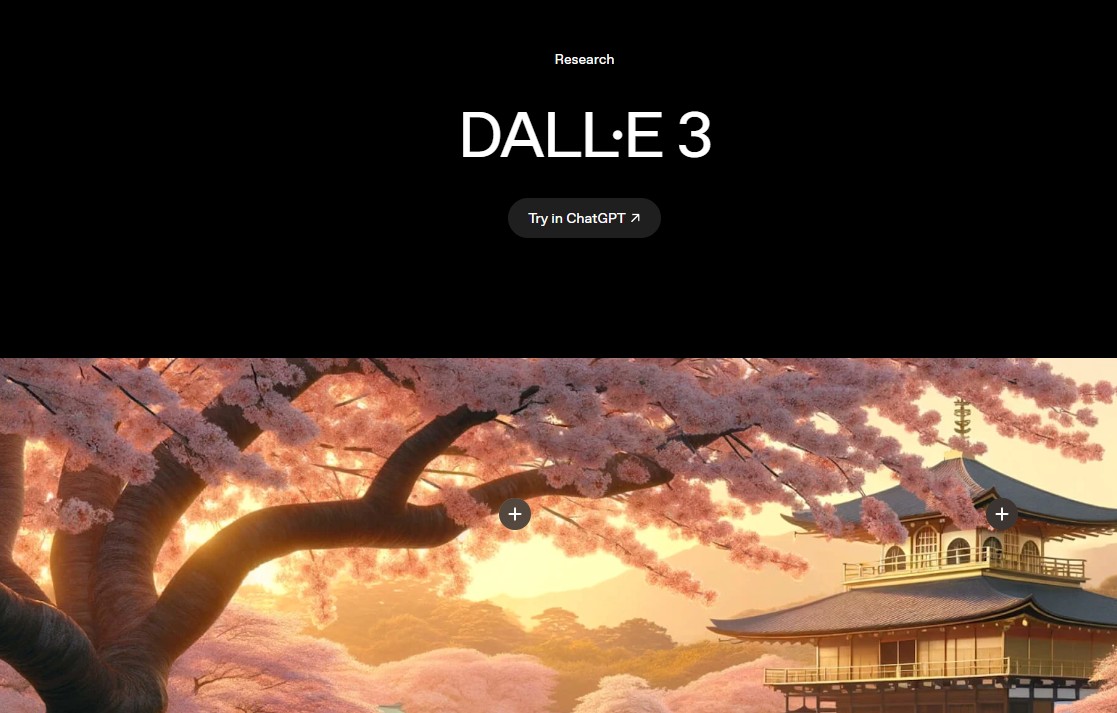
Best for: prompt refinement, marketing visuals, content design, concept edits, and practical design workflows
OpenAI’s image generation inside ChatGPT is especially useful for designers who want to create and refine visuals through conversation. Instead of writing one prompt and starting over, designers can iterate naturally: ask for changes, adjust mood, refine composition, change colors, or adapt an image for a different use case.
This makes it helpful for marketing teams, blog visuals, social media concepts, thumbnails, product mockups, and presentation images.
Key Features
- Image generation from text prompts.
- Conversational refinement inside ChatGPT.
- Useful for practical design iterations.
- Can support content, marketing, and educational visuals.
- Helpful for improving prompts before final generation.
Pros
- Easy to iterate through natural language.
- Good for designers who want guidance and refinement.
- Useful for content visuals, mockups, and marketing ideas.
- Strong fit for workflows that combine writing and visuals.
Cons
- Some results may still need manual editing.
- Highly specific brand systems require careful direction.
- Designers should review outputs for accuracy and originality.
Best For
Marketing designers, content creators, UI/UX writers, bloggers, educators, and creative teams that want fast image iteration.
3. Adobe Firefly
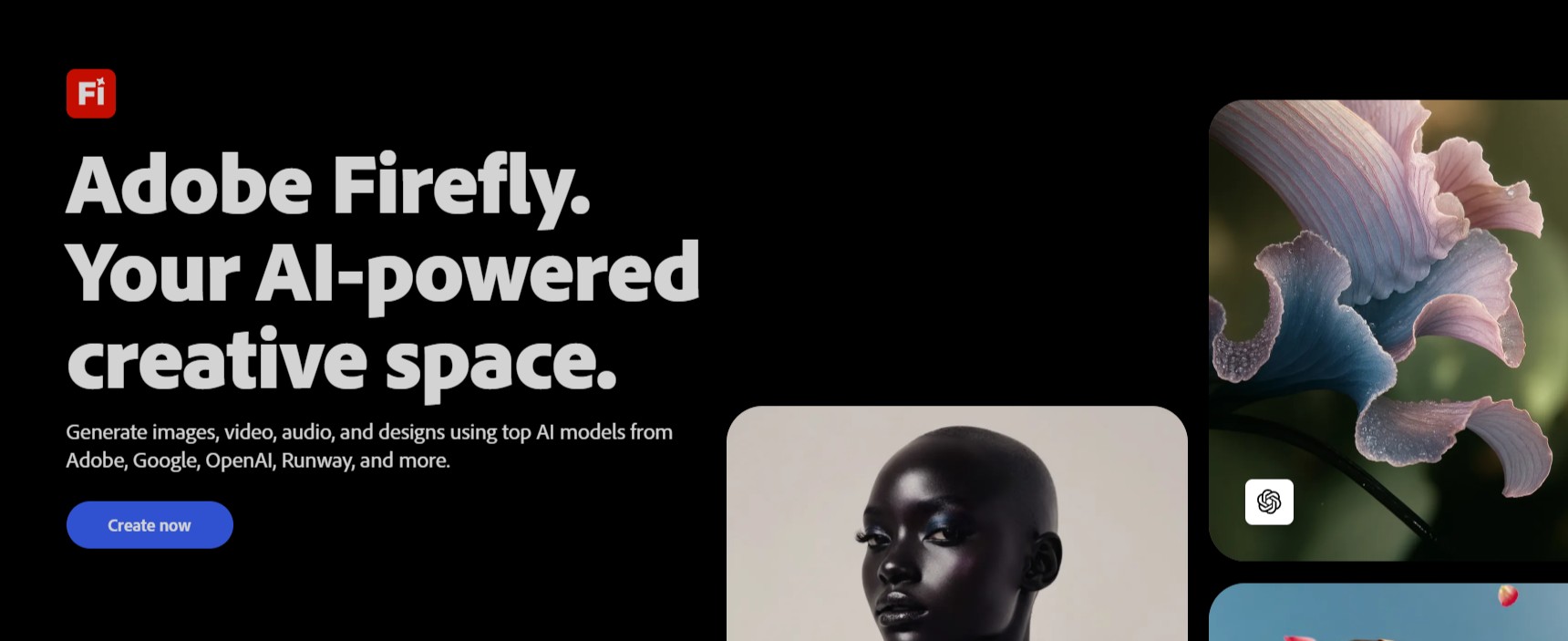
Best for: Adobe users, professional design workflows, image editing, creative assets, and commercial design production
Adobe Firefly is one of the most practical AI tools for designers who already use Photoshop, Illustrator, Adobe Express, or other Adobe products. Its value is not only image generation, but integration with professional creative workflows.
Designers can use Firefly for image generation, background creation, generative fill, style exploration, mockup support, and visual assets that can be refined inside Adobe tools.
Key Features
- Text-to-image generation.
- Generative editing workflows.
- Integration with Adobe creative tools.
- Useful for image editing, backgrounds, and design assets.
- Supports multiple creative workflows across image, video, audio, and design.
Pros
- Strong fit for professional designers already using Adobe.
- Useful for editing and production, not only generation.
- Good for commercial creative workflows.
- Works well when AI output needs manual refinement.
Cons
- Best value often comes inside Adobe ecosystem.
- Some features may require paid plans.
- Outputs still need art direction and quality control.
Best For
Graphic designers, brand teams, Photoshop users, agencies, content designers, and creative professionals.
4. Ideogram
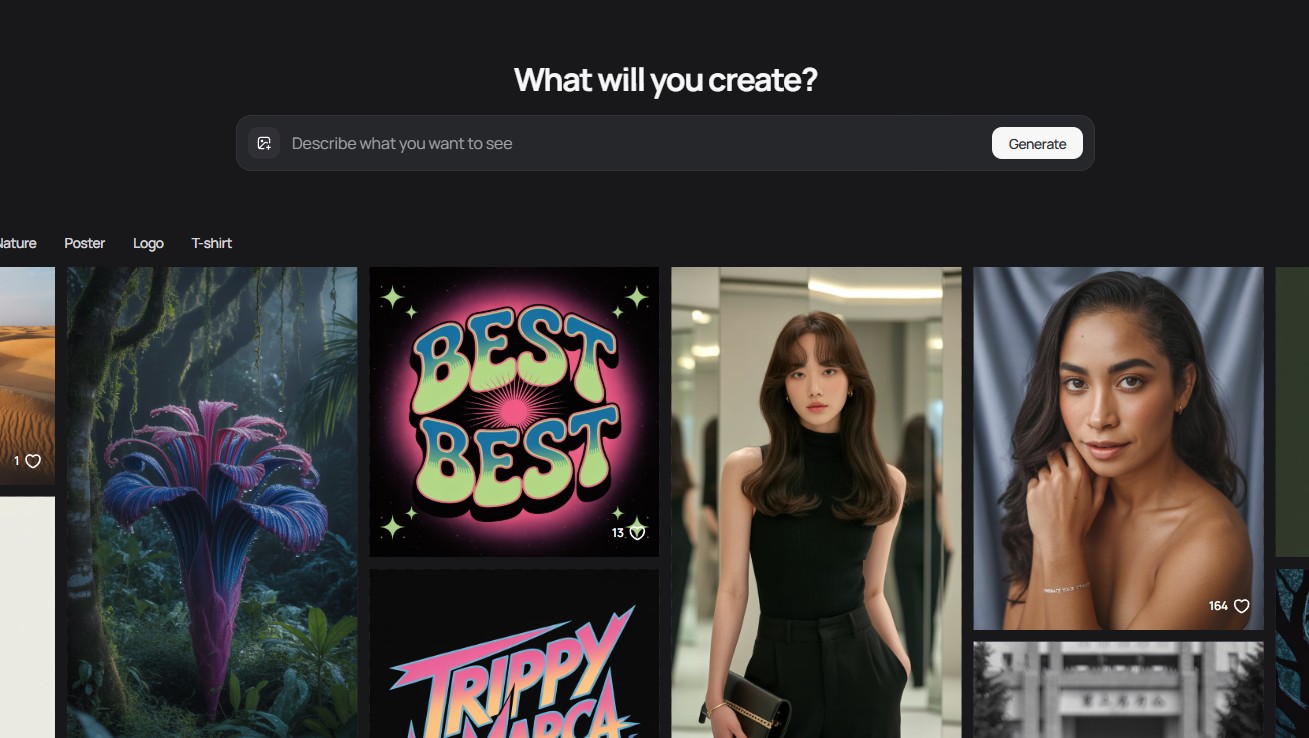
Best for: posters, typography-driven visuals, branding concepts, product mockups, and marketing graphics
Ideogram is especially useful when a design needs words inside the image. Many AI art tools struggle with readable text, but Ideogram has become popular among designers who create posters, brand graphics, packaging concepts, social images, and typography-driven visuals.
For marketing designers, this is a major advantage. It allows you to explore AI-generated visuals where the image and text feel more connected.
Key Features
- Text-to-image generation.
- Strong support for typography-driven visuals.
- Useful for posters, logos, packaging concepts, and campaign graphics.
- Style options for different creative directions.
- Good fit for social media and brand experiments.
Pros
- Useful when readable text is part of the image.
- Strong for posters and marketing visuals.
- Good for fast branding and packaging concept exploration.
- Helpful for designers who need graphic layouts, not only illustrations.
Cons
- Typography still needs review before professional use.
- Not every output will be brand-ready.
- Complex layouts may require manual design cleanup.
Best For
Brand designers, poster designers, social media designers, packaging concept creators, and marketers.
5. Leonardo AI
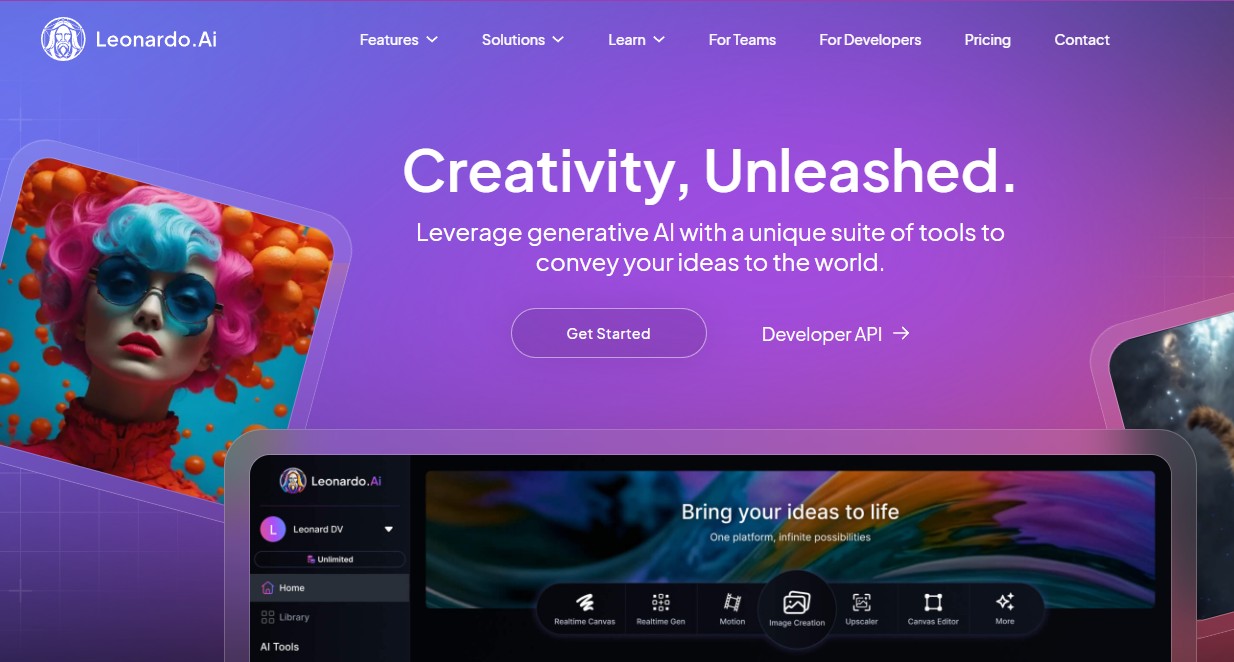
Best for: game art, product concepts, character design, environment design, and consistent creative assets
Leonardo AI is a strong option for designers who need more control over creative direction and style consistency. It is especially useful for game designers, product visual teams, concept artists, and illustrators who want to create detailed assets, characters, environments, or branded visual directions.
It can support both text-to-image and image-to-image workflows, which makes it helpful when designers want to build on references instead of starting entirely from text.
Key Features
- AI image generation from text and image inputs.
- Useful for game art, concept art, products, and characters.
- Style and model options for creative control.
- Workflow support for refining and scaling visual ideas.
- Good fit for professional creative experimentation.
Pros
- Strong for concept art and asset exploration.
- Useful for designers who need consistent visual direction.
- Good for product, game, and environment visuals.
- Offers flexible creative workflows for visual development.
Cons
- Can feel complex for beginners.
- Best results require prompt practice and iteration.
- Final assets may still need editing for production use.
Best For
Game artists, product designers, concept artists, illustrators, environment designers, and creative studios.
6. Runway
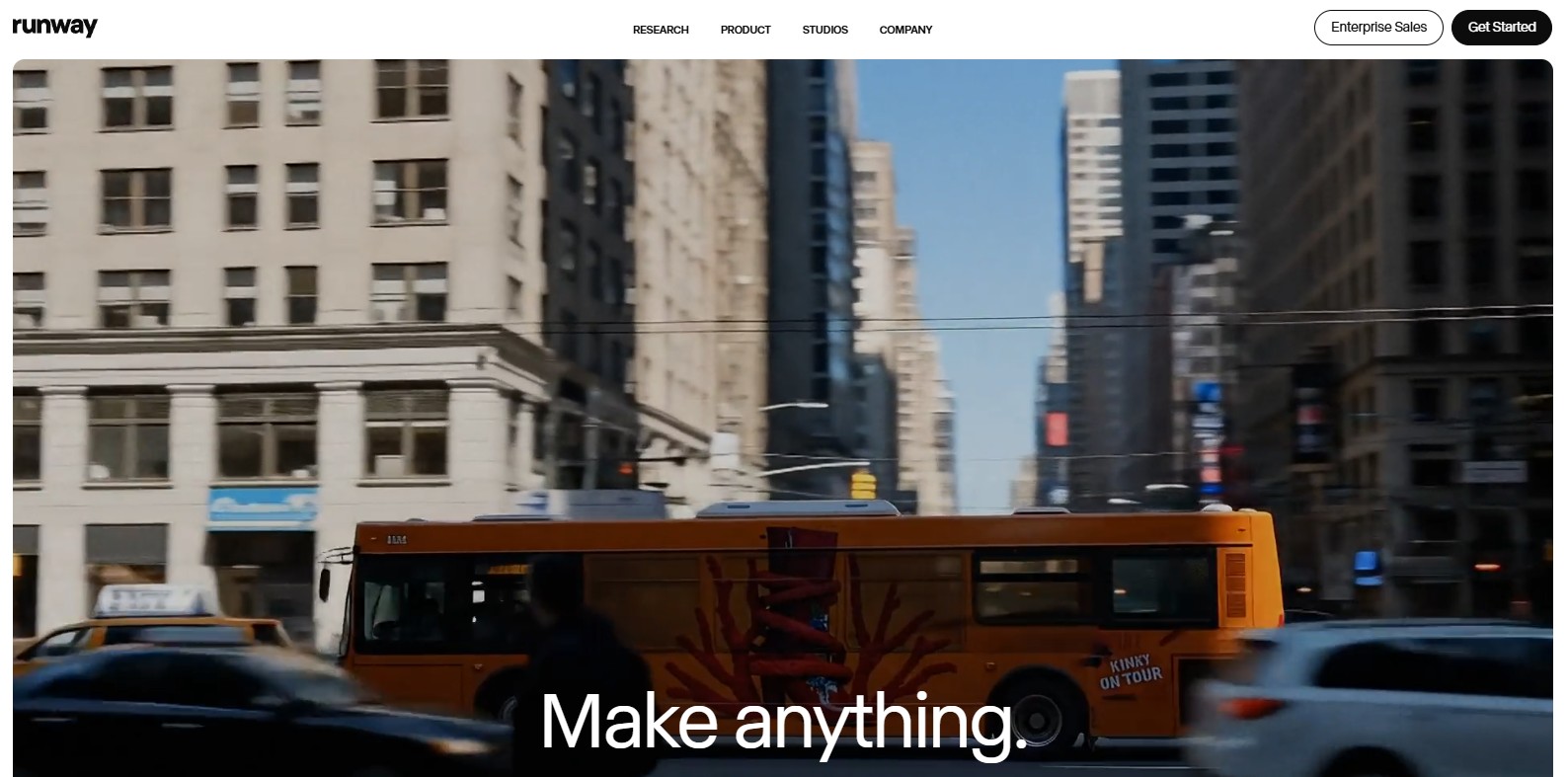
Best for: image and video generation, motion concepts, campaign visuals, creative editing, and multimedia design
Runway is more than an AI image generator. It is a creative platform for image, video, audio, editing, and generative workflows. For designers, this makes it useful when a static image needs to become part of a motion concept, campaign film, visual loop, or social video.
Runway works especially well for motion designers, social content teams, and creative directors who want to move from still visuals to dynamic storytelling.
Key Features
- AI image and video generation.
- Text-to-video and image-to-video workflows.
- Creative editing tools for visual production.
- Useful for campaign concepts and motion design.
- Supports broader multimedia creative workflows.
Pros
- Strong for designers working across image and motion.
- Useful for short-form content and campaign ideas.
- Good for cinematic and experimental visual workflows.
- Helps teams prototype video concepts faster.
Cons
- Precise control may require editing after generation.
- Longer sequences need careful planning.
- Not every output is ready for client delivery without refinement.
Best For
Motion designers, content creators, creative directors, video designers, brand campaign teams, and social media studios.
7. OpenArt
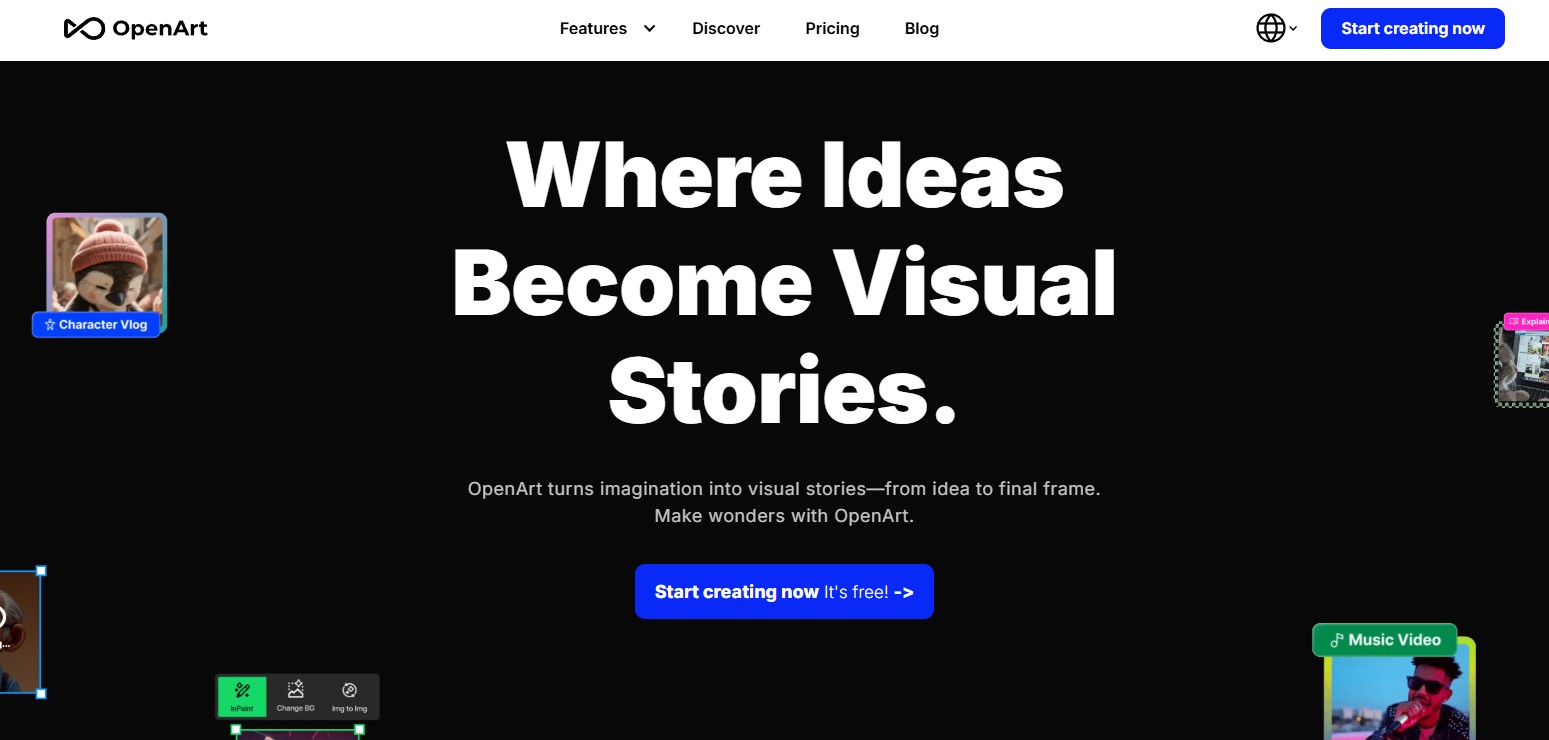
Best for: flexible AI image and video creation, experiments, product ads, virtual characters, and multi-style workflows
OpenArt is useful for designers who want flexibility and experimentation. It brings together different creative possibilities for images and videos, making it a good option for freelancers, educators, marketers, and creators who want to explore styles without being locked into one narrow workflow.
It can be especially helpful for product ads, social content, creative experiments, virtual characters, and visual storytelling projects.
Key Features
- AI image and video generation.
- Useful for product ads, short content, and virtual characters.
- Flexible creative workflows for different visual styles.
- Good for creators without advanced editing software.
- Helpful for experimentation and fast visual production.
Pros
- Flexible for different creator needs.
- Useful for freelancers and small teams.
- Good for testing creative ideas quickly.
- Can support both image and video workflows.
Cons
- Outputs still need review for brand consistency.
- Professional teams may need additional editing tools.
- Style consistency may require prompt discipline.
Best For
Freelancers, educators, social creators, small businesses, product marketers, and experimental designers.
8. ImagineArt
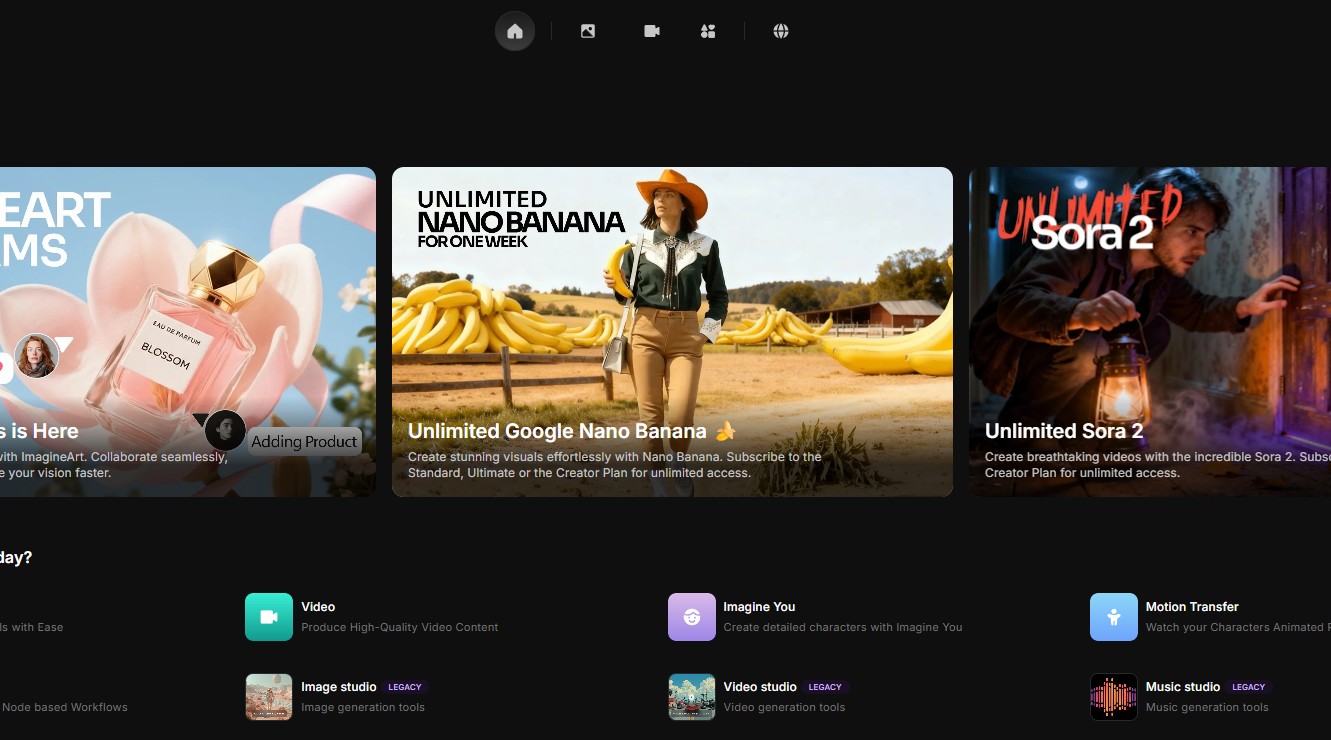
Best for: fast creative visuals, AI images, video, multimedia content, and social design workflows
ImagineArt is positioned as a broader AI creative suite, which makes it useful for designers and content creators who need more than one type of output. It can support images, videos, shorts, and other creative formats from prompts.
This makes it practical for digital marketers, social media teams, multimedia designers, and creators who want to move quickly from idea to visual content.
Key Features
- AI image generation.
- AI video and multimedia creative tools.
- Useful for photorealistic visuals, illustrations, and social content.
- Fast prompt-based creation.
- Suitable for content-heavy creative workflows.
Pros
- Easy entry point for AI creative work.
- Useful for fast marketing and social visuals.
- Supports more than static image generation.
- Good for creators who need variety.
Cons
- May need manual editing for premium design work.
- Brand consistency needs careful prompt control.
- Not always as specialized as pro design tools.
Best For
Digital marketers, content creators, social media designers, multimedia teams, and small businesses.
9. Microsoft Designer Image Creator
Best for: quick visuals, social media posts, invitations, digital postcards, and simple marketing graphics
Microsoft Designer Image Creator is useful for people who want AI-generated visuals inside a simple design environment. It is especially practical for social media posts, invitations, digital postcards, graphics, and everyday visual content.
For professional designers, it may not replace advanced creative tools, but it can be helpful for quick idea generation, simple design assets, and fast marketing visuals inside Microsoft’s ecosystem.
Key Features
- AI image creation for design projects.
- Useful for social media posts and graphics.
- Simple browser-based creative workflow.
- Good for fast visual drafts.
- Works well for everyday marketing and communication assets.
Pros
- Easy to use for non-designers and small teams.
- Good for quick social and marketing visuals.
- Useful for Microsoft ecosystem users.
- Helpful for fast content production.
Cons
- Less specialized than professional design tools.
- Advanced brand systems may need additional refinement.
- Outputs should be checked carefully before commercial use.
Best For
Small businesses, content creators, marketing teams, Microsoft users, and quick visual production workflows.
10. Jeda AI
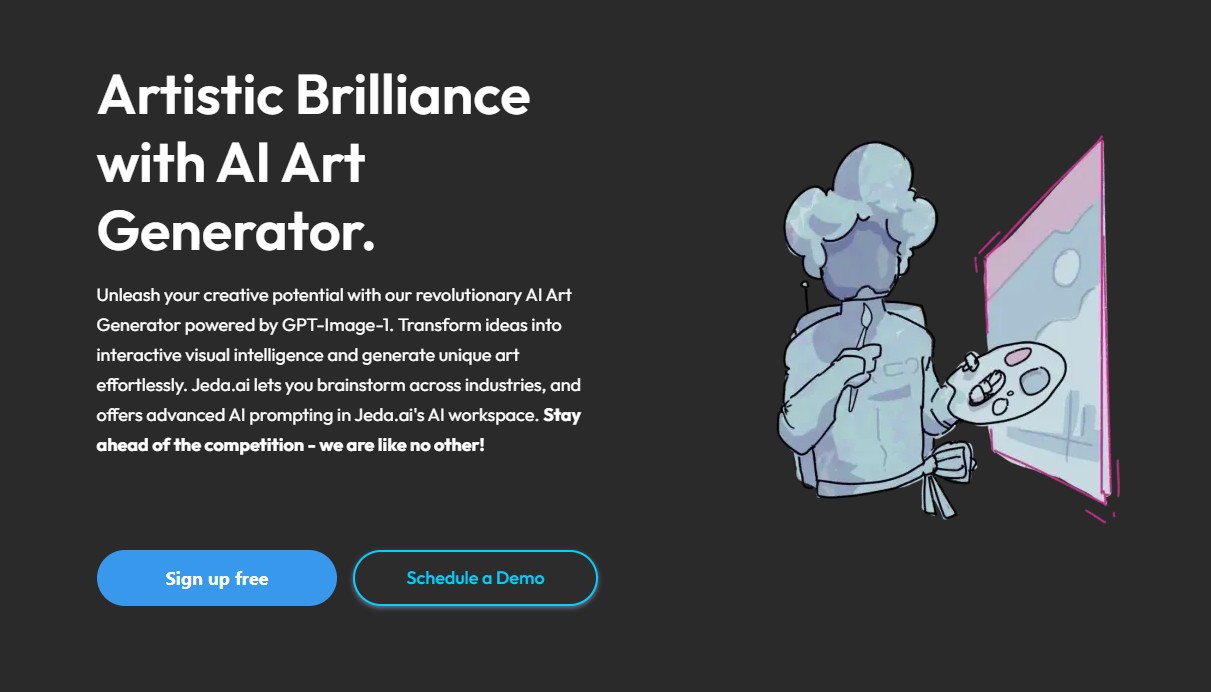
Best for: visual thinking, collaborative creative planning, strategy boards, diagrams, frameworks, and AI-assisted ideation
Jeda AI is different from a pure art generator. It is more of a visual AI workspace, which makes it useful for creative teams that need to organize ideas, brainstorm visually, build frameworks, and turn strategy into visual structures.
For designers, this can be useful before image generation starts. It helps organize the concept, audience, mood, campaign idea, or creative strategy before choosing a final AI art tool.
Key Features
- Visual AI workspace for creative and strategic work.
- AI-assisted diagrams, mind maps, frameworks, and visual structures.
- Useful for collaborative ideation.
- Can support early creative direction before asset generation.
- Good for teams that need to connect strategy and visuals.
Pros
- Helpful for planning creative work visually.
- Good for teams, workshops, and brainstorming.
- Useful before generating final images.
- Supports structured thinking, not only image output.
Cons
- Not a traditional AI art generator in the same way as Midjourney or Firefly.
- Best value comes from team strategy and visual planning.
- Final image production may require another AI art tool.
Best For
Creative teams, strategists, design studios, workshop leaders, marketers, and UX teams planning visual campaigns.
Quick Comparison: Best AI Art Generators by Use Case
| Tool | Best Use Case | Best For |
|---|---|---|
| Midjourney | Cinematic art, moodboards, concept visuals | Creative directors and concept artists |
| ChatGPT Image Generation | Prompt refinement and practical design visuals | Marketers, writers, designers |
| Adobe Firefly | Professional editing and Adobe workflows | Graphic designers and agencies |
| Ideogram | Typography-driven images and posters | Brand and marketing designers |
| Leonardo AI | Concept art, characters, products, environments | Game and product designers |
| Runway | Image and video generation | Motion designers and content teams |
| OpenArt | Flexible image and video creation | Freelancers and creators |
| ImagineArt | Fast multimedia content | Social and marketing teams |
| Microsoft Designer Image Creator | Quick everyday graphics | Small businesses and Microsoft users |
| Jeda AI | Visual thinking and creative planning | Creative teams and strategists |
A Practical AI Art Workflow for Designers
The best results usually come from a process, not from a single prompt. Here is a simple workflow designers can use.
Step 1: Define the Creative Goal
Decide what the image needs to do. Is it a hero image, social post, poster, ad concept, moodboard, product visual, or brand illustration?
Step 2: Choose the Visual Direction
Define mood, style, colors, lighting, composition, and audience before generating. This helps avoid random output.
Step 3: Pick the Right Tool
Use Midjourney for mood and concept art, Ideogram for text-based visuals, Firefly for Adobe workflows, Runway for motion, and ChatGPT image generation for conversational iteration.
Step 4: Generate Multiple Directions
Do not stop at the first image. Generate several options and compare what fits the brand or project best.
Step 5: Edit and Refine
Use Photoshop, Illustrator, Figma, Canva, or another editing tool to adjust composition, colors, cropping, typography, and visual details.
Step 6: Check Brand Consistency
Make sure the visual matches the brand’s mood, tone, color system, and audience expectations.
Step 7: Prepare the Final Asset
Export the image for the correct platform: website, Instagram, LinkedIn, YouTube thumbnail, ad banner, email, presentation, or print.
Prompt Examples for AI Art Generators
Brand Campaign Visual Prompt
Create a premium editorial campaign image for a sustainable skincare brand. Soft natural light, warm neutral color palette, realistic texture, calm mood, minimal composition, elegant product-focused styling, no clutter, no futuristic elements.
Poster Design Prompt
Create a bold poster concept for a creative technology conference. Use expressive typography, abstract AI-inspired shapes, deep blue and electric pink accents, strong visual hierarchy, and a modern editorial design style.
Product Concept Prompt
Create a cinematic product concept image for a smart desk lamp. Show the lamp on a clean workspace at dusk, soft reflections, warm light, premium materials, minimal background, realistic photography style.
Social Media Visual Prompt
Create a vertical Instagram story image for a design studio announcing a new AI workflow guide. Clean layout, modern gradients, abstract creative tools, bold headline space, professional but energetic mood.
Common Mistakes When Using AI Art Generators
Using Vague Prompts
Short prompts often create generic results. Include mood, audience, format, style, lighting, composition, and what to avoid.
Skipping Human Editing
AI output may look good at first, but professional design usually needs cropping, color correction, retouching, typography, or layout work.
Ignoring Brand Fit
A beautiful image is not always the right image. Check whether it matches the brand’s visual identity and message.
Trusting Text Inside Images Too Quickly
Even tools that are strong with typography can still create mistakes. Always review spelling, spacing, and readability.
Overusing the Same AI Look
Many AI images can start to feel similar. Use references, custom prompts, editing, and brand rules to create a more original direction.
Not Checking Usage Rights
Before using AI-generated images commercially, check the tool’s licensing terms, commercial usage rules, and client requirements.
AI Art Quality Checklist
Before publishing or presenting an AI-generated image, check the following:
- Does the image support the project goal?
- Is the main message clear?
- Does the visual match the brand style?
- Is the composition strong?
- Are lighting and perspective believable?
- Are there distorted hands, faces, objects, or details?
- Is any text inside the image spelled correctly?
- Does the image work at the final size?
- Does it need editing or retouching?
- Is the output original enough for the project?
- Have licensing and commercial usage rules been checked?
- Does the image feel designed, not just generated?
Useful AI Art Resources
These official resources can help you explore AI art generators and creative AI workflows further:
- Midjourney — AI art and image generation for creative visuals.
- OpenAI Image Generation — image generation and editing with OpenAI models.
- Adobe Firefly — generative AI for images, video, audio, and design.
- Ideogram — AI image generation for visual ideas, products, campaigns, and design systems.
- Leonardo AI Image Generator — text and image-based creative generation.
- Runway — AI image and video generation platform.
- OpenArt — AI image and video creation platform.
- ImagineArt — AI creative suite for images, videos, and multimedia content.
- Microsoft Designer Image Creator — AI image creation for design projects.
- Jeda AI — visual AI workspace for creative planning and strategy.
FAQ: Best AI Art Generators in 2026
What are the best AI art generators in 2026?
Some of the best AI art generators and creative tools in 2026 include Midjourney, ChatGPT image generation, Adobe Firefly, Ideogram, Leonardo AI, Runway, OpenArt, ImagineArt, Microsoft Designer Image Creator, and Jeda AI.
Which AI art generator is best for designers?
The best tool depends on the design task. Midjourney is strong for mood and concept art, Adobe Firefly fits professional Adobe workflows, Ideogram is useful for typography-driven visuals, and Runway is helpful for motion and video concepts.
Which AI art generator is best for marketing visuals?
ChatGPT image generation, Ideogram, Adobe Firefly, Microsoft Designer Image Creator, and ImagineArt can be useful for marketing visuals because they support fast image creation, layout ideas, and content-focused workflows.
Can AI art generators replace designers?
No. AI art generators can speed up visual exploration and asset creation, but designers still lead art direction, brand consistency, editing, storytelling, and final quality decisions.
Which AI tool is best for images with text?
Ideogram is a strong option for typography-driven AI visuals, posters, and marketing graphics. However, designers should always check spelling and layout before publishing.
Which AI tool is best for motion design?
Runway is useful for designers who want to combine image generation with video and motion workflows.
Are AI-generated images safe for commercial projects?
It depends on the tool, license, subscription plan, and project requirements. Always check commercial usage rights before using AI-generated images for client work, advertising, products, or resale.
How do I make AI art look less generic?
Use stronger prompts, specific references, clear brand rules, manual editing, custom color direction, and a defined creative goal. Do not rely only on the first generated result.
Final Thoughts: AI Art Tools Are Powerful, but Direction Still Matters
In 2026, AI art generators are becoming essential creative tools for designers, marketers, illustrators, and content teams. They can help you generate ideas faster, create more visual options, explore new styles, and build assets for campaigns, websites, social media, and presentations.
But the best work still comes from human direction.
AI can generate a beautiful image, but a designer decides whether that image supports the brand. AI can create a dramatic scene, but a designer decides whether it communicates the right message. AI can produce endless variations, but a designer chooses the version that actually works.
The future of AI art is not about replacing creative professionals. It is about giving them more ways to explore, test, refine, and communicate ideas.
AI can create the image. Designers create the reason behind it.
Explore more AI design tools, creative workflows, and design resources on DesignRise.
Discover more from DesignRise
Subscribe to get the latest posts sent to your email.