







In 2026, visual quality is no longer optional — it’s a defining factor in how content performs online. Whether you’re a designer, photographer, content creator, or business owner, the demand for sharp, high-resolution images has never been higher. This is where AI image upscalers and AI photo enhancement tools come into play. Powered by advanced machine learning algorithms, these tools can transform low-resolution images into crisp, detailed visuals in seconds — without compromising quality. From restoring old photos to enhancing modern digital assets, AI image enhancement software is changing the way we work with visuals.
Unlike traditional editing methods, which often require manual adjustments and advanced skills, modern AI photo enhancers automate the entire process. With just a few clicks, users can upscale images, improve clarity, reduce noise, sharpen details, and even reconstruct missing textures. This makes AI image upscaling tools essential for professionals working with eCommerce product images, social media content, marketing visuals, and design projects. Whether you’re preparing images for print or optimizing them for web performance, these tools ensure your visuals always look professional and high-quality.
One of the biggest advantages of using AI image upscalers is their ability to intelligently analyze image data. Instead of simply stretching pixels like traditional resizing tools, AI models predict and generate new details based on patterns learned from millions of images. This results in significantly better output, especially when working with compressed, blurry, or outdated visuals. Tools like AI photo restoration software can even bring old or damaged photos back to life, making them ideal for both personal and commercial use.
For designers and creatives, AI photo enhancement tools are becoming a key part of modern workflows. They help speed up production, maintain consistency across projects, and reduce the need for time-consuming manual edits. Whether you’re working in branding, UI/UX, advertising, or digital art, integrating AI creative tools into your process can dramatically improve both efficiency and output quality. Many of these tools also integrate seamlessly with popular platforms like Photoshop, Figma, and other design software, making them easy to adopt into existing workflows.
Another important factor driving the popularity of AI image upscaling software is accessibility. In 2026, there are countless options available — from free AI image upscalers for quick fixes to advanced premium tools offering professional-grade results. This means anyone, regardless of skill level, can enhance images using AI-powered photo editing tools. Whether you’re a beginner looking to improve personal photos or a professional needing high-end results, there’s a solution tailored to your needs.
Speed and scalability are also major benefits. With AI, what used to take hours can now be done in seconds. Businesses can process large volumes of images automatically, making AI tools for photography and eCommerce especially valuable. From batch processing product photos to enhancing visuals for marketing campaigns, AI automation tools allow teams to work faster without sacrificing quality.
As visual content continues to dominate digital platforms, investing in the best AI image upscaler and photo enhancement tools is no longer a luxury — it’s a necessity. High-quality images improve user experience, increase engagement, and ultimately drive better results across websites, social media, and online stores. In this guide, we’ve curated the top AI image upscalers and photo enhancers for 2026, carefully selected based on performance, ease of use, and real-world results.
You May Also Like:
- AI and the Future of Logo Design: Threat or Creative Ally?
- How AI Is Transforming Corporate Identity Design
- The Creative Power of AI-Generated Design Systems
- 10 Tips to Blend Images Using AI — A Creative Guide for Designers
Whether you’re looking to enhance photo quality, upscale images without losing detail, or streamline your creative workflow, this collection will help you find the right tools to elevate your visuals. If you want your images to stand out in an increasingly competitive digital landscape, these AI-powered image enhancement tools are exactly what you need.
What Is an AI Image Upscaler?
An AI image upscaler is a tool that uses artificial intelligence to increase image resolution while preserving or enhancing quality. Unlike traditional resizing methods, AI tools generate new details, sharpen textures, and improve overall image clarity.
Below, you’ll find a comparison of the best AI image upscalers and photo enhancement tools for 2026.
Best AI Image Upscalers Comparison (2026)
| Tool | Best For | Key Feature | Platform | Difficulty | Pricing |
|---|---|---|---|---|---|
| Topaz Gigapixel AI | Professional upscaling | High-end detail reconstruction | Desktop | Medium | Paid |
| Let’s Enhance | Auto enhancement | Color & lighting correction | Web | Easy | Freemium |
| Remini | Face enhancement | AI portrait restoration | Mobile/Web | Easy | Freemium |
| Adobe Photoshop | Pro editing | Super Resolution + AI tools | Desktop | Hard | Paid |
| VanceAI | All-in-one tools | Upscale + denoise + sharpen | Web | Easy | Freemium |
| Upscale.media | Quick upscaling | Fast AI processing | Web | Easy | Free/Freemium |
| Fotor AI | Easy editing | AI photo enhancer + editor | Web | Easy | Freemium |
| Icons8 Upscaler | Design assets | Clean UI + fast results | Web | Easy | Free/Freemium |
| Deep Image AI | Automation | API + batch processing | Web/API | Medium | Paid |
| Pixelcut | eCommerce | Product photo enhancement | Web/Mobile | Easy | Freemium |
Top AI Image Upscalers for Stunning Results (2026)
1. Topaz Gigapixel AI
Best for professional image upscaling
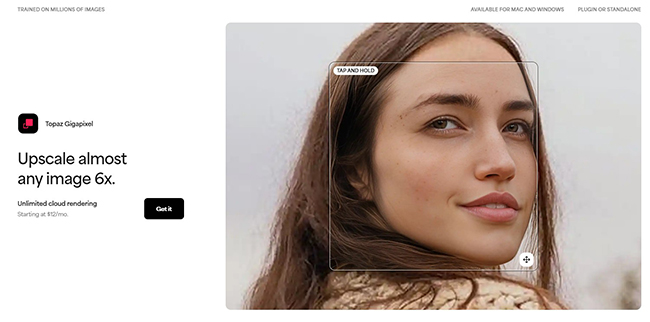
Topaz Gigapixel AI is one of the most advanced AI image upscalers available in 2026, widely used by photographers and designers who need high-end results. It uses deep learning models to upscale images up to 6x while preserving textures, details, and sharpness.
Unlike basic tools, it can intelligently reconstruct faces, edges, and fine details, making it ideal for professional photo enhancement, print-quality images, and high-resolution design work. It also supports batch processing, which is crucial for handling large image volumes efficiently.
👉 Why it stands out:
Delivers industry-leading quality for AI image upscaling and photo enhancement with exceptional detail accuracy.
2. Let’s Enhance
Best for automatic AI photo enhancement
Let’s Enhance is a powerful AI photo enhancer designed for quick and automatic improvements. It allows users to upscale images, fix colors, enhance lighting, and improve clarity in just a few clicks.
This tool is especially popular among eCommerce brands and marketers because it can enhance product images at scale. With batch processing and API access, it’s perfect for AI image enhancement workflows and business automation.
👉 Why it stands out:
Fast, beginner-friendly tool for AI image upscaling and color enhancement at scale.
3. Remini
Best for face enhancement and portrait restoration
Remini is one of the most popular AI photo enhancement tools for improving faces and portraits. It specializes in restoring blurry, low-quality images and turning them into sharp, high-resolution visuals.
It’s widely used for social media, personal photos, and portrait photography, making it a go-to solution for users looking to quickly enhance image quality using AI.
👉 Why it stands out:
Exceptional at AI face enhancement and photo restoration.
4. Adobe Photoshop (Super Resolution & AI Tools)
Best for professional editing with AI integration
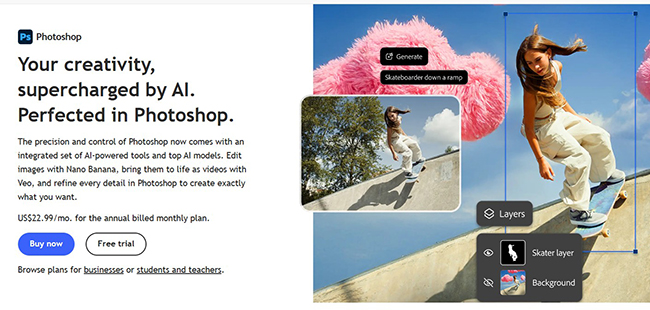
Adobe Photoshop continues to lead the industry with its powerful AI image enhancement tools, including Super Resolution, Neural Filters, and AI-powered retouching features.
Designers can upscale images, enhance details, remove noise, and apply advanced edits within one ecosystem. It’s ideal for professionals who want full control combined with AI-powered automation.
👉 Why it stands out:
Combines manual editing precision with advanced AI photo enhancement tools.
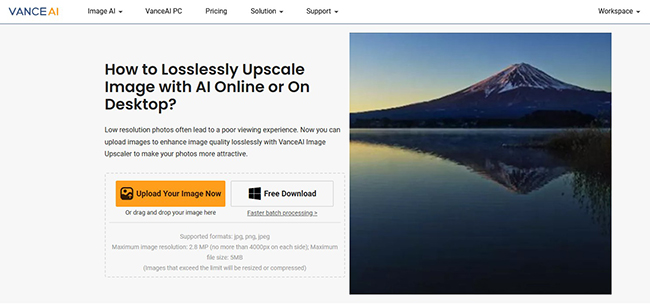
5. VanceAI Image Upscaler
Best for online AI upscaling tools
VanceAI offers a suite of AI image enhancement tools, including upscaling, sharpening, denoising, and restoration. It works entirely online, making it accessible without software installation.
It’s a great option for users who want fast results with minimal setup while still achieving strong quality improvements.
👉 Why it stands out:
All-in-one platform for AI image upscaling, sharpening, and enhancement.
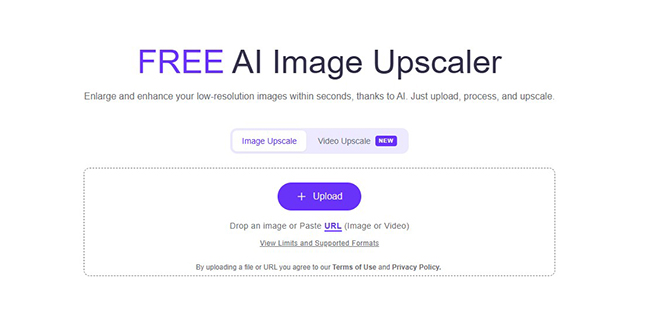
6. Upscale.media
Best for simple and fast image upscaling
Upscale.media is a clean and user-friendly AI image upscaler that allows users to improve image resolution instantly. It’s ideal for beginners and quick tasks.
It supports multiple formats and provides fast processing, making it perfect for social media content, websites, and small design projects.
👉 Why it stands out:
Simple, fast, and effective AI image enhancement tool for everyday use.
7. Fotor AI Photo Enhancer
Best for all-in-one AI photo editing
Fotor combines AI photo enhancement, retouching, and editing tools into one platform. Users can improve image quality, adjust lighting, remove noise, and enhance details automatically.
It’s widely used by content creators and marketers who need quick improvements without complex editing workflows.
👉 Why it stands out:
Versatile AI photo editing and enhancement tool for creators.
8. Icons8 Smart Upscaler
Best for clean UI and quick results
Icons8 Smart Upscaler is a lightweight yet effective AI image upscaling tool that focuses on simplicity and quality. It’s particularly good for design assets, illustrations, and UI graphics.
👉 Why it stands out:
Great for designers working with UI, icons, and digital assets.
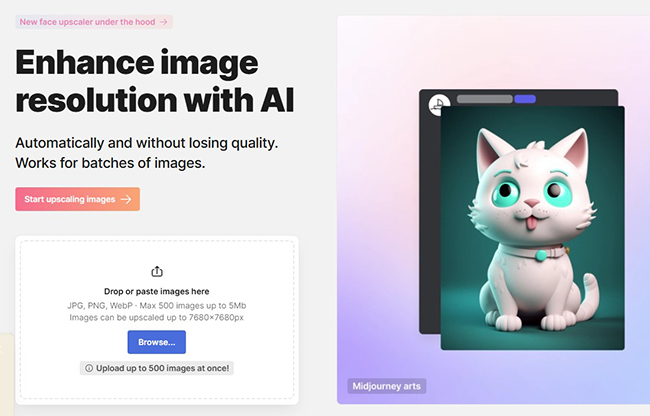
9. Deep Image AI
Best for API and automation workflows
Deep Image AI is designed for businesses that need AI image upscaling at scale. It offers API access, batch processing, and automation features, making it ideal for developers and companies.
👉 Why it stands out:
Perfect for AI image enhancement automation and large-scale processing.
10. Pixelcut AI Upscaler
Best for eCommerce and product images
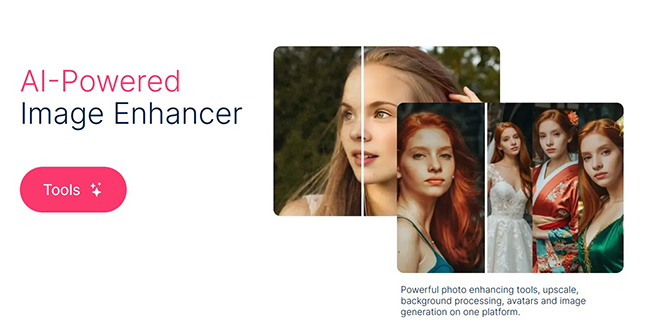
Pixelcut is a popular AI image enhancer for eCommerce. It allows users to upscale images, remove backgrounds, and optimize product photos for online stores.
👉 Why it stands out:
Optimized for AI product image enhancement and eCommerce visuals.
🔥 Final Thoughts
AI image upscalers in 2026 are more powerful than ever. Whether you need:
- professional-quality images → Topaz, Photoshop
- quick results → Upscale.media, Fotor
- automation → Deep Image AI
👉 The best approach is combining tools depending on your workflow.
❓ FAQ – AI Image Upscalers & Photo Enhancement Tools
What is the best AI image upscaler in 2026?
The best AI image upscaler in 2026 depends on your needs. Tools like Topaz Gigapixel AI and Adobe Photoshop offer professional-quality results, while platforms like Let’s Enhance and Upscale.media are great for quick and easy image improvement.
How do AI image upscalers work?
AI image upscalers use machine learning models trained on millions of images to intelligently increase resolution. Instead of simply stretching pixels, they generate new details, sharpen textures, and enhance image quality.
Can AI upscale images without losing quality?
Yes, modern AI image enhancement tools can upscale images without noticeable quality loss. In many cases, they actually improve clarity, reduce noise, and restore missing details, making images look sharper and more professional.
Are there free AI photo enhancement tools?
Yes, many platforms offer free versions of AI photo enhancers, including Upscale.media, Fotor, and Let’s Enhance. However, premium tools usually provide higher resolution outputs and more advanced features.
What is the difference between image upscaling and photo enhancement?
Image upscaling focuses on increasing resolution, while photo enhancement improves overall quality by adjusting sharpness, colors, lighting, and noise. Most modern AI tools combine both features in one platform.
Which AI tools are best for designers and photographers?
For professionals, tools like Topaz Gigapixel AI, Photoshop, and VanceAI are among the best AI tools for designers and photographers, offering advanced control and high-quality results.
Can AI restore old or blurry photos?
Yes, many AI photo restoration tools can fix blurry, damaged, or old images by enhancing details, correcting colors, and reconstructing missing parts using deep learning technology.
Discover more from DesignRise
Subscribe to get the latest posts sent to your email.