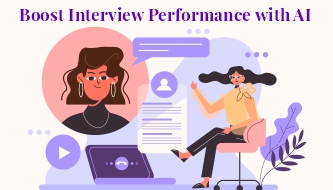
Job interviews can feel intimidating even for experienced designers. You may have a strong portfolio, years of practice, and real project experience — but once the interview starts, everything depends on how clearly you can explain your thinking.
Design interviews are not only about showing beautiful work. Hiring teams want to understand how you solve problems, how you collaborate, how you handle feedback, how you make decisions, and whether your design process fits their team.
This is where AI interview preparation for designers can be extremely useful. AI can help you analyze job descriptions, prepare portfolio stories, practice tough questions, research companies, improve your communication, and write better follow-up emails after the interview.
But AI should not make you sound robotic. The goal is not to memorize perfect answers. The goal is to become clearer, more prepared, and more confident while still sounding like yourself.
In this DesignRise guide, we’ll walk through a practical, human-centered way designers can use AI to improve interview performance in 2026 — from reading the job description to sending a strong follow-up message after the call.
The Real Interview Problem Designers Face
Most designers do not fail interviews because they lack talent. They struggle because they do not explain their work clearly enough.
A designer may have strong visuals, but the hiring team still wants answers to questions like:
- What problem were you solving?
- Why did you make this design decision?
- What was your role in the project?
- How did you handle constraints?
- How did you respond to feedback?
- What changed because of your design?
- How do you work with developers, managers, or clients?
If your answers are too vague, the portfolio can feel weaker than it really is. If your case study is too long, the interviewer may miss the strongest points. If you do not connect your work to business or user outcomes, the design may look nice but not strategic.
AI interview preparation for designers helps fix this by turning messy experience into clear, structured stories.
Explore More DesignRise Resources:
- Best AI Mockup Tools & Generators for Designers
- Best GPT-Powered Tools to Boost Your ChatGPT Experience
- Top AI Photo Editing Tools Designers Can’t Live Without
- 10 AI Tools Every Designer Should Try in 2026
Why AI Matters in the Interview Process
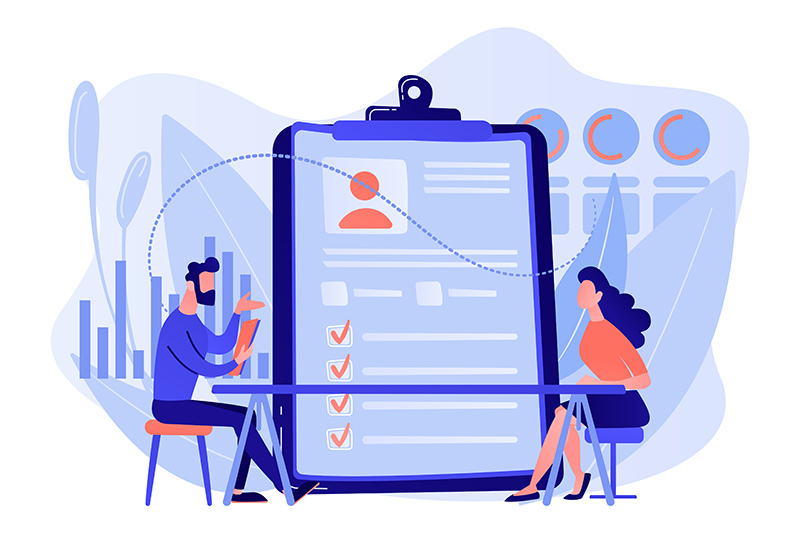
Design interviews often require several different skills at once. You need to present your work, explain your process, answer behavioral questions, understand the company, and show that you can communicate clearly under pressure.
AI can help with every stage of that process.
For designers, AI can act as a:
- job description analyst that helps you understand what the hiring team values;
- portfolio editor that helps you make case studies clearer;
- interview coach that asks realistic questions;
- company research assistant that summarizes products, competitors, and brand language;
- communication trainer that helps you sound more structured;
- follow-up writer that helps you send a professional email after the interview.
The best part is that AI can personalize your preparation. Instead of reading generic interview tips, you can prepare for a specific role, company, product, and portfolio story.
Start With the Job Description Before Touching Your Portfolio
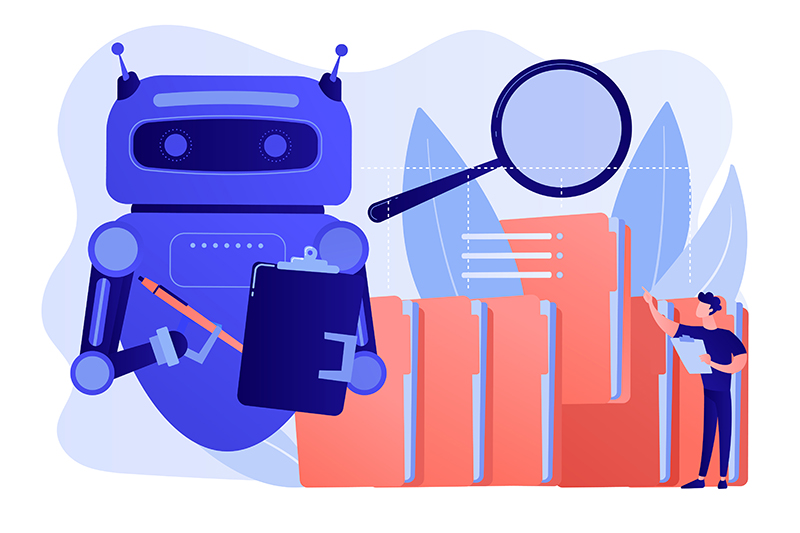
One of the biggest mistakes designers make is preparing the same way for every interview. A UI/UX role at a SaaS company is different from a brand designer role at an agency. A product designer role at a startup is different from a visual designer role at an enterprise company.
The job description tells you what the company is looking for, but it is not always written clearly. AI can help decode it.
What AI Can Extract From a Job Description
- Required design skills.
- Tools and workflows the company expects.
- Soft skills that matter for the role.
- Hidden expectations behind the wording.
- Keywords to use naturally in your answers.
- Portfolio case studies that match the role.
- Possible interview questions based on the job post.
You can use tools like ChatGPT, Claude, or Perplexity AI to analyze the job description before you prepare your answers.
Prompt to Analyze a Design Job Description
Act as a senior design recruiter. Analyze this job description and tell me what the company values most in a designer. Extract the key skills, hidden expectations, likely interview topics, and which portfolio case studies I should prepare.
What to Do With the AI Output
Do not copy the AI response word for word. Use it as a map. If the role emphasizes design systems, prepare a case study where you worked with components or consistency. If the role emphasizes user research, prepare a story about how insights changed your design direction. If the role mentions collaboration, prepare examples of working with developers, product managers, clients, or marketing teams.
This is how AI interview preparation for designers becomes practical: it helps you prepare the right stories, not just more stories.
Build a Portfolio Story, Not Just a Portfolio Deck
A design interview is not a gallery walk. The interviewer does not only want to see final screens, logos, layouts, or illustrations. They want to understand the story behind the work.
A strong portfolio story usually includes:
- the problem;
- the context;
- your role;
- constraints;
- process;
- key decisions;
- final outcome;
- what you learned.
AI can help you turn a messy case study into a clear narrative. This is especially useful if your portfolio has too much text, too many screenshots, or unclear project descriptions.
Use AI to Find the Strongest Story in a Case Study
Sometimes the strongest part of a project is not the final visual. It may be the problem you solved, the constraint you handled, the research insight you discovered, or the way you improved the user flow.
Ask AI to help identify that story.
Act as a portfolio reviewer for a product design role. Read this case study and identify the strongest story. What should I emphasize in a 5-minute interview presentation? What should I remove or shorten?
Use AI to Rewrite Case Study Sections
Tools like Notion AI or Jasper can help rewrite portfolio text to sound clearer and more professional.
AI can help you:
- clarify problem statements;
- strengthen UX reasoning;
- improve flow and readability;
- highlight business or user impact;
- remove irrelevant details;
- turn long paragraphs into presentation notes;
- rewrite technical explanations in simpler language.
Portfolio Story Template
| Section | What to Say | What to Avoid |
|---|---|---|
| Context | What the project was and why it mattered | Long company background |
| Problem | The user or business challenge | Vague statements like “make it better” |
| Your Role | What you personally contributed | Making team work sound like solo work |
| Process | Key steps that shaped the final solution | Listing every small task |
| Decision | Why you chose this direction | Only saying “it looked clean” |
| Result | Outcome, learning, feedback, or measurable impact | Ending with visuals only |
Prepare Answers That Sound Natural, Not Memorized
Design interviews often include questions that sound simple but are difficult to answer well.
Examples include:
- Tell me about yourself.
- Walk me through your design process.
- Tell me about a design challenge you solved.
- How do you handle negative feedback?
- How do you work with developers?
- What do you do when stakeholders disagree?
- How do you measure whether a design works?
- Why do you want this role?
AI can generate practice questions and then evaluate your answers. But the goal is not to create perfect scripted responses. The goal is to practice structure so you can answer naturally.
The Simple Answer Framework Designers Can Use
For many interview answers, use this structure:
- Situation: what was happening?
- Problem: what needed to be solved?
- Action: what did you do?
- Decision: why did you choose that approach?
- Result: what changed, improved, or what did you learn?
This keeps your answers clear without sounding robotic.
Prompt for AI Interview Practice
Act as a senior design manager interviewing me for a UI/UX designer role. Ask one question at a time. After each answer, evaluate my response for clarity, structure, confidence, design reasoning, and relevance to the role. Then suggest a stronger version that still sounds natural.
Prompt for Behavioral Questions
Give me 15 behavioral interview questions for a product designer. Include questions about collaboration, conflict, feedback, ambiguity, deadlines, accessibility, and working with developers.
Use AI to Prepare a Strong Portfolio Presentation

A portfolio presentation should not include everything. It should guide the interviewer through your best thinking.
Many designers make the same mistake: they show too many screens and not enough reasoning. A hiring team does not need to see every wireframe. They need to understand how you think.
AI can help you turn a long case study into a focused presentation.
What a Strong Portfolio Presentation Should Include
- A short project introduction.
- Your role and responsibilities.
- The problem you solved.
- Important constraints.
- Key research or insight.
- Two or three major design decisions.
- Final design outcome.
- Impact, learning, or next steps.
Tools like Gamma and Canva AI can help create slide outlines, visual structure, summaries, and presentation flow.
Prompt for Turning a Case Study Into Slides
Turn this design case study into a 7-slide interview presentation. Keep it concise and focused on problem, process, decisions, outcome, and what I learned. Suggest a title for each slide and bullet points I can speak about.
Presentation Tip
Do not let AI make the presentation too polished but empty. The best portfolio deck still needs your voice, your decisions, and your real project experience.
Research the Company Like a Designer, Not Like a Tourist

Before a design interview, you should know more than the company name and homepage. You should understand their product, audience, visual language, competitors, and possible design challenges.
AI can help you research faster, especially when you are preparing for several interviews.
What to Research Before the Interview
- The company’s main product or service.
- The target audience.
- The current website or app experience.
- Visual style and brand voice.
- Competitors.
- Recent launches or updates.
- Design patterns they already use.
- Possible UX or visual opportunities.
Tools like Perplexity AI can help summarize public information. You can also use AI to organize your own notes after reviewing the company website, product screenshots, app store pages, social media, or blog.
Company Research Prompt
Act as a product designer preparing for an interview. Based on this company information, summarize the product, target users, visual style, possible UX challenges, competitors, and three thoughtful questions I can ask the hiring team.
Smart Questions to Ask the Hiring Team
- How does the design team measure success for this role?
- What design challenges is the team currently trying to solve?
- How do designers collaborate with product managers and developers?
- What does the first 90 days usually look like for this position?
- How does the team handle user research and feedback?
- What part of the product experience needs the most improvement right now?
These questions show that you are thinking like a designer, not just a candidate.
Improve Verbal Communication With AI
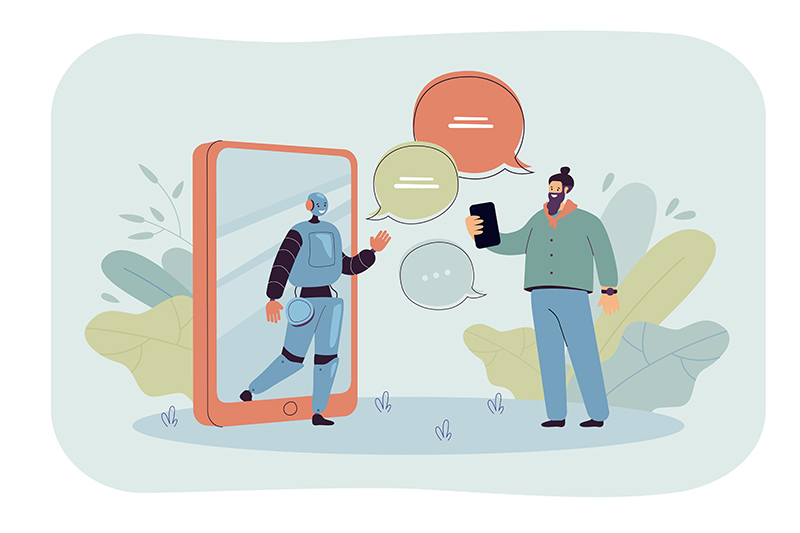
Strong designers sometimes lose opportunities because they explain good ideas in a confusing way. Interview communication matters.
AI can help you improve how you speak about your work, especially if English is not your first language or if you tend to over-explain when nervous.
AI Can Help Improve
- speech clarity;
- interview phrasing;
- professional vocabulary;
- answer structure;
- confidence and tone;
- shorter explanations;
- more natural storytelling.
Tools like QuillBot and ElevenLabs can support rewriting, phrasing, voice practice, and spoken communication training.
Prompt to Make an Answer Sound More Natural
Rewrite this interview answer so it sounds clear, confident, and natural. Keep my meaning, but make it less long and less robotic. Use a professional but friendly tone.
Prompt to Practice Speaking
Here is my answer to “Tell me about your design process.” Evaluate whether it sounds clear and confident. Tell me what feels too vague, too long, or too generic, then suggest a stronger version I can practice speaking aloud.
Prepare for Whiteboard Challenges and Design Exercises
Many design interviews include a live challenge, whiteboard exercise, take-home task, or product critique. AI can help you practice before the interview, but you should never use AI dishonestly during a live task if the rules do not allow it.
For preparation, AI is useful because it can simulate realistic design problems.
Practice Tasks AI Can Generate
- Design a checkout flow for a mobile app.
- Improve onboarding for a productivity tool.
- Create a dashboard for small business owners.
- Redesign a confusing booking experience.
- Improve accessibility for a form-heavy interface.
- Create a feature concept for a fitness app.
Whiteboard Practice Prompt
Act as a design interviewer. Give me a realistic whiteboard challenge for a product designer. After I answer, evaluate my problem framing, assumptions, user needs, solution structure, edge cases, and communication clarity.
How to Structure a Design Exercise Answer
- Clarify the goal.
- Define the user.
- List assumptions.
- Identify pain points.
- Sketch or describe the flow.
- Explain trade-offs.
- Mention how you would test the solution.
This structure shows that you can think under pressure, not just produce visuals.
Use AI to Prepare a Strong Follow-Up Email
A thoughtful follow-up email can help you stay memorable after the interview. It should not be long. It should feel specific, polite, and connected to the conversation you had.
AI can help draft the message, but you should always personalize it before sending.
What to Include in a Follow-Up Email
- A short thank-you message.
- One specific thing you enjoyed discussing.
- A reminder of the value you bring.
- A link to relevant portfolio work if appropriate.
- A polite closing.
Follow-Up Email Prompt
Write a warm, professional follow-up email after a design interview. Mention that I enjoyed discussing the product experience, collaboration with developers, and user-centered design. Keep it short, confident, and natural.
Example Follow-Up Email
Hi [Name],
Thank you again for taking the time to speak with me today. I really enjoyed learning more about the team’s approach to product design and the challenges you are working on right now.
Our conversation made me even more excited about the role, especially the opportunity to contribute to clearer user flows, stronger design systems, and thoughtful collaboration with product and engineering.
I’m happy to share any additional portfolio details if helpful. Thanks again for your time, and I look forward to hearing from you.
Best,
[Your Name]
AI Interview Preparation Checklist for Designers
Use this checklist before your next design interview:
- Have I analyzed the job description?
- Do I know which skills the company values most?
- Have I selected the best portfolio case studies for this role?
- Can I explain each case study in 5 minutes?
- Do I know my role, process, decisions, and results for each project?
- Have I practiced behavioral questions?
- Have I prepared thoughtful questions for the hiring team?
- Have I researched the company’s product and design style?
- Have I practiced explaining my design process aloud?
- Have I prepared for a possible whiteboard or design challenge?
- Have I written a follow-up email template?
Common Mistakes Designers Should Avoid
Memorizing AI-Written Answers
Memorized answers sound unnatural. Use AI to structure your ideas, then practice saying them in your own voice.
Using the Same Portfolio Story for Every Role
Different roles need different emphasis. Match your case studies to the company’s needs.
Talking Only About Visuals
Hiring teams want to hear about problems, decisions, users, constraints, collaboration, and outcomes — not only aesthetics.
Overloading the Presentation
A portfolio presentation should be focused. Do not show every screen if it does not support the story.
Not Preparing Questions
Good questions show curiosity and maturity. Prepare questions about team process, success metrics, collaboration, and product challenges.
Letting AI Remove Your Personality
AI can make writing cleaner, but it can also make it too generic. Keep your real experience, your tone, and your point of view.
Useful AI Interview Tools and Resources for Designers
These tools can support different parts of AI interview preparation for designers:
- ChatGPT — interview practice, portfolio storytelling, job description analysis, and answer refinement.
- Claude — long-form case study review, writing improvement, and structured interview preparation.
- Perplexity AI — company research and public information summaries.
- Notion AI — portfolio notes, case study structure, and preparation documents.
- Gamma — portfolio presentation outlines and slide structure.
- Canva AI — visual presentation support and quick deck creation.
- QuillBot — rewriting and communication clarity.
- ElevenLabs — voice practice and spoken communication support.
FAQ: AI Interview Preparation for Designers
How can designers use AI for interview preparation?
Designers can use AI to analyze job descriptions, prepare portfolio stories, generate practice questions, simulate interviews, research companies, improve communication, and write follow-up emails.
Can AI help improve a design portfolio?
Yes. AI can help clarify case study narratives, shorten long explanations, improve project structure, highlight impact, and prepare stronger portfolio presentation notes.
Should designers use AI-written interview answers?
Designers should not memorize AI-written answers. It is better to use AI for structure and clarity, then rewrite and practice the answer in your own natural voice.
Can AI simulate a design interview?
Yes. AI can act as a design manager, recruiter, or portfolio reviewer and ask realistic questions. It can also give feedback on clarity, structure, and relevance.
How can AI help with company research?
AI can summarize public information about a company, including products, competitors, brand style, recent updates, target users, and possible design challenges.
Can AI help if English is not my first language?
Yes. AI can help rewrite answers in clearer English, improve phrasing, simplify long explanations, and help you practice speaking with more confidence.
Is it ethical to use AI for interview preparation?
Using AI to prepare, practice, research, and improve communication is generally fine. However, candidates should be honest about their experience and should not use AI to fake skills, projects, or answers during restricted live tasks.
What is the best AI prompt for design interview practice?
A strong prompt is: “Act as a senior design manager interviewing me for a [role]. Ask one question at a time, evaluate my answer, and suggest how I can make it clearer, more specific, and more relevant to the role.”
Final Thoughts: AI Can Help You Prepare, but You Still Need to Show Up as Yourself
AI is not here to replace designers in the interview process. It is here to help designers prepare better, communicate more clearly, and walk into interviews with more confidence.
The strongest candidates are not the ones who sound perfectly scripted. They are the ones who understand their work, explain decisions clearly, connect design to real problems, and show curiosity about the company.
Use AI to organize your thinking. Use it to practice. Use it to improve your portfolio story. Use it to research smarter and reduce stress.
But when the interview starts, remember: the hiring team wants to meet you, not a perfect AI-generated version of you.
AI can help you prepare. Your experience, judgment, and personality are what make the interview memorable.
Explore more AI tools, career resources, and design workflow guides on DesignRise.
Discover more from DesignRise
Subscribe to get the latest posts sent to your email.