
Best 3D Illustration Libraries for UI Designers
3D illustration has become one of the most recognizable visual trends in modern UI design. From SaaS landing pages and mobile onboarding screens to dashboards, product websites, and app interfaces, 3D visuals help designers add depth, personality, and a stronger emotional layer to digital products.
For many UI designers, creating custom 3D assets from scratch in Blender, Cinema 4D, or Spline can be time-consuming. That is why ready-made 3D illustration libraries are still extremely useful. They help designers quickly add high-quality visuals to interfaces without building every object, character, or scene manually.
This DesignRise collection highlights some of the best 3D illustration libraries, Figma-friendly assets, 3D character packs, and UI design resources that can help you create more engaging digital products. Some libraries are free, while others are premium, so always check the license before using them in commercial projects.
The original version of this article was based on older 3D illustration resources, but the UI design landscape has changed a lot. Today, designers use 3D assets not only for decoration, but also for onboarding flows, feature highlights, empty states, product storytelling, social media visuals, and brand systems.
Explore More DesignRise Resources:
- Free Charcoal Brushes for Procreate — Natural Drawing & Texture Effects
- Best Powerful Logo Fonts for Strong Brand Identity
- Ultimate Hoodie Mockup Collection for Photoshop (2026): High-Quality Templates for Creatives
Why 3D Illustrations Still Matter in UI Design
3D illustrations can make a digital product feel more polished, playful, and memorable. They work especially well when a brand wants to explain an abstract idea, make a landing page feel more premium, or guide users through a product experience with stronger visual storytelling.
Unlike simple stock images, 3D assets often feel more flexible for UI design because they can be used across websites, apps, pitch decks, product pages, and marketing campaigns. A consistent 3D style can also become part of a larger brand identity system.
On DesignRise, we see 3D illustration libraries as especially useful for designers who need strong visuals quickly but do not always have time to model, texture, light, and render custom 3D scenes from scratch.
How UI Designers Use 3D Illustration Libraries
Modern UI designers use 3D illustration libraries in many practical ways:
- Hero sections for SaaS and startup landing pages
- Mobile app onboarding screens
- Dashboard empty states
- Feature explanation sections
- Product marketing visuals
- Pitch decks and investor presentations
- Social media graphics and launch campaigns
- Figma prototypes and concept presentations
The best 3D illustration library should match your product tone. A playful character set may work well for a consumer app, while minimal 3D icons or abstract shapes may be better for SaaS, fintech, AI tools, or productivity platforms.
What to Look for in a Good 3D Illustration Library
Before choosing a 3D asset pack, check whether the library includes flexible formats, consistent visual style, commercial usage rights, transparent licensing, and compatibility with your workflow.
For UI designers, Figma compatibility is especially useful. Some libraries provide PNG files only, while others include Blender files, Figma components, editable scenes, or formats that work with tools like Photoshop, Illustrator, and Sketch.
Also consider how customizable the assets are. Ready-made PNG illustrations are fast to use, but editable 3D scenes give you more control over camera angle, lighting, colors, shadows, and brand alignment.

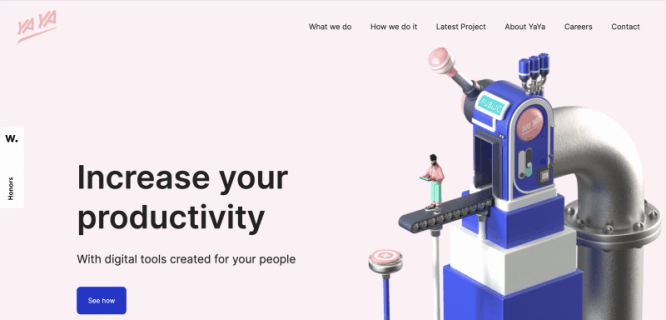
Creating a custom 3D illustration from scratch is not always as simple as adding a flat icon to a Figma layout. If you do not have time to build your own 3D assets, the libraries below can help you add depth, character, and a more polished visual style to your UI projects.
Note: This collection includes both free and premium resources. DesignRise is not affiliated with these libraries, and availability or pricing may change over time. Always check the official website and license before using any asset commercially.
1. Characterz ($)
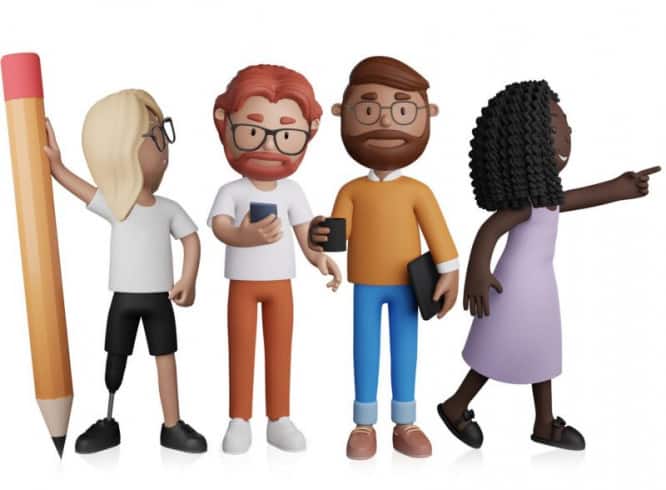
Characterz is another fantastic product from ThreeDee. It includes a Blender package for creating your own avatars, but you can also use ready-made PNG files compatible with Figma, Sketch, XD, Photoshop, and Illustrator. It also comes with a user guide for designers who are not familiar with Blender.
2. Vectary Plugin for Figma
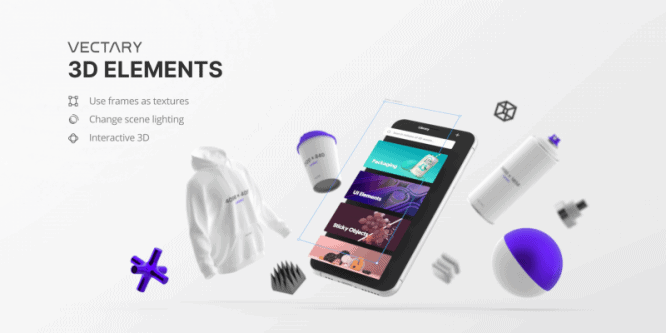
I like the Vectary 3D plugin because it makes it easier to create layouts quickly. With one click, you can add a Figma frame to your 3D canvas. The plugin also offers a variety of mockups, from mobile phones and desktop computers to Apple Watch and t-shirts. Vectary is useful if you are looking for a tool to add 3D elements to your projects.
3. Best Pixels ($)
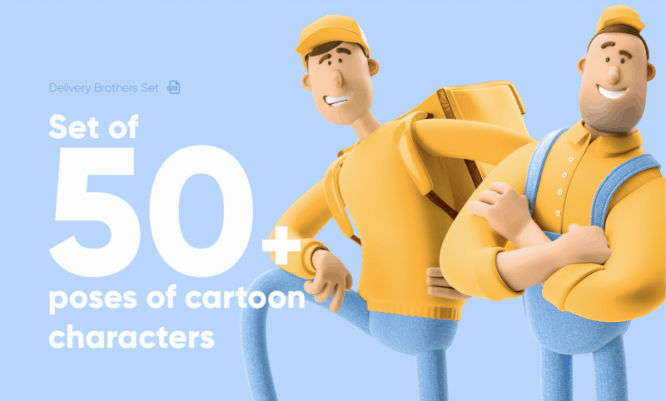
BestPixels offers a large selection of ready-made images sold through Creative Market. For Figma users, the main downside is that many illustrations come as custom Photoshop files, so they may not be ideal if you do not work with PSD files. Still, the illustrations are high quality and can be exported from PSD to PNG for use in Figma.
4. UI8 ($)
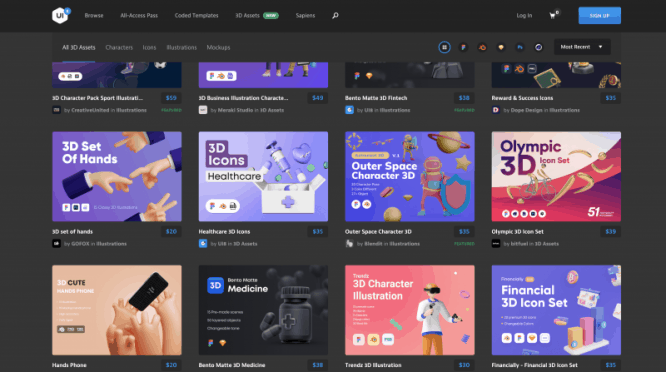
UI8 is a marketplace full of UI kits, design systems, and creative resources. The 3D assets section contains useful resources for many different design styles and product categories. If you are looking for a specific theme, UI8 is a good place to explore. Many kits are compatible with Blender and Figma, but always check the product details before purchasing.
5. Toy Faces ($)
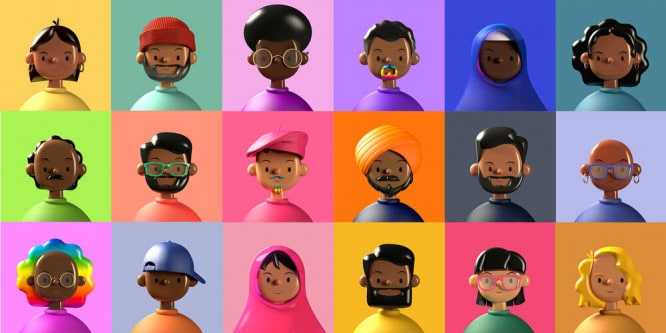
Check out the playful 3D artwork on amritpaldesign.com. In the Design Asset section, you can find different sets, including the popular Toy Faces collection. You can also download a free demo pack to test the style before purchasing.
6. SALY — 3D Illustration Pack
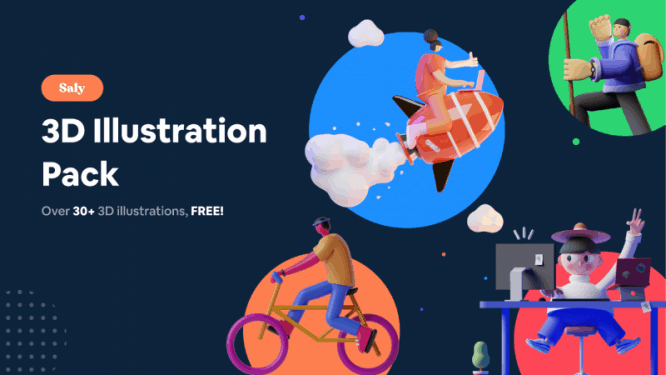
SALY is a well-known free 3D illustration pack from the Figma community. Everything is ready to use in Figma, which makes it a convenient option for quick UI projects. The illustrations are ready-made PNG files, so customization is limited, but the set is still very useful for landing pages, onboarding screens, and concept designs.
7. Fall Guys
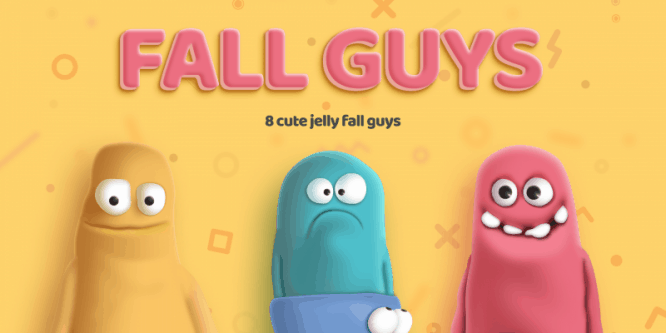
Fall Guys may not be the most typical business-style illustration set, but the characters are playful, colorful, and memorable. If your product needs a fun and friendly visual tone, this free Figma resource can be worth testing.
8. Handy Hands
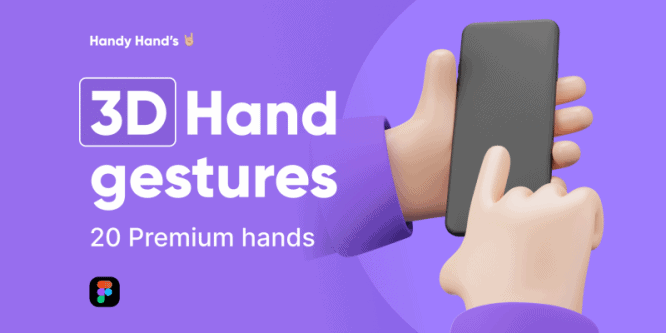
3D Hand Gestures contains 20 premium hand images that can be customized in Figma. Hand gestures are useful for onboarding screens, feature highlights, app tutorials, and visual storytelling inside UI layouts.
9. Handz ($, but there is a free trial)
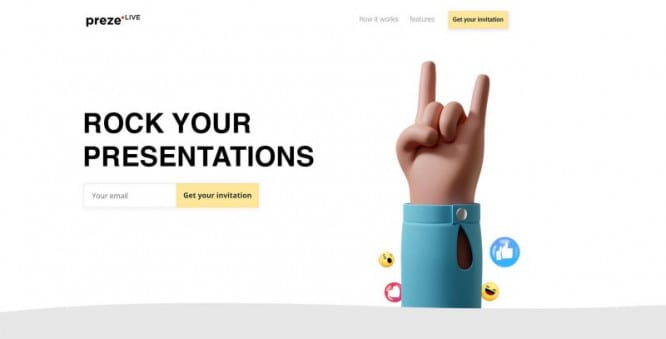
If you like the idea of 3D illustrations but need more flexibility, Handz is another strong set from ThreeDee. It includes a Blender package for creating your own illustrations, but you can also use ready-made PNG files compatible with Figma, Sketch, XD, Photoshop, and Illustrator. A free trial version is also available.
10. 3ddd ($, but there is a free trial)
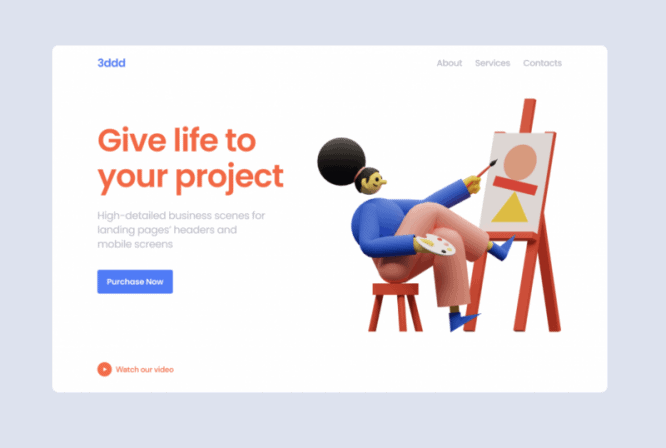
3ddd offers a set of colorful and playful characters for web and app design. You can try the free demo version before using the full pack. It is not the largest library, but it can work well if you need simple characters for modern digital products.
11. Kukla Kit ($, but there is a free trial)

Kukla Kit is a comprehensive set of customizable 3D illustrations for presentations, applications, and websites. Compatibility with Blender and Figma makes it especially useful for designers who want more control over their visual direction. A free trial version is available on the official website.
12. Stock Images ($)
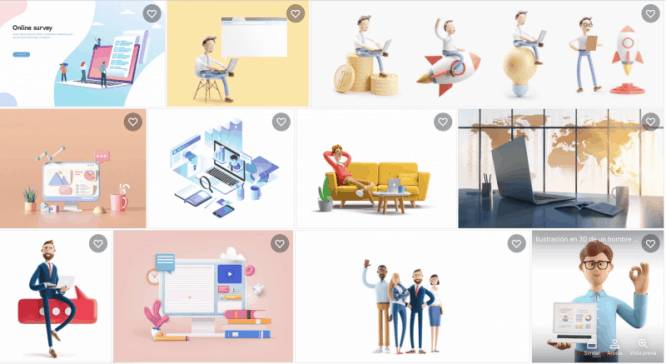
You can also buy high-quality 3D illustration images on platforms like Shutterstock, Adobe Stock, and Creative Market. These assets may not be very customizable, but they can work well when you need a polished hero image, landing page visual, or presentation graphic quickly.
Final Thoughts: Choosing the Right 3D Illustration Library
The best 3D illustration library depends on the type of interface you are designing. For SaaS products and startup websites, abstract shapes, device mockups, and minimal 3D icons often work best. For onboarding screens, playful characters and hand gestures can make the experience feel more human and approachable.
If you need speed, choose ready-made PNG or Figma assets. If you need more control, look for libraries that include Blender files, editable scenes, or flexible 3D formats. The more customizable the library is, the easier it will be to match your brand colors, lighting style, and visual direction.
DesignRise regularly updates design resource collections for UI designers, product designers, and creative teams. Bookmark this page and revisit it whenever you need fresh 3D illustration libraries, Figma-friendly assets, or visual inspiration for modern interface design.
Explore More UI and Design Resources
- Best AI Mockup Tools & Generators for Designers
- Best Coffee Cup & Mug Mockup Templates
- Best Powerful Logo Fonts for Strong Brand Identity
- Realistic Rubber Stamp PSD Mockups for Branding Presentations
- Free Balloon Mockup PSD Templates for Event Branding and Creative Presentations
Discover more from DesignRise
Subscribe to get the latest posts sent to your email.