






Free chalkboard mockups are a great way to present restaurant menus, café promotions, hand lettering, typography, school graphics, signage, and creative branding in a setting that feels warmer and more tactile than a standard digital screen.
A chalkboard immediately creates a recognizable visual atmosphere. It can feel handcrafted, nostalgic, casual, educational, rustic, or playful depending on the frame, lettering style, surrounding environment, and color palette.
That makes chalkboard presentations especially useful for cafés, coffee shops, bakeries, restaurants, bars, schools, creative studios, local businesses, and designers working with hand-drawn typography.
This DesignRise collection includes 8 free chalkboard mockups and related Photoshop resources ranging from restaurant menu boards and outdoor signs to vintage green boards, wooden frames, and a chalk typography effect.
You can use these resources to present:
- Restaurant menus.
- Café specials.
- Coffee shop branding.
- Hand lettering.
- Typography.
- Daily offers.
- Quotes.
- School and educational graphics.
- Event signage.
- Food and beverage promotions.
Many chalkboard mockups are Photoshop PSD files with editable artwork areas or Smart Objects, but file structure, resolution, compatibility, and licensing differ between creators.
Licensing note: a resource being free to download does not automatically mean it can be used without restrictions in commercial projects. Always check the current terms on the original source page before using a mockup for paid client work, advertising, templates, products for resale, or other commercial purposes.
Explore More DesignRise Resources:
Why Chalkboard Mockups Work So Well
Most digital presentations start with perfectly clean surfaces: white backgrounds, neutral studio scenes, polished devices, and minimal paper.
Chalkboards offer almost the opposite.
Their texture, imperfect surface, chalk dust, wooden frames, and hand-drawn associations can immediately make typography feel more human.
They Create a Handcrafted Feeling
A chalkboard works particularly well when the brand wants to communicate:
- Local character.
- Craft.
- Warmth.
- Informality.
- Creativity.
- Tradition.
They Give Typography a Real Context
Hand lettering may look beautiful as a vector file, but placing it on a chalkboard makes it easier to judge whether the style actually feels believable as signage.
They Are Useful for Temporary Messages
Restaurants and cafés often use boards for information that changes regularly:
- Dish of the day.
- Seasonal drink.
- Special offer.
- Opening hours.
- Event announcement.
A chalkboard mockup is therefore especially useful for concepts built around flexible messaging.
Which Chalkboard Mockup Should You Choose?
8 Free Chalkboard Mockups & Chalk Effects
1. Free Chalkboard Sign Mockup
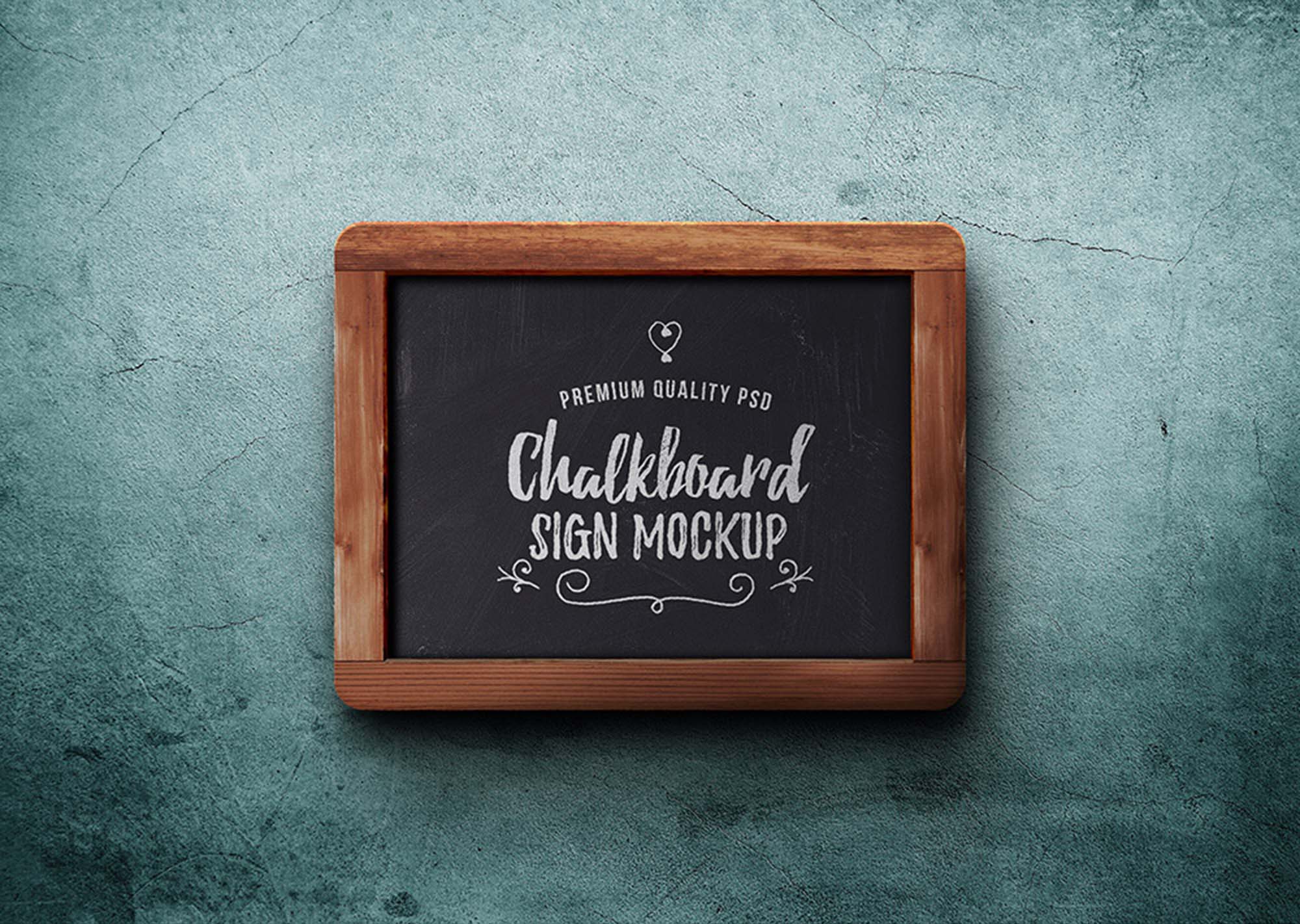
Best for: logo presentations, restaurant signs, café promotions, typography, quotes, and local business branding.
This versatile sign mockup gives designers a relatively clean chalkboard surface while still retaining enough texture to make lettering feel physical.
It works particularly well when you want to present a logo or short phrase rather than a complex multi-column menu.
Keep the Message Simple
Chalkboards naturally contain texture and visual irregularity. Large typography and a clear hierarchy usually work better than several tiny lines of copy.
2. Blackboard Mockup PSD
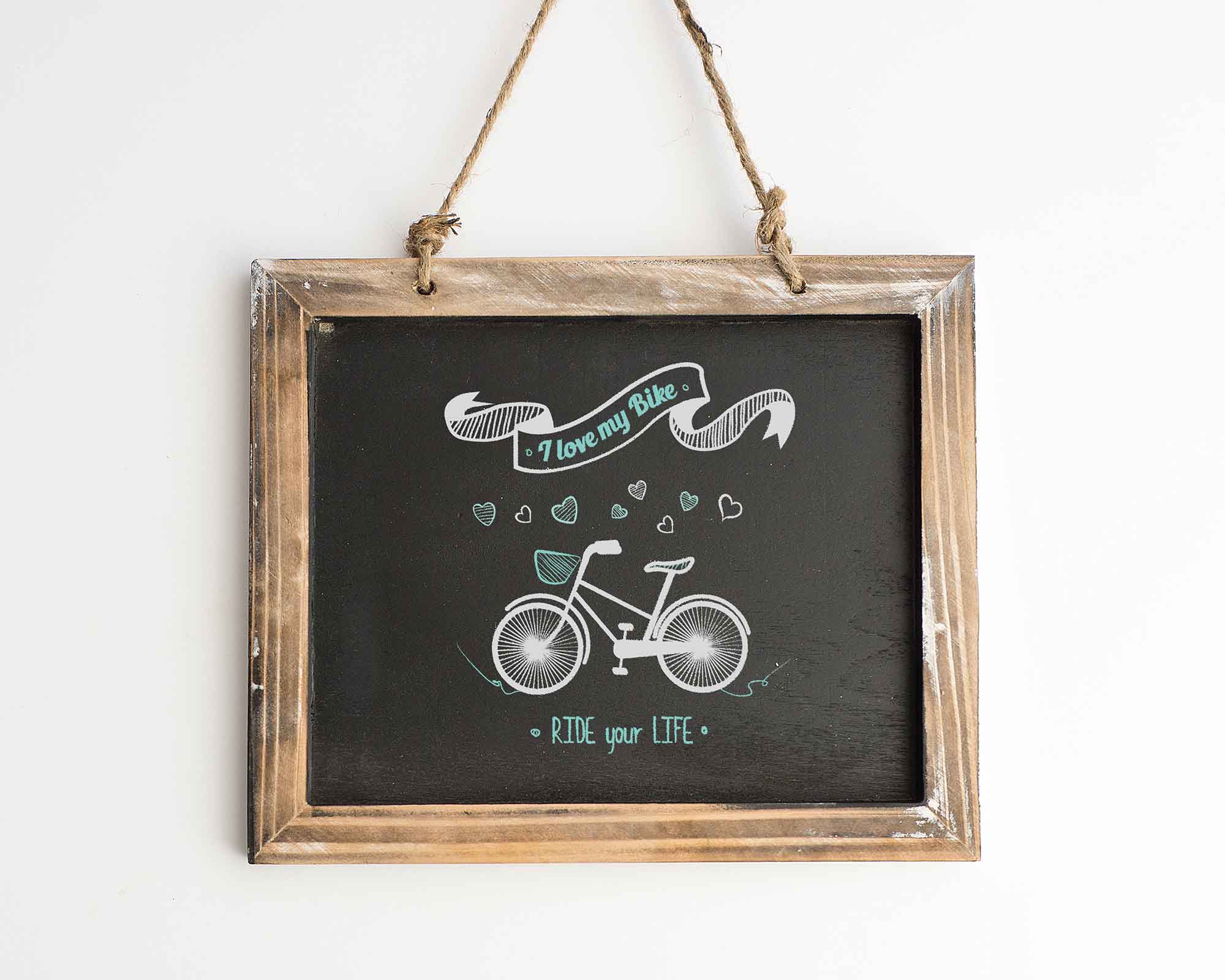
Best for: educational graphics, school projects, teaching materials, lettering, quotes, and classroom-themed design.
A classic blackboard is immediately associated with learning and education, making this style particularly suitable for school-related projects.
It can also work for retro typography or playful branding when the traditional classroom reference is used intentionally.
Check the current Freepik license and account requirements before using the resource commercially.
3. Wooden Edges Signboard Mockup
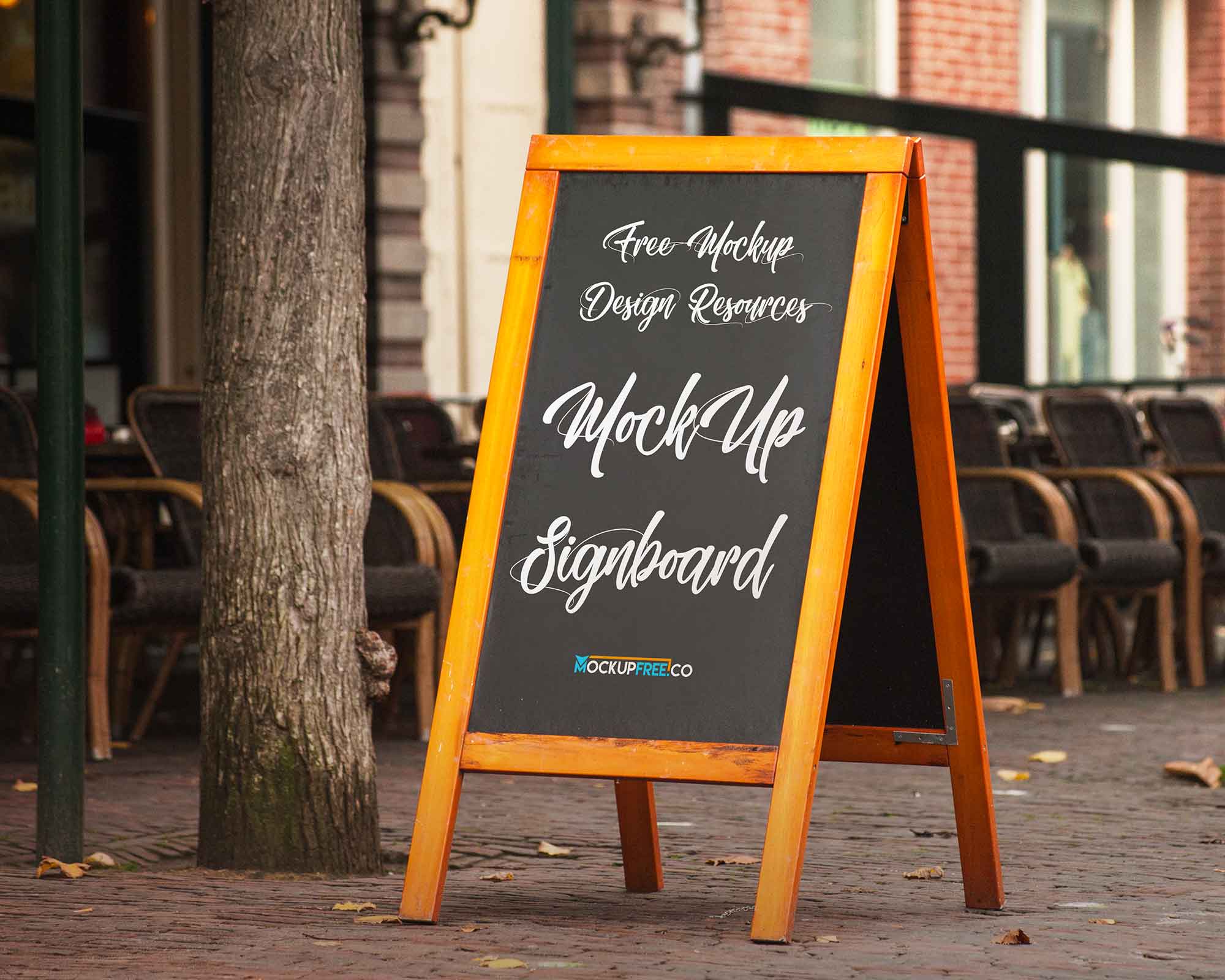
Best for: cafés, bakeries, restaurants, bars, handmade businesses, markets, events, and rustic branding.
The wooden edge adds warmth to the chalkboard and makes the presentation feel more like a physical sign than a flat background.
Match the Typography to the Material
Try combining:
- Hand lettering.
- Simple serif typography.
- Condensed display type.
- Small decorative illustrations.
A highly futuristic interface-style font would usually feel less natural in this context unless that contrast is intentional.
4. Restaurant Menu Chalkboard Mockup
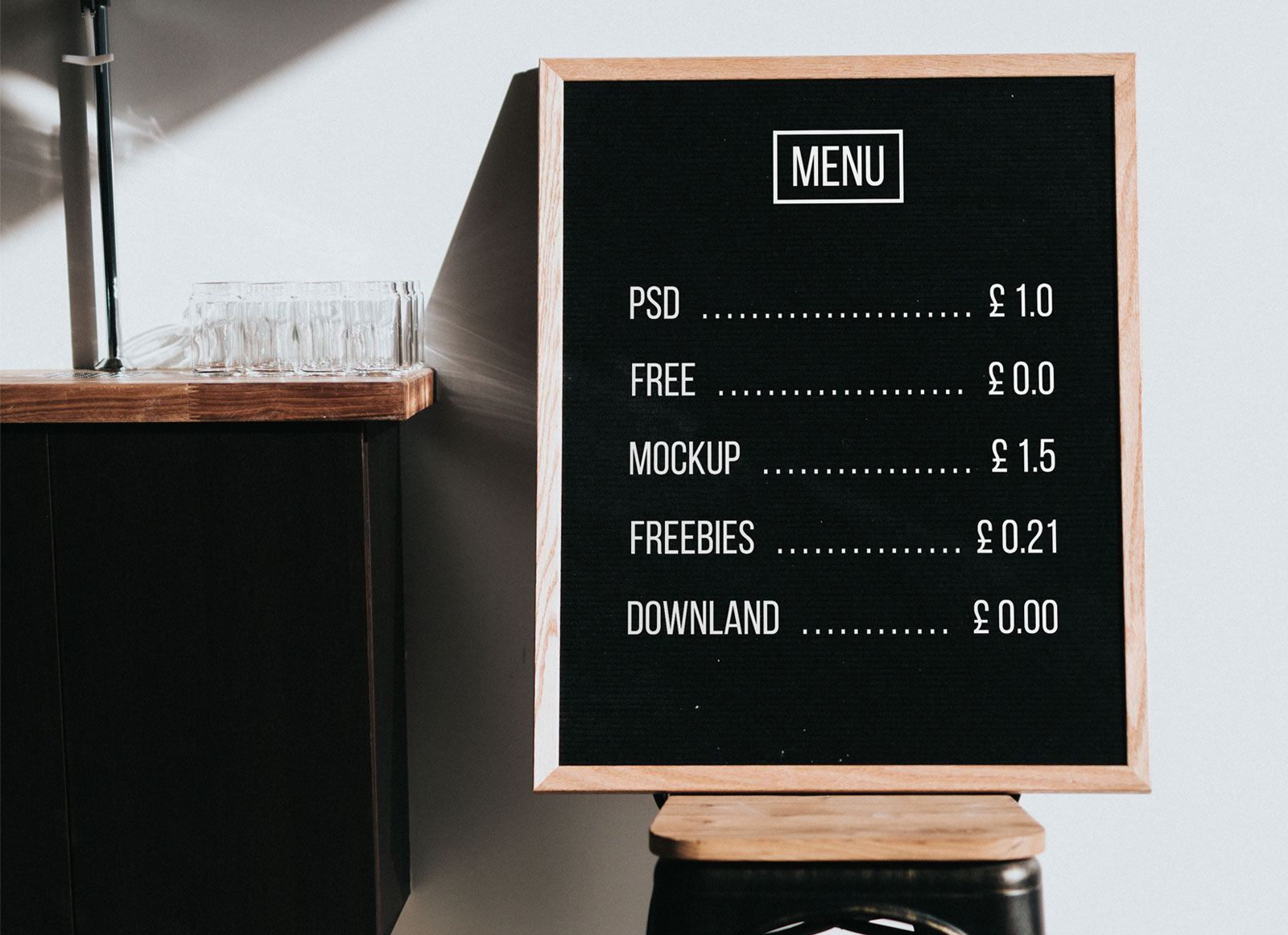
Best for: restaurant menus, cafés, meal specials, coffee shops, bars, food promotions, and hospitality branding.
This is one of the most practical resources in the collection because the chalkboard format closely matches the way many restaurants use physical boards in real environments.
It can be used to test:
- Menu hierarchy.
- Dish names.
- Prices.
- Daily specials.
- Decorative food illustrations.
Design It Like a Real Menu
A menu should still be easy to scan.
Use clear categories and enough spacing between items rather than filling the entire board with decorative lettering.
5. Outdoor Chalkboard Mockup
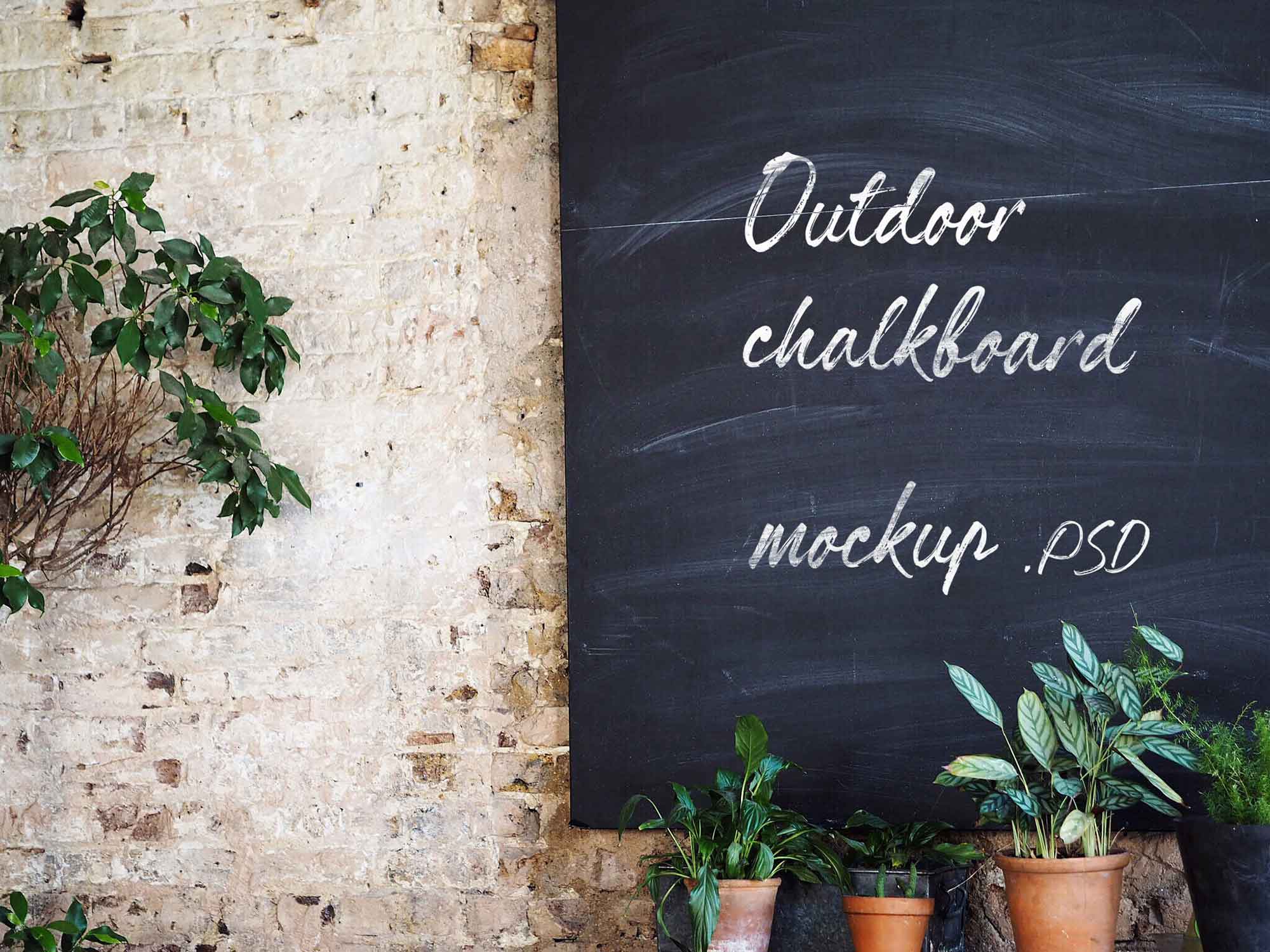
Best for: cafés, restaurants, bars, bakeries, daily promotions, events, and street-facing businesses.
An outdoor board adds real environmental context and is particularly useful for businesses that rely on foot traffic.
Think About Viewing Distance
A customer walking past the board may only look at it for a few seconds.
Prioritize:
- Main offer.
- Product or event.
- Price or key detail.
- Supporting information.
Do not make the entire message dependent on very small handwritten text.
6. Chalkboard Text Effect PSD

Best for: chalk lettering, titles, menu headings, posters, school designs, café graphics, and retro typography.
Important: this resource is a chalk-style text effect rather than a traditional environmental mockup.
That makes it useful when you need to create the lettering itself before placing the finished typography inside another chalkboard presentation.
Combine It With a Mockup
A practical workflow can be:
- Create your main typography.
- Apply the chalk texture or text effect.
- Export or preserve the styled artwork.
- Place it into a restaurant, outdoor, or framed chalkboard mockup.
This produces a more believable final result than placing perfectly clean vector text onto a highly textured board.
7. Wooden Frame Chalkboard Mockup
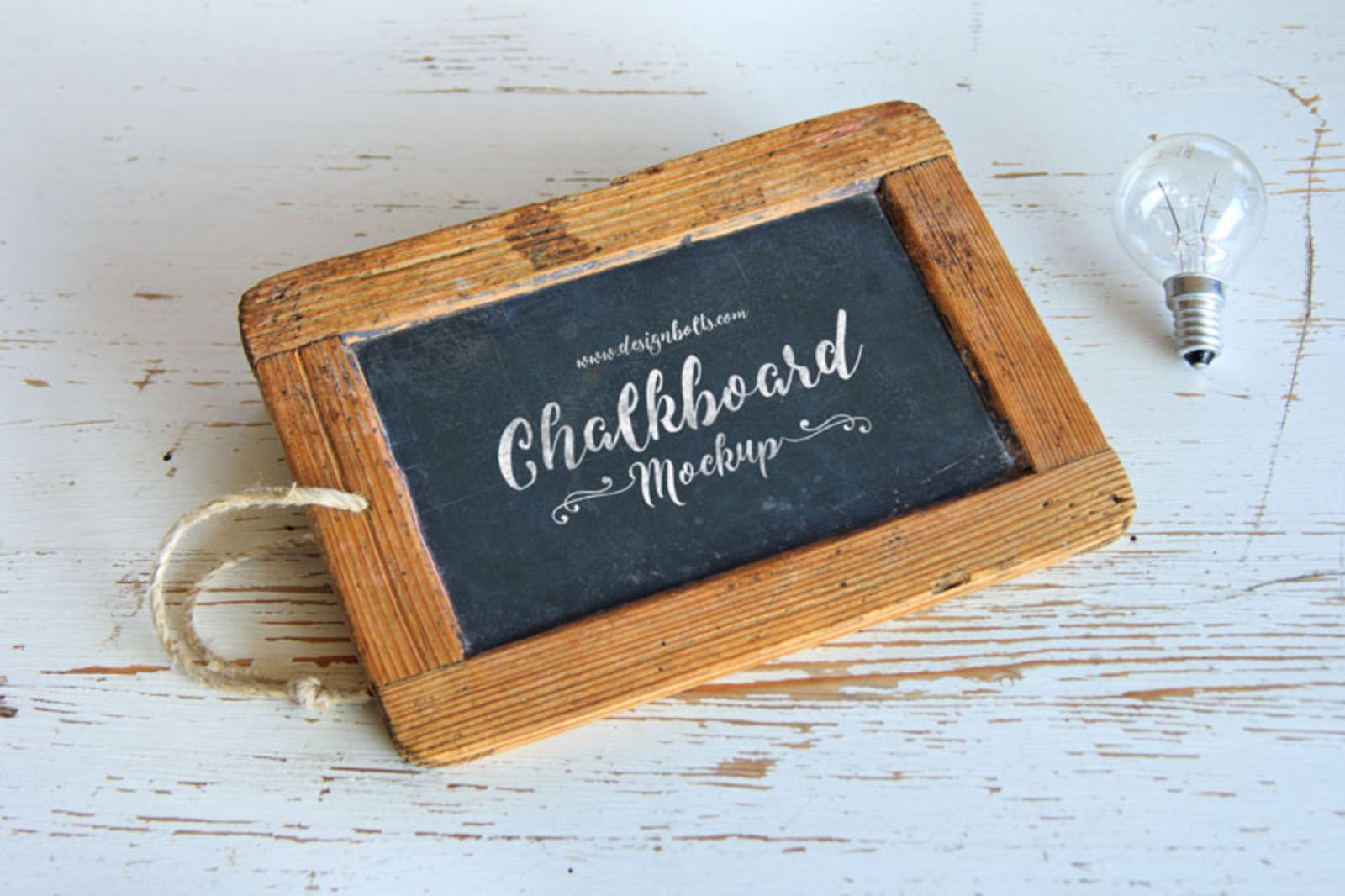
Best for: lettering, typography, quotes, restaurant branding, wedding signage, creative portfolios, and decorative designs.
The wooden frame and atmospheric presentation make this especially suitable for lettering projects where the typography itself is intended to be the focal point.
For this type of scene, simple decorative accents can help:
- Small flourishes.
- Lines.
- Stars.
- Leaves.
- Food illustrations.
But keep the main phrase clearly readable.
8. Green Vintage Chalkboard Mockup

Best for: school graphics, educational design, vintage posters, retro typography, classroom themes, and nostalgic branding.
The green board immediately creates a different atmosphere from a modern black chalkboard.
It feels more strongly connected to traditional classrooms, making it particularly useful for education-related campaigns or projects built around nostalgia.
How to Design a Better Chalkboard Menu
Start With the Information Hierarchy
A restaurant chalkboard should not become a typography experiment that customers struggle to read.
Prioritize:
- Category.
- Dish or drink.
- Price.
- Short description if needed.
Use Decorative Lettering Selectively
A hand-lettered heading can give the menu personality, but writing every menu item in an elaborate script can reduce readability.
Leave Breathing Room
A physical chalkboard rarely looks better when every centimeter is filled.
Whitespace—or in this case empty board space—helps organize the information.
Best Fonts for Chalkboard-Style Designs
You do not necessarily need an actual chalk font.
A convincing chalkboard composition can combine:
- Handwritten fonts.
- Bold condensed sans serifs.
- Casual scripts.
- Vintage slab serifs.
- Simple uppercase sans serifs.
Use Texture Carefully
If every letter has an extremely strong distressed texture, long text becomes difficult to read.
Use the strongest chalk effect for headlines and keep smaller information cleaner.
Chalkboard Color Palette Ideas
Classic white chalk is only one option.
White + Black
The safest combination for maximum contrast.
White + Warm Accent
Try muted:
- Yellow.
- Orange.
- Pink.
- Mint.
for highlighting prices or categories.
Green Vintage Board
Off-white, cream, pale yellow, and muted red can reinforce a nostalgic classroom aesthetic.
How to Make Digital Typography Look Like Real Chalk
Avoid Perfect Edges
Real chalk usually has subtle irregularity.
Do Not Distress Everything Equally
Large bold strokes may show more texture than very small lettering.
Add Variation Carefully
Slight differences in:
- Opacity.
- Edge texture.
- Stroke density.
can make the artwork feel less digitally perfect.
Keep the Result Readable
Realism is not useful if the customer cannot understand the menu.
Chalkboard Mockups for Café Branding
A café identity can use chalkboards as one part of a larger visual system.
For example:
- Logo on takeaway cups.
- Primary menu on printed cards.
- Daily special on a chalkboard.
- Window lettering.
- Packaging labels.
The chalkboard should feel connected to the rest of the identity rather than functioning as a completely separate design style.
Using Chalkboards for Restaurant Specials
Temporary offers are where chalkboards are particularly effective.
Examples
- Soup of the day.
- Seasonal dessert.
- Weekend brunch.
- Happy hour.
- Limited coffee roast.
- Holiday menu.
Because the message changes frequently, the design should have a repeatable hierarchy rather than requiring a completely new layout every time.
Chalkboard Mockups for School & Education
Traditional blackboards and green boards instantly communicate an educational theme.
They can work for:
- Back-to-school campaigns.
- Teacher presentations.
- Educational posters.
- Course promotions.
- Children’s learning materials.
- Social media announcements.
However, avoid using a chalkboard simply because the topic is education. Modern technology or university campaigns may require a completely different visual direction.
How to Use Chalkboard Mockups in a Portfolio
Show the Original Artwork
Include the clean typography, logo, menu, or illustration without the chalkboard effect.
Add One Realistic Presentation
Choose the mockup that most closely matches the intended application.
Show Supporting Brand Elements
For a café project, you could combine the chalkboard with:
- Cup packaging.
- Menu cards.
- Business cards.
- Signage.
- Social media graphics.
Common Chalkboard Design Mistakes
1. Using Too Many Decorative Fonts
Hand lettering does not require five different type styles.
2. Filling Every Empty Area
Leave enough space to create hierarchy.
3. Making All Text the Same Size
Menus and promotional signs need a clear reading order.
4. Making the Chalk Texture Too Strong
Texture should support the typography, not destroy readability.
5. Using Chalkboards for the Wrong Brand
A handcrafted restaurant may suit the aesthetic better than a highly technical enterprise software company.
6. Ignoring Viewing Distance
Outdoor boards and restaurant menus are often seen from several meters away.
7. Using Tiny Script Fonts
Decorative scripts can become difficult to read very quickly.
8. Showing Only the Mockup
Include the original artwork in your portfolio too.
9. Making Digital Chalk Too Perfect
A small amount of controlled irregularity can create a more convincing result.
10. Assuming Every Free Resource Has the Same License
Always check the individual source terms.
Chalkboard Mockup Licensing Checklist
- Is personal use allowed?
- Is commercial use allowed?
- Can it be used for paid client work?
- Can the resulting image appear in advertising?
- Can it be used in a public portfolio?
- Is attribution required?
- Can the PSD be modified?
- Can the source file be redistributed?
- Can it be included in products or templates for resale?
Frequently Asked Questions About Free Chalkboard Mockups
What are chalkboard mockups?
Chalkboard mockups are presentation templates that place typography, menus, logos, illustrations, or other graphics onto realistic blackboards, chalk signs, framed boards, or outdoor menu boards.
What are free chalkboard mockups used for?
Free chalkboard mockups are commonly used for café branding, restaurant menus, typography, lettering, school graphics, signage, promotional offers, and portfolio presentations.
Are chalkboard mockups good for restaurant menus?
Yes. Restaurant and café boards are one of the most natural applications because chalkboards are frequently associated with menus, specials, prices, and temporary announcements.
Can I use a chalkboard mockup for logo presentation?
Yes, when the material and visual style suit the brand. Chalkboard logos can work particularly well for cafés, bakeries, bars, handmade products, and creative businesses.
Do all chalkboard PSD files use Smart Objects?
No. Many do, but editing structures vary between resources.
What is the difference between a chalkboard mockup and a chalk text effect?
A chalkboard mockup places finished artwork into a realistic board or sign environment. A chalk text effect changes the appearance of typography itself so that the letters resemble real chalk.
Can free chalkboard mockups be used commercially?
Only when the individual resource license permits your intended commercial use.
What fonts work well on chalkboards?
Handwritten fonts, casual scripts, bold condensed typefaces, slab serifs, and clean uppercase sans serifs can all work depending on the project.
Should chalkboard typography look imperfect?
A small amount of texture and irregularity can make digital lettering feel more believable, but readability should remain the priority.
Should I show the flat artwork too?
Yes. A clean version allows clients and portfolio viewers to evaluate the actual typography or branding without the chalk texture or environmental presentation.
Final Thoughts
The best free chalkboard mockups do more than place white lettering on a dark background.
They provide a specific visual context that can make a café menu feel more authentic, a hand-lettering project more tactile, or an educational design more immediately recognizable.
A restaurant board is useful for testing hierarchy and pricing. An outdoor chalkboard helps evaluate readability from a distance. A wooden frame creates a handcrafted feel, while a green vintage board can add a nostalgic school atmosphere.
Choose the resource according to the actual project.
Keep the hierarchy clear. Use decorative lettering selectively. Give the composition enough breathing room. Do not let the chalk texture make important text difficult to read.
And always check the current licensing terms before commercial use.
A convincing chalkboard design should feel handcrafted without sacrificing clarity.
For more mockups, textures, fonts, brushes, patterns, and practical design resources, continue exploring DesignRise.