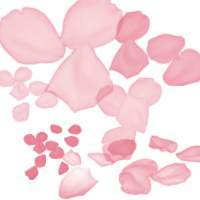










Bring the beauty of roses into your digital artwork with this collection of free Photoshop brushes! Whether you’re designing greeting cards, wedding invitations, or holiday-themed illustrations, these brushes make it simple to add elegant floral elements to your projects.
Why Use Rose Brushes?
Roses are timeless and versatile design elements that can enhance:
Romantic or wedding-themed designs
Holiday cards and festive illustrations
Decorative patterns and ornamental compositions
Digital artwork, logos, or branding materials that require a floral touch
Features of This Set
Includes individual rose buds, full roses, and even entire bouquets
High-quality brushes perfect for professional and personal projects
Easy to use and fully customizable in Photoshop
Free to download and ready for commercial and personal use
How to Use Rose Brushes
Install the brushes in Photoshop and start adding delicate floral details to your designs. Combine multiple brushes to create full arrangements or seamless patterns, or use single roses for subtle accents. Adjust size, angle, and opacity to fit your composition perfectly.
These brushes are particularly useful for graphic designers, illustrators, and digital artists who want to save time while creating beautiful, professional-quality artwork. They allow you to achieve intricate floral designs without having to draw each petal by hand.
Download this free rose brush set for Photoshop and start designing stunning floral compositions today. With these brushes, you can enhance your projects with elegance and charm, capture the viewer’s attention, and add a natural, artistic touch to every piece of work.
You May Also Like:
- Seals and Stamps Photoshop Brushes Selection
- Free Spider Webs Photoshop Brushes
- Music Brushes Collection for Adobe Photoshop
1. Rose brushes
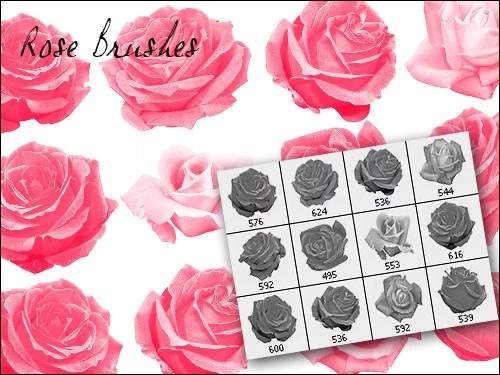
47 brushes of roses of different kinds: large buds, single flowers, bouquets.
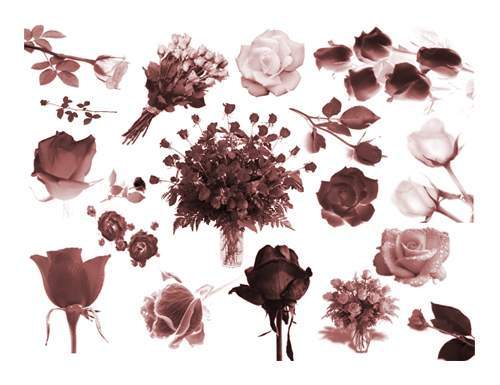
2. Rose Brushes by Lyotta
15 vintage roses in good resolution.

3. Fantastic roses
In the set you will find 10 materials for PS CS and above
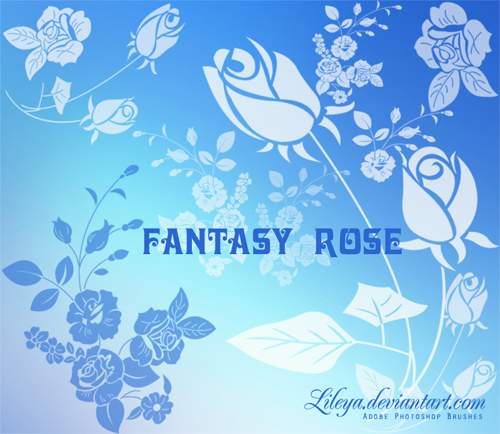
4. Rose brushes
In total in the archive you will find 14 brushes of roses, created in Photoshop 7.0.

5. Rose brush set
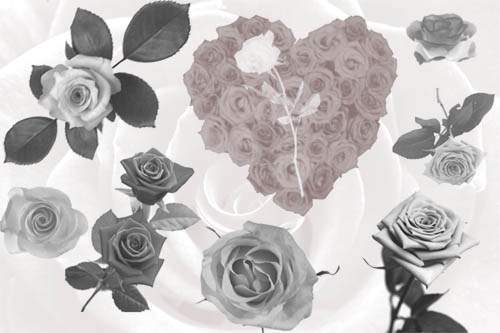
6. Rose brushes by freak76
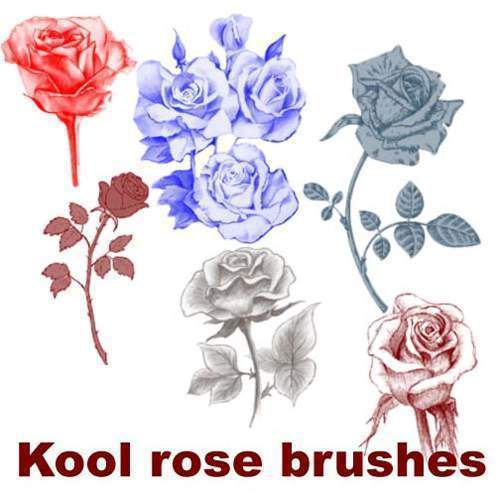
7. Rose brushes for photoshop
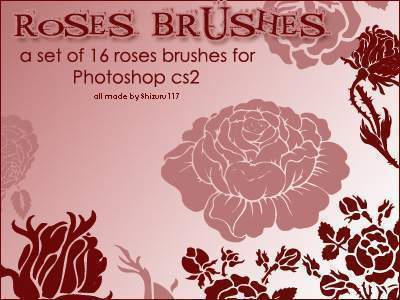
8. Brush Roses
A selection of 16 roses for photoshop CS2.
9. Vintage roses
A set of vintage roses, 33 elements in total. Created in Photoshop 7.
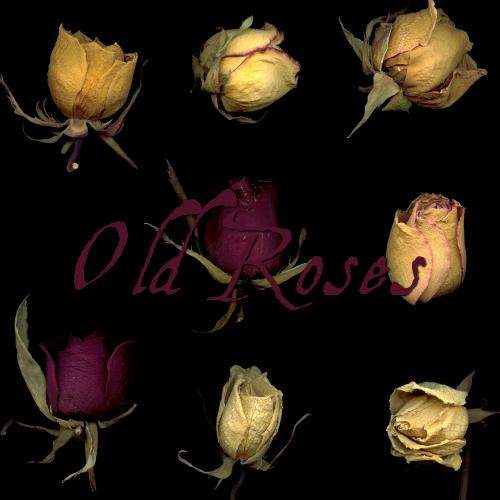
10. 14 Rose Brushes for Photoshop CS4
14 more themed brushes for photoshop CS4.
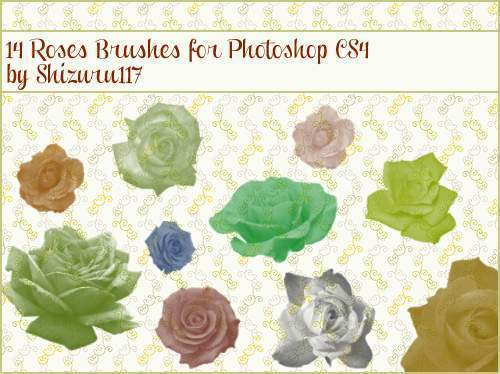
11. Rose patterns in the form of corner elements
Rose patterns as “corner elements” for a postcard or other image. Will work in PS CS and above.
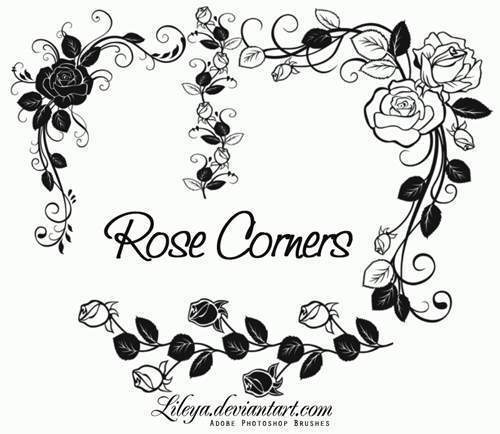
Rose petal brushes
12. Rose petal brushes
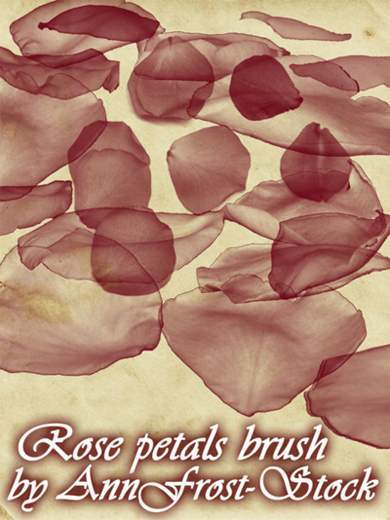
13. Rose petals
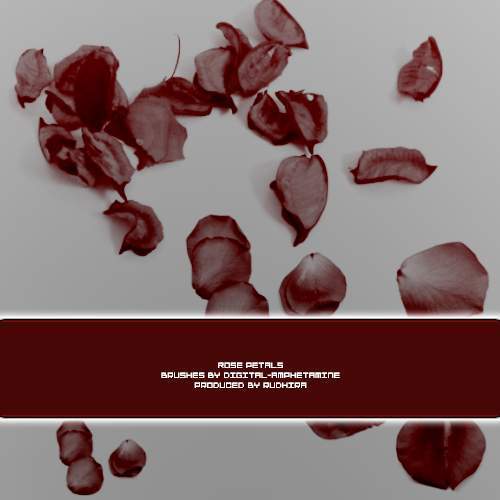
14. Rose petal brushes for photoshop
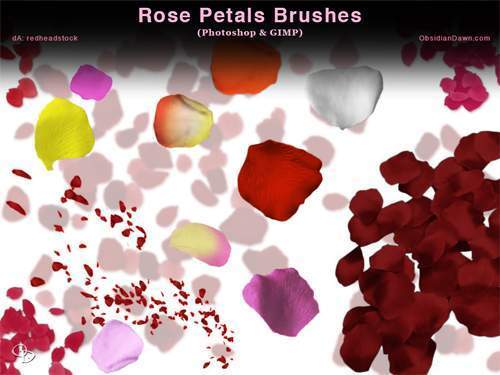
15. A lot of rose petals