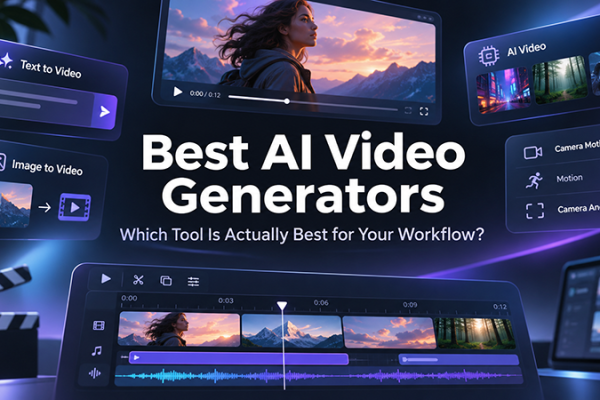


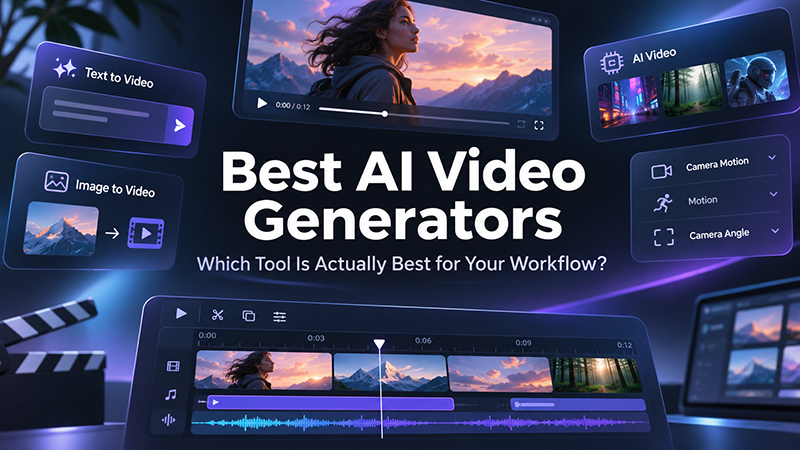
The market for AI video generators is moving so quickly that many comparison articles become outdated before they have time to rank.
The bigger change, however, is not simply that newer models produce prettier video. The best AI video tools are becoming increasingly specialized.
Some are built for cinematic realism. Others focus on longer storytelling, character consistency, multimodal references, video editing, native audio, product advertising or rapid creative iteration.
That makes choosing the best AI video generator more complicated — but also more useful.
You no longer need to ask, “Which AI video model is the most powerful?”
A better question is:
Which AI video generator is strongest for the type of work I actually need to produce?
In this guide, DesignRise compares the most relevant current AI video models and creative platforms by workflow, rather than ranking them purely by hype.
Explore More DesignRise AI Video Guides:
- AI Video Prompt Guide: How to Control Motion, Camera and Lighting
- How to Turn an Image Into a Video With AI
- How to Keep Characters Consistent in AI Video
- One Face, Many Ads: Keeping an AI Presenter Consistent
Best AI Video Generators at a Glance
If you only want the short version, start here.
There is no single winner for every workflow. The strongest option depends on whether you need generation, editing, references, audio, long-form storytelling or fast iteration.
DESIGNRISE TAKE
The best AI video generator is not necessarily the model with the most impressive demo. It is the one that produces the highest percentage of usable footage for your workflow.
How We Compare the Best AI Video Generators
AI video quality is becoming difficult to judge from screenshots and launch reels alone.
A model can create one extraordinary clip and still be frustrating in everyday production.
So instead of judging only visual quality, we look at the factors that matter when someone actually has to finish a project:
- prompt adherence;
- image-to-video quality;
- character and product consistency;
- reference support;
- camera and motion control;
- native audio;
- video editing;
- generation length;
- iteration speed;
- output quality;
- professional workflow compatibility.
The result is not a permanent league table. AI video is moving too quickly for that.
Instead, think of this guide as a map of where the strongest current tools fit.
1. Gemini Omni 1.2 Flash — Best for Conversational AI Video Editing
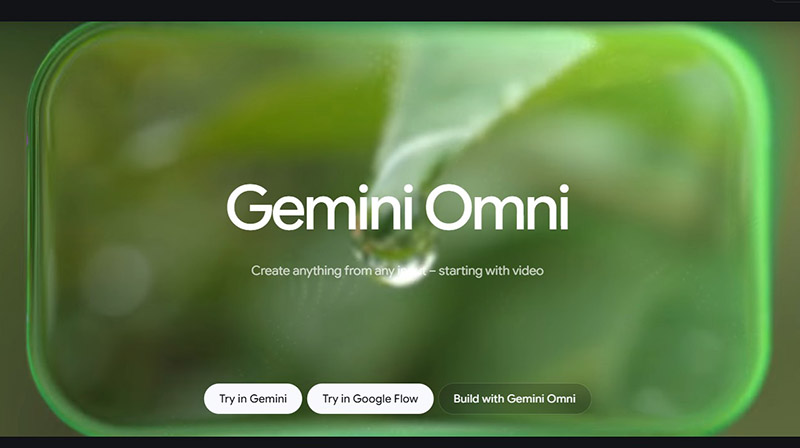
Gemini Omni represents one of the most interesting changes in AI video generation.
Instead of treating video creation as a sequence of disconnected prompts, Gemini Omni lets you continue working on the same video through natural conversation.
You can ask it to change an environment, replace a character, adjust an action, alter camera behavior or apply another visual style — without rebuilding the entire scene from zero.
That makes the workflow feel closer to directing than traditional prompt-and-regenerate AI video.
Why Gemini Omni Stands Out
The important idea is multi-turn editing.
Imagine generating a product shot and then saying:
“Keep everything the same, but make the camera move slightly lower.”
Then:
“Replace the background with a dark studio, but preserve the product and movement.”
Then:
“Make the light warmer.”
That is fundamentally different from rewriting a prompt and hoping the model recreates everything you liked.
Key Strengths
- Natural-language video editing.
- Multi-turn refinement.
- Text, image, audio and video references.
- Character and object replacement.
- Motion and style transfer.
- First and last frame control.
- Scene extension.
- Video editing with contextual understanding.
- 1080p and 4K upscaling workflows.
Best For
Creative teams that want to iterate on a video rather than constantly regenerate it.
Choose Gemini Omni If…
You regularly find yourself saying, “This generation is almost perfect — I just need to change one thing.”
Skip It If…
You only need simple, disposable five-second social clips and do not need iterative editing.
2. Google Veo 3.1 — Best for Cinematic Realism
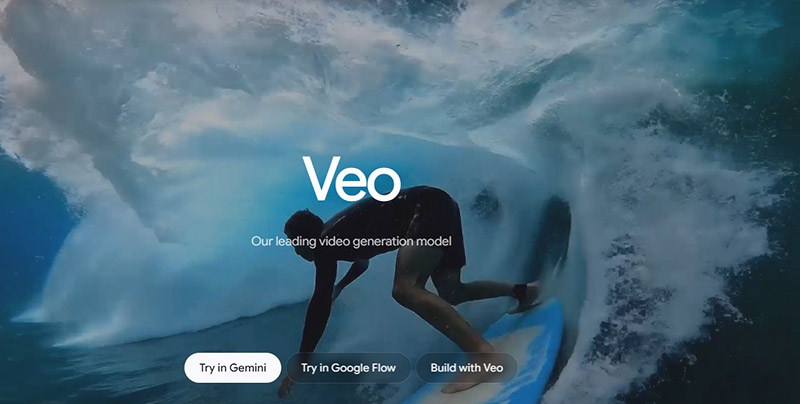
Google Veo 3.1 remains one of the strongest options for high-end cinematic AI video.
Its biggest advantage is not one isolated feature. It is the combination of visual quality, physical realism, audio, references and increasingly precise creative control.
Veo can use reference images for characters, objects or scenes, helping creators maintain continuity across different shots.
It also supports camera controls, scene extension and first-and-last-frame workflows.
Where Veo 3.1 Is Strong
- Photorealistic scenes.
- Realistic physics.
- Native audio.
- Character consistency through references.
- Object references.
- Image-to-video.
- Camera controls.
- First and last frame transitions.
- Scene extension.
- Professional 1080p and 4K workflows.
Best For
Advertising, cinematic concepts, premium campaign video and scenes where realism matters.
Choose Veo If…
You want the footage itself to carry the project rather than function only as a quick social asset.
Skip It If…
You care more about generating dozens of inexpensive experimental variations than maximizing cinematic quality.
If your project begins with an existing campaign visual, product photo or illustration, our guide to turning an image into a video with AI will help you structure the workflow before generation.
3. Wan 3.0 — Best All-in-One Multimodal AI Video Model
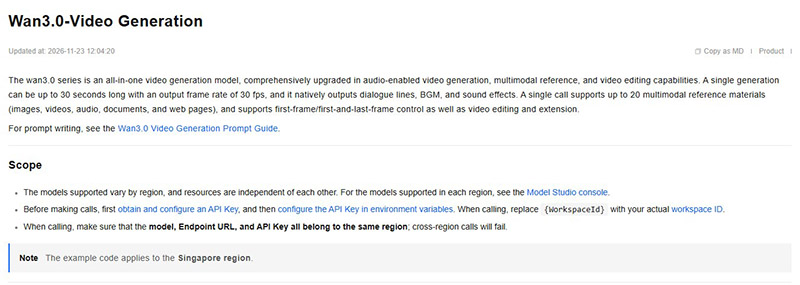
Wan 3.0 is one of the most significant newer additions to the AI video landscape.
Instead of separating text-to-video, image-to-video, references and audio into many different workflows, Wan 3.0 brings a large part of that process into one model.
It supports text, images, video, audio, files and links as inputs and can use numerous multimodal references within the same generation workflow.
What Makes Wan 3.0 Different?
Reference capacity.
You can potentially build a generation from a much richer creative brief than one image and one text prompt.
For example, a campaign might contain:
- a product image;
- a character reference;
- a movement reference;
- an audio track;
- a visual mood reference;
- additional documents or source material.
That starts to look much closer to how real creative projects are briefed.
Key Strengths
- Text-to-video.
- Image-to-video.
- First-frame control.
- First-and-last-frame control.
- Reference-to-video.
- Video editing.
- Video extension.
- Native dialogue.
- Background music.
- Sound effects.
- Up to 30-second generations.
- Large multimodal reference workflows.
Best For
Complex campaigns that need several types of creative input to work together.
Choose Wan 3.0 If…
Your creative direction cannot be explained adequately with one prompt and one reference image.
Skip It If…
Your workflow is intentionally simple and the extra multimodal controls would only add complexity.
4. Seedance 2.5 — Best for Longer AI Video Storytelling
Seedance 2.5 is designed around a problem that has limited AI video for years: generating something longer than a beautiful but disconnected short clip.
The model can produce audio-video sequences up to 30 seconds in a single generation and supports extensions for longer storytelling.
That changes what creators can reasonably ask the model to do.
Why Longer Generation Matters
With very short clips, creators often have to generate:
- one establishing shot;
- one movement shot;
- one reaction;
- one transition;
- one ending;
and then manually force them together.
Longer generation gives the model more room to understand progression.
Seedance 2.5 Strengths
- Up to 30-second generations.
- Audio-video generation.
- Reference-based creation.
- Longer narrative continuity.
- Video extension.
- Editing capabilities.
- Camera movement control.
- Performance blocking.
- Professional-production-oriented controls.
Best For
Storytelling, branded films, narrative social content and sequences with several beats.
Choose Seedance If…
You are tired of building every video entirely from isolated five-second pieces.
Skip It If…
Your final edit intentionally depends on very short, tightly art-directed shots.
5. Runway Gen-4.5 — Best for Professional Creative Production
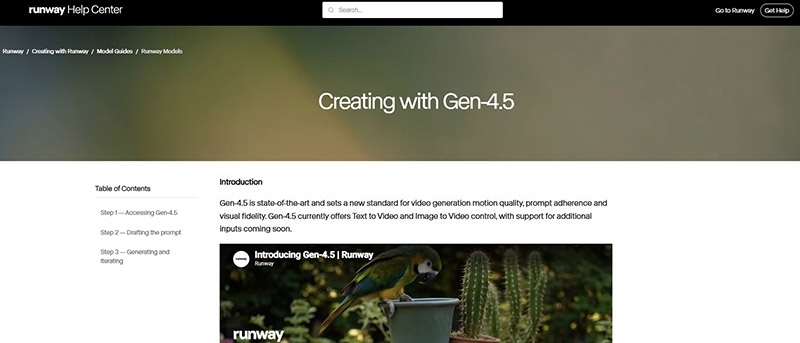
Runway Gen-4.5 remains one of the most useful models for creatives who want detailed control over what happens inside a shot.
Runway emphasizes prompt adherence, motion quality and visual fidelity.
It also performs well when instructions contain a sequence of actions rather than one vague visual idea.
Why Runway Is Useful
Prompting a video model is not the same as prompting an image generator.
Video needs time.
It needs direction.
It needs a clear description of what changes from the beginning of a clip to the end.
Runway is particularly useful when you want to describe:
- camera movement;
- subject movement;
- timed actions;
- atmospheric changes;
- sequential events.
Key Strengths
- Text-to-video.
- Image-to-video.
- Detailed prompt adherence.
- Complex camera choreography.
- Controlled motion.
- Multiple aspect ratios.
- Professional export options.
- Strong surrounding creative ecosystem.
Best For
Designers, filmmakers and agencies producing multi-shot creative work.
Choose Runway If…
You want to direct what happens inside a shot rather than simply describe how it should feel.
Skip It If…
You mostly want one-click effects and minimal prompting.
For better motion instructions, read the DesignRise AI Video Prompt Guide, which covers movement, camera direction and lighting in more detail.
6. MiniMax H3 — Best for Advertising and Multimodal Content
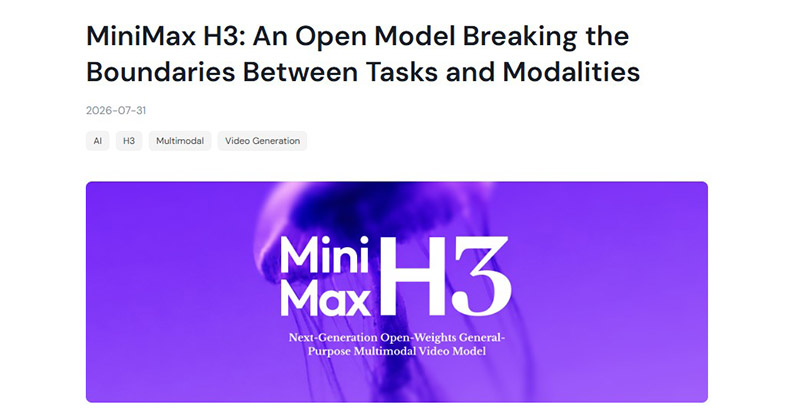
MiniMax H3 is a general-purpose multimodal video model designed to understand context across text, images, video and audio.
It can generate video with native stereo sound and supports output up to 2K resolution.
That makes it particularly interesting for commercial creative production where video and audio need to feel like parts of the same asset.
Where MiniMax H3 Fits
MiniMax specifically highlights use cases such as:
- advertising;
- branding;
- ecommerce;
- product design;
- UI/UX;
- gaming;
- commercial content.
That focus matters.
Many AI video demos are visually impressive but are difficult to turn into an actual branded deliverable.
Key Strengths
- Text, image, video and audio context.
- Native stereo audio.
- Up to 15-second output.
- Up to 2K resolution.
- Instruction following.
- Multimodal editing.
- Video-to-video motion transfer.
- Commercial-content orientation.
Best For
Advertising, ecommerce video and branded content where audio and visual context need to work together.
Choose H3 If…
You want one multimodal system that can understand more than a conventional text prompt.
7. Pika H3 Flex — Best for Fast Creative Iteration
Pika H3 Flex approaches AI video from the perspective that the first generation is rarely the final answer.
That sounds obvious, but it is an important product decision.
Professional creative work depends on iteration.
You test an angle.
You change a character.
You replace an object.
You try another style.
You refine the result.
Pika H3 Flex is designed to make that cycle faster.
Key Strengths
- Faster-than-real-time generation in supported workflows.
- Up to 12 references.
- Multiple separate audio stems.
- Finishing workflows up to 4K.
- Style transfer.
- Movement transfer.
- Object replacement.
- Character swaps.
- Targeted editing.
Why Separate Audio Stems Matter
AI video with audio is useful.
AI video with editable audio components is much more useful.
Separating elements gives editors more flexibility to rebalance or replace sound during post-production.
Best For
Creative teams that iterate rapidly and expect to modify generations rather than accept the first result.
Choose Pika H3 Flex If…
Your workflow involves trying many versions before choosing the final direction.
8. Kling 3.0 and Kling 3.0 Omni — Best Flexible All-Rounders
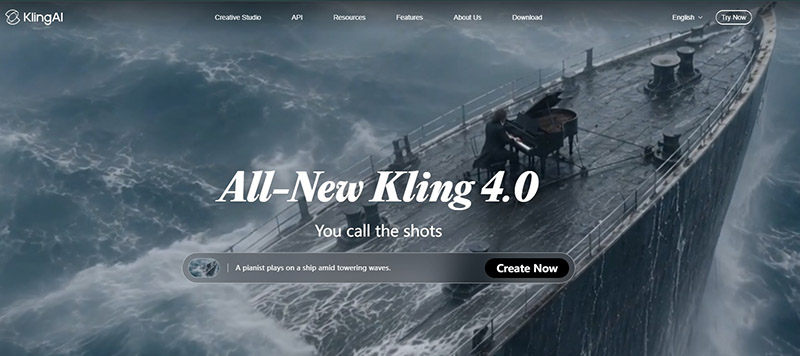
Kling remains an important part of the current AI video ecosystem.
The newer Kling 3.0 family has expanded beyond straightforward text-to-video generation, and Kling 3.0 Omni brings broader multimodal controls into the workflow.
Kling is also integrated into larger creative environments such as Adobe Firefly, making it easier for creators to compare its output with competing models without rebuilding the entire workflow.
Where Kling Fits Best
- General-purpose AI video creation.
- Text-to-video.
- Image-to-video.
- Multishot creation.
- Reference-driven workflows.
- Creative advertising.
- Social video.
Best For
Creators who want a flexible model rather than one highly specialized around a single production style.
Choose Kling If…
You need a versatile AI video model for several different content types.
Skip It If…
Your project depends on one very specific capability that another model handles better — such as long multimodal briefs, conversational editing or professional HDR output.
9. Luma Ray3.2 — Best for Precise Creative Direction
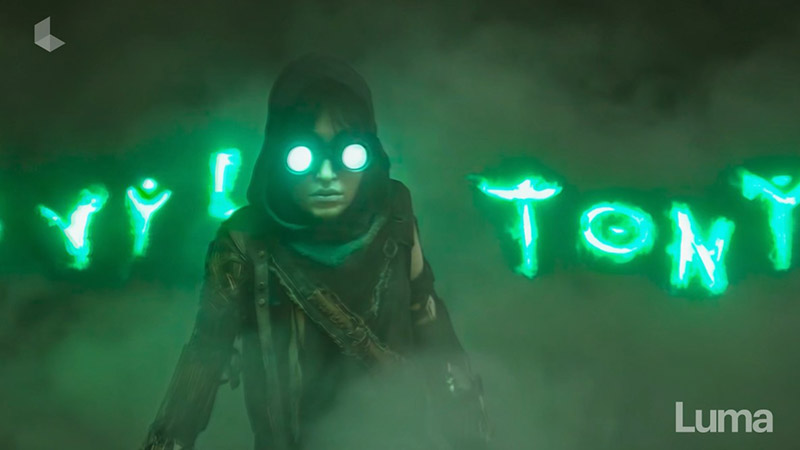
Luma Ray3.2 is built around a powerful idea: AI video creators should be able to direct, not simply prompt.
Ray3.2 introduces frame-level control designed for production teams that need more precision over how action changes over time.
That makes Luma especially relevant to professional workflows where “close enough” is not enough.
Key Strengths
- Frame-level creative control.
- Text-to-video.
- Image-to-video.
- Professional HDR workflows.
- EXR-oriented production output.
- Video transformation.
- Creative direction for advertising, entertainment and gaming.
Ray3.2 vs. Ray3.14
Luma’s model family can look confusing because different Ray variants are optimized for different needs.
Ray3.14 focuses strongly on fast, lower-cost native 1080p generation and improved Modify Video workflows.
Ray3.2 remains Luma’s current direction-oriented model for workflows that prioritize more detailed creative control.
Best For
Professional creatives who want more control over the motion and evolution of a shot.
Choose Luma If…
You think like a director and want to shape what happens frame by frame rather than repeatedly rewrite broad prompts.
Adobe Firefly — Best Multi-Model AI Video Workspace
Adobe Firefly deserves its own category because it is increasingly more useful to think of Firefly as an AI video workspace rather than a single model.
Inside Firefly, creators can choose between Adobe’s own models and partner models.
The available video lineup includes options from several major AI providers, including models such as:
- Gemini Omni;
- Veo 3.1;
- Runway Gen-4.5;
- Kling 3.0;
- Kling 3.0 Omni;
- Luma Ray models.
This changes the economics of choosing an AI video tool.
Instead of asking:
“Should I use Runway or Veo?”
a designer may be able to test both inside the same broader creative workspace.
Why Firefly Is Important for Designers
Design work rarely ends when the AI clip finishes generating.
You still need:
- editing;
- graphics;
- typography;
- sound;
- brand correction;
- compositing;
- final delivery.
For teams already using Adobe tools, reducing the number of disconnected applications can be more valuable than finding one model that performs slightly better on one benchmark.
Best For
Designers, agencies and Adobe users who want access to multiple AI video models inside a broader production workflow.
DESIGNRISE INSIGHT
The future of AI video may not belong to one winning model. It may belong to creative workspaces that let you choose the best model for each shot.
Which AI Video Generator Is Best for Your Workflow?
Best AI Video Generator for Image-to-Video
For many designers, photographers and marketers, image-to-video is more useful than pure text-to-video generation.
You may already have the visual.
You already know:
- what the product looks like;
- what the character looks like;
- where everything belongs in the frame;
- what colors the campaign uses;
- what the lighting should feel like.
You do not want the AI to redesign everything.
You want movement.
Veo, Runway, Wan, Seedance, Kling and other current models can all play a role here.
The best choice depends on whether your priority is:
- preserving the source image;
- moving the camera;
- animating a character;
- maintaining product geometry;
- adding audio;
- extending a scene.
For a complete workflow, see How to Turn an Image Into a Video With AI.
Best AI Video Generator for Character Consistency
This is where rankings become dangerous.
Character consistency is not a single checkbox.
A person may remain recognizable in a frontal portrait but change when:
- they turn sideways;
- they walk;
- the lighting changes;
- the camera moves;
- their expression changes;
- they enter a different environment.
Reference-capable systems such as Veo, Gemini Omni, Wan and other multimodal models can improve consistency.
But the workflow still matters.
Create an approved identity reference pack before generating many scenes.
Include:
- face reference;
- three-quarter reference;
- profile reference if relevant;
- hair;
- wardrobe;
- important accessories;
- color information.
Then compare each generation with the original identity — not just the previous generated shot.
Our full guide to keeping characters consistent in AI video explains the process step by step.
Best AI Video Generator for Product Ads
Advertising creates a very different definition of quality.
A gorgeous video is not useful if the product changes shape.
Watch carefully for:
- logo distortion;
- incorrect packaging;
- altered typography;
- changing bottle geometry;
- incorrect buttons;
- jewelry details that disappear;
- screen UI that mutates;
- colors that drift.
For product advertising, a controlled image-to-video workflow is often safer than asking AI to invent the entire product from text.
Wan 3.0 and MiniMax H3 are particularly interesting for multimodal commercial workflows, while Veo and Runway can be useful when visual direction and movement are the priority.
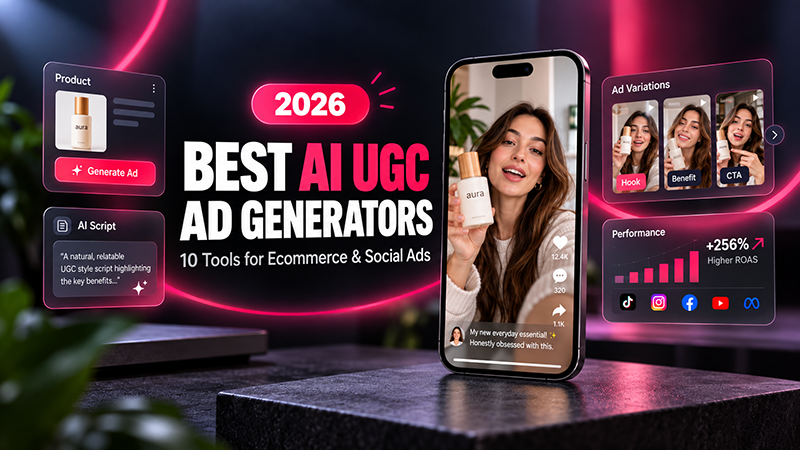
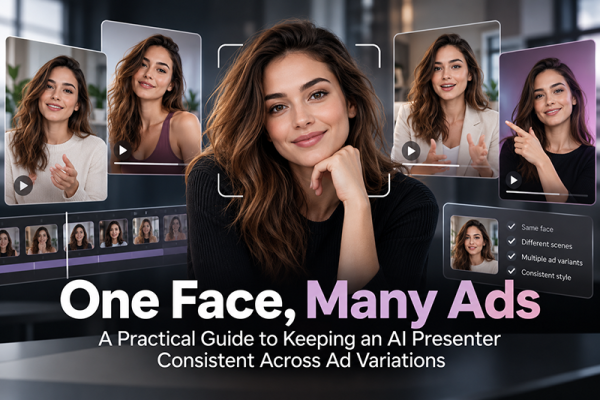
Best AI Video Generator for AI Presenters and Ad Variations
Presenter campaigns create another problem: repetition.
Suppose you need 20 ads using the same spokesperson.
You may want to change:
- the hook;
- the offer;
- the product;
- the CTA;
- the background;
without changing:
- the presenter’s face;
- voice identity;
- hair;
- wardrobe;
- overall visual style.
In that case, consistency and controlled editing can matter more than maximum cinematic complexity.
Gemini Omni’s conversational editing is especially interesting for workflows where you want to modify parts of an existing video while preserving the rest.
For the broader workflow, see One Face, Many Ads: Keeping an AI Presenter Consistent Across Ad Variations.
Best AI Video Generator for Social Media
Social video rewards different things from filmmaking.
You usually need:
- speed;
- vertical formats;
- many variations;
- strong visual hooks;
- short production cycles;
- easy iteration.
Pika H3 Flex is an obvious option when iteration speed matters.
Kling can also work well as a broad creator tool, while Runway may make more sense when social assets belong to a larger campaign.
The most cinematic model is not automatically the best social media model.
For social campaigns, the ability to test ten usable ideas can matter more than making one perfect shot.
Best AI Video Generator for Designers
Designers approach AI video differently from someone starting from a blank screen.
You may already have:
- campaign artwork;
- brand guidelines;
- product photography;
- UI designs;
- illustrations;
- typography;
- color systems;
- approved layouts.
Your problem is often not creating the visual.
Your problem is adding motion without destroying the design.
That makes image-to-video, references and editing especially important.
Adobe Firefly is attractive for teams already inside Creative Cloud because generation can sit inside a broader production workflow.
Gemini Omni becomes interesting when you want to make controlled changes conversationally.
Runway is strong when motion direction matters.
Veo is compelling when the final visual quality needs to feel cinematic.
Text-to-Video vs. Image-to-Video vs. Video-to-Video
How to Choose the Right AI Video Generator
Before paying for another AI subscription, answer these questions.
1. Are You Starting With an Idea, an Image or Existing Video?
This immediately narrows your options.
Text-to-video, image-to-video and video-to-video are related workflows, but they solve different problems.
2. How Important Is Consistency?
A surreal experimental video can tolerate visual drift.
A brand campaign usually cannot.
3. Do You Need Native Audio?
If voice, music and effects are central to the concept, models such as Veo, Wan, Seedance and MiniMax become more interesting.
4. How Long Does the Generation Need to Be?
A five-second product shot and a 30-second narrative scene require very different tools.
5. Will You Need to Edit the Generation?
If the answer is obviously yes, editing capability may matter more than raw first-generation quality.
6. How Many References Do You Need?
A complex campaign may need product, character, environment, motion and audio references.
This is where systems like Wan 3.0 and Gemini Omni become especially interesting.
7. What Happens After AI Generation?
Think about the entire production path.
Will the clip move into Premiere?
After Effects?
A social editor?
A client approval workflow?
The best AI generator should reduce friction across the whole process, not just the first ten seconds.
A Better AI Video Workflow
Regardless of which tool you choose, the workflow matters enormously.
Step 1. Define One Shot
Do not begin with:
“Create a luxury perfume ad.”
Begin with:
“A glass perfume bottle remains centered on a dark reflective surface. A narrow warm light moves slowly across the glass as the camera makes a subtle push-in.”
Step 2. Decide What Must Stay Fixed
Product?
Face?
Camera position?
Background?
Typography?
Identify the non-negotiable elements before adding motion.
Step 3. Describe Motion Clearly
Video prompts should explain what changes through time.
For more examples, use our AI Video Prompt Guide.
Step 4. Generate a Simple Baseline
Do not ask for five simultaneous effects immediately.
Test the basic motion first.
Step 5. Change One Variable at a Time
If the camera, lighting, subject, background and action all change between versions, you will not know what improved the result.
Step 6. Move Good Clips Into the Timeline Early
A generation does not need to be perfect in isolation.
It needs to work in the final edit.
Step 7. Correct Brand-Critical Details
Do not trust generative video to preserve every logo, label or product detail perfectly.
Step 8. Use Different Models When Necessary
A Veo shot, a Runway shot and a Luma transformation can coexist in the same final edit.
The audience does not care which model generated each frame.
They care whether the video works.
Common AI Video Generator Mistakes
1. Choosing a Model Because of One Viral Demo
A promotional showcase tells you what a model can do under ideal conditions.
It does not tell you how many attempts were required.
2. Expecting One Model to Win Every Category
The market is becoming more specialized, not less.
3. Writing Image Prompts for Video
Video needs action, timing and camera direction.
4. Moving Everything at Once
More motion does not automatically look more cinematic.
5. Ignoring Product Accuracy
Photorealistic does not mean commercially correct.
6. Generating Too Much Before Editing
You may already have the shot you need.
7. Paying for Too Many Tools
Start with one primary generator.
Add another only when it solves a specific limitation.
Do You Need More Than One AI Video Generator?
Increasingly, professional teams will.
But that does not mean everyone should maintain ten subscriptions.
A practical setup could look like:
Primary generator: the model you use for most shots.
Specialist model: a second tool for a problem your main generator handles poorly.
Editing environment: the software where the final video actually comes together.
For example:
- Veo for cinematic hero shots;
- Gemini Omni for controlled conversational edits;
- Wan or Seedance for longer sequences;
- Runway for detailed camera-directed shots;
- Luma for precise transformation;
- Firefly or Premiere for finishing.
This is why multi-model platforms are becoming increasingly important.
Frequently Asked Questions
What is the best AI video generator?
There is no single best model for every project. Veo 3.1 is a strong option for cinematic realism, Gemini Omni for conversational editing, Wan 3.0 for complex multimodal workflows, Seedance 2.5 for longer storytelling and Runway Gen-4.5 for controlled creative production.
What is the newest AI video generator?
The market changes constantly. Newer current models include Gemini Omni 1.2 Flash, Wan 3.0, Pika H3 Flex and other rapidly evolving multimodal video systems. Always check the current model version before choosing a platform.
What is the best AI video generator for realistic videos?
Google Veo 3.1 is one of the strongest starting points when photorealism, realistic physics, audio and cinematic control are priorities.
What is the best AI video generator for image-to-video?
Veo, Runway, Wan, Seedance, Kling and other leading models all offer relevant image-driven workflows. The best choice depends on how much you prioritize preservation, camera control, audio, references and editing.
Which AI video generator is best for advertising?
There is no universal advertising winner. MiniMax H3 and Wan 3.0 are interesting for multimodal commercial workflows, while Veo and Runway are strong when cinematic quality and controlled direction matter.
What is the best AI video generator for designers?
Adobe Firefly is particularly useful for designers already using Creative Cloud because it combines multiple AI video models with a broader production ecosystem. Runway and Gemini Omni are also compelling depending on the type of control required.
Which AI video generator creates audio?
Several modern AI video models support integrated audio workflows, including Veo, Wan, Seedance and MiniMax H3.
Can AI video generators keep characters consistent?
Reference-based generation can improve consistency, but a strong reference workflow is still essential. Use the same approved character references across shots rather than allowing every generation to redefine the subject.
Can AI video replace traditional video editing?
No. AI video can generate and transform footage, but professional work still benefits from traditional editing for timing, typography, sound, logos, compositing, color and final quality control.
Should I use text-to-video or image-to-video?
Use text-to-video when you want AI to invent more of the scene. Use image-to-video when the visual direction already exists and the main task is adding controlled motion.
Do I need several AI video subscriptions?
Usually not at the beginning. Choose one primary tool, learn its strengths and limitations, and only add another model when it solves a specific problem.
Final Thoughts
The competition between the best AI video generators is becoming much more interesting than a simple race for better image quality.
AI video is moving toward different creative philosophies.
Gemini Omni turns video editing into a conversation.
Veo pushes cinematic realism and production quality.
Wan turns multimodal references into a richer creative brief.
Seedance pushes toward longer storytelling.
Runway emphasizes creative direction and production workflows.
MiniMax H3 connects video, audio and multimodal commercial creation.
Pika H3 Flex focuses on rapid creative iteration.
Kling remains a flexible general-purpose option.
Luma gives production teams more precise creative control.
And platforms such as Adobe Firefly increasingly make it possible to move between several of these models without treating each one as a completely separate universe.
That is probably the most important trend to understand.
The future of AI video does not look like one generator replacing every other tool.
It looks like a creative stack where you choose the right model for the right part of the job.
Do not choose an AI video generator because it is winning the most attention this month. Choose it because it makes your actual workflow better.
Explore more practical tutorials, workflows and current AI video techniques in AI Video on DesignRise.
Discover more from DesignRise
Subscribe to get the latest posts sent to your email.