Best AI Mockup Tools and Generators for Designers in 2026
Mockups are one of the easiest ways to make a design feel real. A flat logo becomes more convincing when it appears on packaging. A website concept feels more professional when it is shown on a laptop screen. A t-shirt design looks easier to sell when customers can see it on real apparel.
For years, creating high-quality mockups meant using Photoshop templates, adjusting smart objects, fixing shadows, changing backgrounds, and searching for the right scene. That process still works, but it can be slow — especially when designers need to prepare multiple versions for clients, portfolios, eCommerce listings, social media, or ad campaigns.
Today, AI mockup tools are changing that workflow. Instead of manually editing every detail, designers can upload artwork, choose a product type, describe a scene, or use a template-based generator to create realistic mockups much faster.
The best AI mockup generators can help with product mockups, apparel previews, packaging concepts, device mockups, website presentations, poster previews, print-on-demand visuals, and branded marketing assets. They are especially useful for freelancers, small studios, eCommerce sellers, branding designers, and creators who need professional visuals without spending hours on manual editing.
In this DesignRise guide, we’ll explore the best AI mockup tools and generators for designers in 2026, how they work, what each tool is best for, and how to choose the right one for your creative workflow.
Explore More DesignRise Resources:
- Most Helpful Productivity-Boosting AI Tools in 2026
- AI and the Future of Logo Design: Threat or Creative Ally?
- PSD Mockup of the Best Tea Packaging
What Is an AI Mockup Generator?
An AI mockup generator is a tool that helps place your design, logo, artwork, product label, website screenshot, or visual concept into a realistic scene. Instead of manually building shadows, perspective, lighting, and placement, the tool uses templates, automation, or AI image generation to create a finished preview.
Depending on the platform, an AI mockup tool may let you:
- Upload a logo or artwork.
- Place a design on apparel, mugs, packaging, devices, posters, or products.
- Create product mockups for eCommerce listings.
- Generate lifestyle scenes from prompts.
- Preview website designs on laptops, tablets, and phones.
- Create branded visuals for client presentations.
- Export mockups for portfolios, ads, social media, or online stores.
The goal is simple: make your work look more realistic, more professional, and easier to present.
Why Designers Use AI Mockup Tools
Designers use mockups for more than decoration. A strong mockup can help clients understand the final idea, improve presentation quality, and make a project feel more valuable.
AI-powered mockup tools are useful because they reduce repetitive work and help designers create more options faster.
- They save time: designers can create visuals in minutes instead of editing Photoshop files manually.
- They improve presentations: realistic mockups make logos, packaging, and websites easier to understand.
- They help sell products: eCommerce sellers can create product listing images without expensive photoshoots.
- They support portfolio work: freelancers can show projects in professional real-world contexts.
- They make testing easier: designers can quickly compare different colors, placements, scenes, and product types.
AI mockups are not always a replacement for professional photography or advanced 3D rendering, but they are a powerful shortcut for early concepts, client presentations, marketing visuals, and online product previews.
Quick Comparison: Best AI Mockup Tools for Designers
| Tool | Best For | Good For |
|---|---|---|
| Createimg | Fast free mockups | T-shirts, mugs, apparel, devices, simple product previews |
| Mockey AI | Large mockup template library | Apparel, accessories, business cards, POD products |
| LogoAI | Logo and brand mockups | Brand identity presentations, logo previews, flat lay mockups |
| ImagineArt | Creative AI-generated scenes | Stylized mockups, concept visuals, image and video creative work |
| MockupGenerator.ai | Template-based mockups | Product mockups, packaging, tech devices, apparel |
| QuillBot AI Mockup Generator | Quick product visuals | Device, packaging, and apparel mockups |
| Phot.AI | eCommerce product mockups | Shopify, Etsy, Amazon, product listings, ad creatives |
| Canva AI Mockup Generator | Easy branded layouts | Posters, t-shirts, websites, proposals, social media designs |
| Recraft AI Mockup Generator | High-resolution custom mockups | T-shirts, posters, product visuals, print-ready assets |
1. Createimg
Best for: quick free mockups for physical products
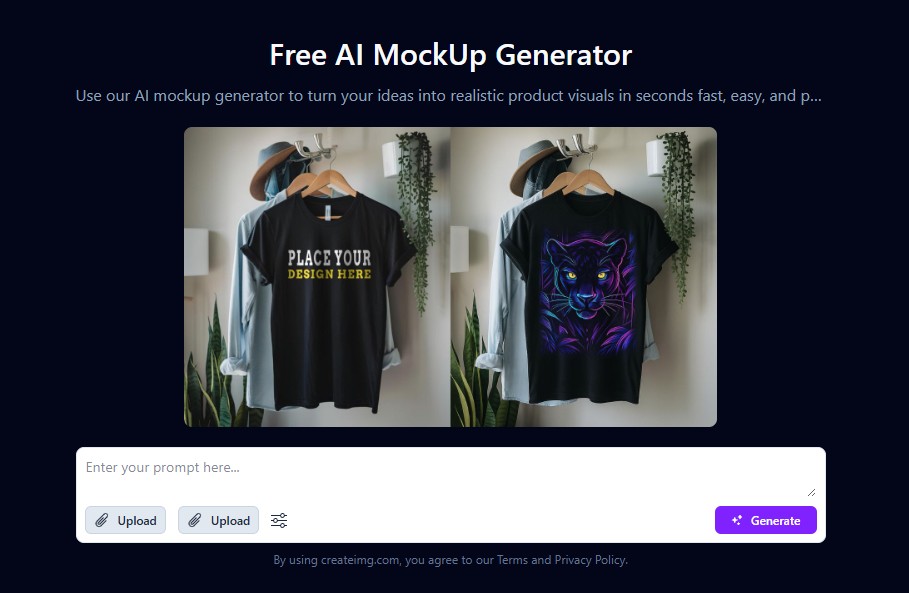
Createimg is a simple AI mockup generator that helps users turn uploaded artwork into realistic product previews. It is useful for designers who need quick mockups for t-shirts, mugs, hoodies, devices, and similar physical items.
The main advantage is speed. You upload your idea or artwork, choose a product direction, and create a realistic preview without complex editing software.
Why Designers May Like It
- Simple workflow for quick mockup creation.
- Useful for apparel and product previews.
- Good for beginners who do not use Photoshop.
- Helpful for fast concept testing.
Use Createimg If
Choose Createimg if you need a fast, simple, and beginner-friendly way to create AI product mockups without spending time on manual editing.
2. Mockey AI
Best for: designers who want a large library of mockup templates
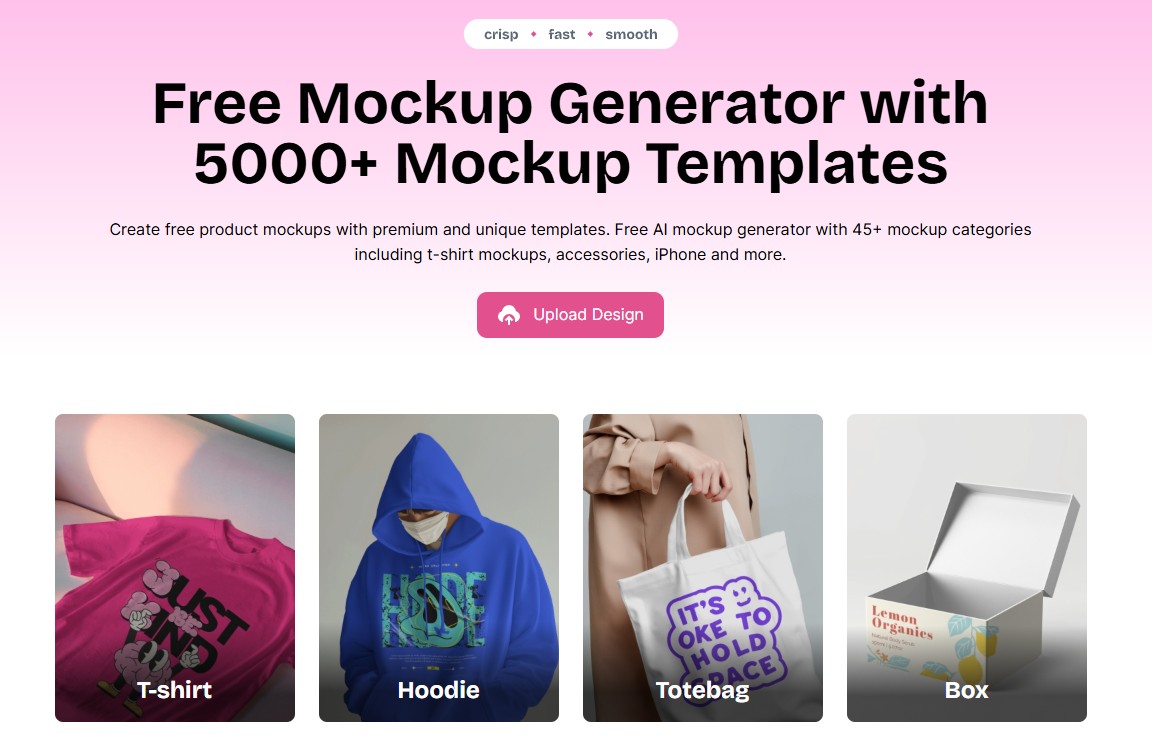
Mockey AI is an online AI mockup generator with a large collection of mockup templates. It is especially useful for apparel, accessories, product visuals, print-on-demand sellers, brand previews, and portfolio presentations.
For designers working with many product categories, Mockey AI can save time because it provides many ready-made mockup options in one place.
Why Designers May Like It
- Large mockup template collection.
- Useful for apparel, products, accessories, and branding visuals.
- Good for print-on-demand and eCommerce sellers.
- Easy to use without advanced design software.
Use Mockey AI If
Choose Mockey AI if you need many different mockup templates and want to create product previews for online stores, social media, or client presentations.
3. LogoAI Mockup Generator
Best for: logo mockups and brand identity presentations
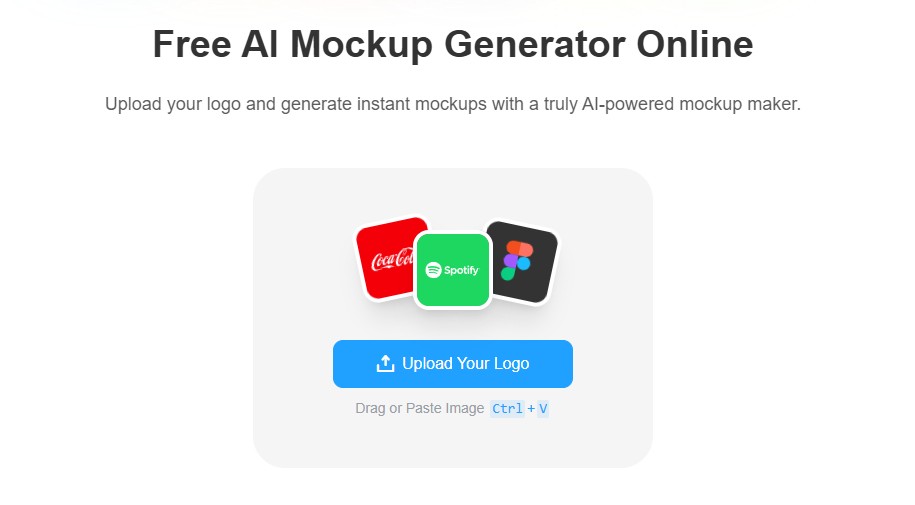
LogoAI includes a logo mockup generator that helps designers upload a logo and turn it into brand identity mockups. This can be useful for freelancers, branding designers, and small agencies that want to show clients how a logo might look on real materials.
Logo mockups are especially helpful because clients often struggle to imagine how a flat logo will work in real life. A realistic mockup can make the brand feel more complete.
Why Designers May Like It
- Useful for logo and brand identity presentations.
- Good for showing logos on products and printed materials.
- Helpful for brand kit previews.
- Fast way to make logo concepts feel more polished.
Use LogoAI If
Choose LogoAI if your main goal is to create logo mockups and brand identity previews for clients, portfolios, or startup presentations.
4. ImagineArt
Best for: creative AI-generated scenes and stylized mockups
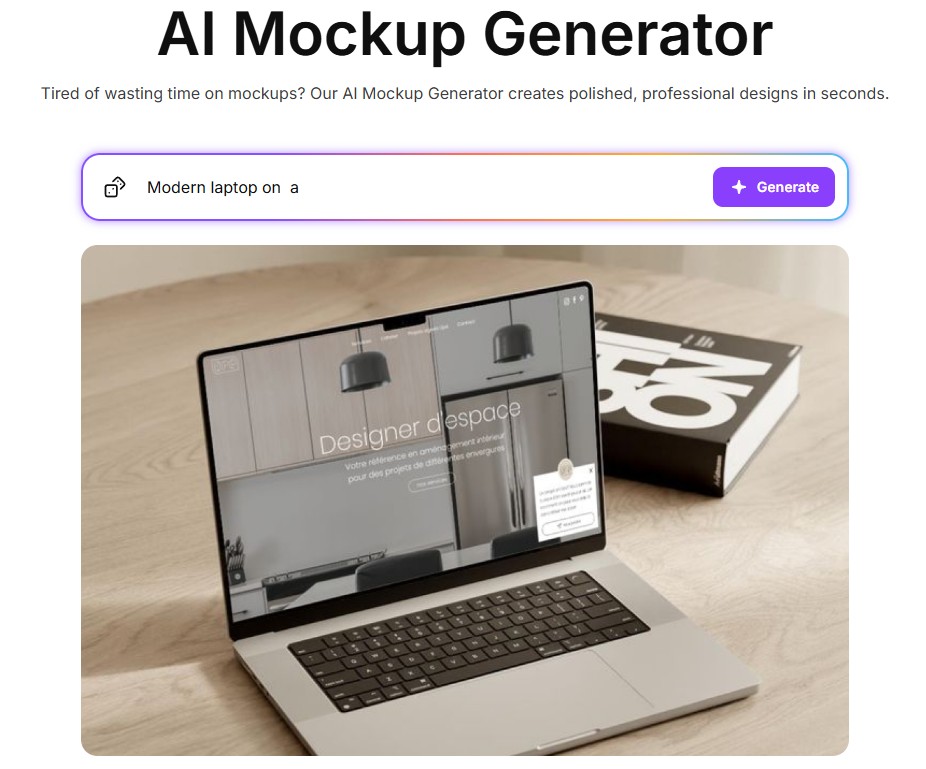
ImagineArt is an AI creative suite for generating images, videos, and visual content from prompts. While it is broader than a traditional mockup generator, it can be useful for designers who want to create stylized scenes, product concepts, creative backgrounds, and visual directions around a design.
This makes ImagineArt more flexible for conceptual work. Instead of choosing only a static template, designers can describe the scene they want and use AI to explore a more custom visual mood.
Why Designers May Like It
- Useful for prompt-based creative exploration.
- Good for stylized or conceptual mockup scenes.
- Helpful for campaign visuals and mood boards.
- Works well when static templates feel too limiting.
Use ImagineArt If
Choose ImagineArt if you want to create AI-generated mockup scenes, visual concepts, product environments, or more artistic presentation styles.
5. MockupGenerator.ai
Best for: product mockups across many categories
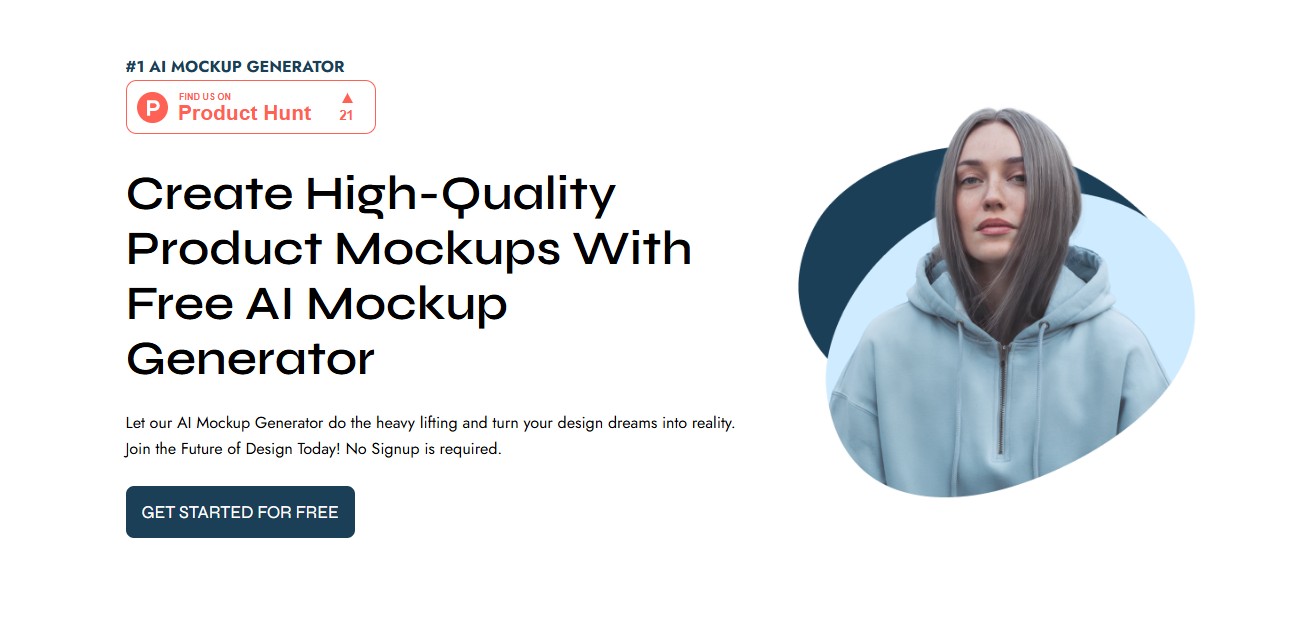
MockupGenerator.ai is designed to help users create free mockups online using templates across product categories such as t-shirts, packaging, tech devices, apparel, and more.
It is useful when you need a practical mockup tool that focuses on speed and variety rather than a complicated design workflow.
Why Designers May Like It
- Large selection of mockup categories.
- Useful for apparel, packaging, posters, devices, and product previews.
- Good for designers who want quick exports.
- Helpful for print-on-demand and marketing visuals.
Use MockupGenerator.ai If
Choose MockupGenerator.ai if you need a broad AI mockup generator with many template options for products, packaging, tech devices, and apparel.
6. QuillBot AI Mockup Generator
Best for: quick AI product visuals and simple mockups
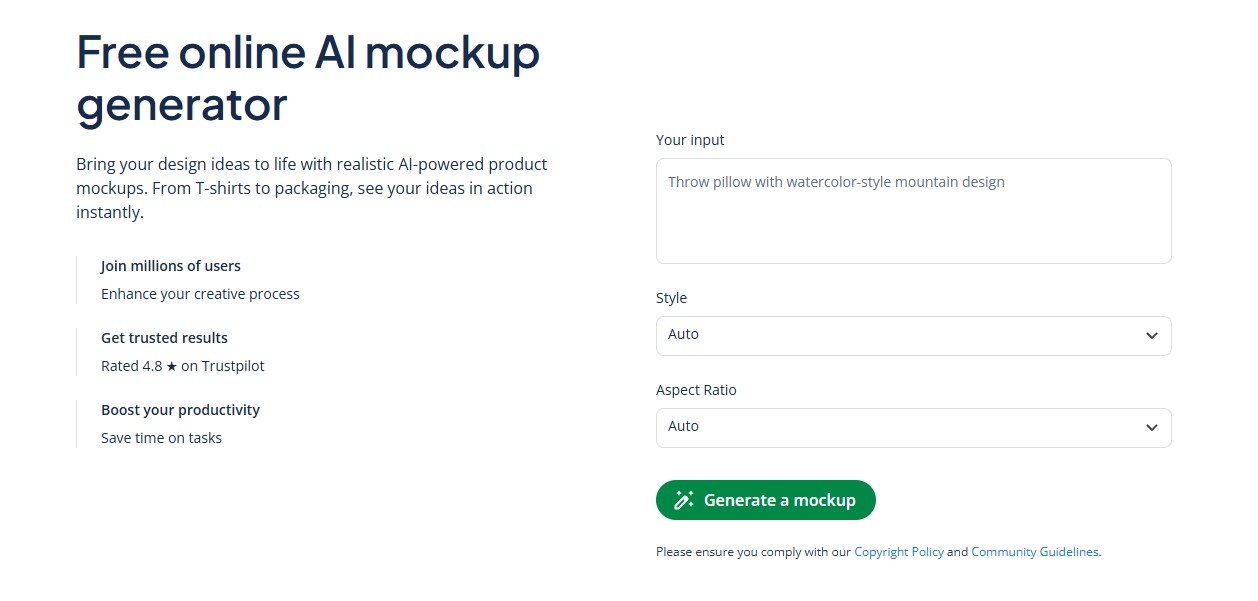
QuillBot AI Mockup Generator helps users create realistic product visuals for categories such as devices, packaging, and apparel. It can be useful for creators who already use QuillBot tools and want a simple way to generate mockup-style visuals without opening another complex design app.
Because QuillBot is known for writing tools, this mockup generator may appeal to marketers, students, small business owners, and creators who want both writing and visual support in one ecosystem.
Why Designers May Like It
- Simple interface for quick mockup creation.
- Useful for device, apparel, and packaging visuals.
- Good for fast experiments and early concepts.
- Helpful for non-designers who need simple product visuals.
Use QuillBot If
Choose QuillBot if you need a simple AI mockup tool for quick product visuals, especially if you already use QuillBot for writing or content tasks.
7. Phot.AI Mockup Generator
Best for: eCommerce product mockups and marketplace visuals
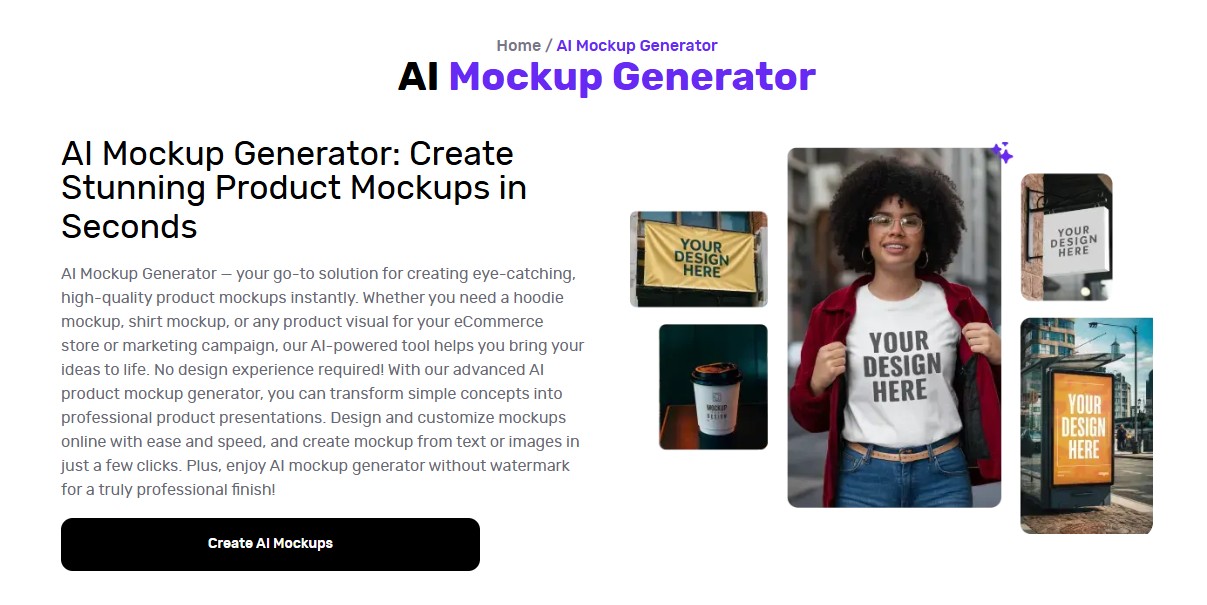
Phot.AI offers an AI mockup generator for creating product visuals such as shirt mockups, hoodie mockups, promotional assets, and product displays for eCommerce platforms.
This tool is especially relevant for online sellers who need strong visuals for Shopify, Etsy, Amazon, ads, social media, and product listings.
Why Designers May Like It
- Useful for eCommerce and marketplace visuals.
- Good for apparel mockups such as t-shirts and hoodies.
- Helpful for ad creatives and product promotions.
- Designed for fast product display creation.
Use Phot.AI If
Choose Phot.AI if you create eCommerce mockups or product visuals for Shopify, Etsy, Amazon, social media ads, or online store listings.
8. Canva AI Mockup Generator
Best for: designers and marketers who want mockups inside a larger design platform
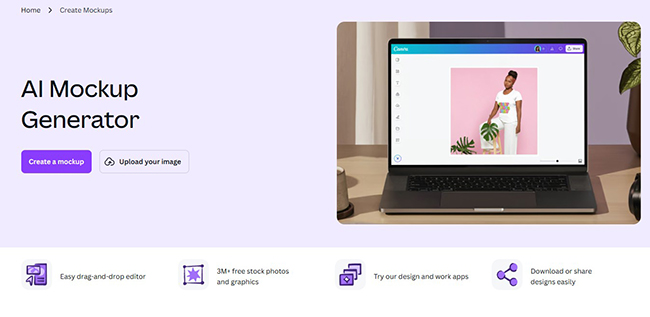
Canva AI Mockup Generator helps users create realistic mockups for t-shirts, websites, posters, product promotions, and design proposals. It is especially useful because mockups can be used directly inside Canva layouts, presentations, social posts, and marketing materials.
For small businesses and content creators, this is convenient because mockups do not stay as separate files. They can become part of a larger design, pitch deck, Instagram post, website banner, or ad creative.
Why Designers May Like It
- Easy to use inside Canva’s design ecosystem.
- Useful for posters, websites, apparel, and product promotions.
- Good for business proposals and social media visuals.
- Helpful for teams that already use Canva for brand content.
Use Canva If
Choose Canva if you need AI mockups that can be quickly added to presentations, marketing graphics, social media content, and client proposals.
9. Recraft AI Mockup Generator
Best for: custom high-resolution mockups and creative product visuals
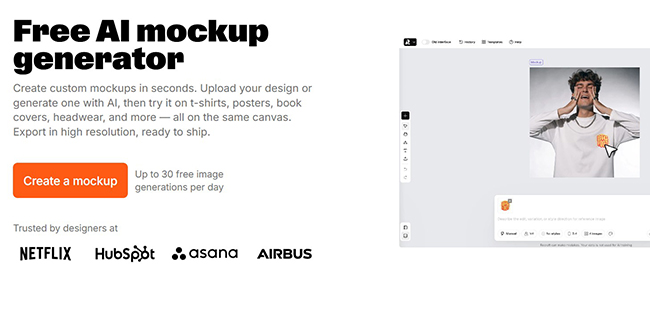
Recraft AI Mockup Generator lets users upload a design or generate one with AI and place it on products such as t-shirts, posters, book covers, headwear, and more. It is useful for designers who want quick custom mockups with high-resolution export options.
Recraft can be a good option for creators who want to combine AI image generation with mockup creation inside one visual workflow.
Why Designers May Like It
- Useful for custom product mockups.
- Good for apparel, posters, and product visuals.
- Supports AI-generated design and mockup creation together.
- Helpful for print-ready or campaign-ready visuals.
Use Recraft If
Choose Recraft if you want a flexible AI mockup generator that combines uploaded artwork, AI-generated designs, and product mockup creation.
How to Choose the Best AI Mockup Tool
The best AI mockup tool depends on what kind of work you create. A branding designer, eCommerce seller, UI designer, and print-on-demand creator may all need different features.
Before choosing a tool, ask:
- Do I need product mockups, device mockups, apparel mockups, or packaging mockups?
- Do I want templates or prompt-based scene generation?
- Do I need free exports or professional high-resolution files?
- Will I use mockups for client presentations, online stores, ads, or portfolio work?
- Do I need mockups inside a larger design platform like Canva?
- Do I need realistic product photos or more creative stylized visuals?
- Does the tool support my workflow: Figma, Canva, Photoshop, Shopify, Etsy, or social media?
If you mostly create apparel and product listings, tools like Mockey AI, Phot.AI, MockupGenerator.ai, or Recraft may be more useful. If you need logo presentations, LogoAI is more focused. If you want creative AI-generated scenes, ImagineArt may offer more flexibility. If you need mockups inside ready-to-publish designs, Canva is a practical choice.
AI Mockup Tools vs Traditional PSD Mockups
AI mockup tools are fast and accessible, but traditional PSD mockups still have value. The best choice depends on the project.
| AI Mockup Tools | Traditional PSD Mockups |
|---|---|
| Fast and beginner-friendly | More manual control |
| Useful for quick variations | Better for detailed Photoshop editing |
| Often browser-based | Usually requires Photoshop |
| Good for eCommerce and social media | Good for premium client presentations |
| Can generate many concepts quickly | Can offer more precise layer control |
Many designers use both. AI tools are great for speed and exploration. PSD mockups are still useful when you need detailed editing, exact shadows, advanced layer control, or a very specific premium presentation.
Tips for Creating Better AI Mockups
AI mockup generators can save time, but the final quality still depends on your input and creative judgment.
- Use high-resolution artwork: low-quality logos or designs will make the final mockup look weaker.
- Match the mockup to the brand: a luxury brand, playful brand, and tech brand need different scenes.
- Check lighting and shadows: realistic mockups should feel physically believable.
- Avoid clutter: clean mockups usually look more professional.
- Use consistent scenes: portfolio projects look stronger when mockups share a similar style.
- Edit after generation: adjust color, crop, contrast, and layout if needed.
- Check usage rights: always review the tool’s license before using mockups commercially.
Common Mistakes to Avoid
AI mockups can make a project look better, but they can also make it look generic if used carelessly.
- Using random scenes: the mockup should support the brand story, not distract from it.
- Overloading presentations: too many mockups can make a project feel messy.
- Ignoring realism: bad perspective or lighting can make a design look fake.
- Using low-quality exports: blurry mockups weaken the final impression.
- Skipping final editing: even AI mockups may need manual polish.
- Forgetting the audience: a mockup for a client pitch may need a different style than a marketplace listing.
FAQ: AI Mockup Tools and Generators
What is the best AI mockup generator for designers?
The best AI mockup generator depends on your needs. Mockey AI is useful for many template categories, Phot.AI is strong for eCommerce product visuals, LogoAI works well for logo mockups, and Canva is helpful if you want mockups inside a larger design workflow.
Can AI mockup tools replace Photoshop mockups?
AI mockup tools can replace Photoshop mockups for many quick presentations, eCommerce visuals, and social media assets. However, traditional PSD mockups still offer more manual control for advanced editing and premium presentations.
Are AI mockup generators good for eCommerce?
Yes. AI mockup generators can help create product listing images, apparel previews, packaging concepts, ad visuals, and social media creatives for eCommerce stores and marketplaces.
Can I use AI mockups commercially?
Commercial usage depends on the tool, license, plan, and source assets used in the mockup. Always check each platform’s current terms before using AI-generated mockups for client work, ads, or product listings.
Do AI mockup tools work for website previews?
Yes. Many AI mockup tools and design platforms can help create website previews on laptops, tablets, smartphones, or browser-style frames. These are useful for portfolios, case studies, and client presentations.
What should I prepare before using an AI mockup generator?
Prepare a clean logo, artwork, website screenshot, product label, or design file in high resolution. Also decide the product type, visual style, background mood, and final use of the mockup.
Final Thoughts: AI Mockup Generators Make Design Presentation Faster
AI mockup generators are becoming essential tools for modern designers because they make presentation faster, easier, and more flexible. Instead of spending hours editing mockup templates manually, designers can create realistic product previews, apparel visuals, packaging concepts, and device mockups in minutes.
The best tool depends on your workflow. Use Createimg or Mockey AI for fast product mockups. Try LogoAI for brand identity presentations. Use Phot.AI for eCommerce visuals. Choose Canva if you want mockups inside a larger design layout. Explore ImagineArt or Recraft when you need more creative AI-generated scenes.
The most important thing is to treat mockups as part of your design story. A good mockup should not only make the design look pretty. It should help clients, customers, and audiences understand how the idea works in the real world.
AI can generate the mockup faster, but your creative direction decides whether the presentation feels professional, memorable, and useful.
Explore more mockups, AI tools, and design resources on DesignRise.
Discover more from DesignRise
Subscribe to get the latest posts sent to your email.