


Free logo mockups PSD resources can turn a flat logo file into a realistic branding presentation in just a few steps. Instead of showing a client the same mark on a plain white artboard, designers can demonstrate how it might look stamped into paper, printed on kraft packaging, embossed into leather, mounted on a building, illuminated as a neon sign, or applied to metal and wood.
That context can make a major difference during a branding presentation.
A mockup does not improve the underlying logo itself, but it can help designers evaluate how the identity responds to real materials, lighting, scale, texture, contrast, and production methods.
This DesignRise collection brings together 20 free logo mockups PSD and logo presentation resources covering a wide range of visual styles, from minimal paper embossing to dramatic gold foil, concrete, neon, leather, storefront, wood, and architectural applications.
The collection includes logo mockups for:
- Metal and rust effects.
- Luxury gold branding.
- Leather stamping.
- Paper embossing and printing.
- Clothing and fashion tags.
- Kraft paper.
- Corporate halls and interiors.
- Concrete and steel.
- Gold foil.
- Business buildings.
- Neon signage.
- Stone embossing.
- Glowing signs.
- Shop windows.
- Wooden signs.
- Minimal cut-out effects.
Many logo mockups are Photoshop PSD files with Smart Object layers, but editing methods, resolutions, compatibility, and licensing vary between creators. Always check the original source page before downloading if you need a specific Photoshop workflow or commercial-use license.
Licensing note: “free” does not automatically mean unrestricted commercial use. Some resources may be limited to personal projects or require a different license for commercial work. Always check the current terms on the original source page.
Explore More DesignRise Resources:
- Auto Branding Mockup for Your Artwork
- Free PSD Mockups for Designers
- Fresh Font Collection for Creatives
Why Use Free Logo Mockups PSD?
A finished logo usually needs to work across many environments, not only inside Illustrator or Photoshop.
It might eventually appear on business cards, packaging, signage, merchandise, stationery, storefronts, uniforms, websites, or physical products.
Mockups help designers explore some of those situations before anything is manufactured.
They Give Clients Realistic Context
Not every client can easily imagine how a vector logo will translate into a physical object.
A well-chosen mockup can make that transition easier to understand.
They Reveal Production Challenges
A complex logo that looks beautiful at large digital scale may become difficult to emboss, engrave, stamp, or cut from physical material.
They Strengthen Portfolio Presentations
A strong branding case study usually combines clean logo artwork with carefully selected real-world applications.
Which Logo Mockup Style Should You Choose?
20 Free Logo Mockups PSD for Branding Presentations
1. Rusted Metal Logo Mockup
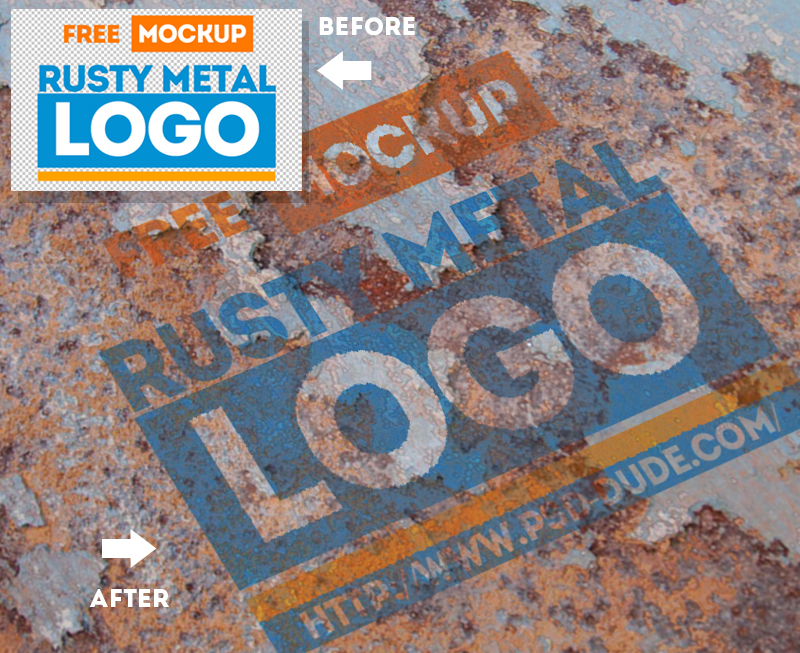
Best for: automotive brands, industrial identities, music, gaming, outdoor products, workshops, and rugged visual concepts.
The rusty metal surface gives a logo an intentionally aged and distressed appearance. It is a highly specific style, so it works best when the material supports the personality of the actual brand.
Do Not Use Texture to Hide a Weak Logo
A dramatic metal treatment may look impressive, but the logo should still work in a clean single-color version.
2. Luxury Gold Logo Mockup

Best for: luxury brands, fashion, beauty, jewelry, hospitality, premium services, and elegant identity presentations.
Gold against a dark surface creates immediate contrast and a premium mood.
This type of mockup works particularly well with:
- Elegant serif typography.
- Monograms.
- Simple symbols.
- Fine but controlled line work.
Use it selectively. Not every premium identity needs metallic gold to communicate quality.
3. Red Velvet Leather Stamp Logo Mockup

Best for: fashion labels, accessories, leather goods, premium stationery, handcrafted brands, and boutique identities.
A stamped leather presentation emphasizes texture and physical depth. It can help designers test whether a logo remains recognizable when converted into an embossed or pressed application.
Source note: this is an older external resource. Verify current availability and licensing before using it in a new commercial project.
4. Free Logo Mockup

Best for: general brand identity, agencies, corporate logos, portfolio projects, and client presentations.
A neutral logo scene is often more useful than an extremely dramatic effect because it allows the identity itself to remain the focus.
5. Gold Leather Stamping Logo Mockup

Best for: luxury fashion, leather accessories, notebooks, hospitality, premium packaging, and elegant visual identities.
This mockup combines two strong visual signals: metallic gold and textured leather.
Because both elements already have significant visual character, simple logos often work better than highly detailed marks.
6. 4 Logo Mockup PSD Set

Best for: comparing visual treatments, portfolio projects, branding explorations, and client presentations.
A set of multiple logo scenes can be useful when one presentation needs more than a single material or visual treatment.
Use different mockups to demonstrate different applications rather than repeating the same effect several times.
Source note: verify this older external source before relying on it for a new project.
7. Embossed Clothing Tag Logo Mockup

Best for: fashion, clothing labels, accessories, streetwear, handmade products, and apparel branding.
A clothing tag gives the logo a practical retail context and helps reveal how well the identity works at a relatively small physical size.
Simplification Matters
Fine details that look attractive on a large screen may disappear when embossed into a small tag.
8. Logo Mock-Up — Paper Edition

Best for: corporate identities, stationery, editorial brands, consultants, studios, and premium minimal branding.
Paper mockups are among the most useful logo presentation formats because they provide physical depth without adding an overly specific environment.
9. Craft Paper Printing Logo Mockup
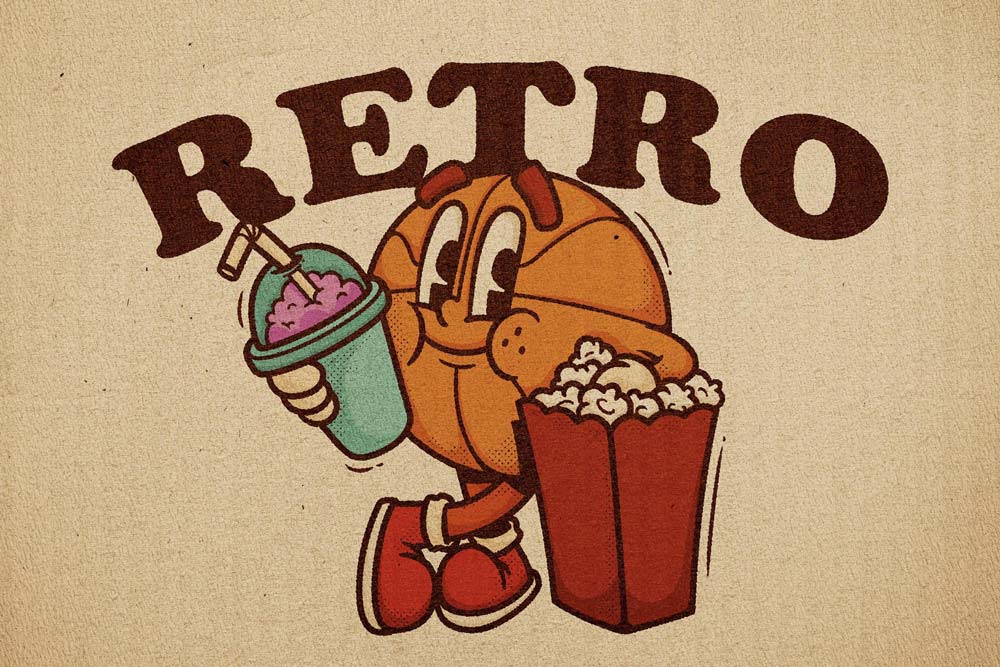
Best for: coffee shops, natural products, artisan brands, vintage identities, food packaging, and handcrafted businesses.
The textured kraft-style paper gives logos a warmer and more tactile character than clean white stationery.
This makes it suitable for identities that intentionally avoid an ultra-polished corporate appearance.
License note: check the current PixelBuddha license carefully before commercial use.
10. Hall Logo Mockup

Best for: offices, hotels, reception areas, agencies, clinics, corporate brands, and architectural signage.
A logo displayed inside a hall or reception environment demonstrates how the brand behaves at architectural scale.
Evaluate Viewing Distance
A reception logo might be seen from across the room, so excessively thin strokes or detailed taglines can become difficult to recognize.
11. Concrete Steel Logo Mockup

Best for: architecture, construction, industrial brands, automotive companies, technology, real estate, and masculine identity systems.
The combination of concrete and steel creates a strong architectural effect that can be useful for demonstrating durable, physical signage.
12. Deluxe Gold Foil Logo Mockup
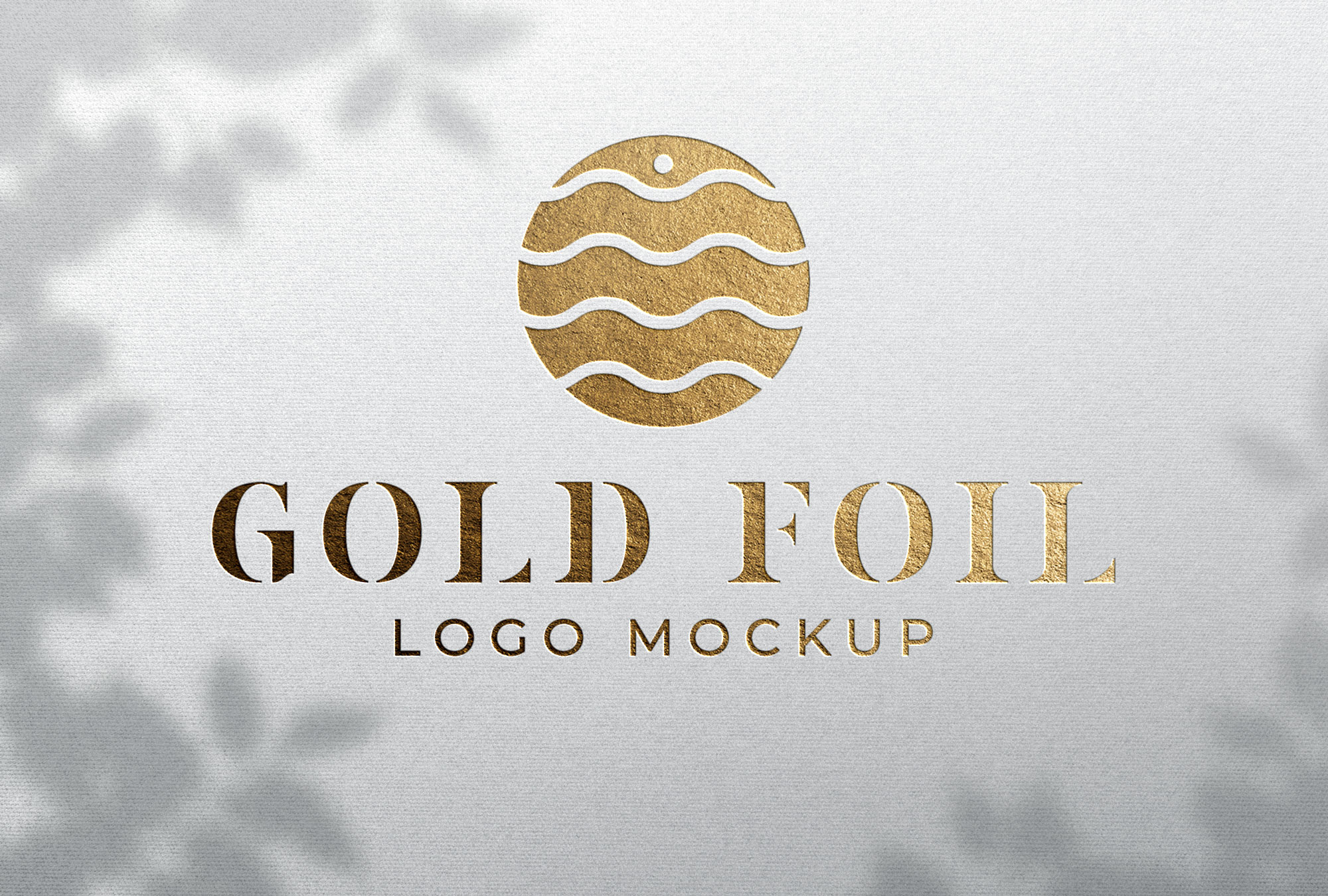
Best for: invitations, premium stationery, luxury brands, fashion, beauty, wedding businesses, and boutique identities.
Foil stamping can emphasize fine typography and simple emblem-style logos particularly well.
Source note: this link points directly to a downloadable archive rather than a full editorial resource page. Verify the original license and source before commercial use.
13. Business Building Logo Mockup
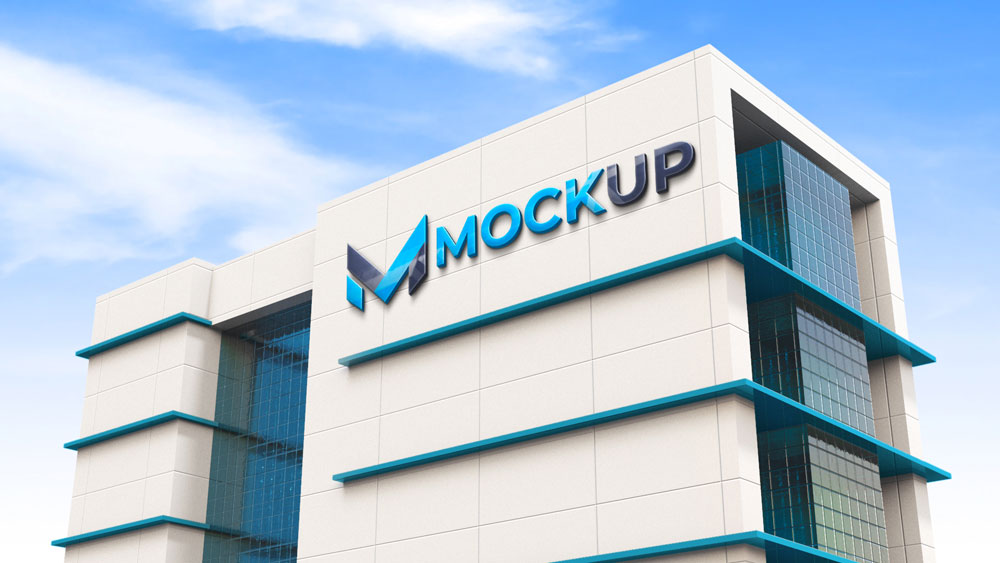
Best for: corporate branding, real estate, financial services, architecture, hotels, healthcare, and office identities.
A building mockup demonstrates the identity at a much larger scale than stationery or packaging.
Check the Logo Without Effects
Architectural mockups can make almost any logo look impressive. Always show the original flat mark elsewhere in the presentation so the client can evaluate the actual design.
14. Neon Light Logo Mockup

Best for: bars, restaurants, nightlife, entertainment, gaming, music, beauty studios, and creative businesses.
Neon changes a logo dramatically because the mark becomes a light source rather than a printed graphic.
Simple shapes and continuous letterforms often translate particularly well.
Source note: this is a direct archive link. Check the original creator and usage terms before professional use.
15. Stone Emboss Logo Mockup

Best for: architecture, hotels, real estate, museums, luxury businesses, restaurants, and institutional branding.
Stone creates a permanent architectural impression and can help evaluate whether the mark remains clear when reproduced as an embossed physical surface.
16. Yellow Glowing Logo Mockup
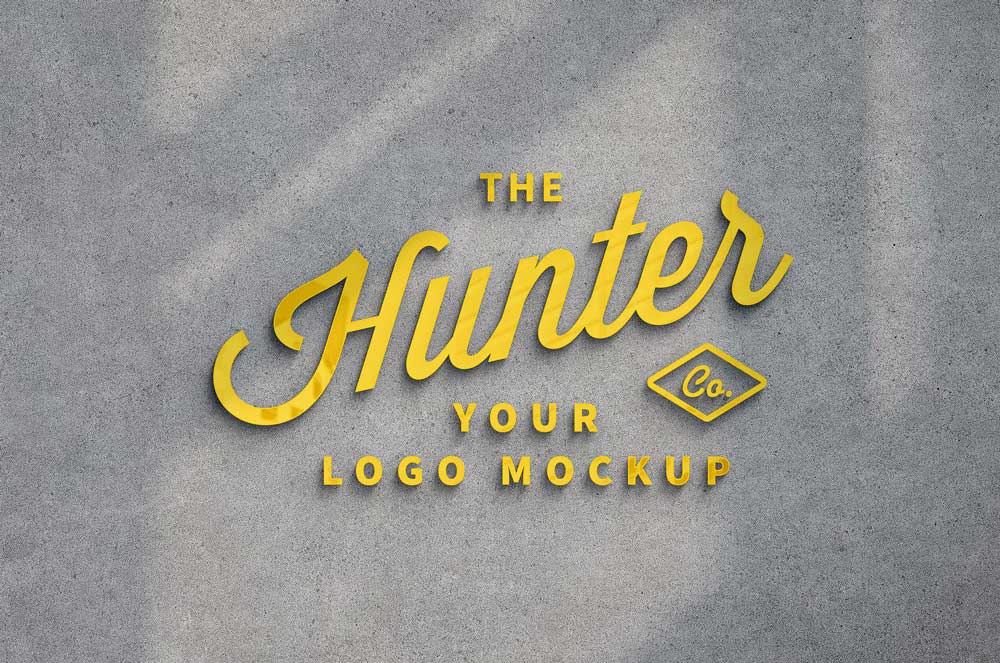
Best for: storefronts, hospitality, entertainment, creative agencies, events, retail, and nightlife branding.
A glowing sign can demonstrate how a logo behaves when illuminated in a darker environment.
Check the Shape Before the Glow
A strong illuminated sign depends on a recognizable logo silhouette. The lighting effect should support the mark rather than become the only reason the presentation looks attractive.
17. Gold Foil Printed Paper Logo Mockup
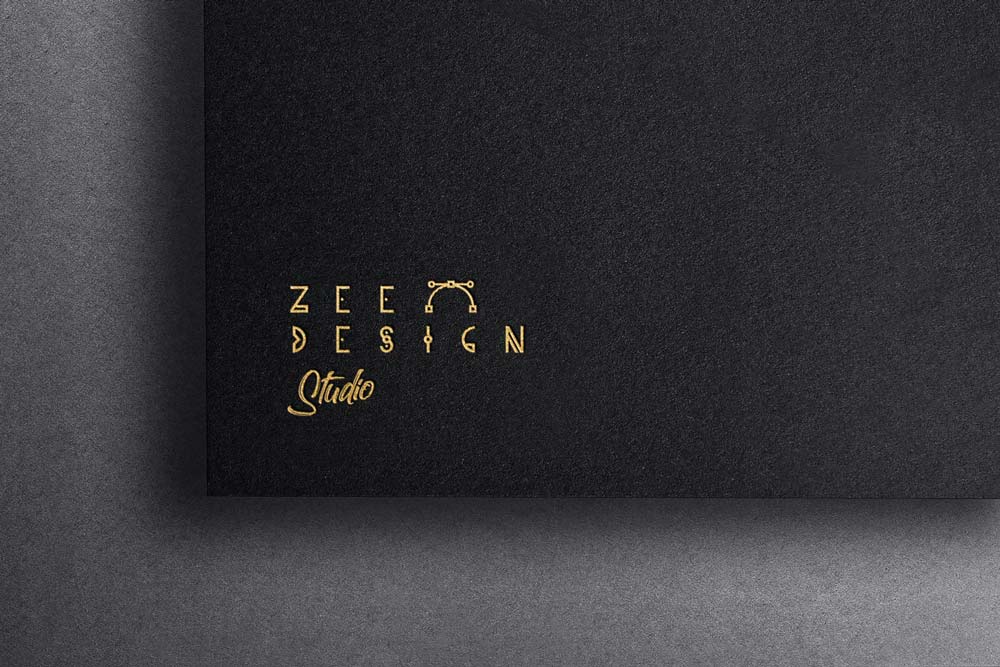
Best for: stationery, invitations, fashion, luxury hospitality, beauty, jewelry, and premium packaging.
Gold foil on paper works well when you want to demonstrate a realistic premium print-finishing technique rather than a generic 3D metallic effect.
18. Shop Window Logo Mockup
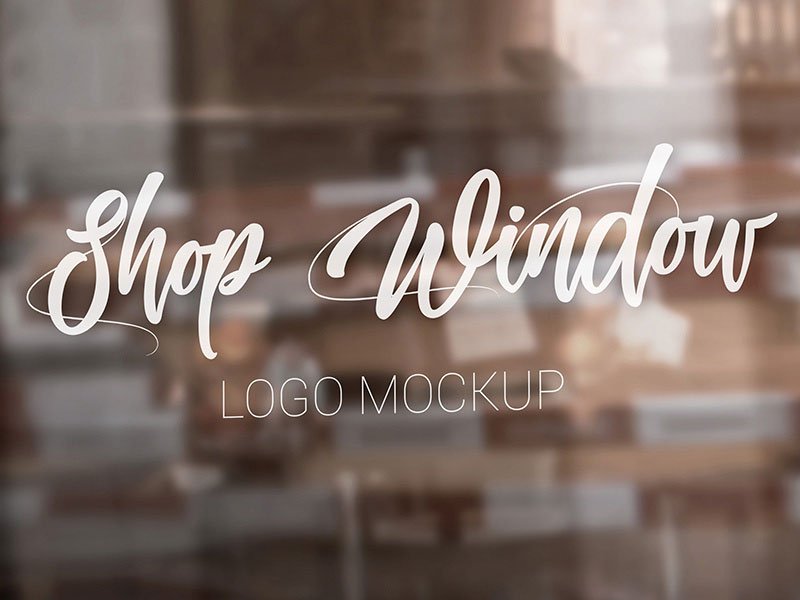
Best for: retail stores, cafés, salons, boutiques, studios, restaurants, and local businesses.
A shop-window presentation gives the logo an immediate customer-facing context.
It can also help test whether the mark maintains enough contrast when displayed over reflections, glass, and the visual environment behind it.
19. Craft Wood Sign Logo Mockup

Best for: cafés, restaurants, handmade products, outdoor businesses, organic brands, craft shops, and hospitality.
A wooden sign introduces grain, natural color, and tactile texture into the presentation.
It works particularly well for identities intended to feel:
- Handcrafted.
- Natural.
- Warm.
- Traditional.
- Outdoor-oriented.
20. Minimalist Cut-Out Logo Mockup
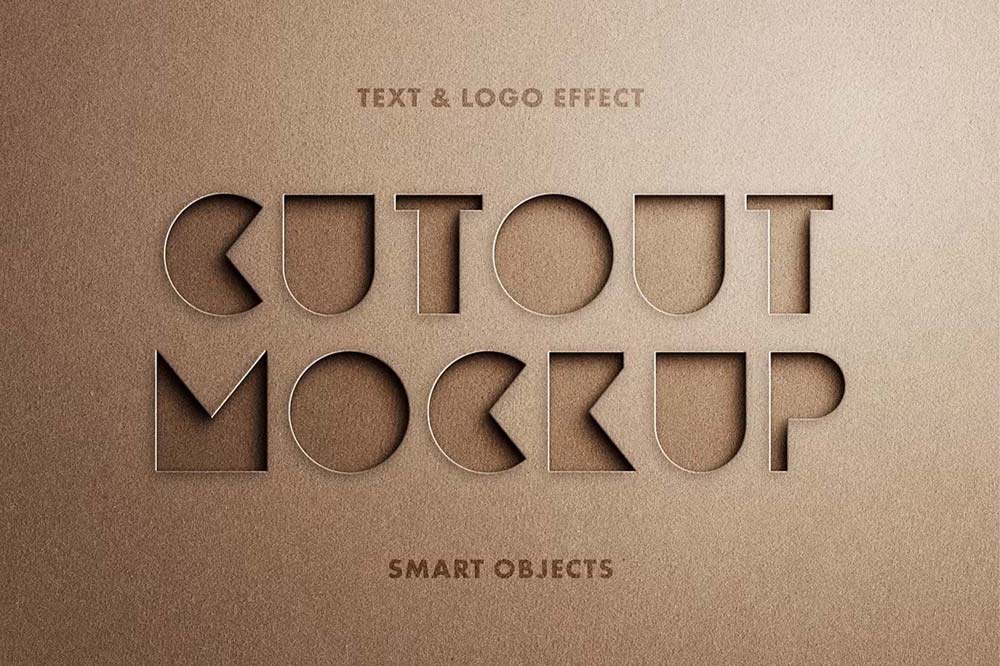
Best for: minimalist logos, corporate identities, creative studios, editorial branding, technology, and modern portfolio presentations.
A cut-out effect provides physical depth without relying on heavy metallic textures or dramatic environments.
This makes it a useful finishing option for clean, geometric, or typography-led identities.
How to Choose the Right Logo Mockup
Start with the real-world application of the brand.
Fashion Brand
Consider:
- Clothing tags.
- Leather stamping.
- Storefront signage.
- Gold foil.
Corporate Brand
Try:
- Paper embossing.
- Office halls.
- Building signage.
- Clean cut-out effects.
Restaurant or Café
Wood, paper, neon, windows, and architectural signage may provide more relevant context.
Luxury Brand
Gold foil, embossed paper, leather, restrained metallic finishes, and premium signage can work well when they match the actual positioning.
Logo Mockups Should Support the Brand Strategy
The most dramatic mockup is not necessarily the best choice.
For example, a neon effect may look impressive, but it makes little sense for a traditional financial institution if illuminated signage is not part of the brand experience.
Ask:
- Could this application realistically exist?
- Does the material match the brand personality?
- Does the mockup demonstrate something useful?
- Would I recommend this production method to the client?
Flat Logo vs Mockup Presentation
The Flat Logo Shows the Actual Design
It allows viewers to evaluate:
- Shape.
- Spacing.
- Typography.
- Proportion.
- Color.
The Mockup Shows Context
It demonstrates how the logo may interact with a material, surface, or environment.
A professional presentation should usually contain both.
How Many Logo Mockups Should a Branding Project Use?
There is no fixed number.
For many identity projects, a strong structure might include:
- One clean logo presentation.
- One primary real-world mockup.
- Two or three relevant supporting applications.
Ten unrelated logo effects can make a branding project feel less intentional rather than more complete.
How to Use PSD Logo Mockups in Photoshop
1. Open the PSD File
Review the layer structure before editing anything.
2. Find the Editable Artwork Layer
It may be labeled:
- Your Logo Here.
- Place Design.
- Smart Object.
- Replace Me.
3. Open the Smart Object
Double-click the Smart Object thumbnail when the mockup uses one.
4. Insert Your Logo
Use a clean high-resolution or vector-based version whenever possible.
5. Save the Smart Object
Return to the main mockup document and review the updated effect.
6. Check Realism
Evaluate:
- Scale.
- Lighting.
- Contrast.
- Perspective.
- Material behavior.
How to Make Logo Mockups Look More Realistic
Do Not Oversize the Logo
Many beginner presentations make the mark much larger than it would realistically appear.
Respect the Material
Paper, metal, leather, glass, stone, wood, and fabric should not all produce the same visual effect.
Use Appropriate Contrast
A dark logo may disappear on a dark material even if the mockup lighting looks attractive.
Avoid Excessive Effects
Embossing, foil, glow, bevels, shadows, and reflections should reflect a plausible production method whenever realism matters.
Common Logo Mockup Mistakes
1. Showing Only Effects
A client still needs to see the clean logo.
2. Using an Irrelevant Material
Select mockups based on the brand, not simply on visual drama.
3. Making the Logo Too Large
Real applications usually require more breathing room.
4. Using Gold for Every Premium Brand
Luxury can be communicated through typography, proportion, material, and restraint without metallic effects.
5. Ignoring Small-Scale Reproduction
A logo must work on small tags and stationery as well as large walls.
6. Presenting Impossible Production Effects
Ask whether the proposed emboss, cut-out, neon, or engraving could realistically be manufactured.
7. Using Too Many Mockups
Each scene should add useful information to the branding project.
8. Using Low-Resolution Logo Artwork
Pixelated source artwork will remain visible even inside a high-quality PSD.
9. Letting the Mockup Become More Important Than the Logo
The identity should remain the main subject.
10. Assuming Every Free Logo Mockup Allows Commercial Use
Licensing varies. Check every source individually.
Logo Mockup Licensing Checklist
- Is personal use allowed?
- Is commercial use allowed?
- Can the mockup be used in a paid client presentation?
- Can the resulting image appear in advertising?
- Can it appear in a public portfolio?
- Is attribution required?
- Can the PSD be modified?
- Can the source file be redistributed?
- Can it be included in a product or template for resale?
Frequently Asked Questions About Free Logo Mockups PSD
What are logo mockups?
Logo mockups are presentation templates that place a logo onto realistic materials, objects, signage, paper, packaging, architecture, fabric, metal, wood, leather, or other surfaces.
What are free logo mockups PSD used for?
Free logo mockups PSD resources can be used for branding presentations, portfolio projects, design concepts, client approvals, and testing how a logo might behave in different physical environments.
Do all PSD logo mockups use Smart Objects?
No. Many do, but the editing structure depends on the creator and individual resource.
What is the best logo mockup for corporate branding?
Paper embossing, clean office signage, building applications, and restrained architectural mockups usually provide appropriate context for corporate identities.
What logo mockups work for luxury brands?
Gold foil, embossed paper, leather stamping, premium signage, and carefully controlled metallic treatments can work well when they match the brand strategy.
What logo mockups work for fashion brands?
Clothing tags, leather stamping, storefront windows, labels, paper applications, and premium retail environments are useful options.
Should I show a flat logo too?
Yes. The flat logo allows clients and portfolio viewers to judge the actual identity without lighting, texture, perspective, or material effects.
Can free logo mockups be used commercially?
Only when the individual resource license permits the intended commercial use.
Can I use a logo mockup in my portfolio?
This depends on the individual license, although portfolio presentation is a common intended use for mockup resources.
How many logo mockups should I use in one branding project?
Use enough to demonstrate meaningful applications. A few carefully chosen scenes are usually more convincing than a large collection of unrelated visual effects.
Final Thoughts
The best free logo mockups PSD resources do more than make a logo look impressive.
They help designers understand how an identity might behave outside the design software.
A leather tag can test whether a fashion logo survives embossing. A paper mockup demonstrates how a mark responds to print finishing. Building signage reveals whether the identity remains recognizable at architectural scale, while wood, stone, metal, or neon can show how material changes the personality of the same design.
Choose mockups according to the brand and the likely real-world application.
Show the clean logo first. Use effects selectively. Keep scale realistic. Respect the material. Avoid presentations that could never be produced physically.
Most importantly, remember that the mockup is there to support the identity.
A strong logo should still work when every dramatic effect is removed.
For more logo resources, mockups, fonts, Photoshop assets, textures, and practical inspiration for designers, continue exploring DesignRise.