The New AI Design Workflow Every Designer Should Master in 2026
AI is rapidly changing how designers work. Tasks that once took hours — concept generation, visual exploration, asset creation, background removal, mockup production, image enhancement, and content variation — can now happen in minutes with the help of modern AI tools.
But the biggest shift is not automation alone. The real transformation is the emergence of the AI design workflow: a creative process where designers combine human direction, visual strategy, storytelling, and brand thinking with AI-powered tools that accelerate production and experimentation.
In 2026, AI workflows are no longer optional for modern designers. Designers who understand how to integrate AI into branding, UI/UX, content creation, marketing, motion design, and product visualization can work faster, test more ideas, and produce more polished results.
This DesignRise guide explores how AI design workflows are changing the creative industry, which skills matter most, which tools designers should learn, and how to build a workflow that stays creative instead of becoming overly automated.
Why AI Is Reshaping Design Workflows
AI tools are changing the pace of design production. Instead of spending most of the project on repetitive execution tasks, designers can focus more on concept direction, visual storytelling, art direction, UX thinking, and brand strategy.
AI can help generate visual concepts, create mockups, upscale images, produce animations, remove backgrounds, build UI variations, and even assist with copywriting or layout ideas. This allows designers to iterate much faster than traditional workflows alone.
On DesignRise, we see AI workflows not as a replacement for designers, but as a new creative layer that expands what small teams and individual creators can produce.
Explore More DesignRise AI Resources:
- 10 AI Tools Every Designer Should Try in 2026
- Best AI Tools for Graphic Design
- Best GPT-Powered Tools to Boost Your ChatGPT Experience
Understanding the Modern AI Design Workflow
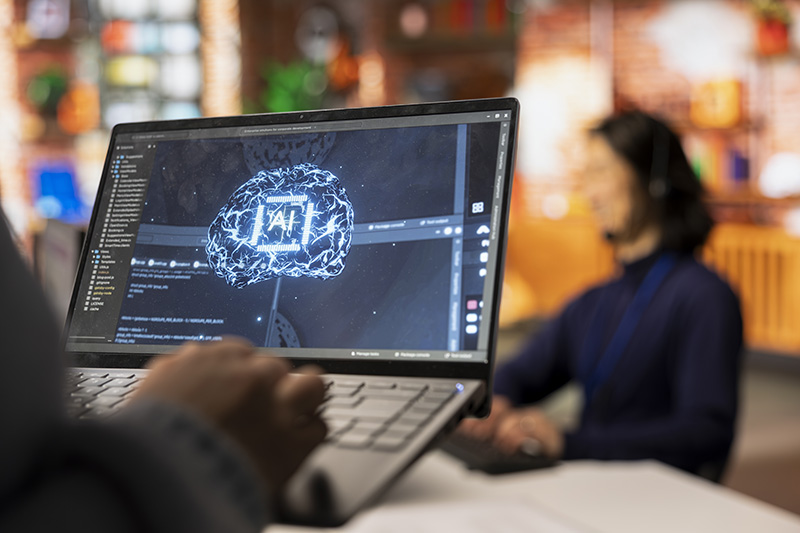
The modern AI design workflow combines traditional creative thinking with AI-assisted production tools. Instead of replacing the designer, AI becomes part of the process from ideation to final delivery.
A typical AI-enhanced workflow may include:
- Concept exploration with generative image tools
- Mood board creation and visual research
- Rapid UI and layout experimentation
- AI-assisted content and asset generation
- Motion and video generation
- Image enhancement and upscaling
- Mockup and presentation production
- Brand consistency optimization
The strongest workflows combine speed with human direction. AI can generate ideas quickly, but designers still need to choose what fits the brand, product, audience, and project goals.
Core Stages of the AI Design Workflow
1. Ideation and Visual Exploration
AI tools make it possible to explore creative directions much faster than traditional brainstorming alone. Designers can generate mood boards, compositions, color palettes, visual styles, product concepts, and campaign ideas within minutes.
Tools like Midjourney, Adobe Firefly, and Leonardo AI are especially useful during the early concept phase.
Instead of replacing creativity, AI expands the number of ideas a designer can test before choosing a final direction.
2. Rapid Prototyping and Layout Generation
AI workflows allow designers to create and compare multiple design directions quickly. This is useful for:
- Landing page concepts
- UI variations
- Ad creatives
- Social media graphics
- Branding systems
- Presentation layouts
Fast iteration is one of the biggest advantages of AI-assisted workflows because it reduces production time while increasing creative experimentation.
3. AI-Assisted Content Creation
Modern AI tools can generate icons, illustrations, textures, product scenes, backgrounds, 3D visuals, videos, and marketing assets.
Platforms like Runway, Stable Diffusion, and AI-powered Adobe tools help designers create production-ready assets without building every element manually.
This is especially useful for content-heavy projects where teams need multiple variations quickly.
4. Collaboration and Feedback Loops
AI workflows also improve collaboration. Designers can generate fast drafts, present multiple concepts to clients, and refine ideas earlier in the process.
Instead of spending days polishing one direction before feedback, teams can review several visual approaches much earlier and make decisions faster.
This reduces wasted production time and helps clients understand creative possibilities more clearly.
5. Final Rendering and Optimization
AI can help with:
- Image upscaling
- Color correction
- Background cleanup
- Lighting consistency
- Mockup generation
- Export optimization
These final refinements help maintain visual consistency across campaigns, websites, social media assets, and branding systems.
Key AI Skills Designers Should Master
As AI becomes part of everyday design work, designers need new technical and creative skills to stay competitive.
1. Prompt Engineering
Prompt writing has become one of the most important AI design skills. The quality of the output often depends on how clearly the designer describes style, composition, lighting, mood, references, and visual direction.
Strong prompts usually combine:
- Clear subject description
- Visual style direction
- Camera or composition details
- Lighting and color mood
- Negative prompts to avoid unwanted results
2. Style Consistency Management
One of the biggest challenges in AI workflows is maintaining consistent visual language across many assets.
Designers need to understand:
- Reference image workflows
- Brand consistency systems
- Color palette management
- Typography consistency
- Reusable visual prompts
This becomes especially important for branding projects and content-heavy campaigns.
3. AI Tool Ecosystems
Modern designers should understand which tools are best for different tasks.
- Midjourney: Concept art and visual exploration
- Adobe Firefly: AI image generation and Adobe integration
- Leonardo AI: Style experimentation and asset generation
- Runway: AI video workflows and motion generation
- Stable Diffusion: Flexible open AI image workflows
- ChatGPT: Creative ideation, content support, and workflow assistance
The goal is not to master every tool, but to understand which tools fit specific creative needs.
4. Integration With Traditional Design Software
AI workflows work best when combined with traditional tools like:
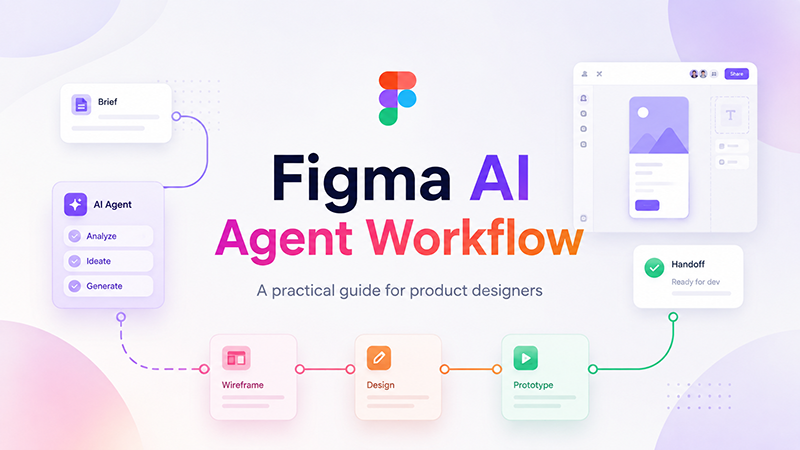
- Figma
- Photoshop
- Illustrator
- After Effects
- Blender
- Premiere Pro
AI-generated assets usually still require refinement, layout adjustment, editing, retouching, or brand alignment.
The designer remains responsible for the final quality and creative direction.
5. Ethical and Responsible AI Use
As AI-generated content becomes more common, designers also need to understand copyright concerns, originality, licensing, attribution, and responsible usage.
AI workflows should support creativity and efficiency without ignoring ethical considerations or client expectations.
Benefits of AI-Enhanced Design Workflows
- Faster production: AI reduces repetitive manual work.
- More experimentation: Designers can test more ideas in less time.
- Scalable content creation: Teams can produce larger campaigns faster.
- Improved presentations: Mockups and concepts can be generated quickly.
- Creative expansion: AI introduces unexpected visual directions.
- Workflow efficiency: Faster iteration reduces production bottlenecks.
Challenges Designers Should Expect

AI workflows also introduce new challenges that designers need to manage carefully.
- Over-reliance on AI: Excessive automation can reduce originality.
- Quality inconsistency: AI outputs often require refinement.
- Generic visuals: Overused AI styles can make projects feel repetitive.
- Copyright and licensing concerns: Designers need to understand legal limitations.
- Workflow overload: Too many tools can reduce efficiency instead of improving it.
The best AI workflows still depend on strong creative judgment and human direction.
Conclusion: The Future of AI Design Workflows
The AI design workflow is no longer experimental — it is becoming part of the standard creative process in branding, UI/UX, marketing, content production, and digital design.
Designers who learn prompt engineering, AI-assisted production, workflow integration, and style consistency management will have a major advantage in modern creative industries.
But the most important skill remains creative thinking. AI can accelerate production, generate ideas, and automate repetitive tasks, but human designers still shape strategy, emotion, storytelling, usability, and brand direction.
DesignRise regularly shares AI workflow guides, creative tools, UI/UX resources, and design inspiration for modern designers. Bookmark this guide and revisit it whenever you want to improve your AI-powered creative workflow.
Explore More AI and Design Resources
- 10 AI Tools Every Designer Should Try in 2026
- Best AI Tools for Graphic Design
- Best GPT-Powered Tools to Boost Your ChatGPT Experience
- Figma Auto Layout: The Secret to Building Responsive Designs
- UI/UX Design Resources and Tutorials
Discover more from DesignRise
Subscribe to get the latest posts sent to your email.